A:AnswerThis is old I know. We were able to use it for the VR and did get that same message. Games did run but some of them are laggy and I felt like it overtaxed the system a bit. Fan died too.
A:AnswerThe integrated and dedicated graphics "cards" in laptops are not upgradeable unless you were to purchase an older laptop with an MXM slotted graphics card (that technology has long since passed in lapptops in everything but super high end laptops with desktop cpus).
The only available option for current technology laptops is to purchase an m.2 pcie adapter card and have a desktop gpu attached to it, which will require another power supply and in most instances, the use of an external monitor, unless you have the ability to MUX the external gpu to the internal screen.
You could also go the route of an external gpu box, the majority of which are based on usb-c thunderbolt, with an occasional mini displayport sprinkled in, of which 90% will require the use of an external monitor.
A:AnswerNo.
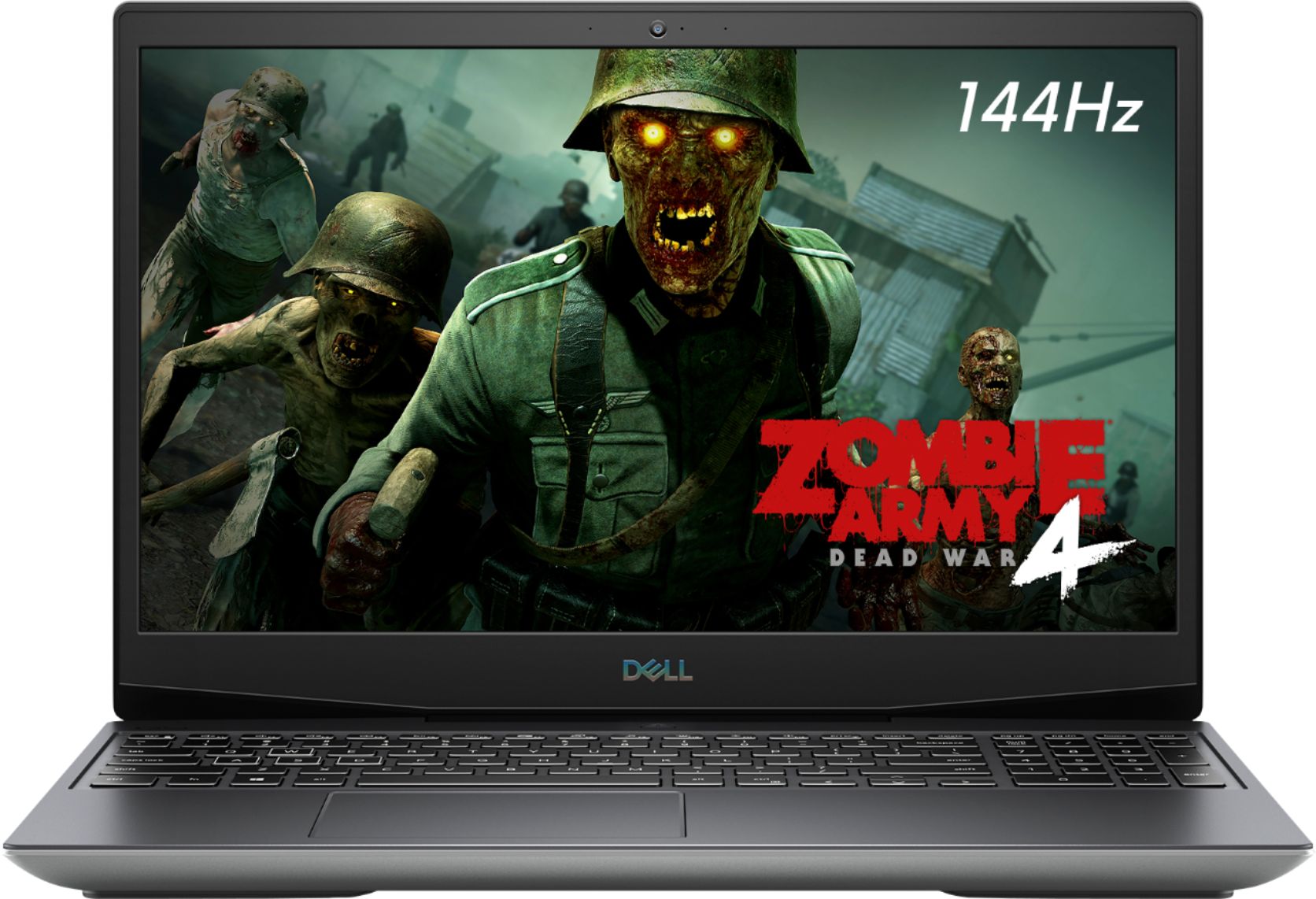
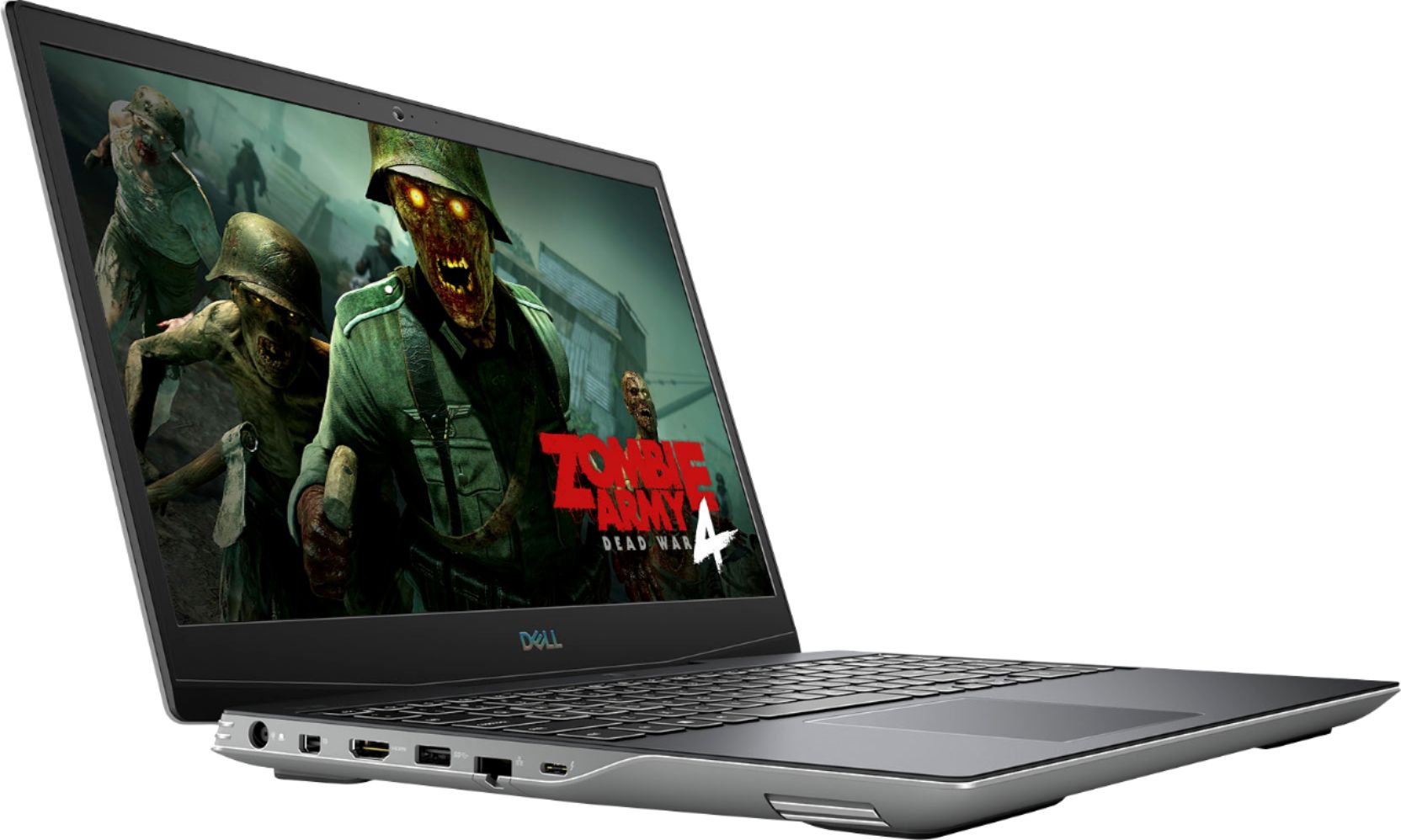
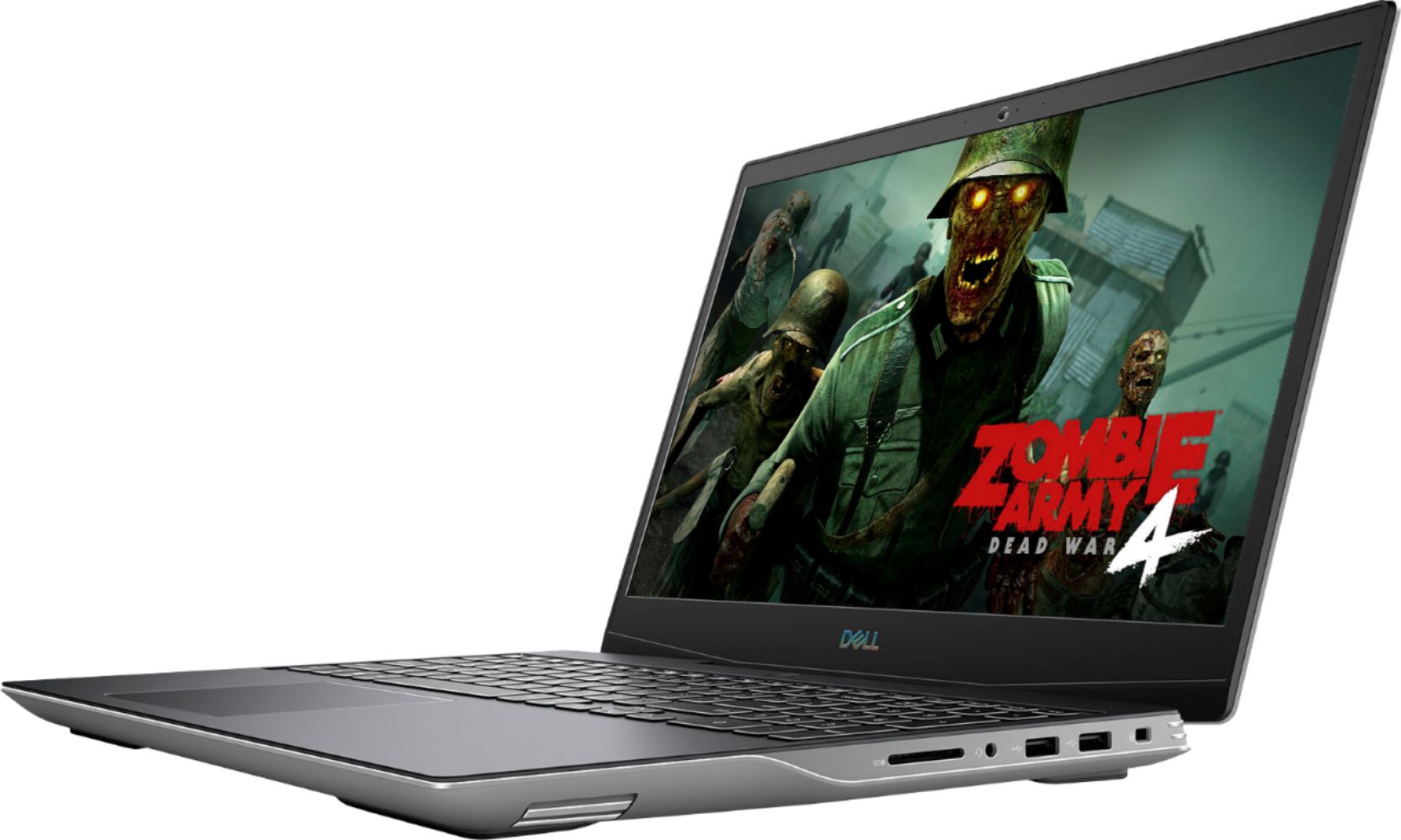
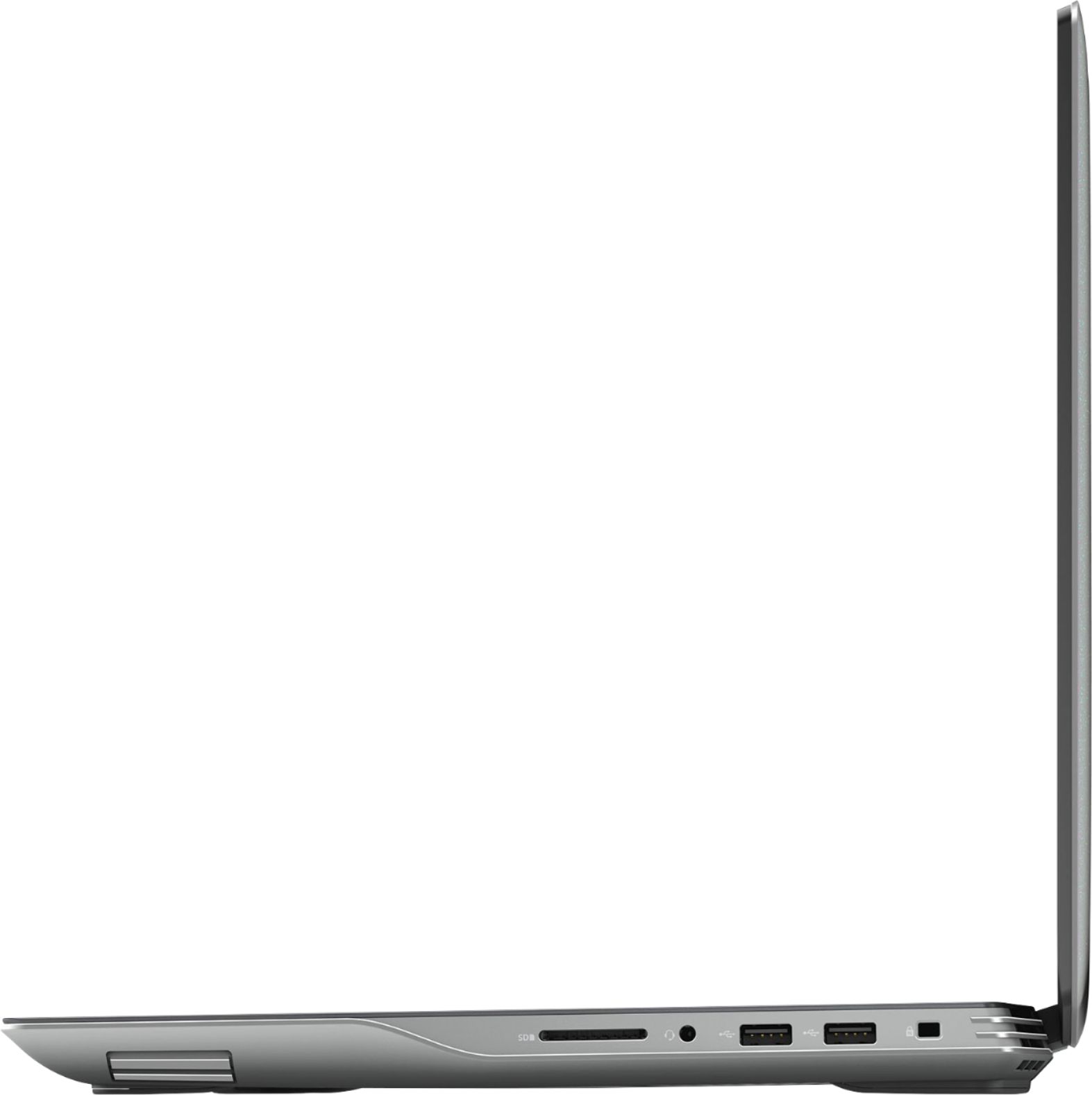
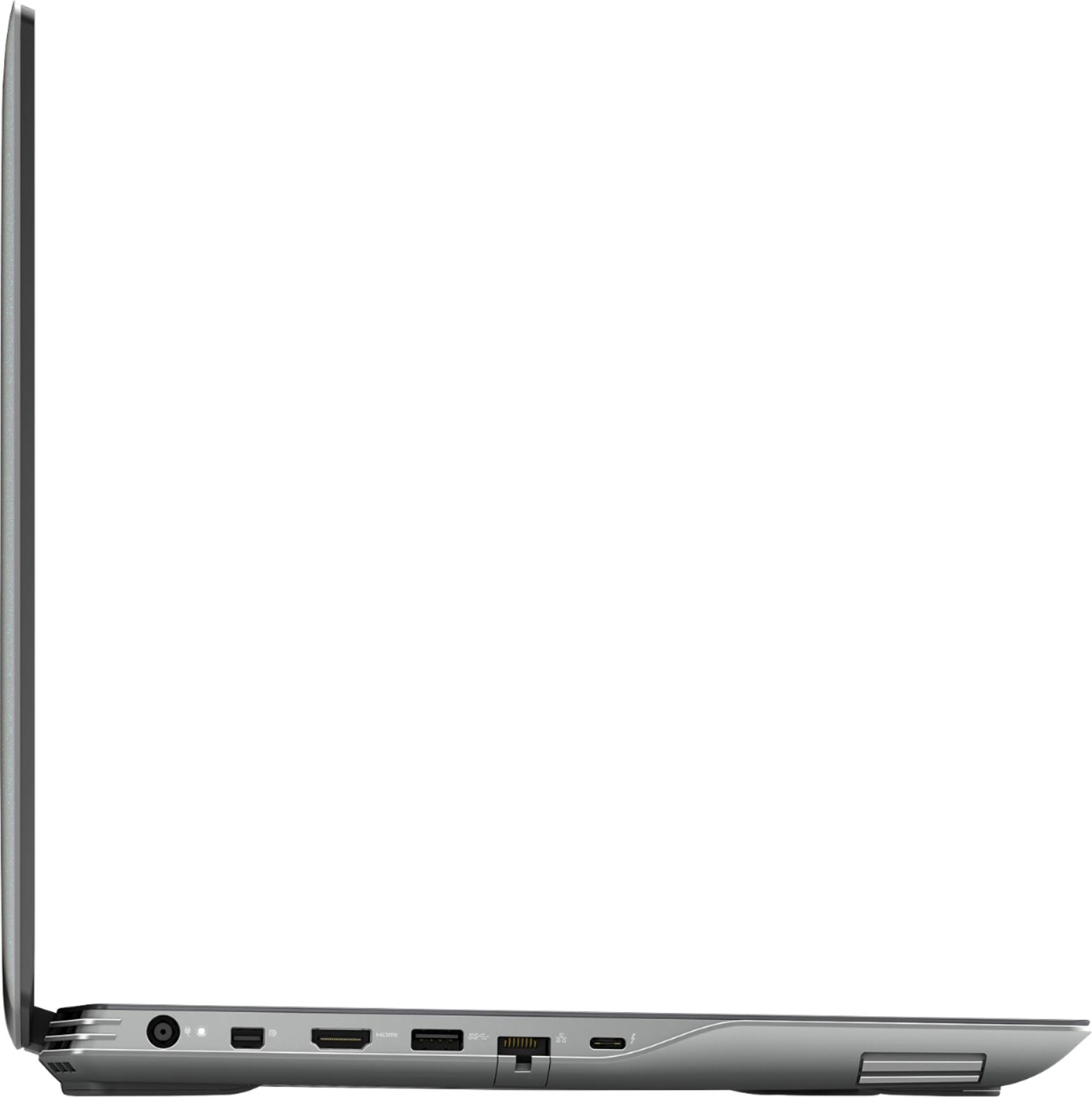
The Quest 2 runs off of USB3 (which this has), but it will run it straight from the integrated graphics instead of the discrete graphics (you'd need a HDMI based VR headset).
A:AnswerIf rdr2 is newer and looks way better than fallouts graphics, and there is a sites out there that you can do a VS to compare the laptops hardware to minimum/recommend specs