A:Answer1. As far as the Hudl app is concerned:
To find out whether a specific computer build enables use of a specific program, always go to the app manufacturer's website and search for the app. There, you will find a full list of system requirements, both minimum (app can be run under the correct circumstances) and recommended (app can be run with full flexibility and enjoyment).
2. The answer about sending a signal from the laptop to your TV is correct.
A:AnswerNear the top, on the right side, there is a yellow colored rectangular box with the words "Add to Cart." Slightly above that will be information on availability (BB apparently only delivers locally), based on what BB's software identifies as your location. On the rare occasion when you see the notification "Not available locally," you have the option of manually changing your zip code to search for alternate locations, but you would almost certainly have to go there yourself to pickup any purchase that is not locally available.
A:AnswerSearch the internet for "dell computer repairs in my area" if you want someone to replace it for you, but if you want to do it yourself, you can search the Dell website, or possibly eBay. My brother has replaced his laptop screen, so I know it's not beyond the basic skills of your typical DIYer.
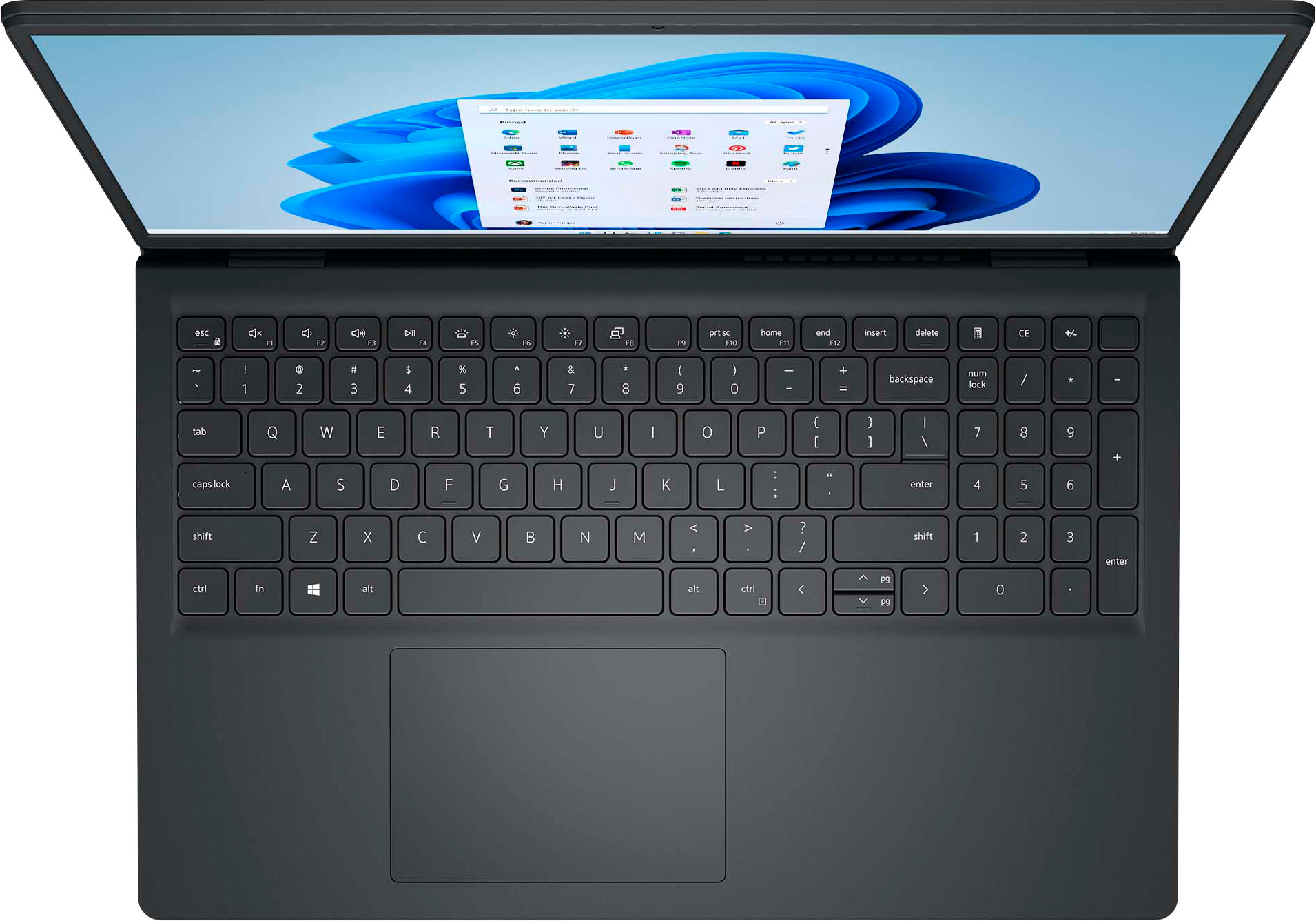
A:AnswerThere is a setting to use a Spanish keyboard, however the laptop letters are in English. You would need to buy an external Spanish keyboard or a keyboard overlay to have the physical keys displaying Spanish letters.
A:AnswerShow Full Specs-->Specifications-->Compatibility-->Operating System--> (OS included) Next time, search Questions before duplicating someone else's effort, as this type of query is repeatedly countless times by people too lazy to read the listing.
A:Answer"Touch screen" is very basic. It only means that you can use the screen like a mouse, or the way you would on a smartphone. Anything more than that (like using a digital or haptic pen) would need elaboration in the listing. "2-in-1" means that in ADDITION to having a touch screen (again, might just be basic, needs more info), the lid can be folded backwards as much as 360°, so that the laptop can be used in a folded position (e.g., for viewing videos) or as a tablet (in full tablet position the keyboard is automatically disabled so that when you hold the unit, you don't accidentally input or make choices with your fingers.
A:AnswerThe advantage of laptops is that the power supply is separate. This means that all you ever need for different voltages is an adapter that converts local power to what is compatible.
A:AnswerMicrosoft came up with S mode to directly compete with Chromebooks. It prevents software that is not tested and in the MS Store from being installed, adding an extra layer of security. This also allows MS to charge a bit less for computers with this feature.