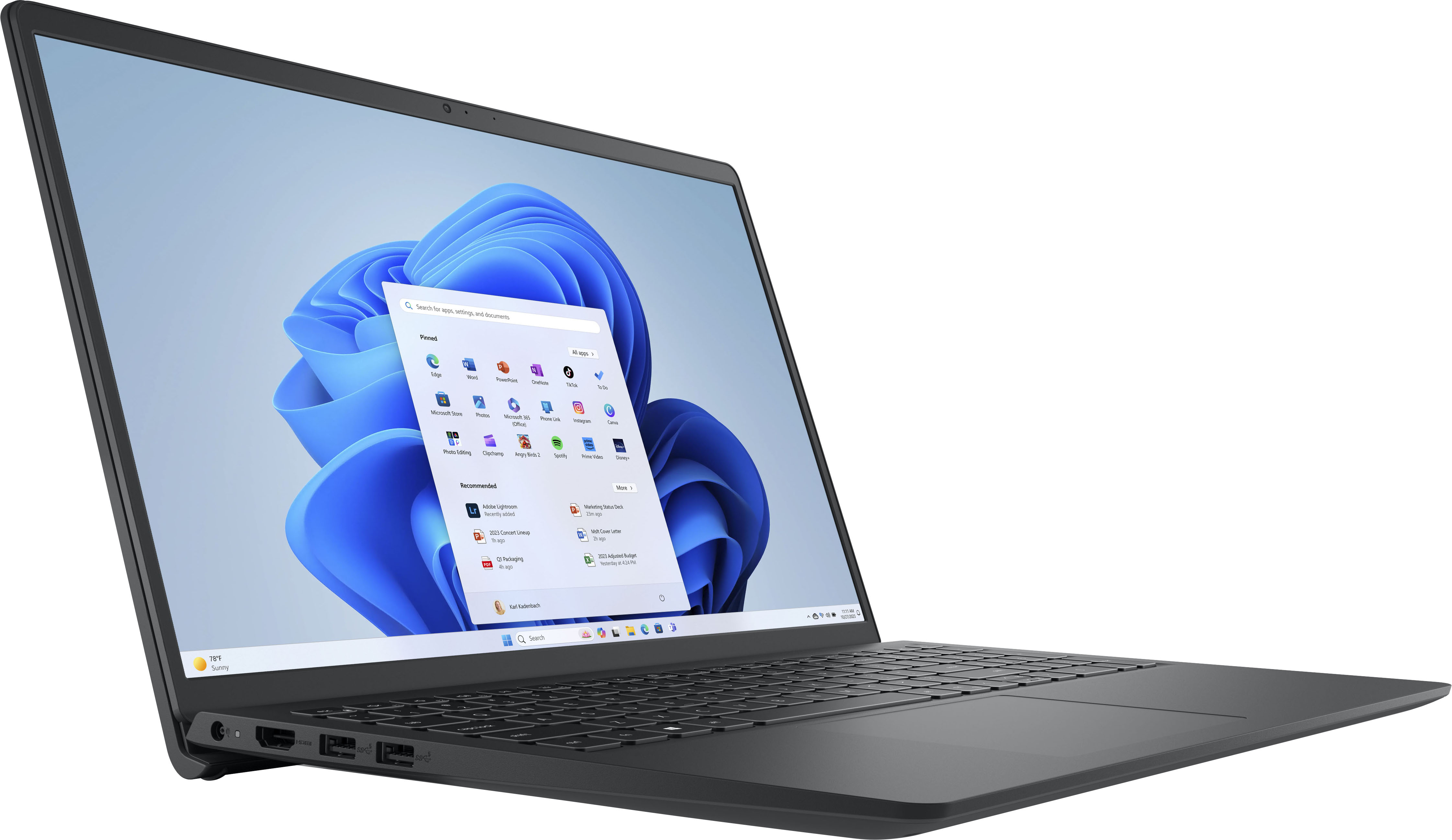
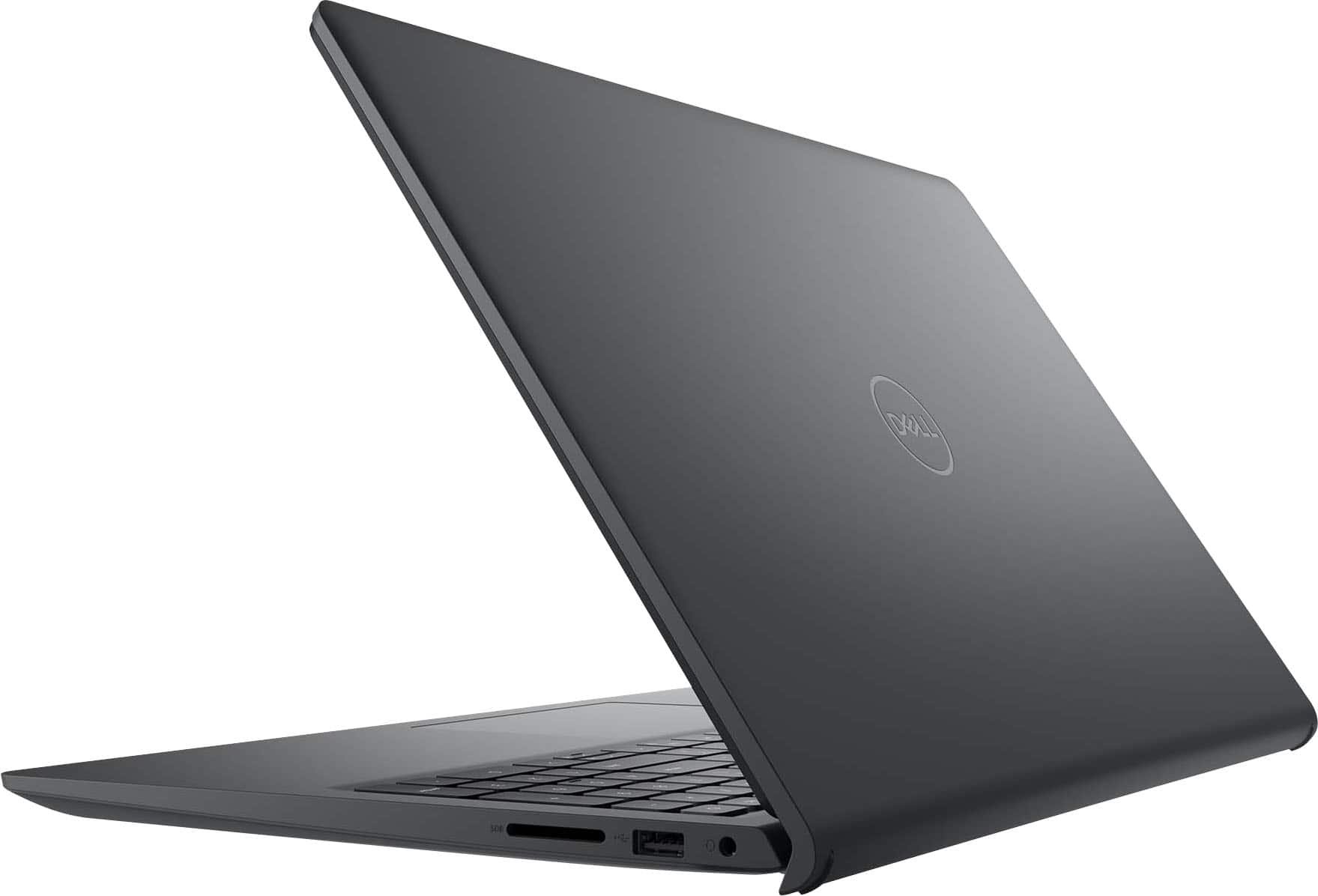
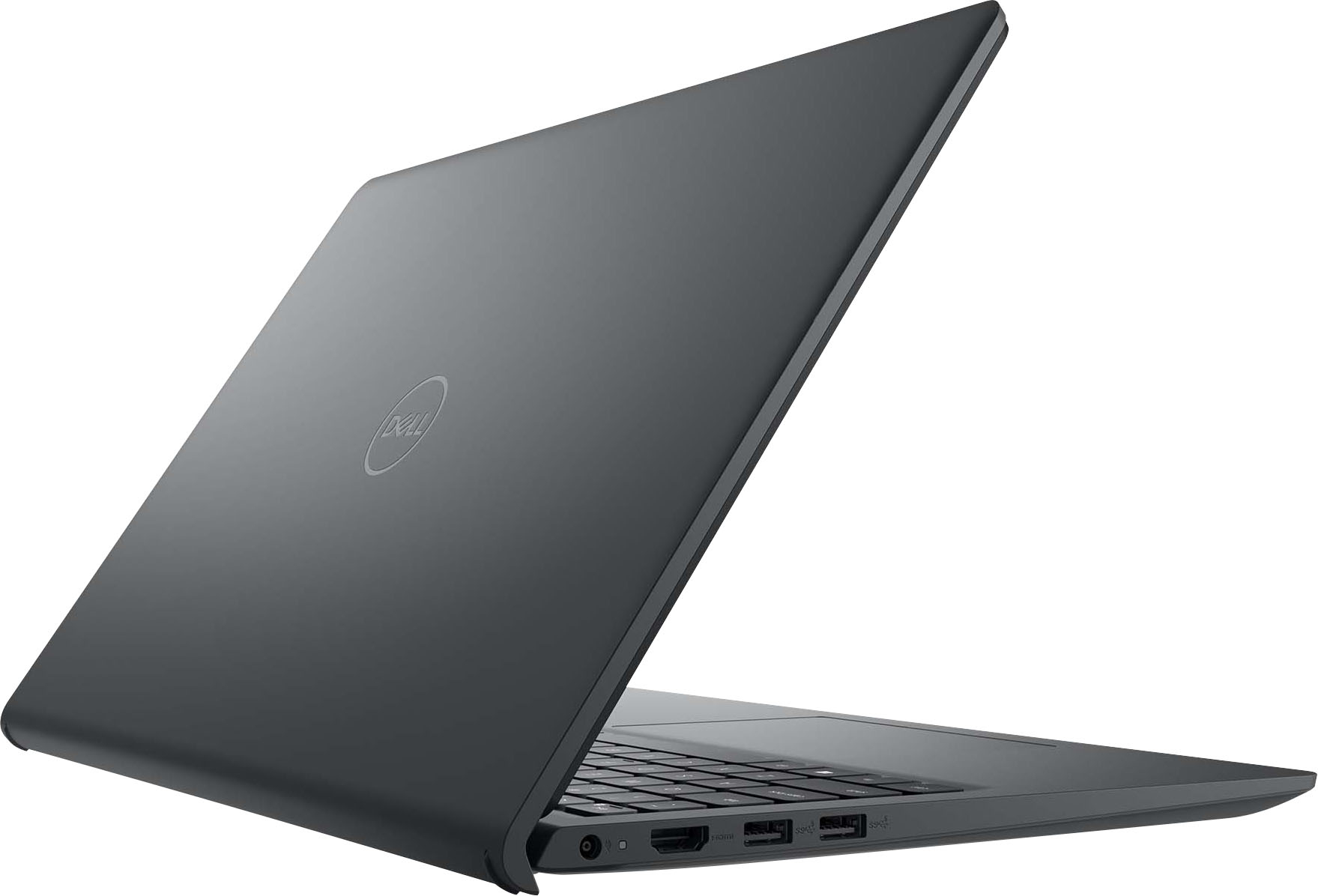
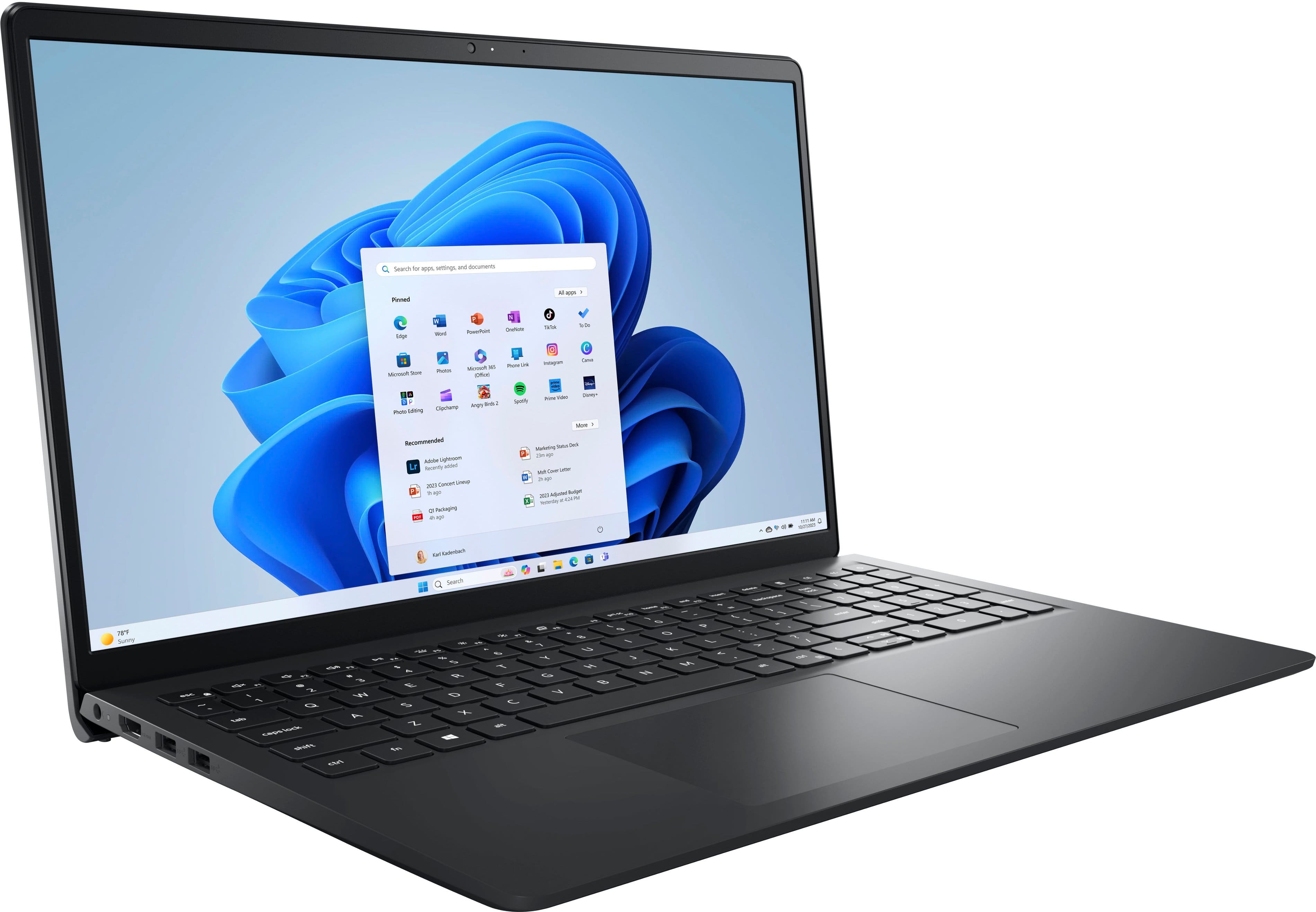
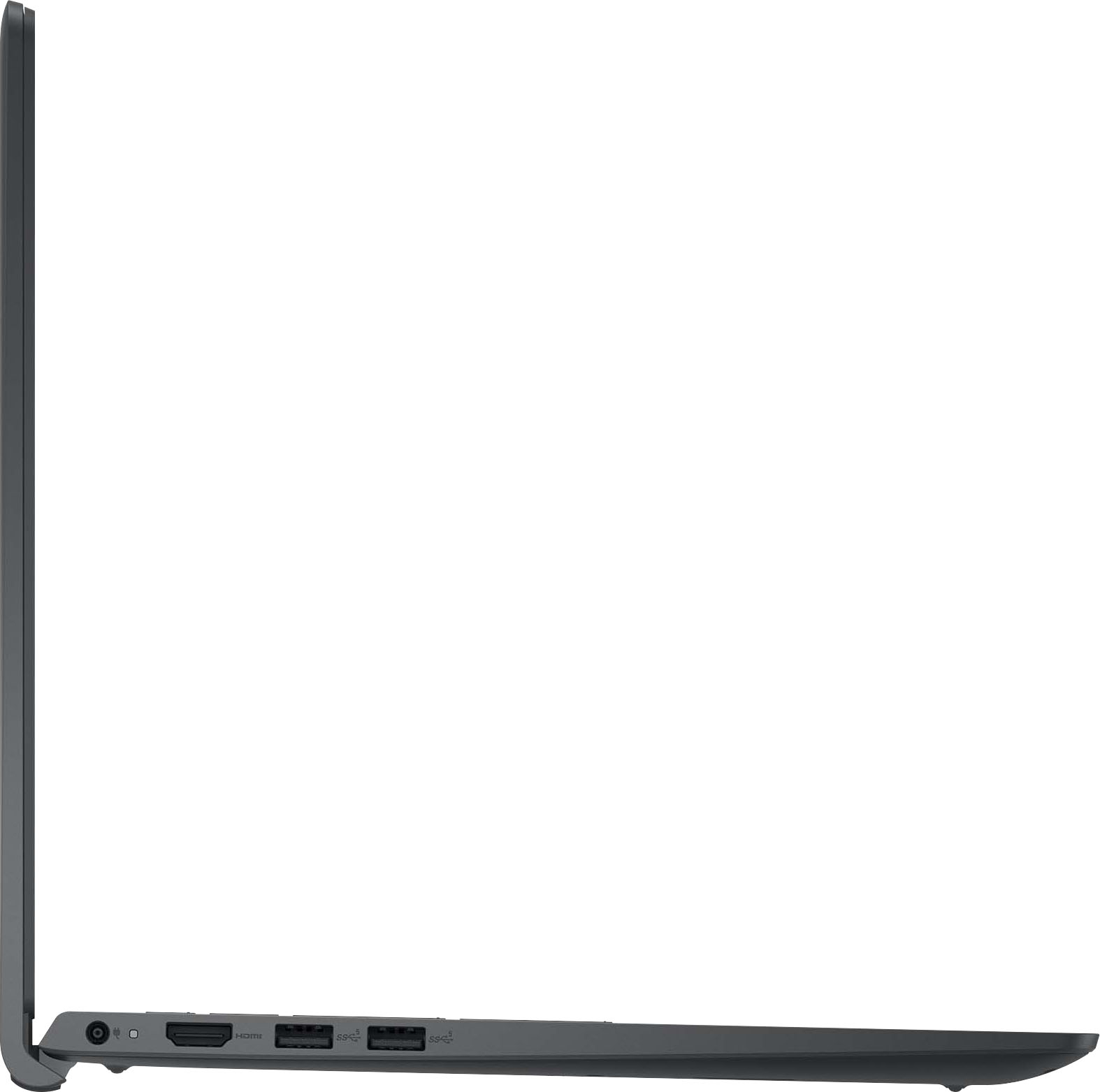
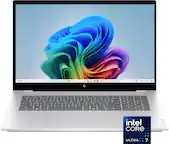
A:AnswerMine came with one 8GB memory card so you can upgrade to 16 GB by adding one more 8GB memory - Make sure to buy the right one - There is a 2.5 SATA slot available where you can plug in a 2.5" SATA SSD drive - I installed a 1TB drive very easily - Also I wanted to upgrade the 256GB nvme to at least 512 MB but decided to upgrade to 1TB for that as well - It is very easy to upgrade everything and can be done in less than 10 minutes..
A:AnswerThe Dell Inspiron 14 2-in-1 typically comes with an M.2 slot for SSDs, but it may also have an empty SATA slot depending on the specific model and configuration. If you have confirmed there is an empty SATA slot, you should be able to add a SATA SSD from another laptop to this slot and use it as dual storage.
A:AnswerProbably not, since there is mention of buying it. You can get a 30-day free trial from Microsoft, or download one of the compatible free Office suites (Google the last three words).
A:AnswerNo. Since they are from different manufacturers, they will likely have different hardware and accompanying software, especially for drivers, so you will likely get all sorts of errors. You can then correct the errors (if you know what you are doing and how to do this), but there may be further issues down the line, when Dell automatically tries to keep drivers up-to-date with hardware that is no longer existent in the PC.
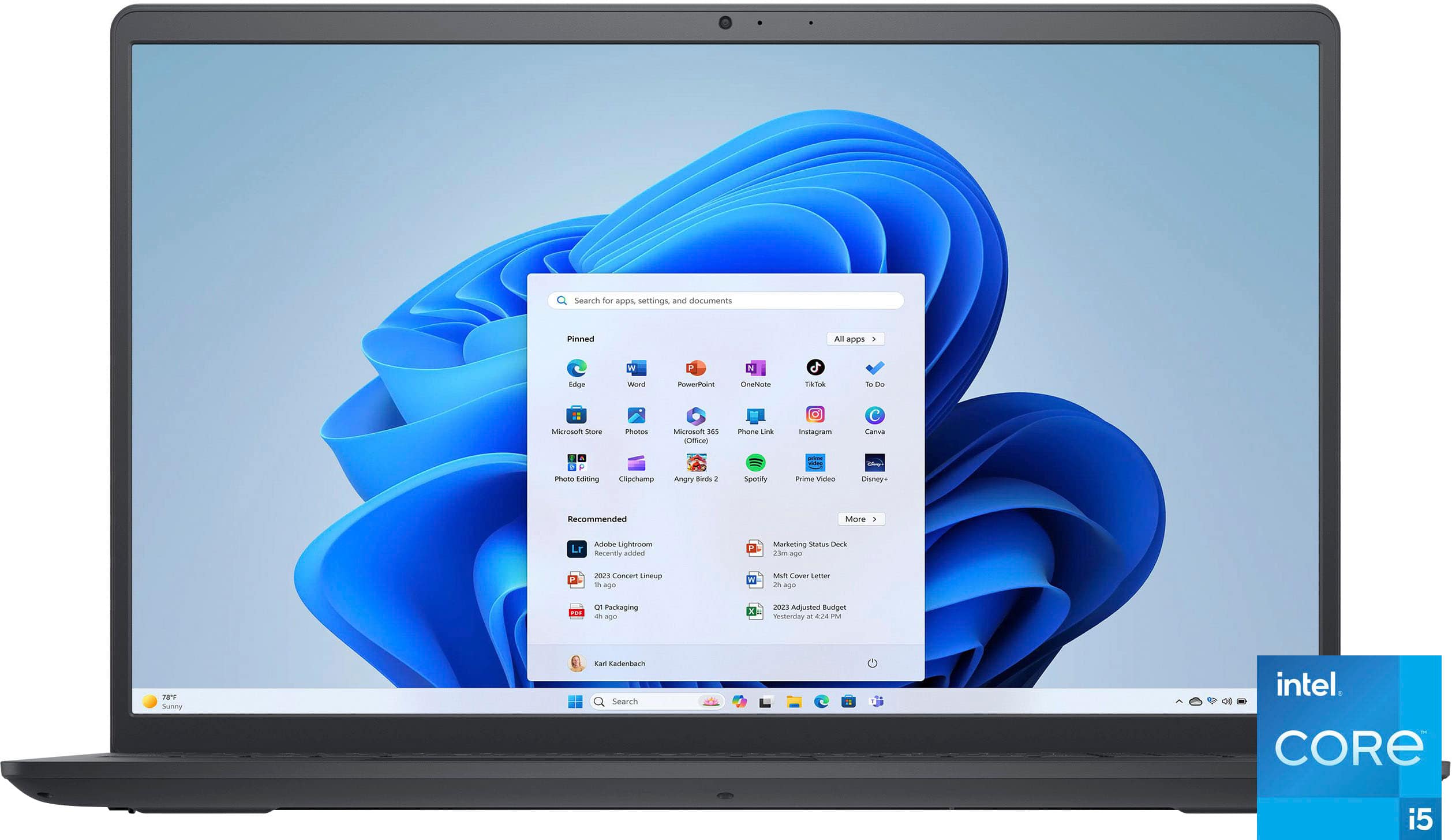
A:Answer"Easy" is a relative term, therefore has no meaning. However, Microsoft OS provides for several ways to adjust font size, icons, etc. for greater visibility. Perform a search for "Ease of Access" on any MS PC and click on the software package to use it.
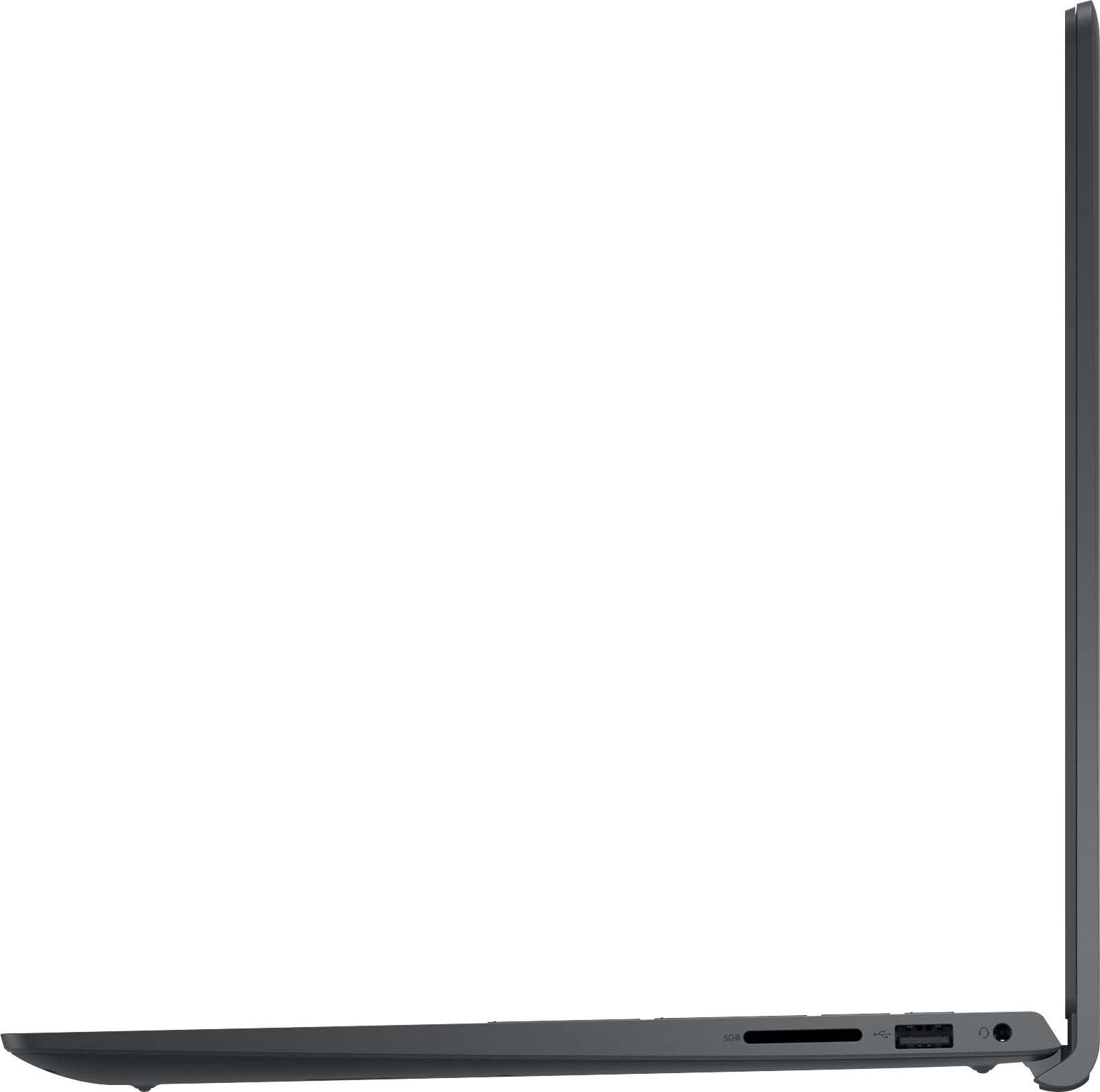
A:AnswerYes has an sd card slot. Yes can download load other software but first have to take it out of S mode. Search on how to do that as its a few steps.