A:AnswerIt's the 2m (about 7½ feet) 4.5mm adapter that uses a C5 three-prong (1-15P) cable, so you can make it longer if you need by switching out the AC cord that goes into the transformer pack.
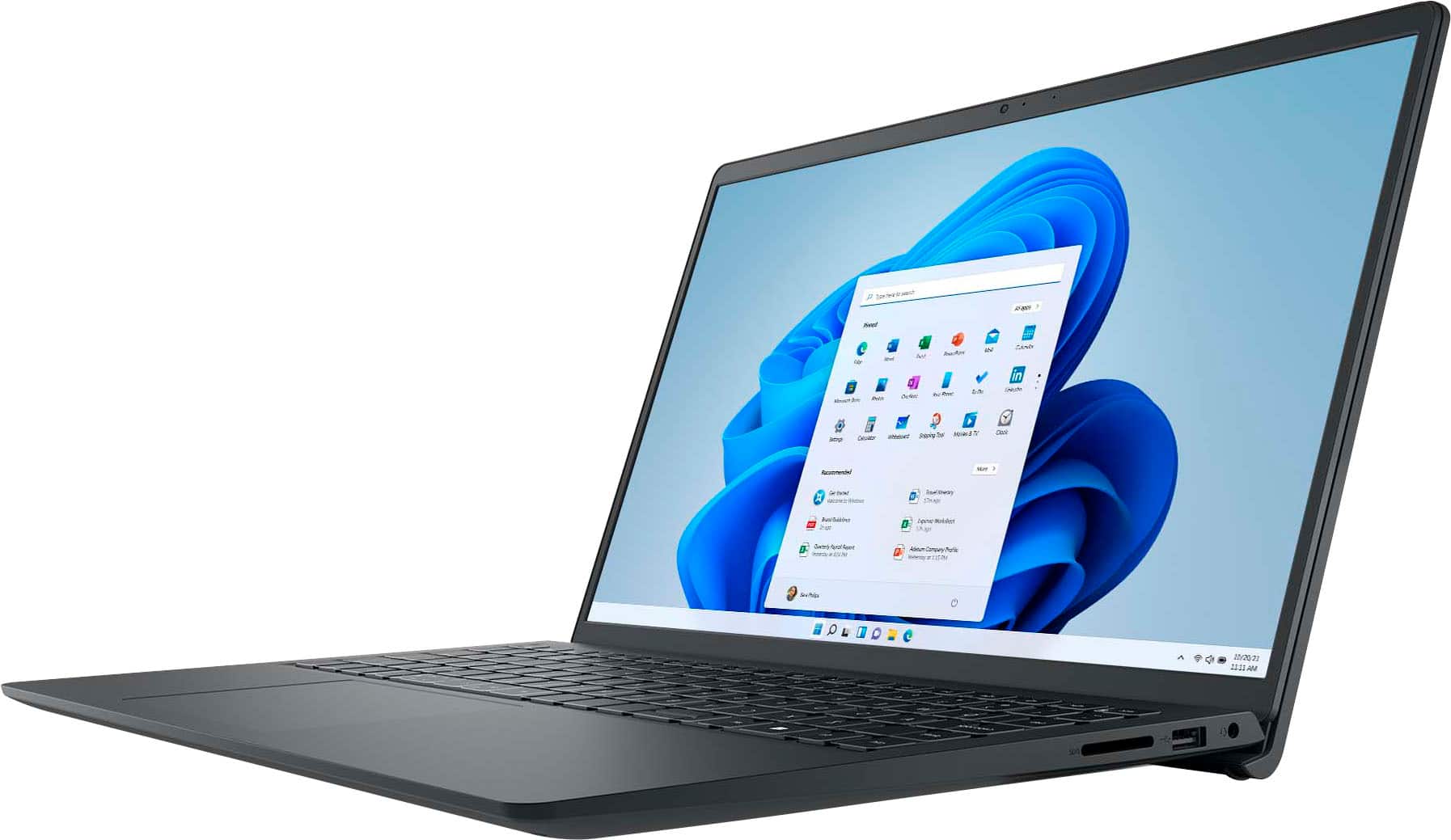
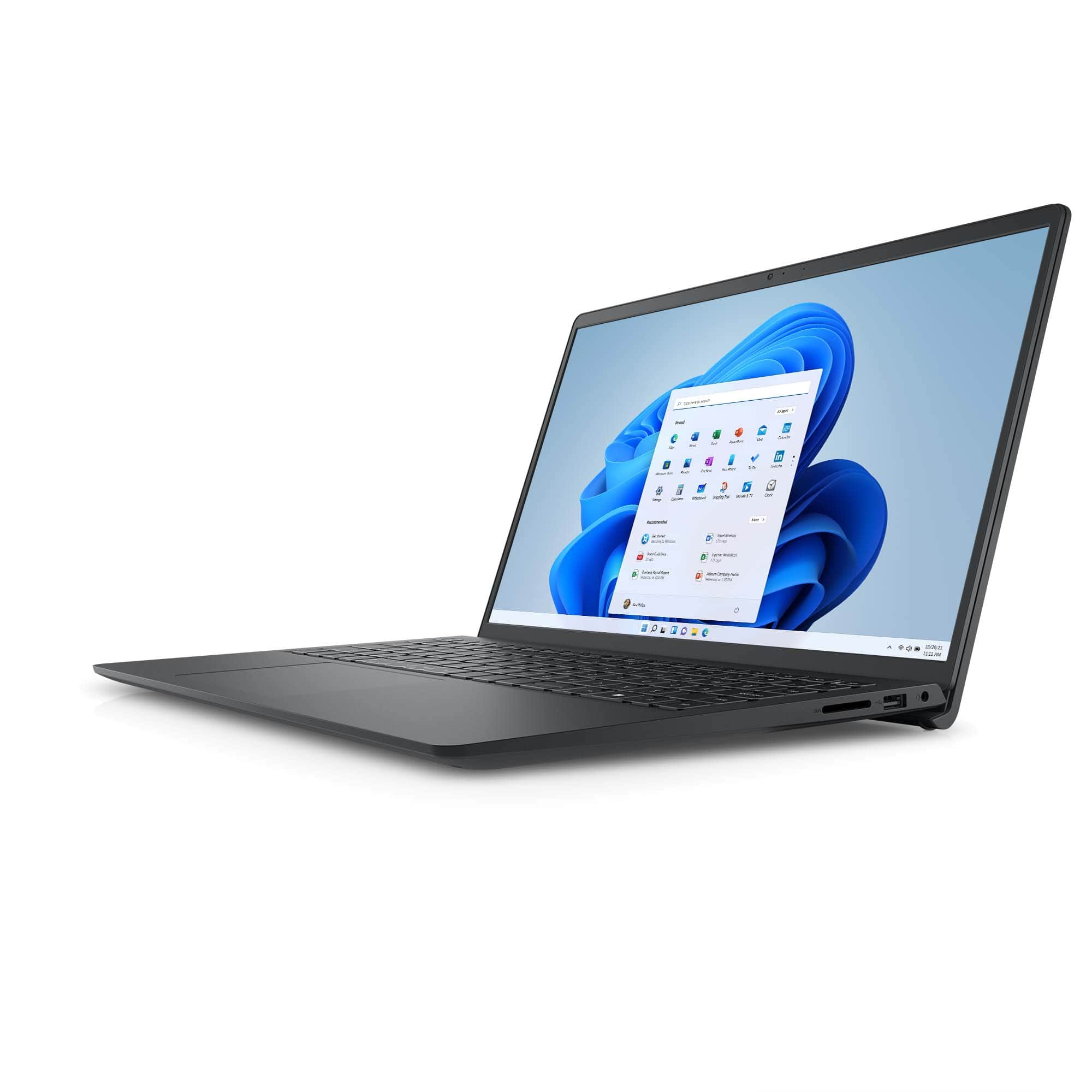
A:AnswerUpdate: Yes, it appears that this is Dell's "Option 3" display for the i3535: IPS, 193.54mm × 344.23mm 1920×1200 22 nit with 700:1 contrast ratio, 35ms response, 60Hz refresh rate, 80° horizontal and vertical viewing angle.
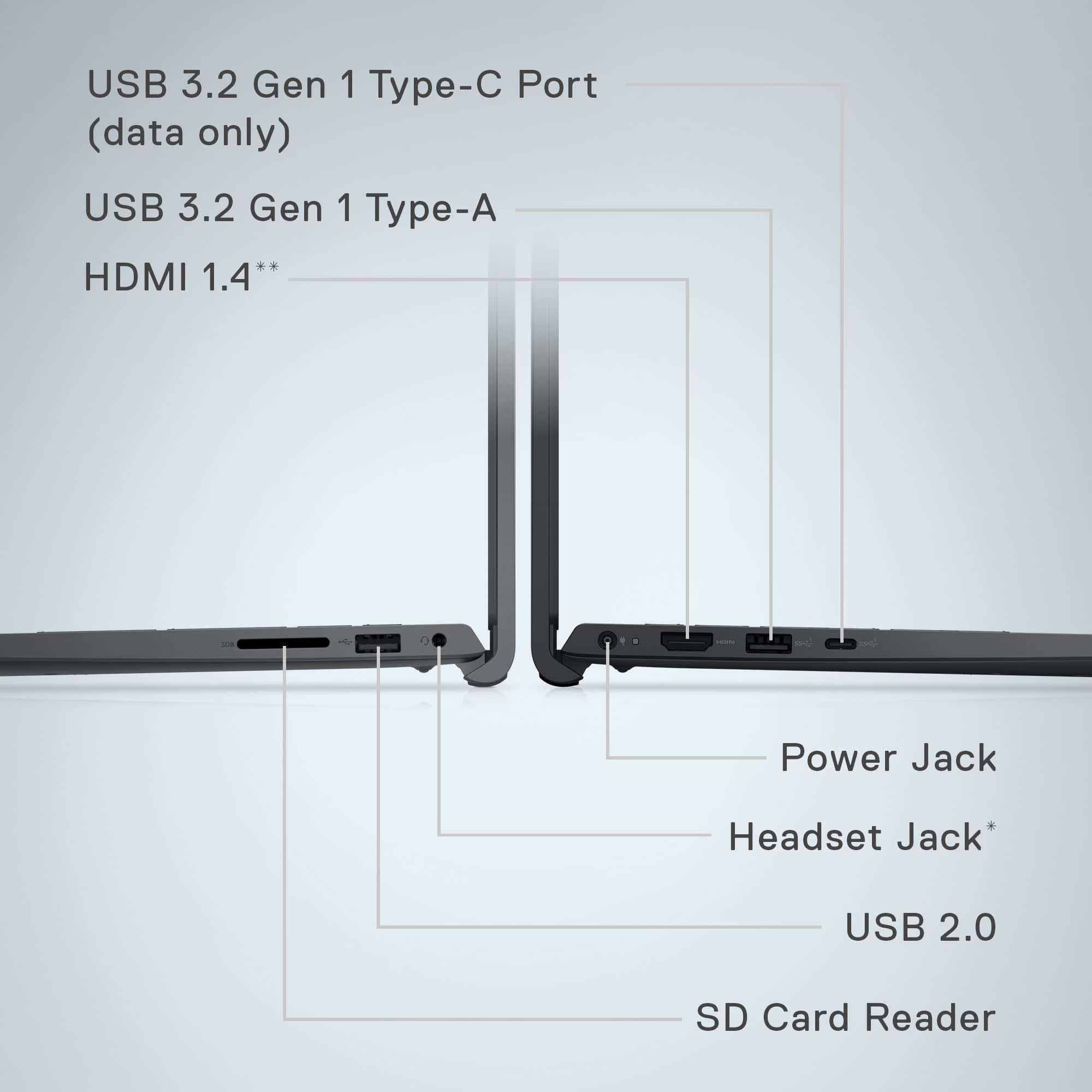
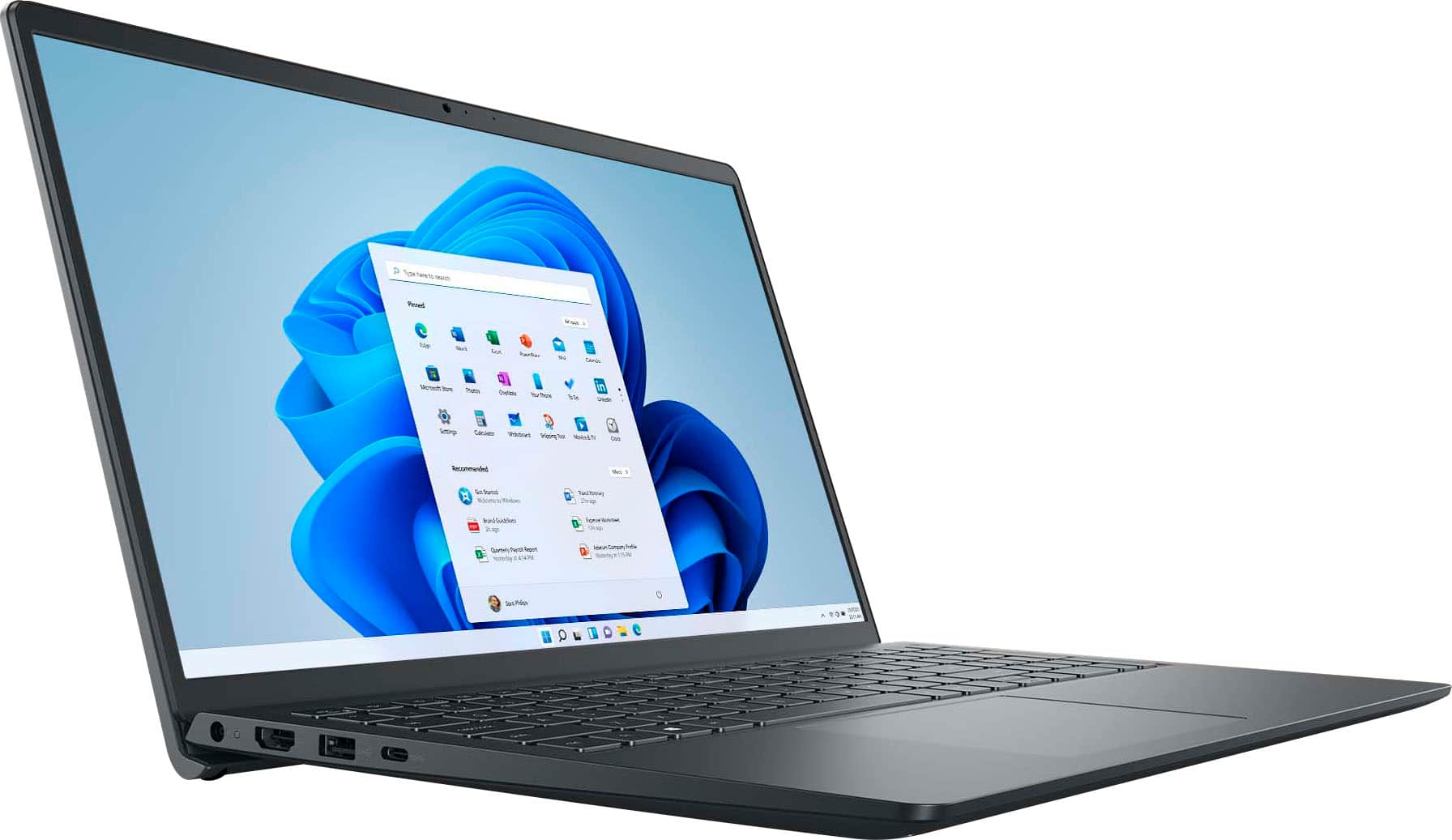
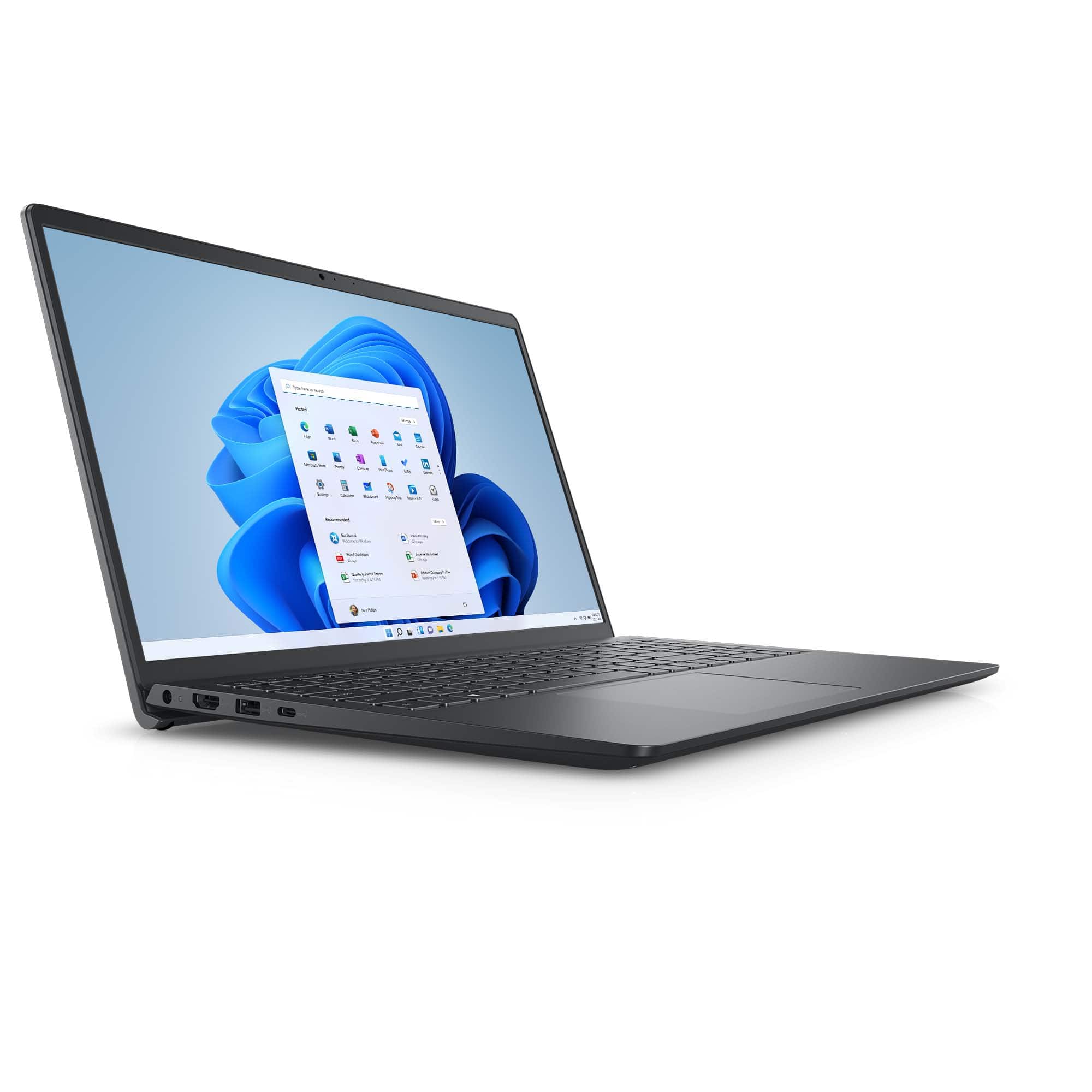
A:AnswerNo, most Inspirons do not bother with Ethernet. However, since it does have Type A and Type C USB-3.2, you shouldn't have any trouble finding a dock or ethernet-only adapter to add this functionality. I doubt that it would be able to handle much more than 5Gbps anyway, so USB wouldn't really choke it down.
A:AnswerWindows offers its own speech-to-text option, which works relatively decent if you are dictating in a quiet area and not trying to catch a more relaxed conversation in a meeting. Dell doesn't have anything of its own as far as I know.
A:AnswerAbsolutely - however, if you are scanning high-resolution photographs, this is going to be less powerful for video editing. Despite having a decent processor with upgradable RAM, it does not have a dedicated graphics card with its own VRAM. So if you just want to scan photos and display them, it would be suitable - but it won't be fantastic if you need to do anything else with those photos.
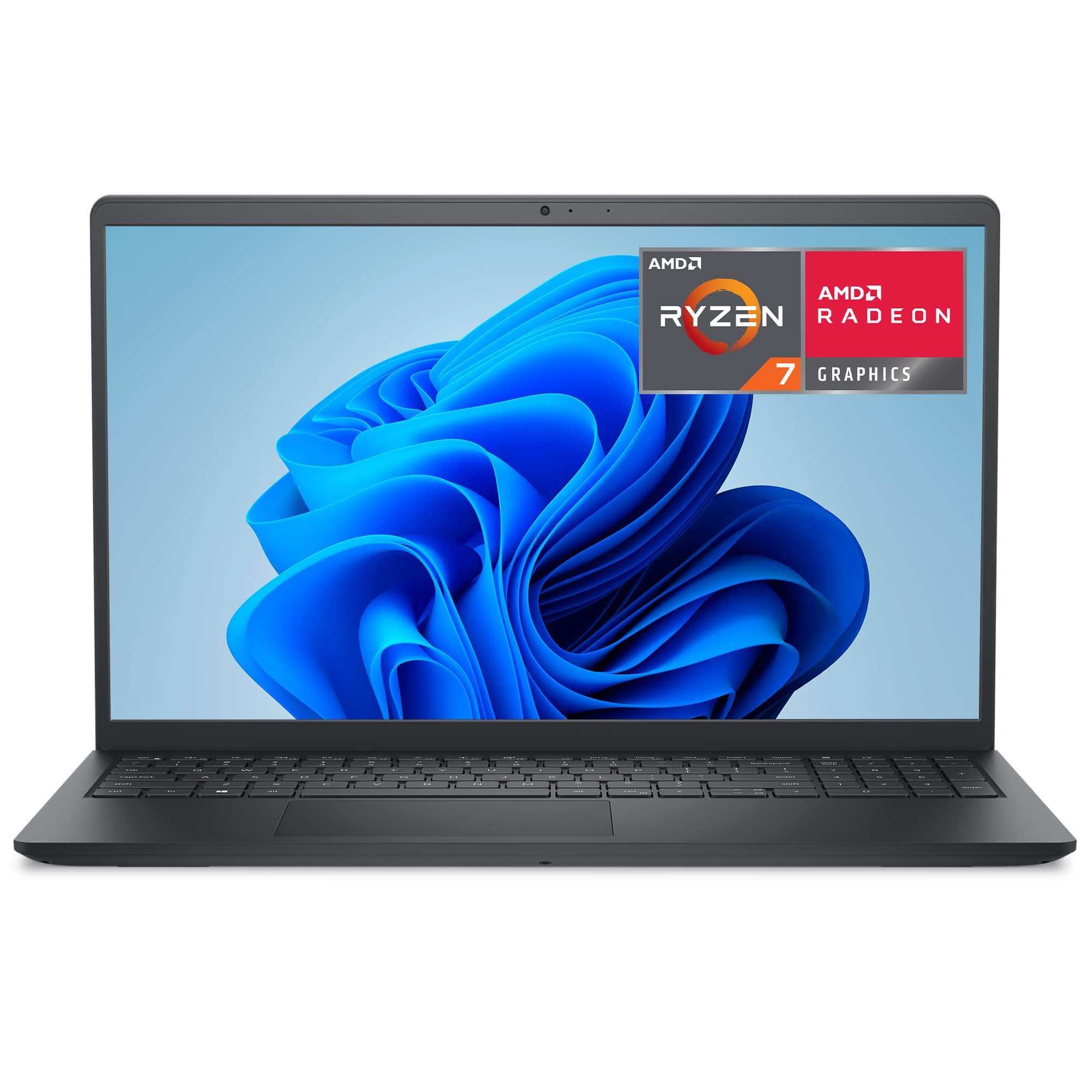
A:AnswerIf you have to ask, that means you won't be writing applications that have demanding hardware requirements. Therefore, the answer is yes. The Ryzen microprocessor and 16GB of RAM should do you well.
A:AnswerNo. There is a USB-C port, USB-3.2 (data only) listed. It must be charged through its exclusive DC port. Sadly, this makes the really nice powered docks kinda useless. That's more of a feature for the Latitude and newer Dell Pro series.