A:AnswerThe Windows product is embedded to your Dell motherboard, hence when you install the Dell OEM image of windows through the Dell OS recovery tool, it will automatically get activated.
A:AnswerHello Sandi! I recommend reaching out Best Buy Customer Care for support. We have additional models with higher quality screens and different sizes/weights. Best Buy can review your options for potentially returning this device.
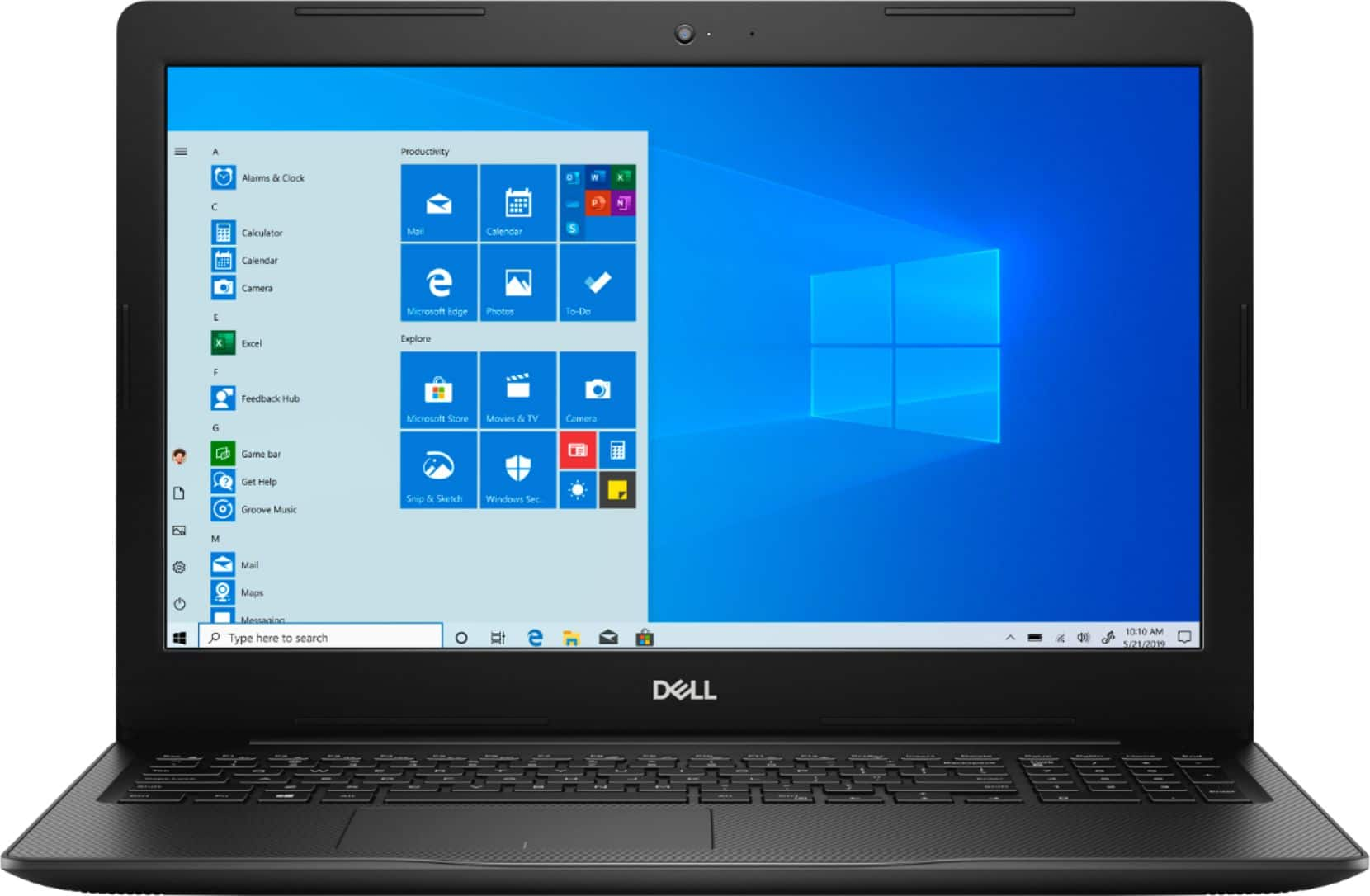
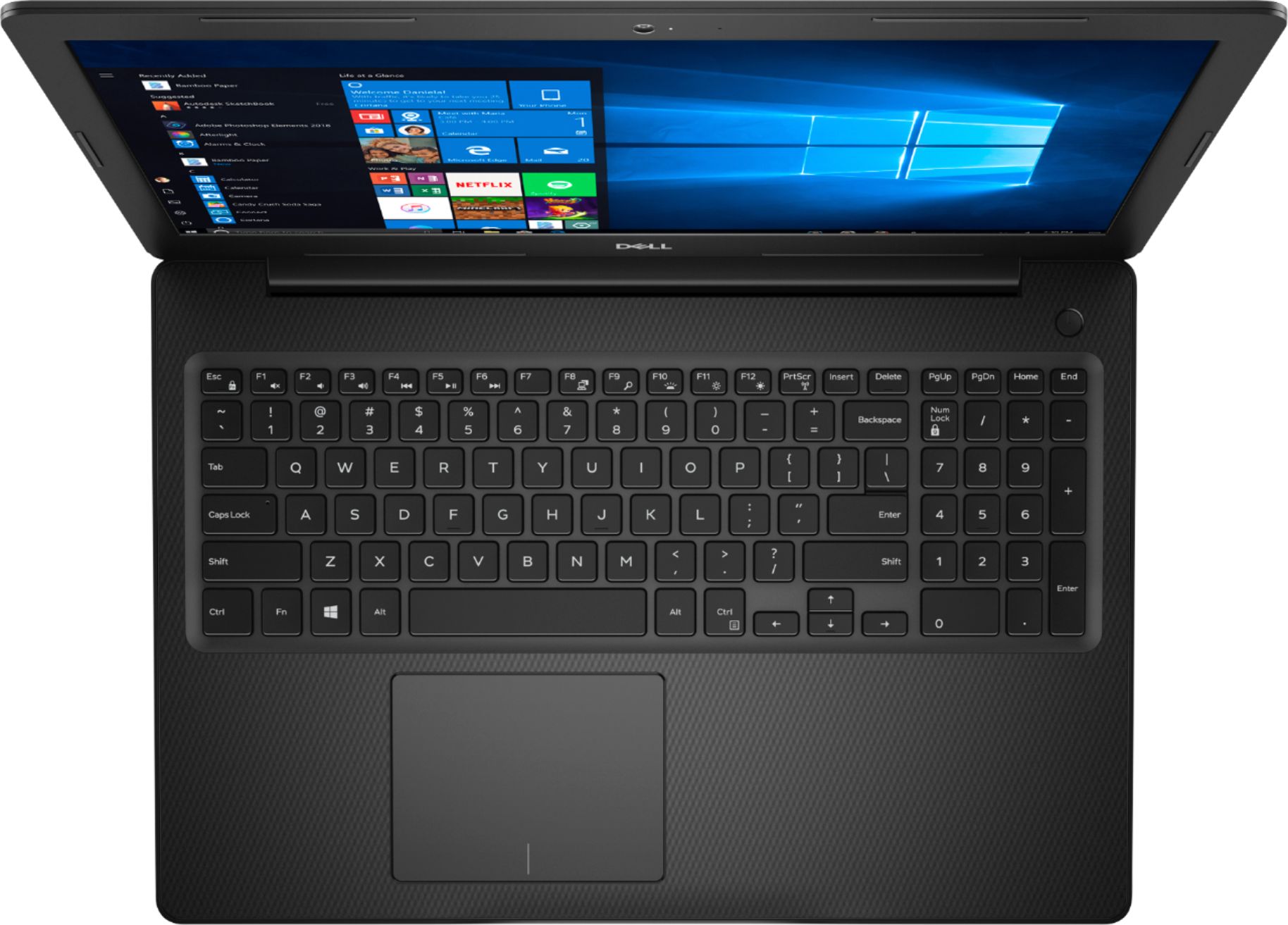
A:AnswerHello! This has an Intel 10th Gen Core i3 Processor. It has a screen resolution of 1366 x 768 (HD). You can see the full list of computer specifications here: https://files.bbystatic.com/9MFrvWUJ9JGKpAVlRE%2FXRA%3D%3D/B751A833-3A27-4F93-94AB-2371DBB89047.pdf
A:AnswerHello! Yes. If S Mode is turned off, you can use Chrome or Firefox. You can also download Windows 10 Home through the Windows store online and switch your operating system.
A:AnswerThe easiest way is to buy a USB storage device and manually move the files from the old computer to the USB device then plug the USB device into the new computer and move them
A:AnswerHello! This comes with a 30 day free trial of Microsoft Office. After the 30 days, you will need to purchase Microsoft Office. If you decide to purchase a year of Microsoft Office at the time of purchase, you will save $20.
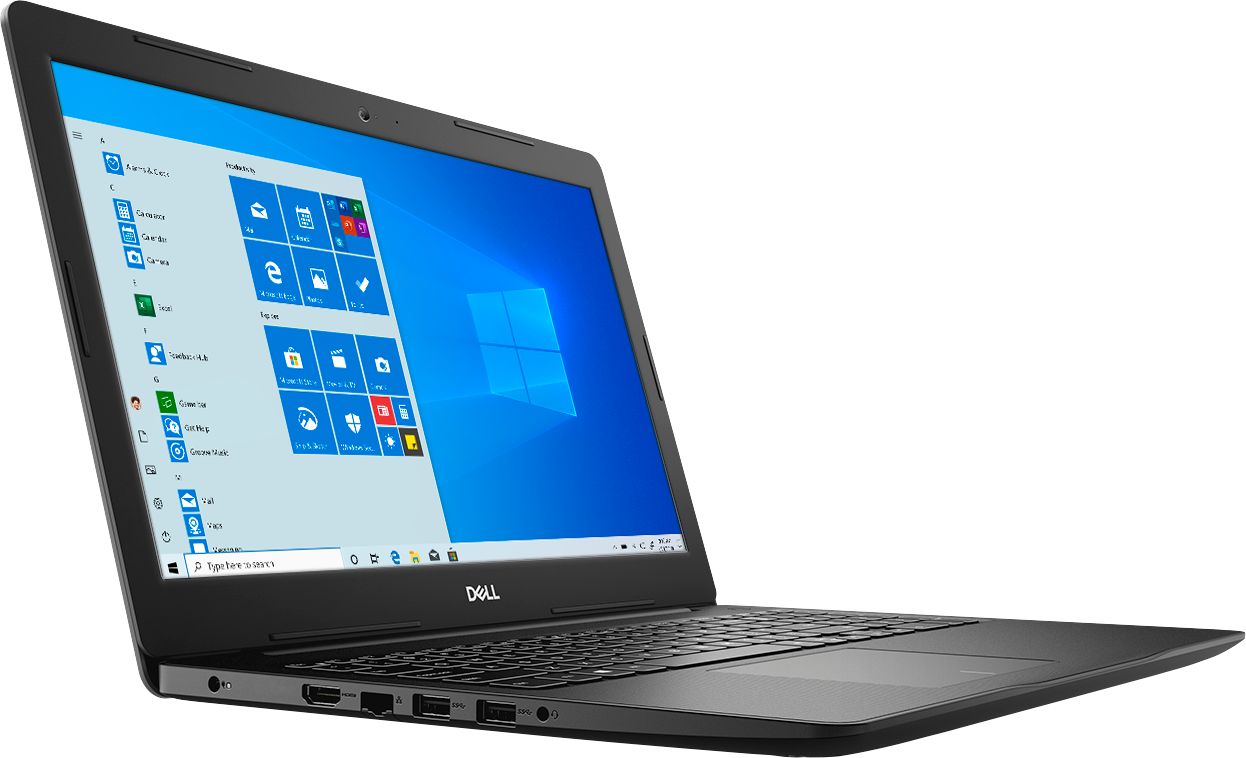
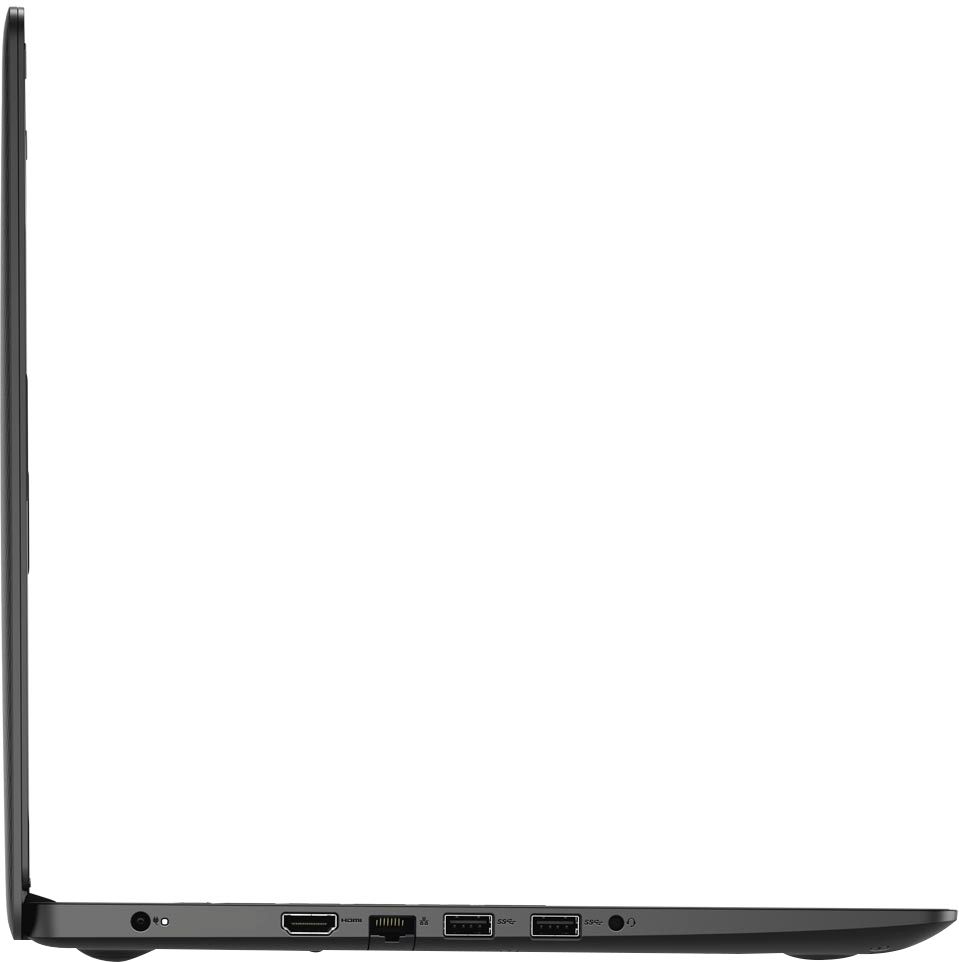
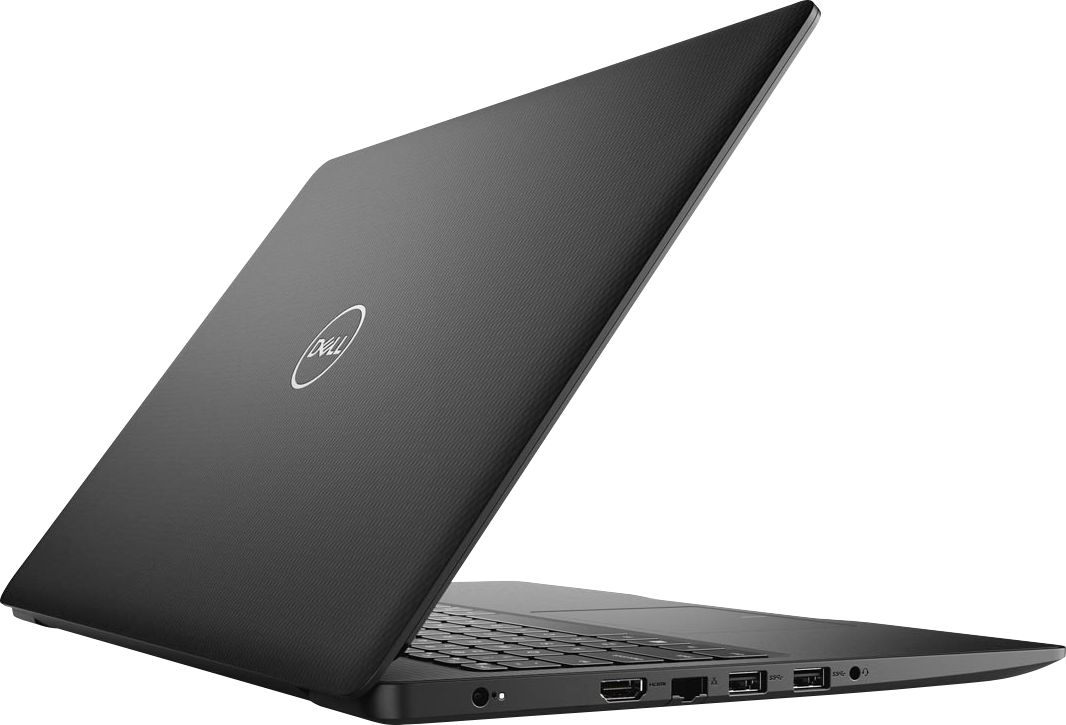
A:AnswerHello Dave! The controller compatibility will depending upon the input of your controller. But this does have both HDMI and USB output ports. You will need to compare the laptop specifications to the specific specifications of Serato and Rekordbox to be sure. This laptop will have a Core i3 Processor, 8GB of Memory, a 1TB HDD and a 128GB SSD.
A:AnswerHello! This will fit the minimum specifications for Minecraft. For optimal gaming experience, we recommend finding a device with the recommended specifications. You can easily find them online.