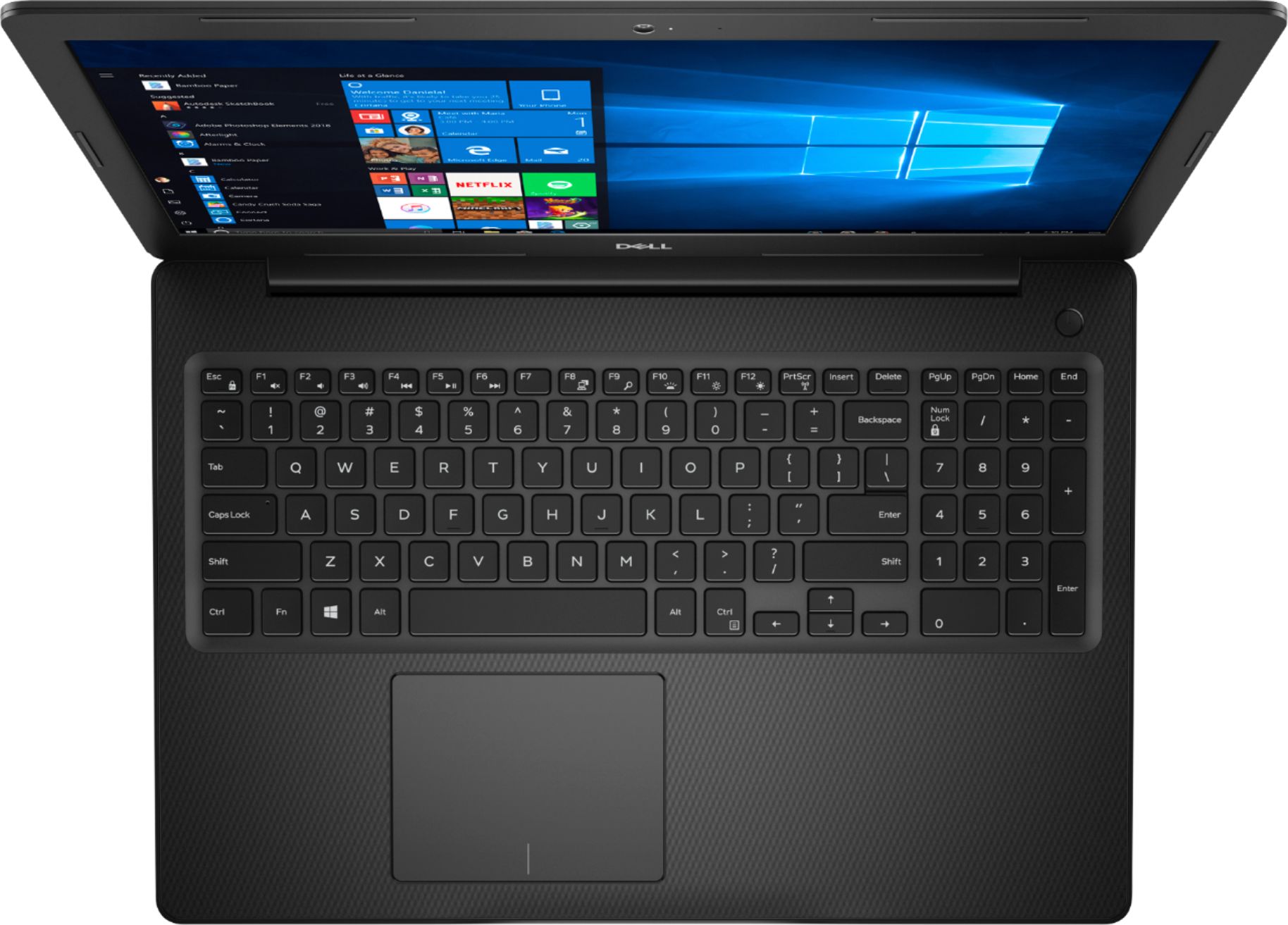
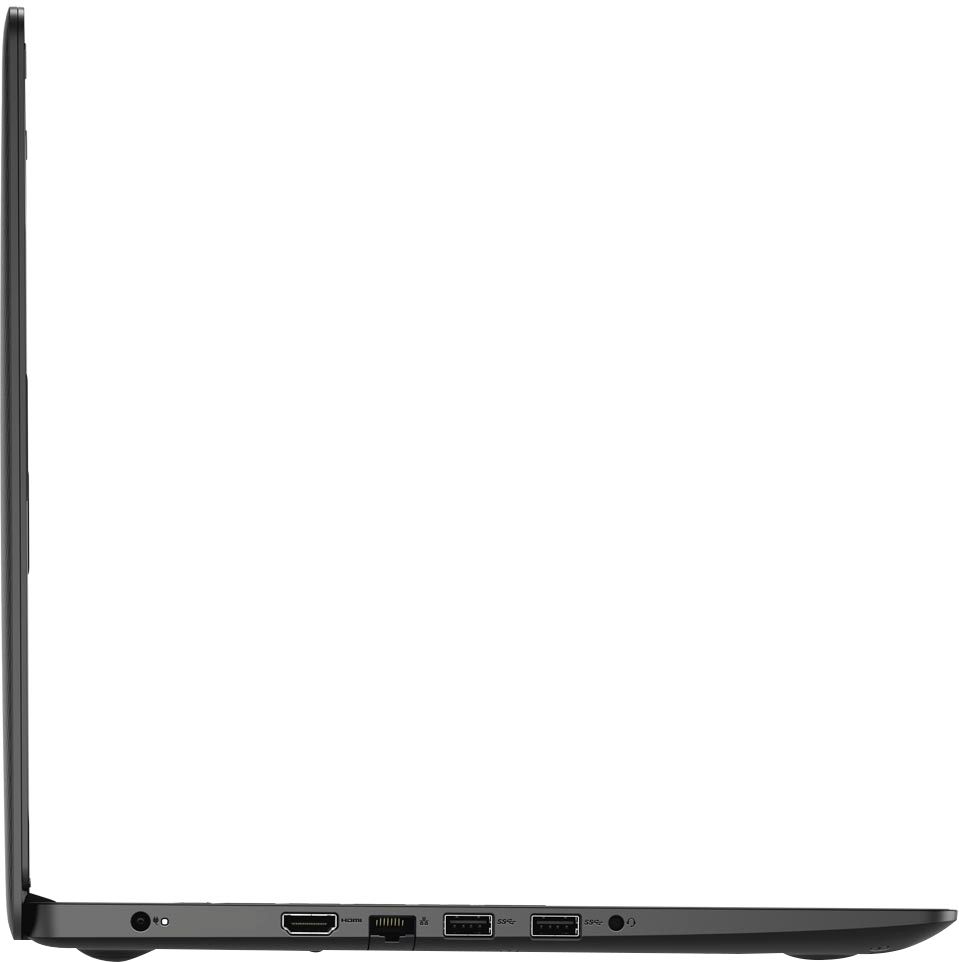
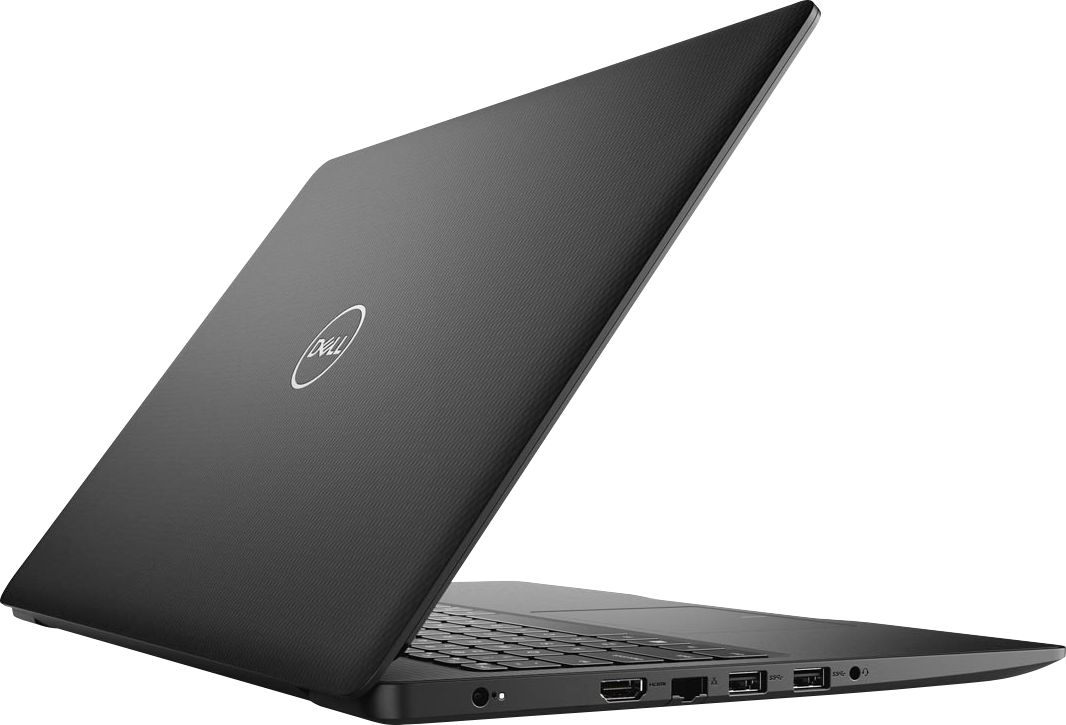
A:AnswerYes, you can use this system to perform basic editing works on your videos and pictures. We suggest you check the Dell's Precision mobile workstation series: https://bit.ly/3iLgsBh ,these laptops are built for editing and to give you an excellent experience.
A:AnswerWe suggest you have all the drivers and firmware updated on the system from the Dell's support website. In case, that does not work you can contact Dell's technical support team on Twitter (@DellCares) and of the technical support representative will assist you.
A:AnswerThis laptop will not be able to play CD/DVD as there is no DVD drive that is shipped with the system. However, you can connect an external DVD drive to read/play the CD/DVD.
A:AnswerYes, you can use a USB headset with this system. However, we suggest you have the driver for the headset updated. Also, we suggest you contect Geek Squad and they will assist you further with this information.
A:AnswerWe request you to update the drivers and firmware to the latest ones available from the Dell's support site: https://dell.to/32tbLFm
In case, that does not work you can contact Dell's technical support team on Twitter (@DellCares) one of the technical support member will assist you.
A:AnswerThis system's hardware does not meet the requirements for gaming. If you're using this only to download and store games, in terms of storage this will be able to help you.
However, you can look at the Dell G-series and Alienware which are specifically designed for gaming.
A:AnswerWe request you to update the system drivers and firmware to the latest one from the Dell's support site: In case, that does not work we request you to contact Dell's support team on Twitter (@DellCares) and one of Dell's support team representative will assist you with this.
A:AnswerWe request you to contact Dell's support team via a Twitter (@DellCares) and one of Dell's support team representative will assist you in resolving the issues on your system.