A:AnswerHello! Yes. This laptop is designed to run Bluetooth 5.0. If you have Windows 10, it will only run at a 4.2, but it is Bluetooth equipped. Some additional info can be found on page 15 of this link: https://files.bbystatic.com/t6XyFBjnNLeY%2FiZVLV9dtQ%3D%3D/3B98D378-68DD-4356-95E9-C02C774E84FB.pdf
A:AnswerHello! Unfortunately, this laptop is only available with the standard Dell warranty. But you can purchase the extended Best Buy Geek Squad warranty during check out for up to three years.
A:AnswerHello! This laptop will support ACAD. The 10th Gen Intel Core i7 power boost meets the system specification requirements for the program. You can review all of the specs here: https://files.bbystatic.com/t6XyFBjnNLeY%2FiZVLV9dtQ%3D%3D/3B98D378-68DD-4356-95E9-C02C774E84FB.pdf and the AutoCAD website will show you the specification requirements.
A:AnswerHello! This laptop will run at up to 1.60/1.80 GHz (Boost - 3.90/4.60 GHz). For additional information, please see page 13 of the product specifications guide: https://files.bbystatic.com/t6XyFBjnNLeY%2FiZVLV9dtQ%3D%3D/3B98D378-68DD-4356-95E9-C02C774E84FB.pdf.
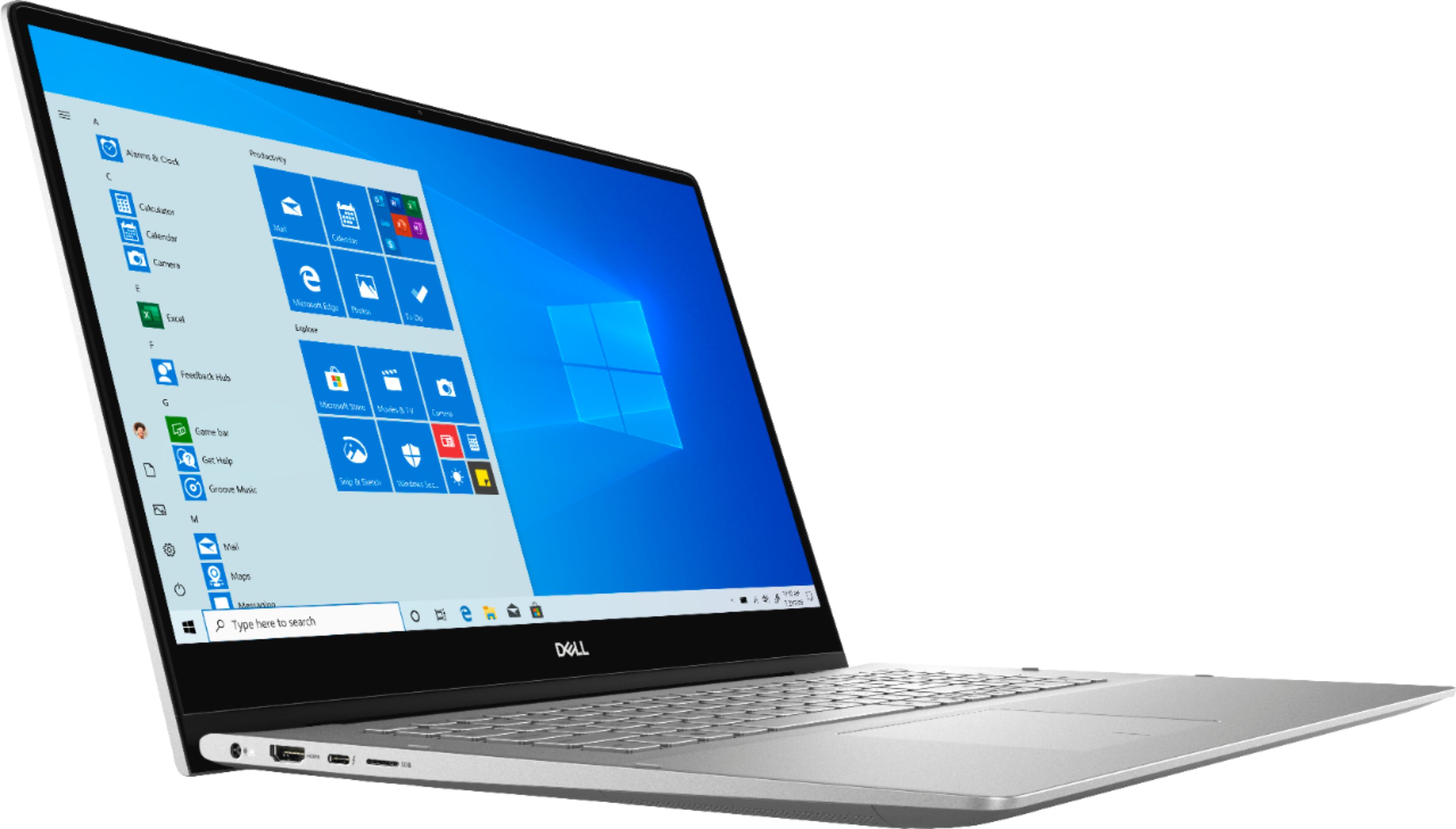
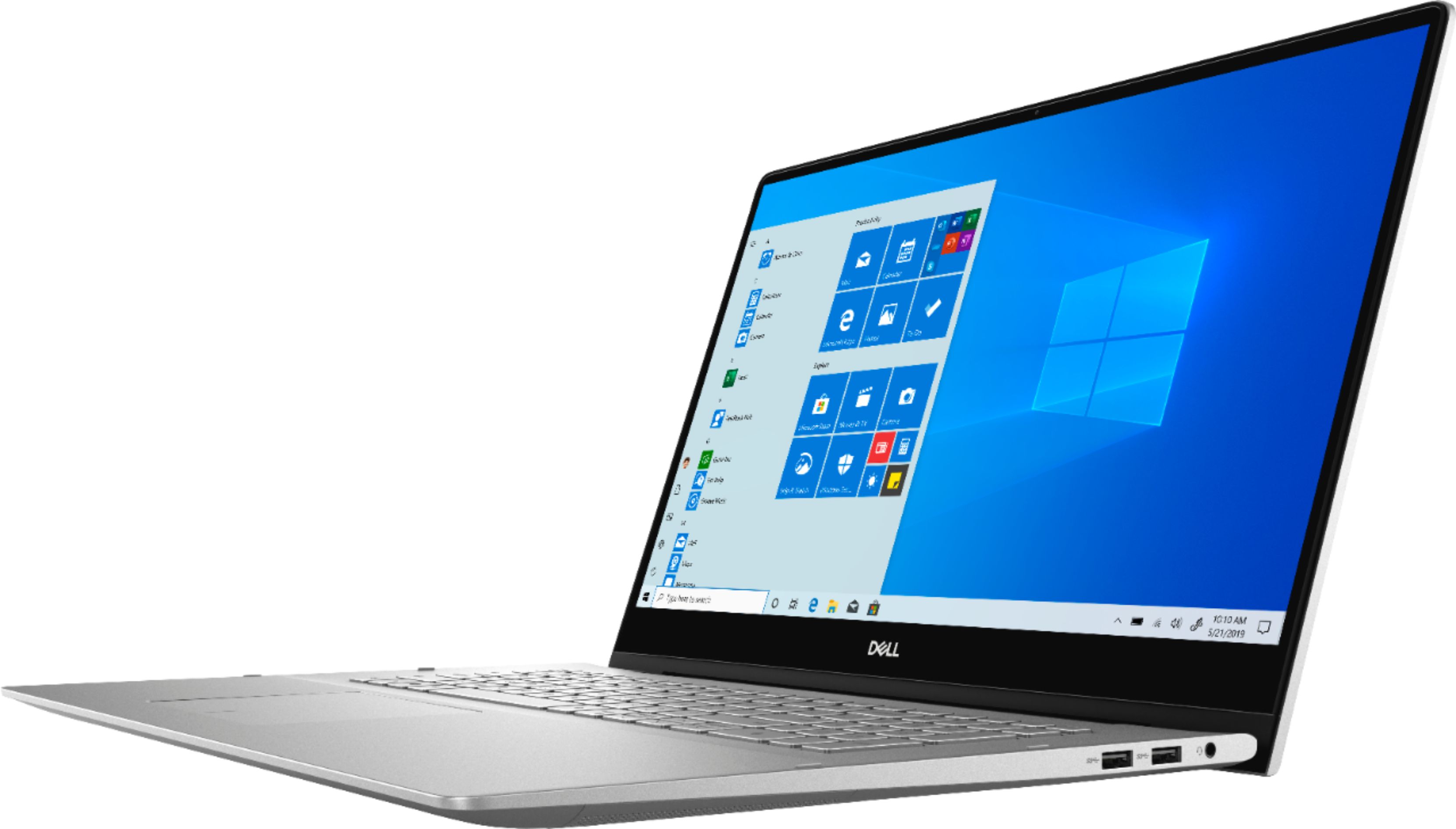
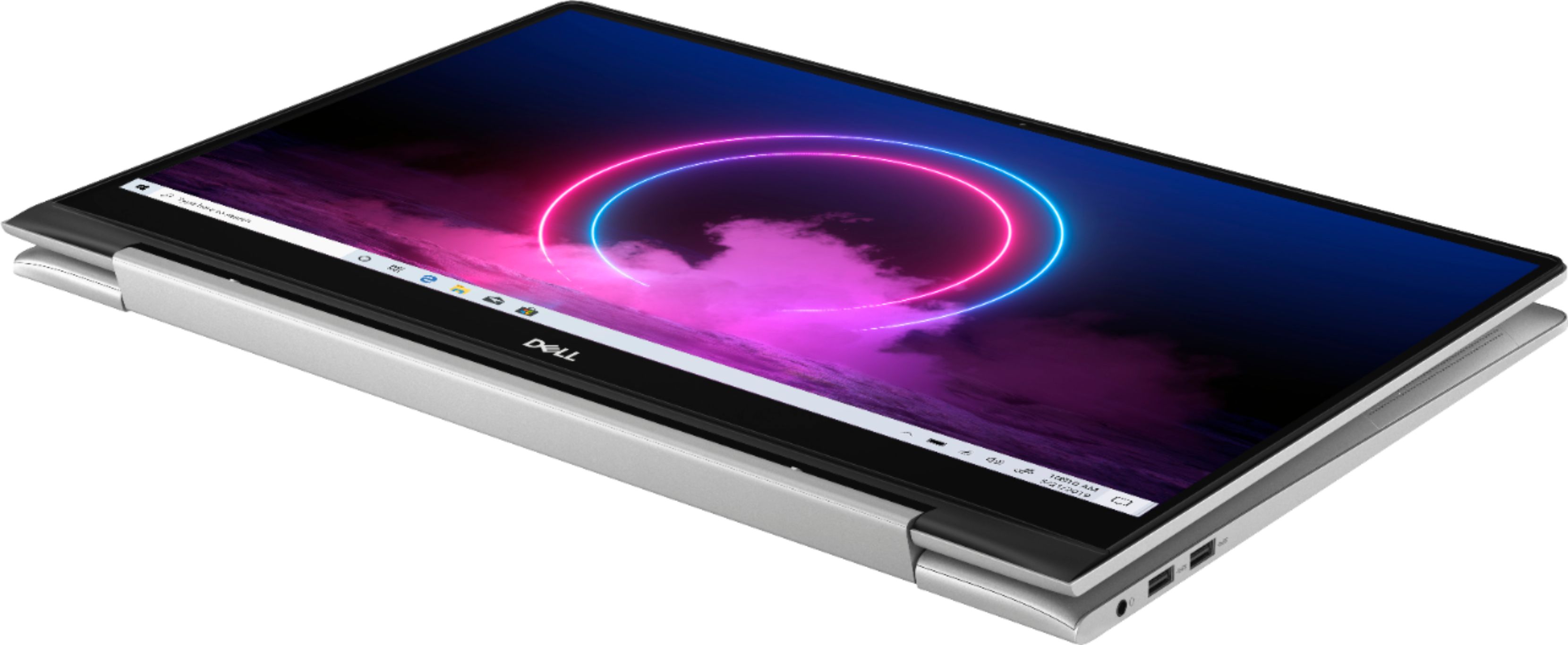
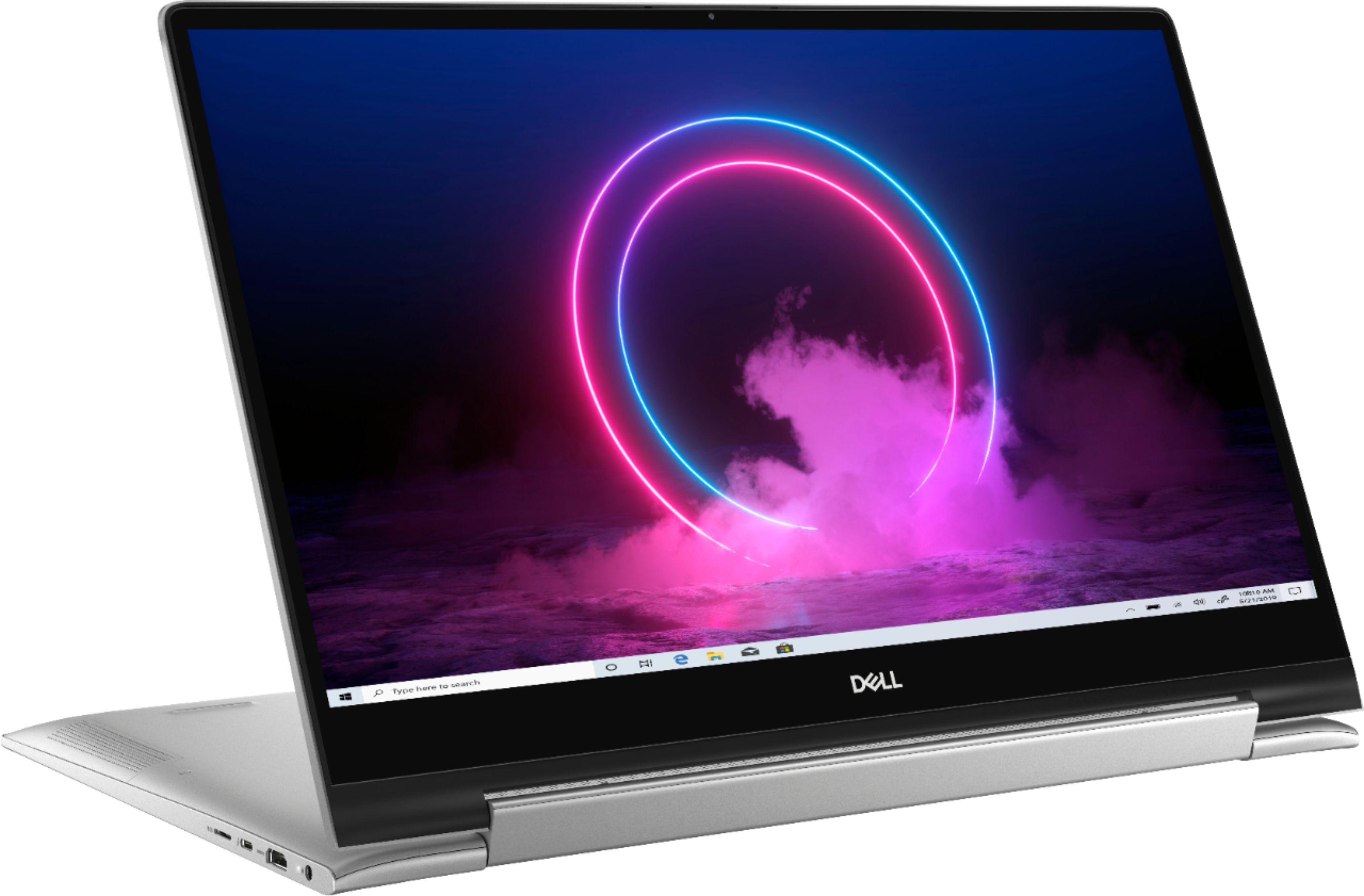
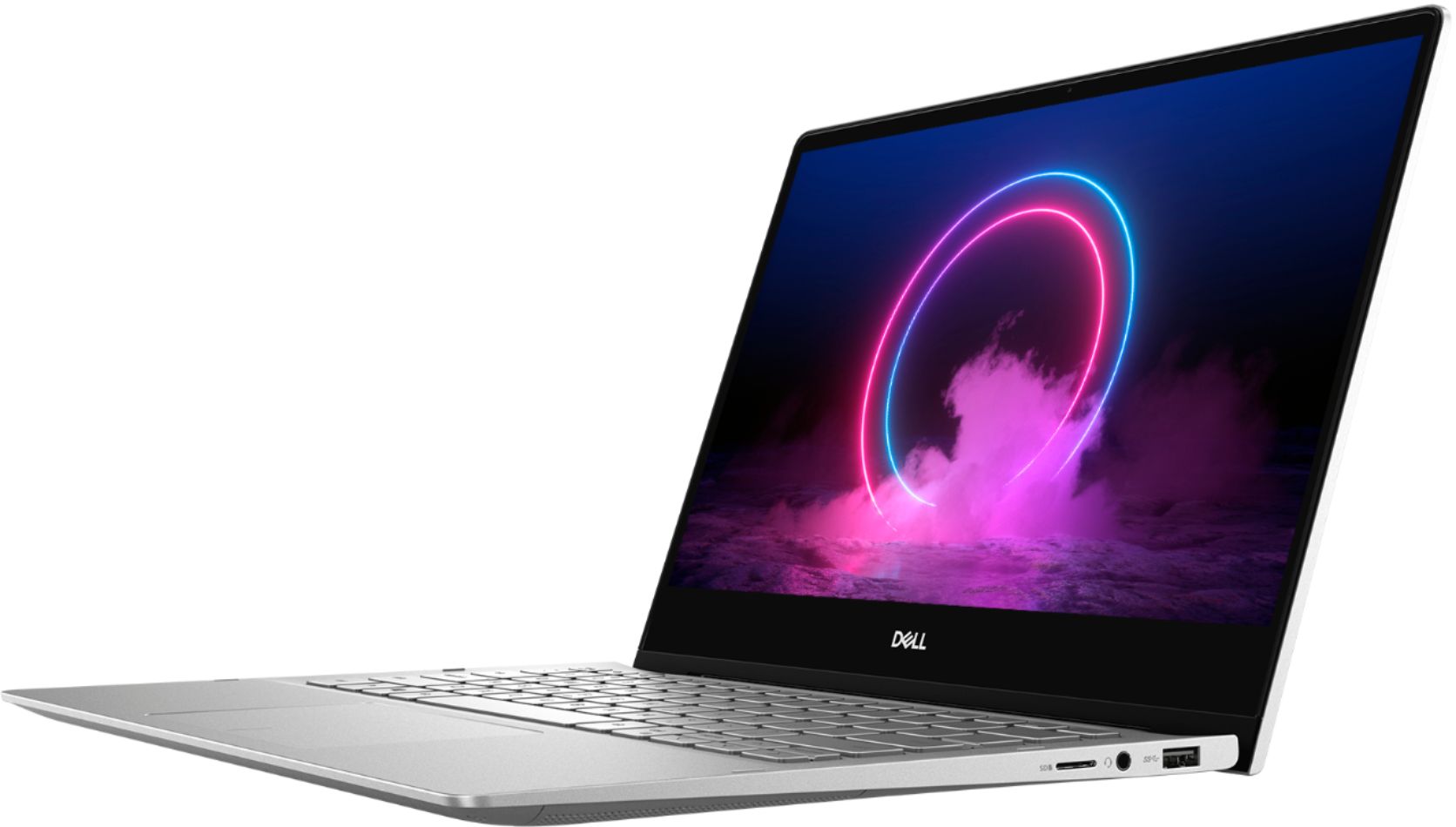
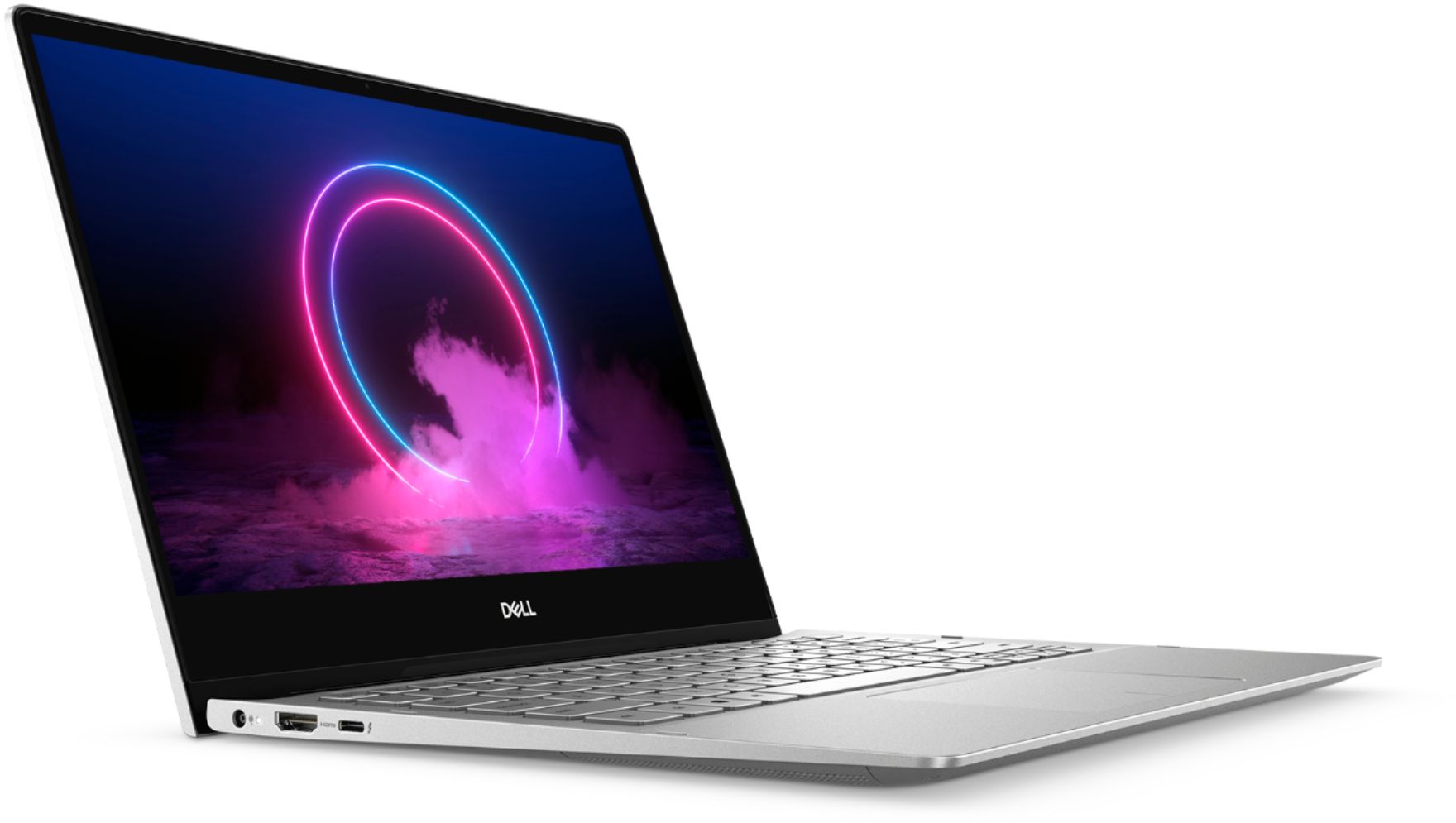
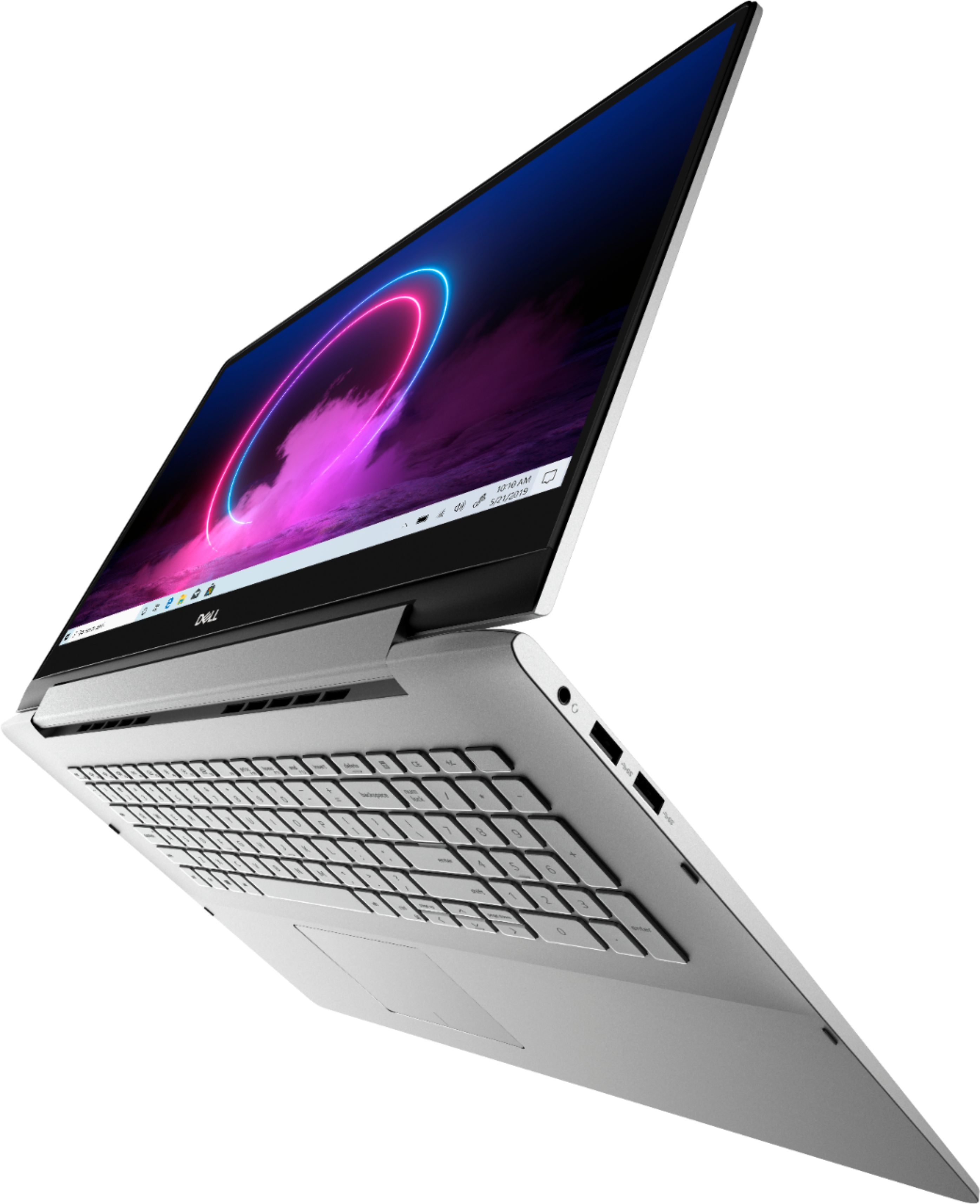
A:AnswerHello! This laptop has two USB 3.1 Gen 1 ports and one USB 3.1 Gen 1 (Type-C) port/DisplayPort. For additional internal and external ports, please see page 15 of the specification guide found here: https://files.bbystatic.com/t6XyFBjnNLeY%2FiZVLV9dtQ%3D%3D/3B98D378-68DD-4356-95E9-C02C774E84FB.pdf
A:AnswerHello! Since Windows 7 has reached it's "End of Life" the programs you will need (i.e. Internet browsers, Microsoft Office, etc) will not support it. This device does come with Windows 10 which brings back the start up menu from Windows 7. You can find more information about Windows 10 here: https://www.bestbuy.com/Windows10
A:AnswerHello! It will depend upon what your overall usage will be for the laptop. If there are particular programs you will be running, I recommend checking the minimum spec requirements for each before deciding. Both of these are great devices that will give you optimal performance.
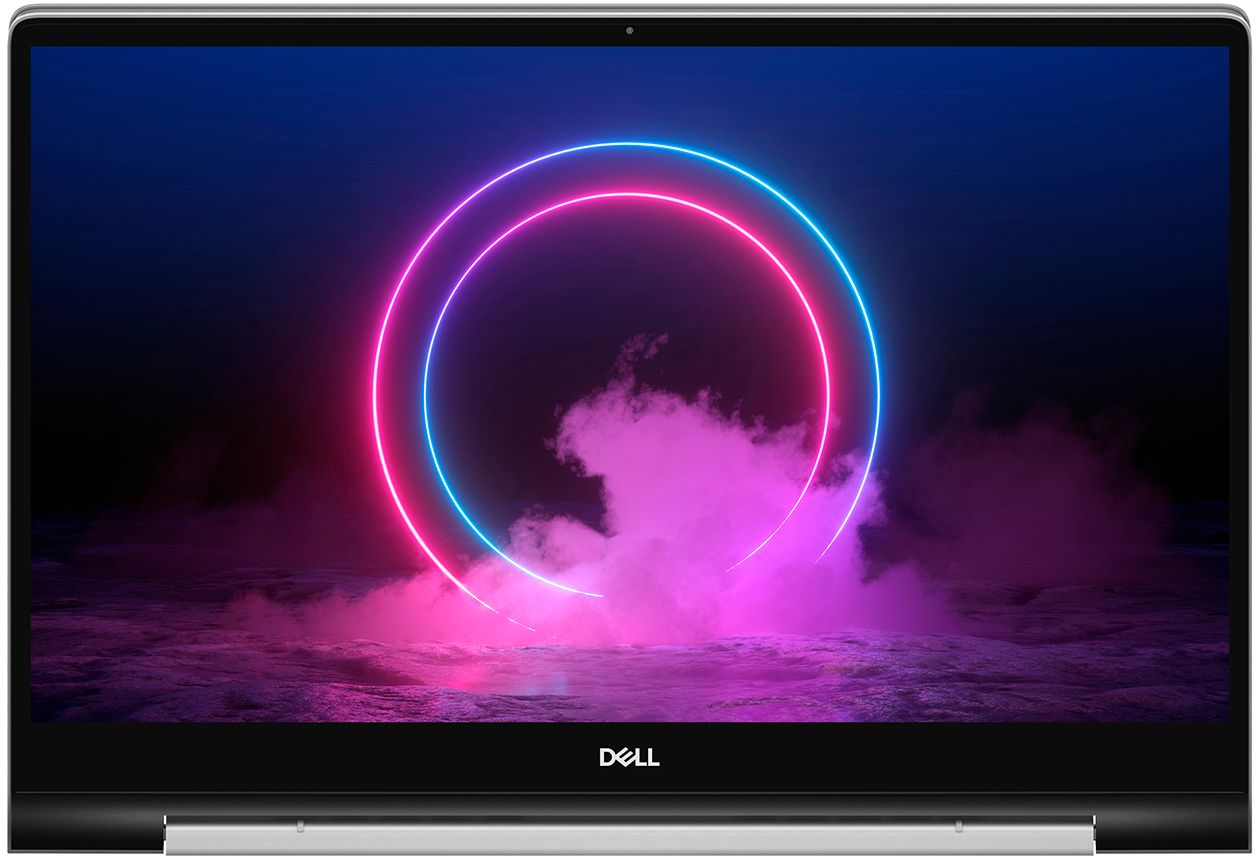
A:AnswerCaution using a screen protector. The touch screen may not work as well by using one. Only clean your screen with an approved cleaner for LCD screens, again due to the touch screen.