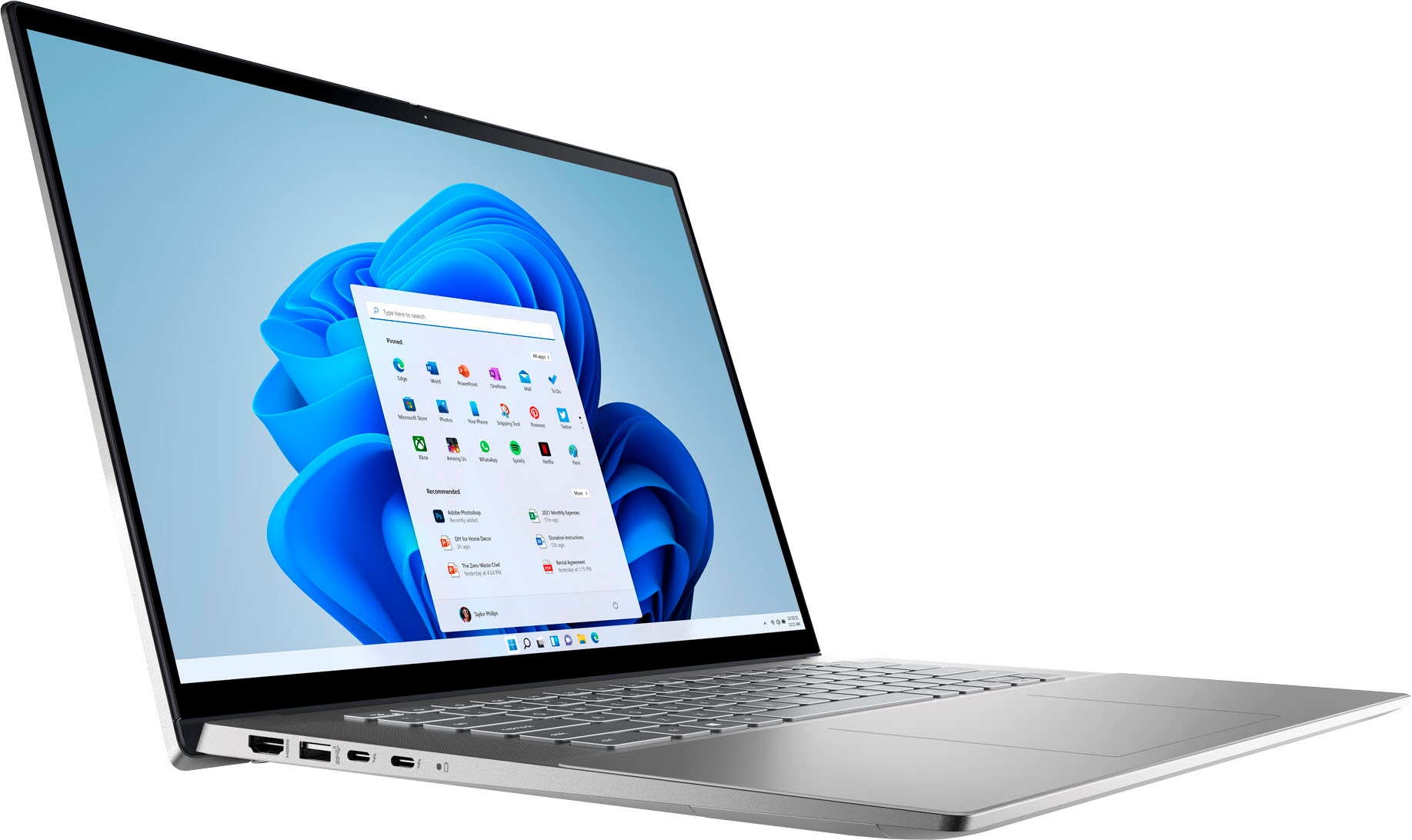
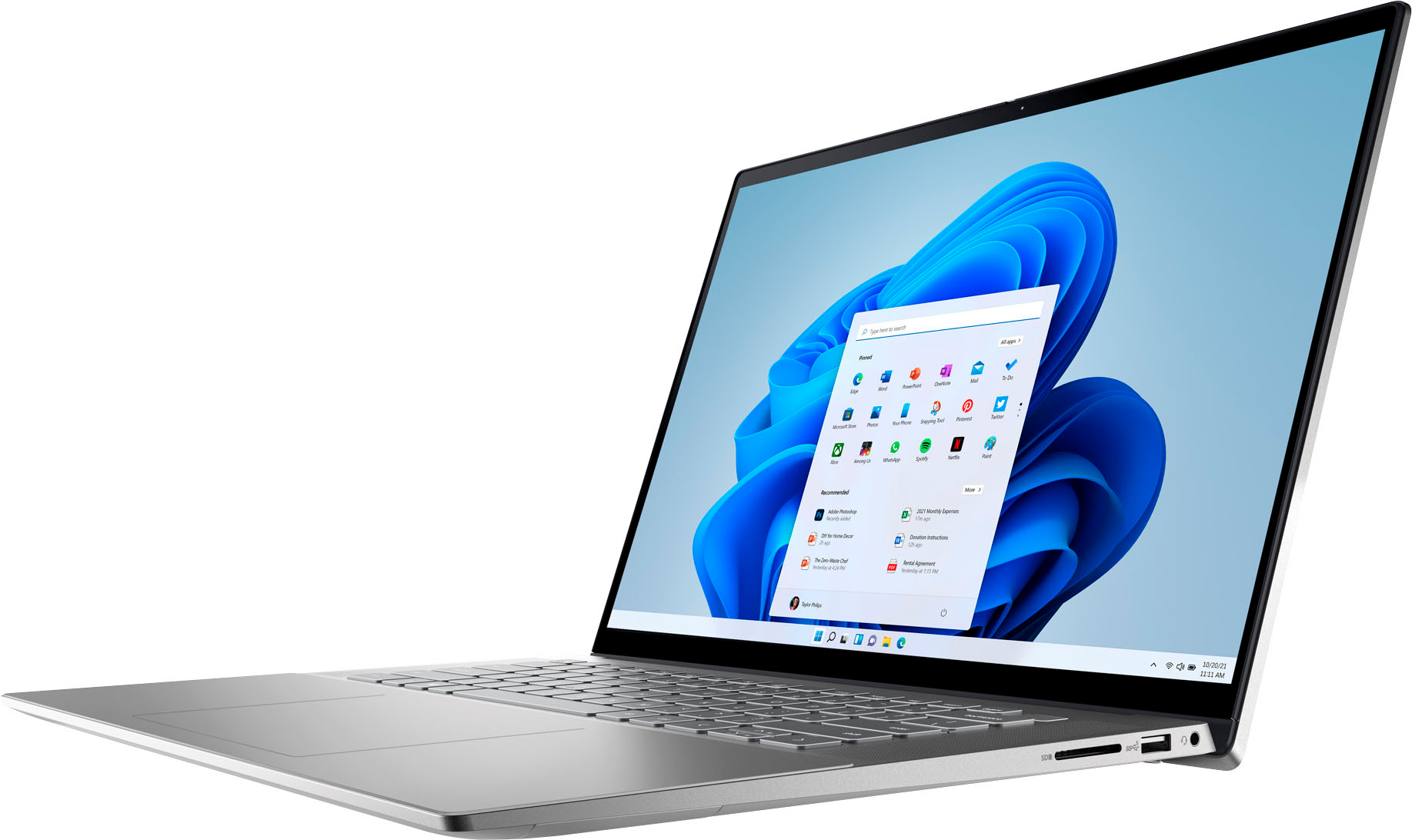
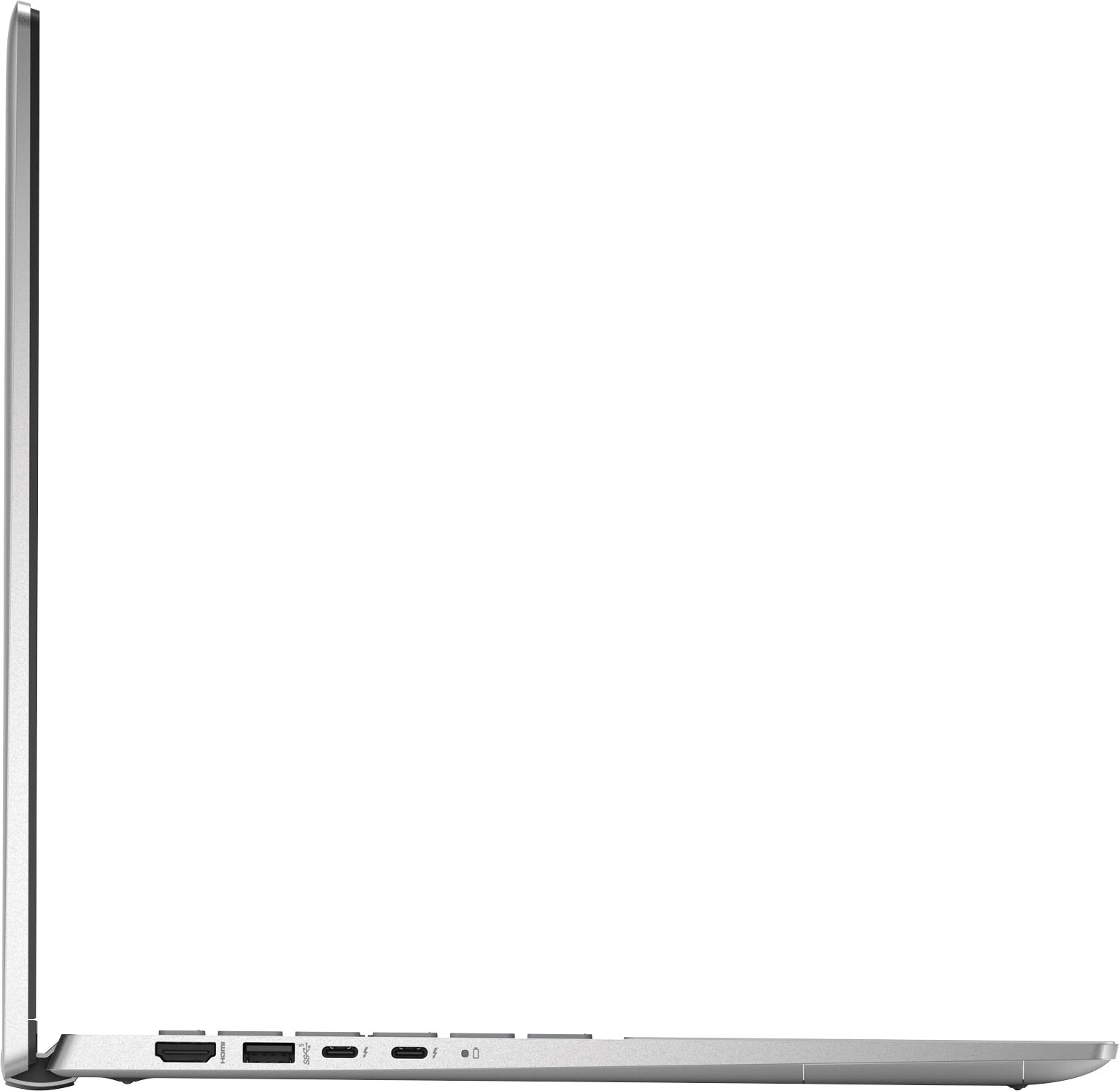
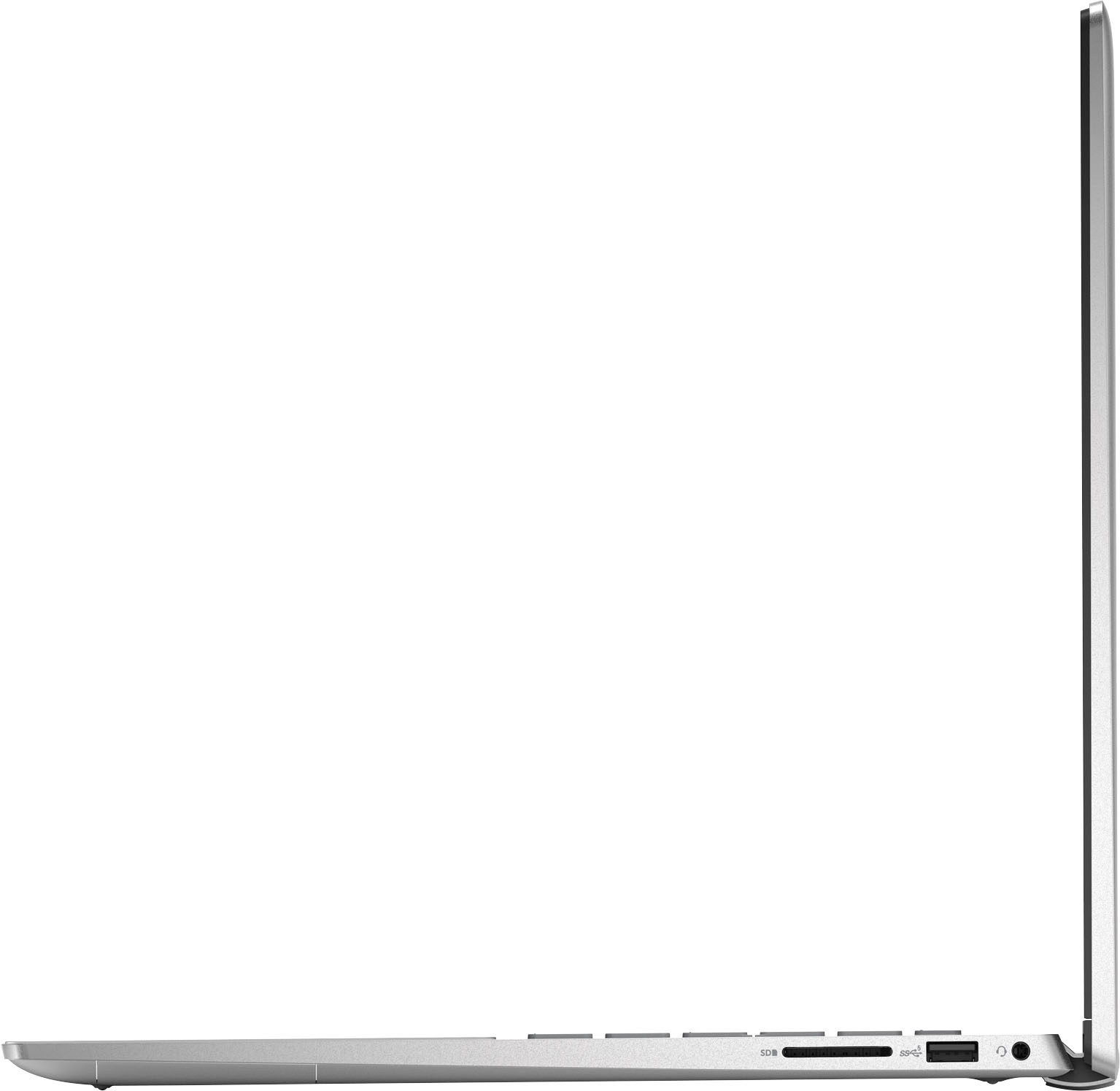
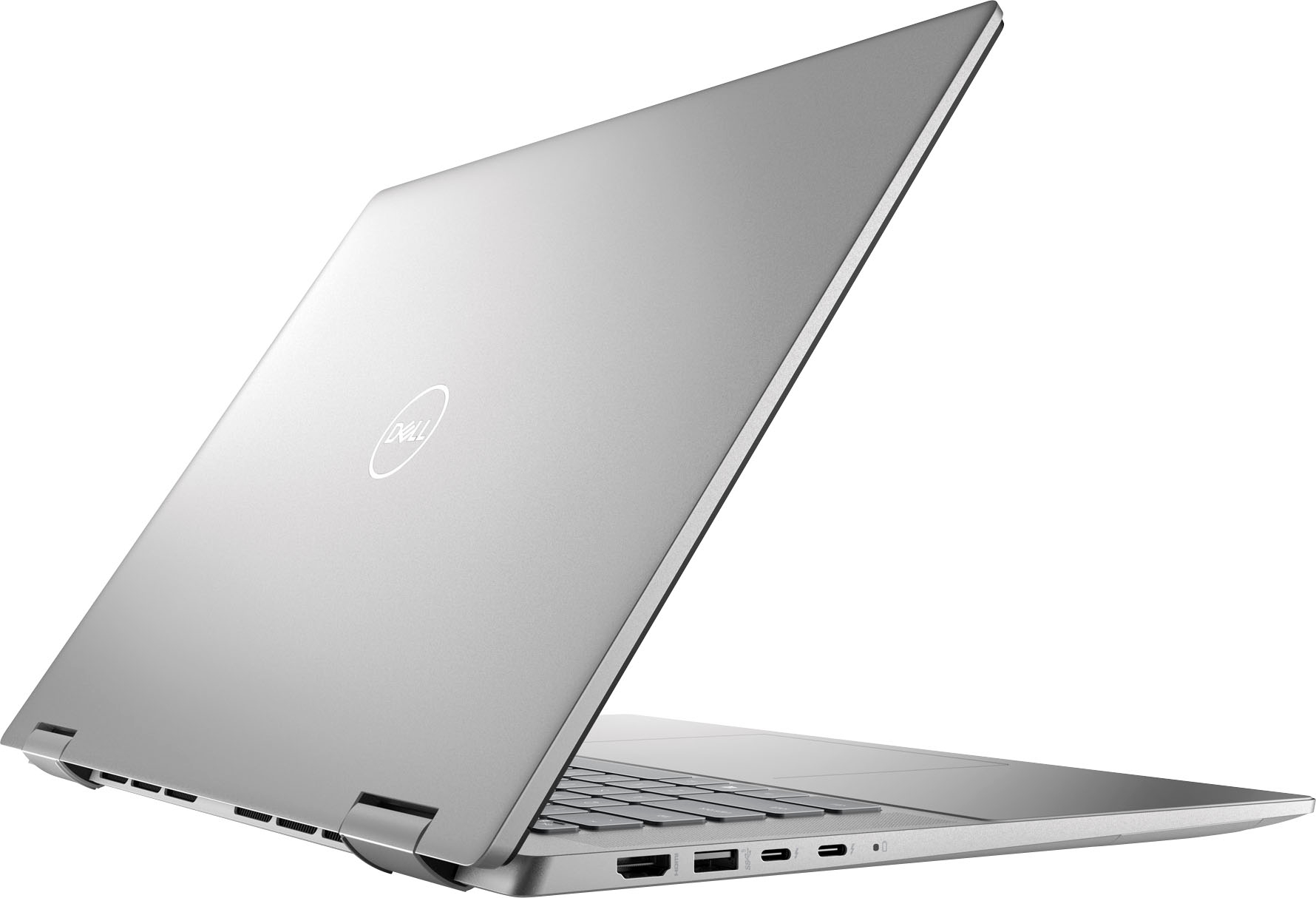
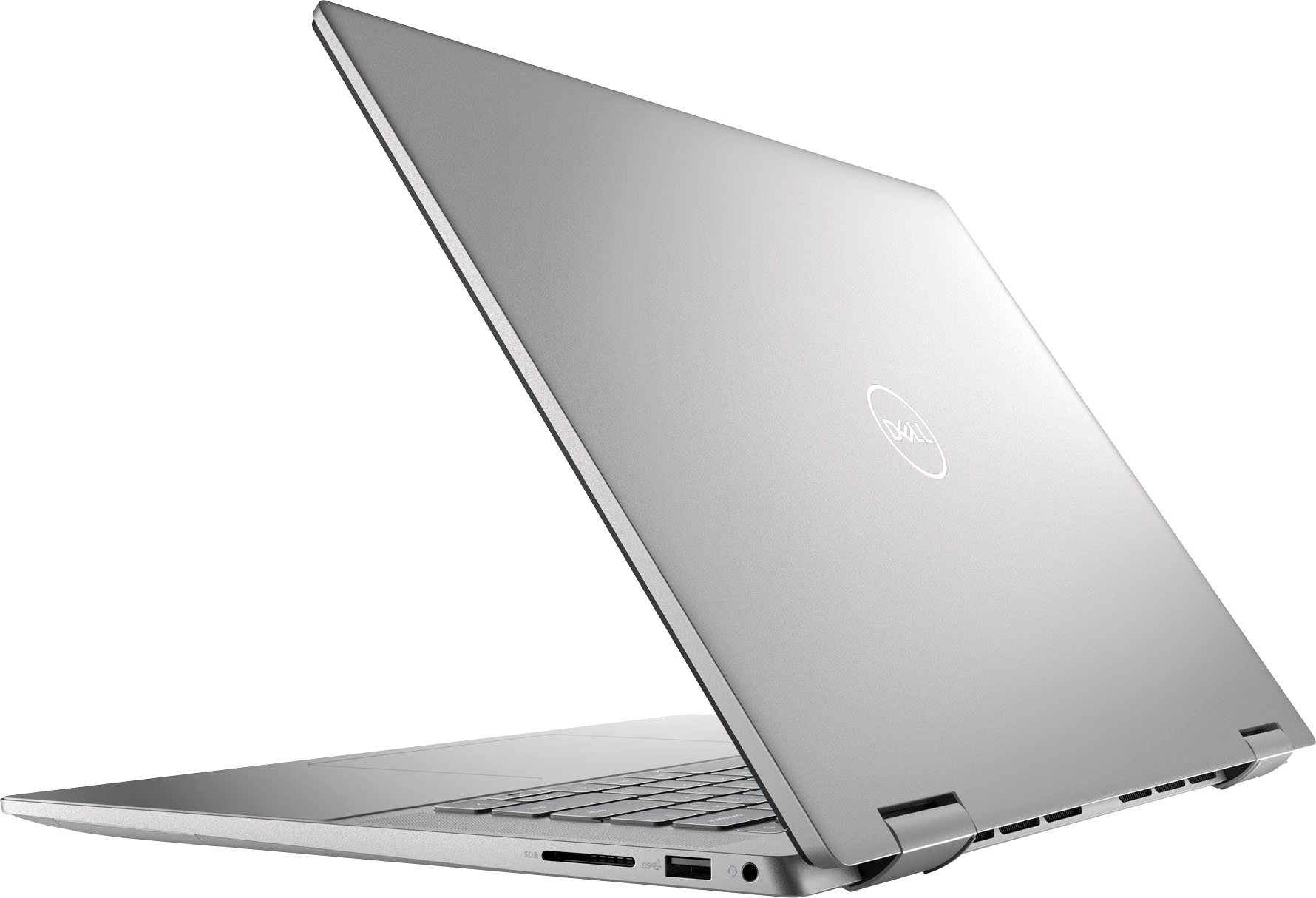
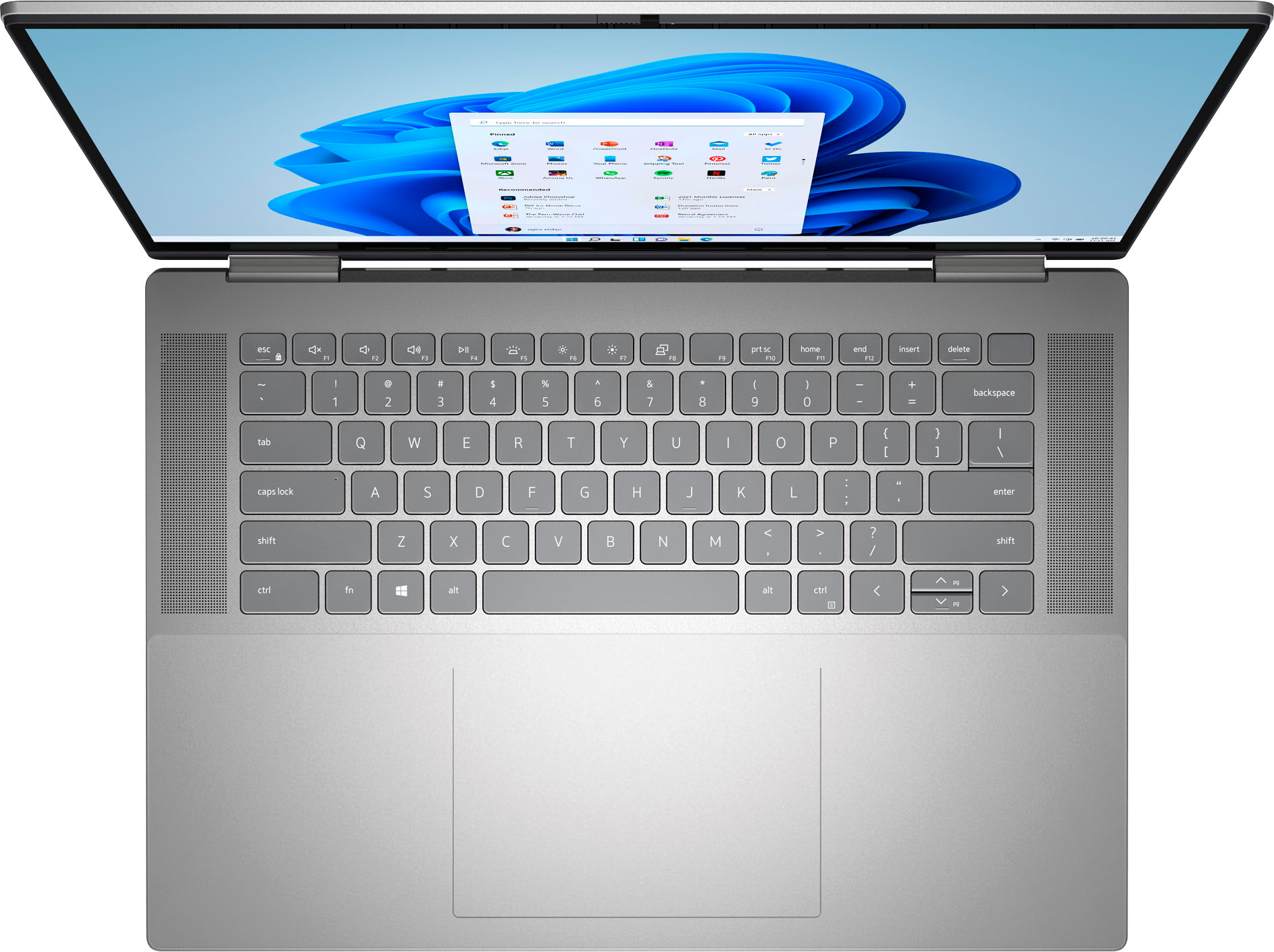
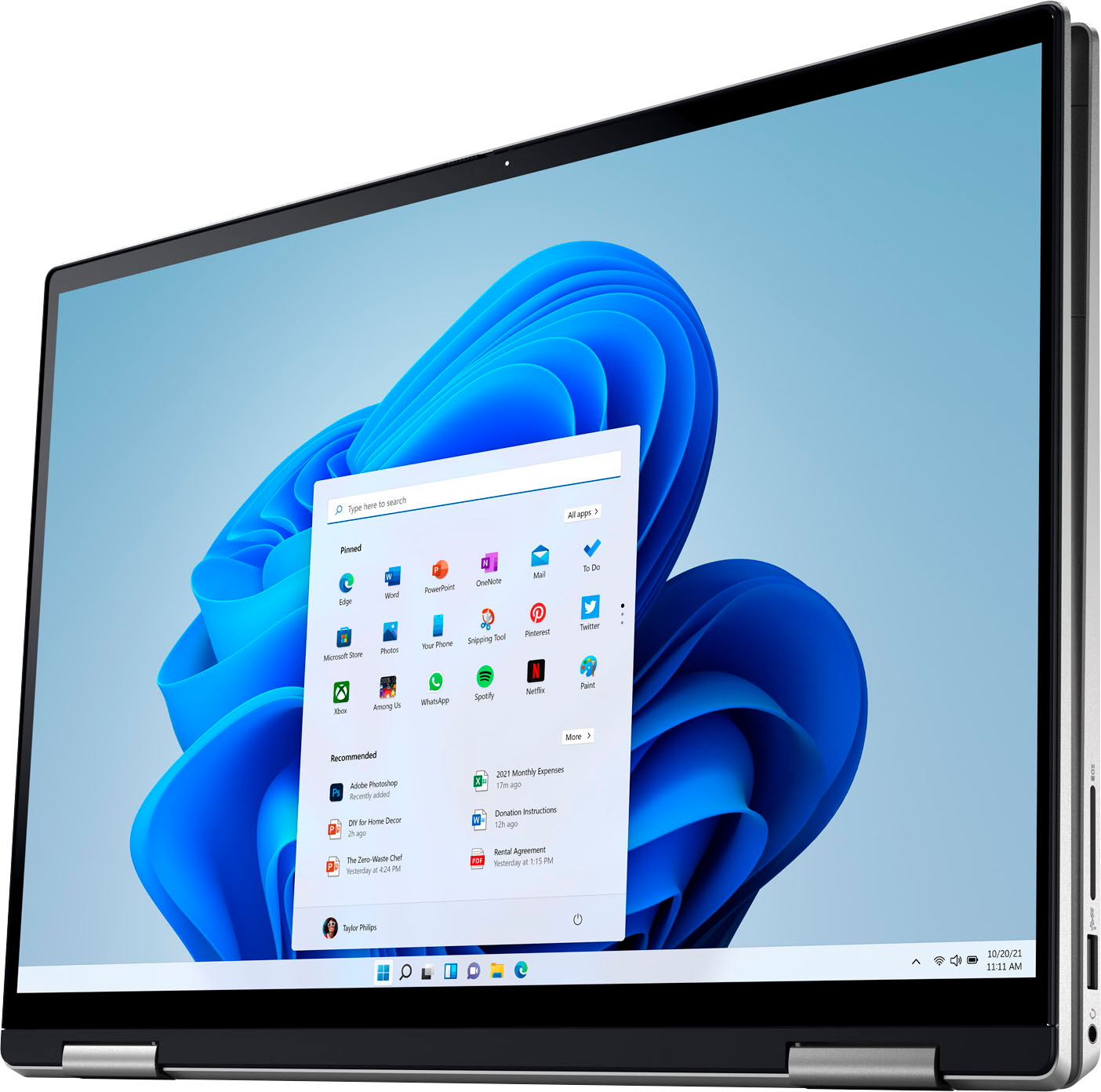
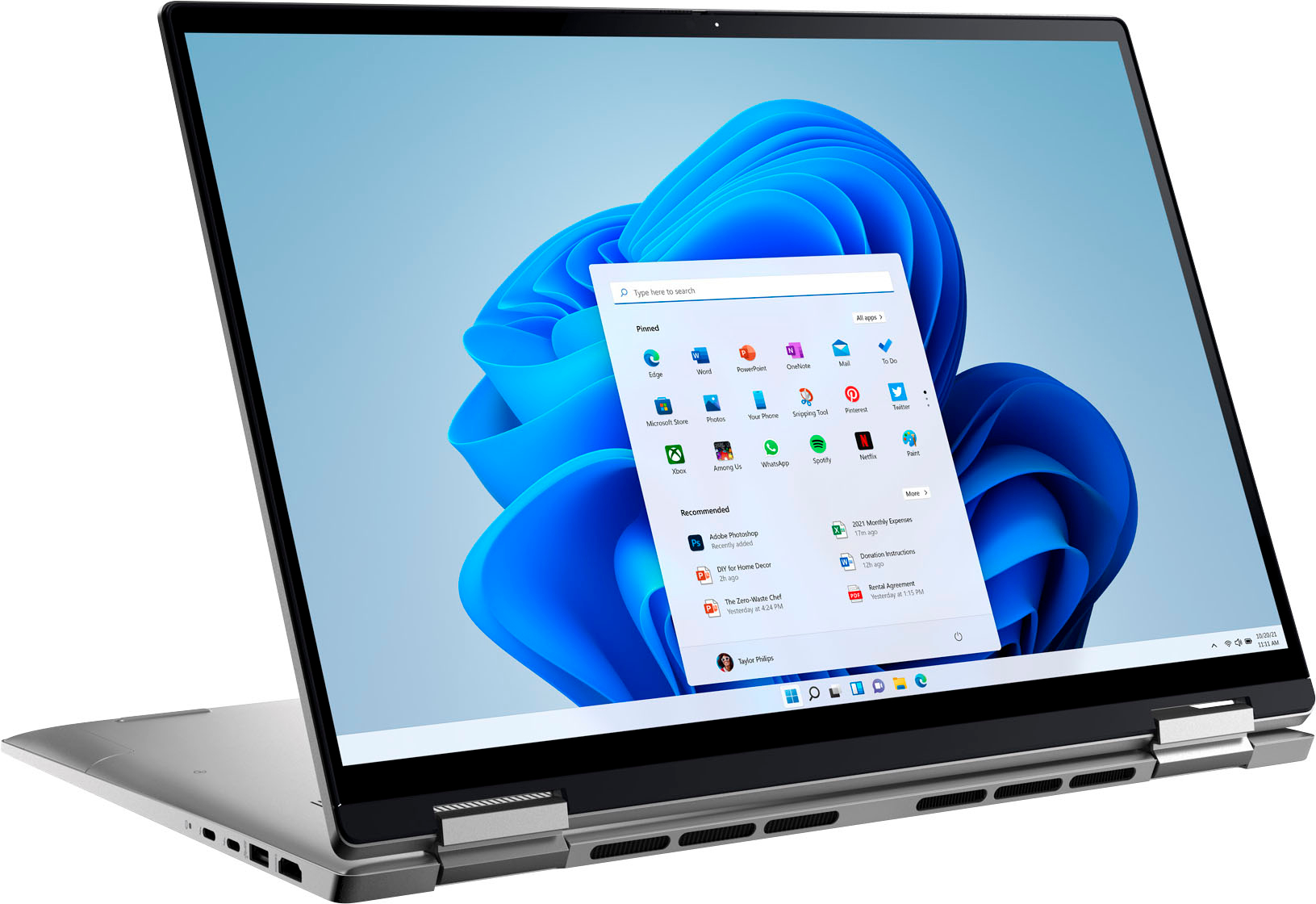
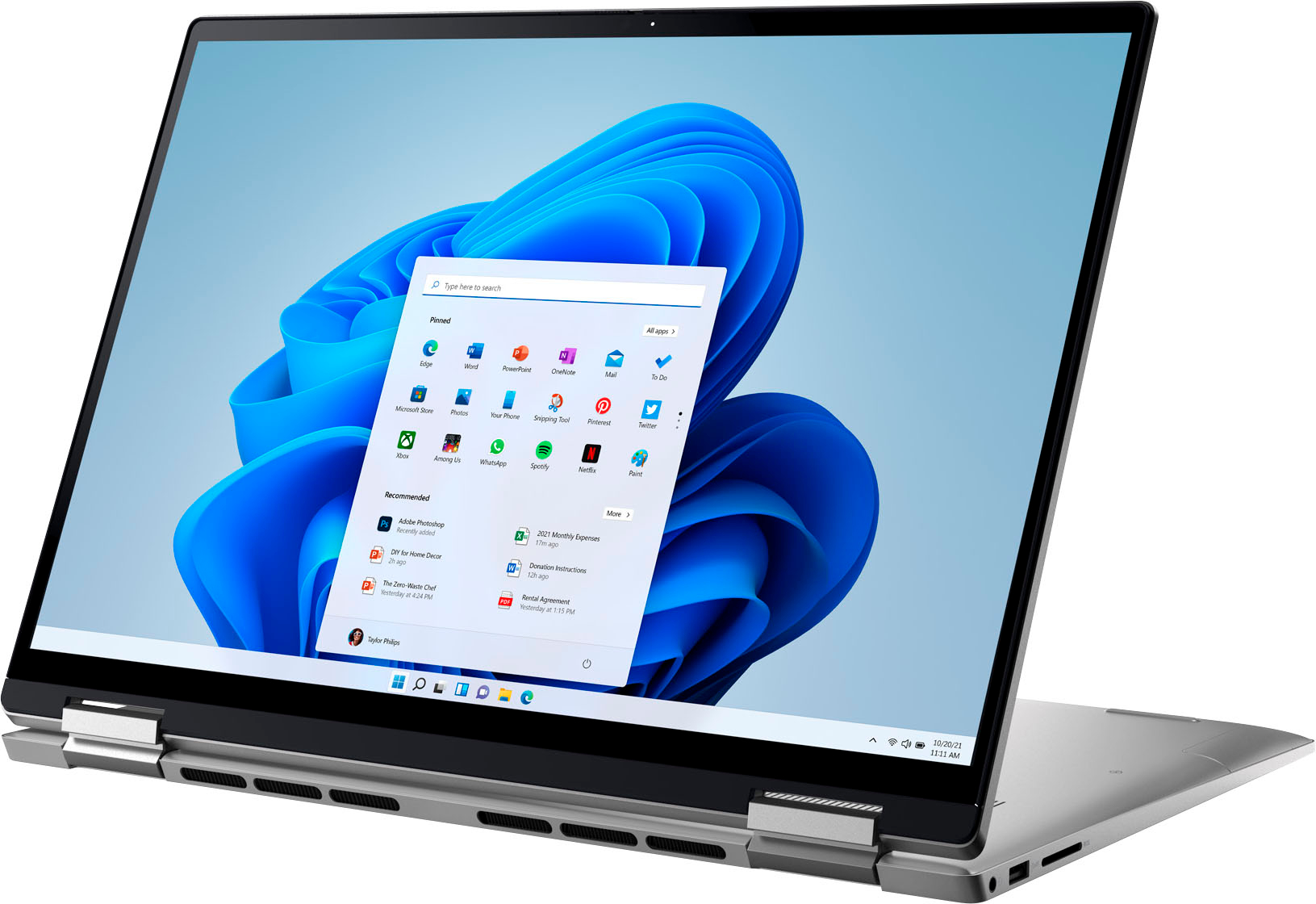
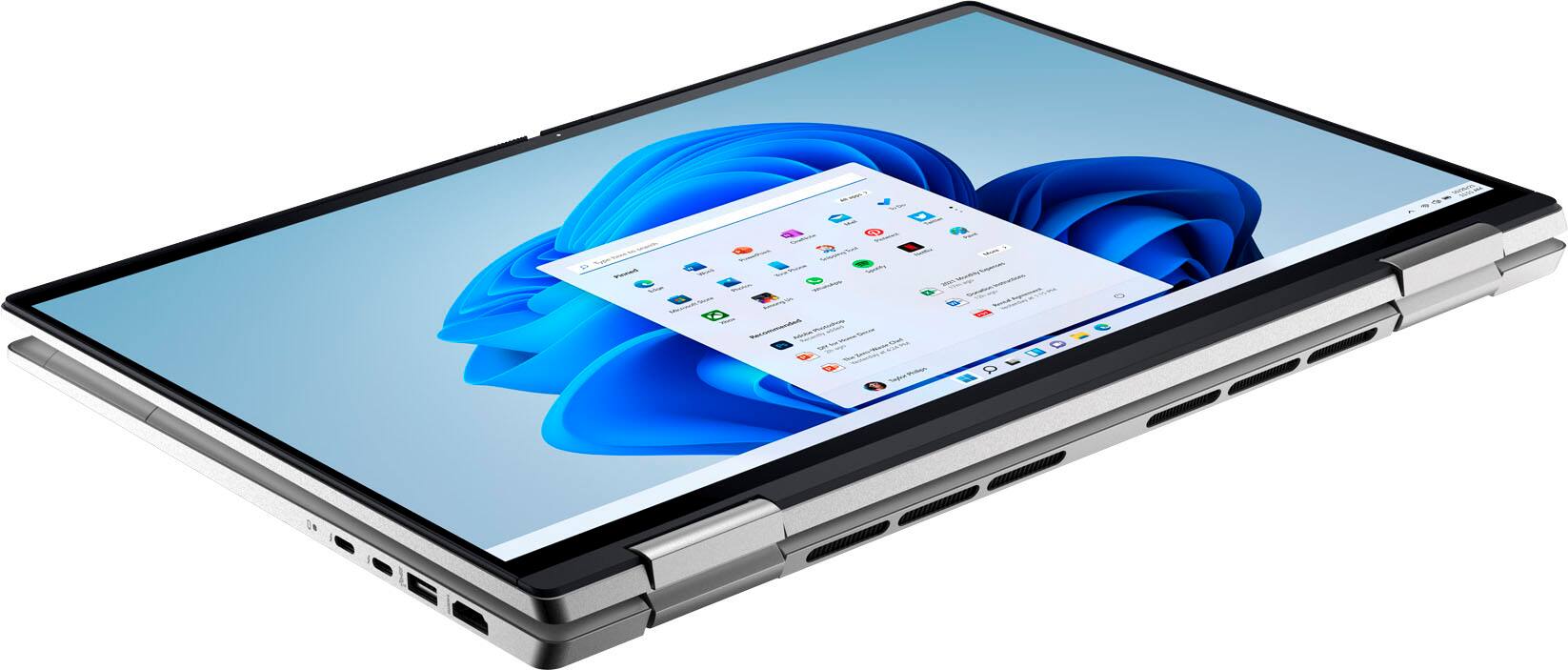
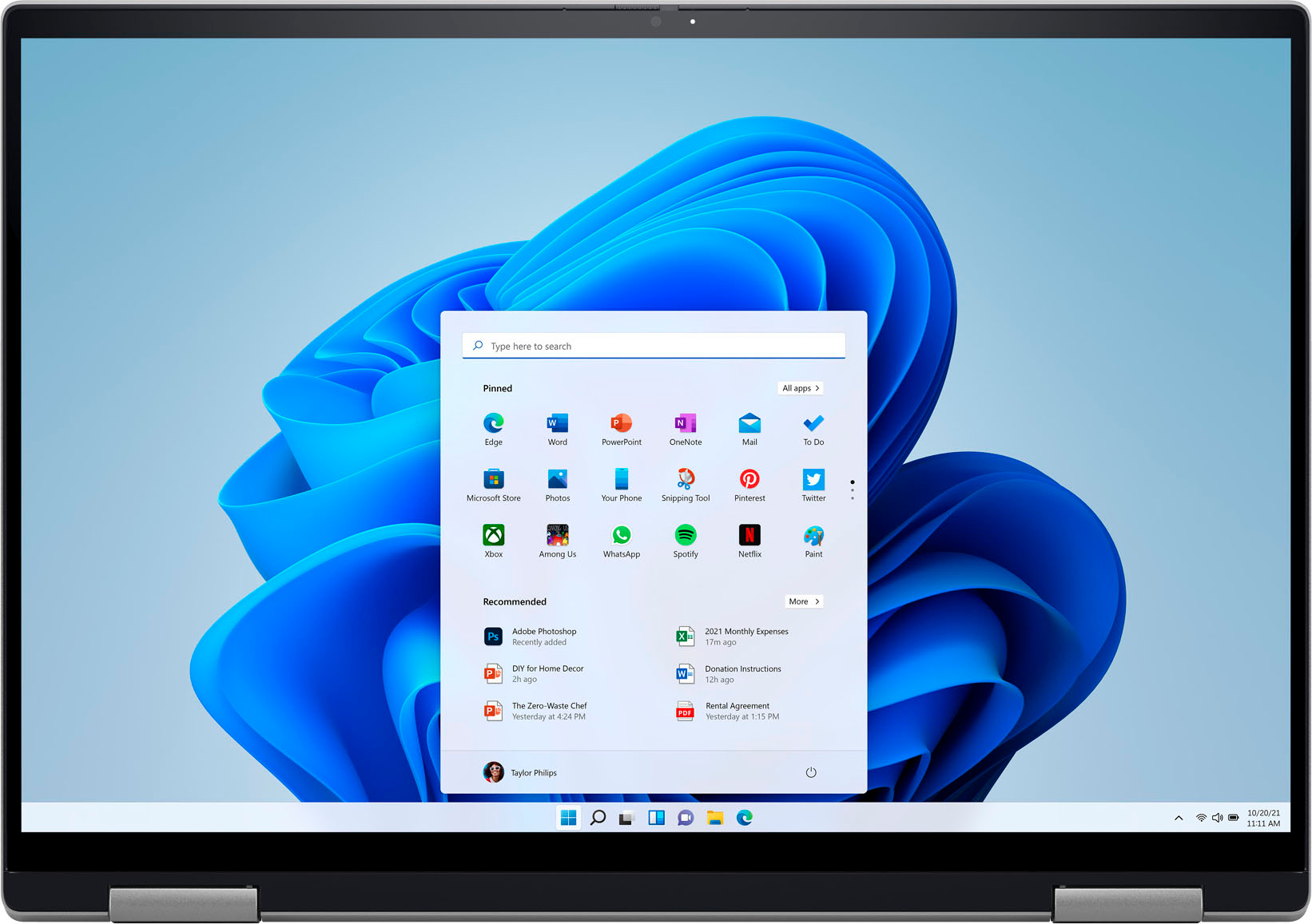
A:AnswerYes, this laptop comes Windows 11 Home preinstalled. This laptop comes with two USB 3.2 Gen 1 ports, two Thunderbolt 4.0 ports with Power Delivery(one Thunderbolt 4.0 port used for primary power), one global headset port, one HDMI 1.4 port, and one SD-card slot.
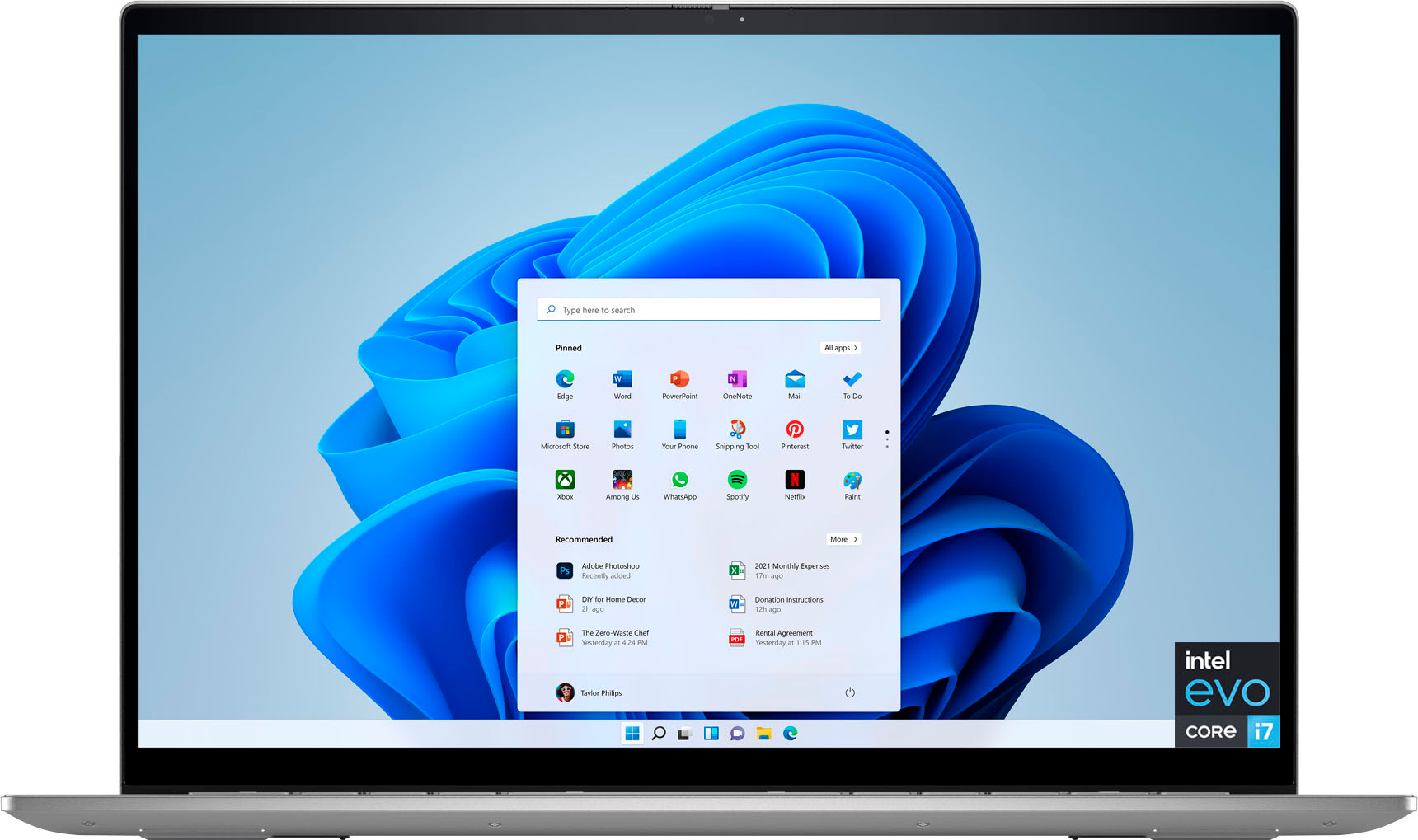
A:AnswerI got a GIQ Mini USB docking station from amazon which I connect to any one of the USB C ports of the laptop. Among other ports, this docking station also has multiple hdmi ports and one vga port. I connect 2 separate monitors using the hdmi port and can see 2 different screens. There are similar products available in the market which can convert your one USB C port to 2 hdmi ports for display.

A:AnswerThis system does not have a built in RJ45 jack for a tethered ethernet connection. An USB-RJ45 adapter could be used to connect a tethered ethernet cable.
A:AnswerIt is supposed to, however Dell is refusing to acknowledge mine. The 3 reps I spoke to didn't say it had anything to do with it being Open Box, but I suspect that might be the problem. According to them, the 1-yr warranty only applies when you purchase directly from Dell. (Mine is showing 1 month remaining, so I'm returning it tomorrow.)
A:AnswerYes, the storage can be upgraded to 1TB. For more details on parts upgradation, we recommend contacting the Dell Technical Support team after the purchase. They are available on Facebook and Twitter(@Dellcares).
A:AnswerIt depends on what you choose to go for since it uses Type-C for power and data (the two thunderbolt 4 ports). This model uses a 65W Type-C charger, so a cable and adapter that supports that rate would be fine. For example, you could grab an Anker 65W Nano II charger brick and a type-c to type-c cable that supports at least 65W if you feel like that’s your best option.