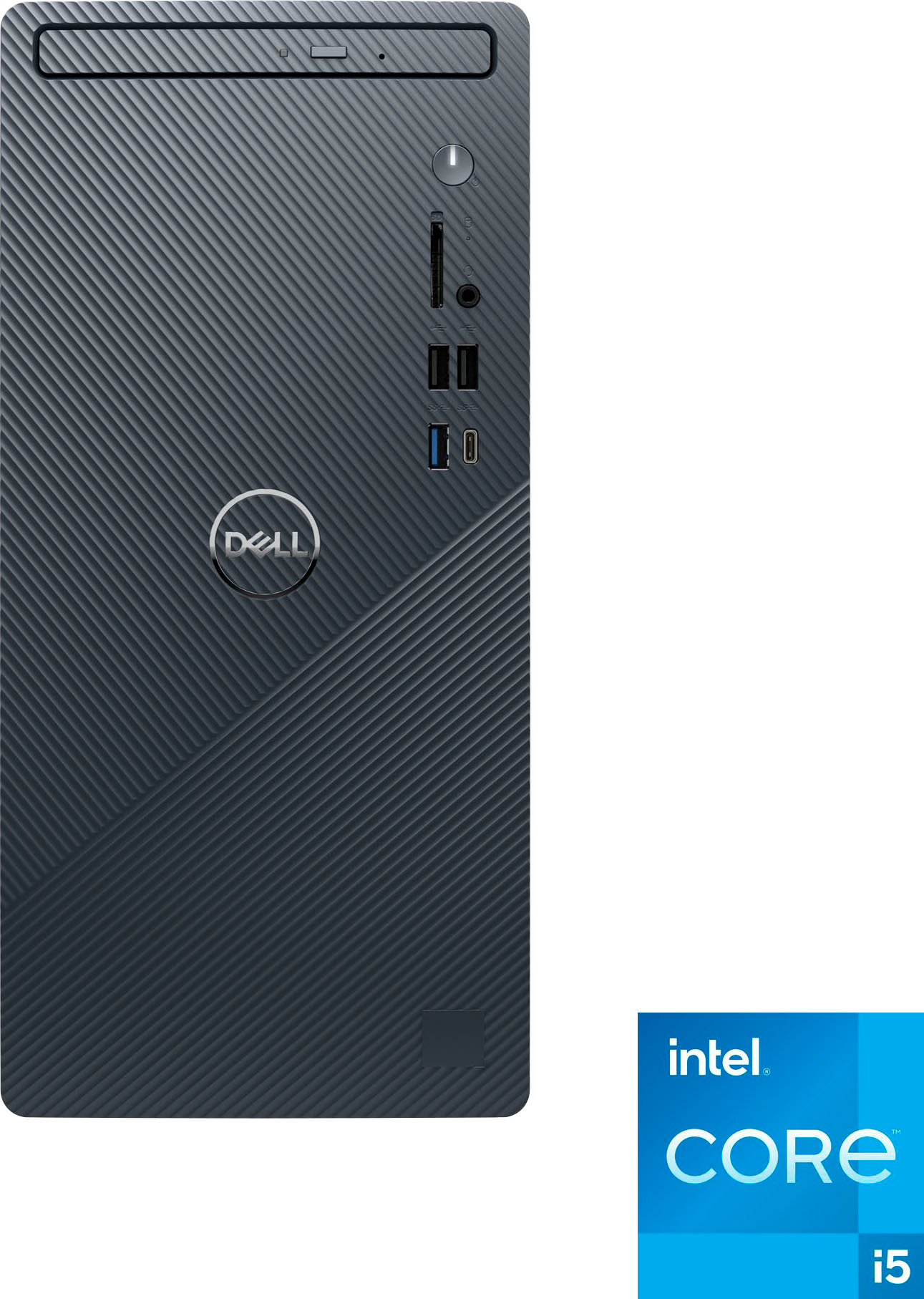
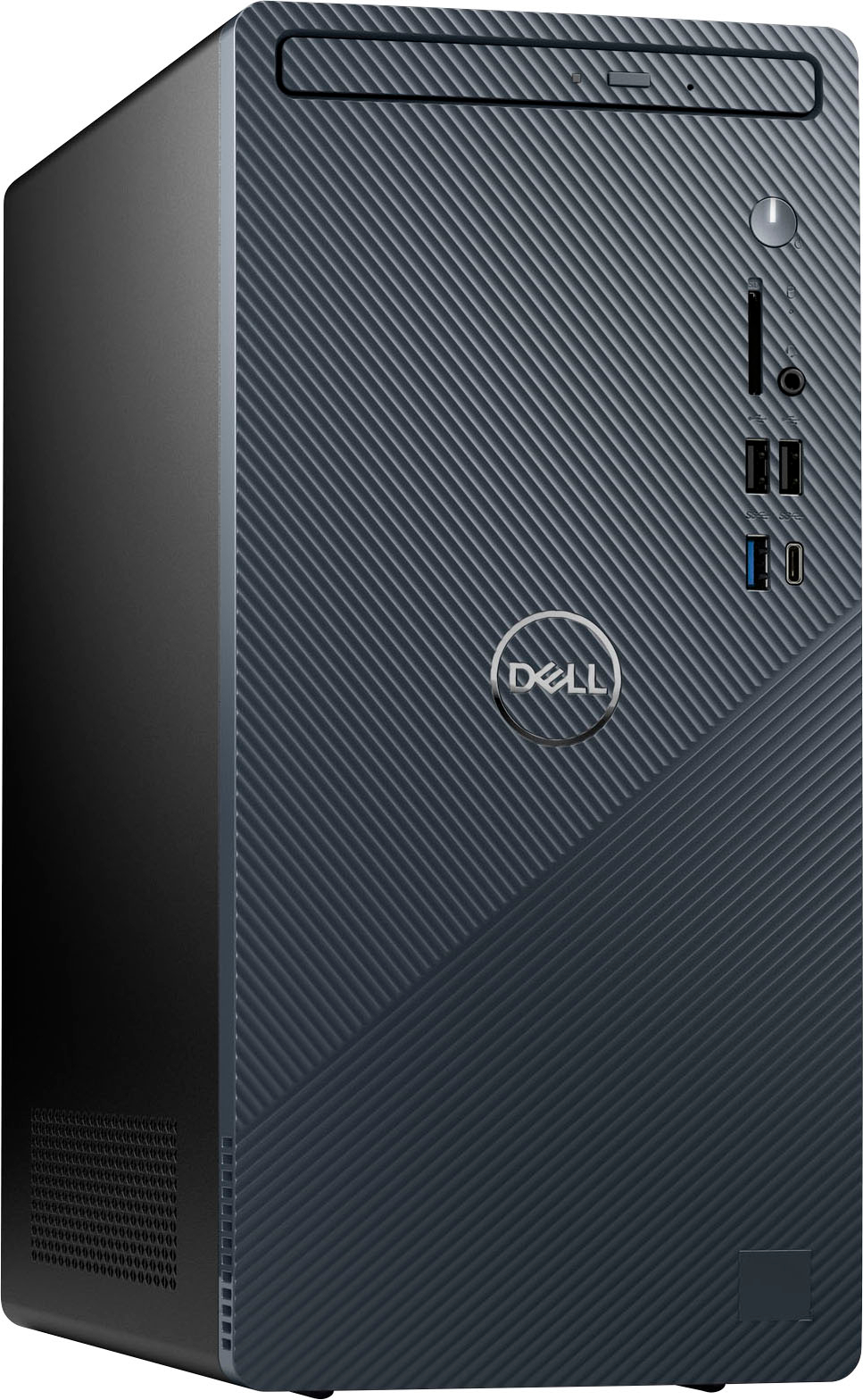
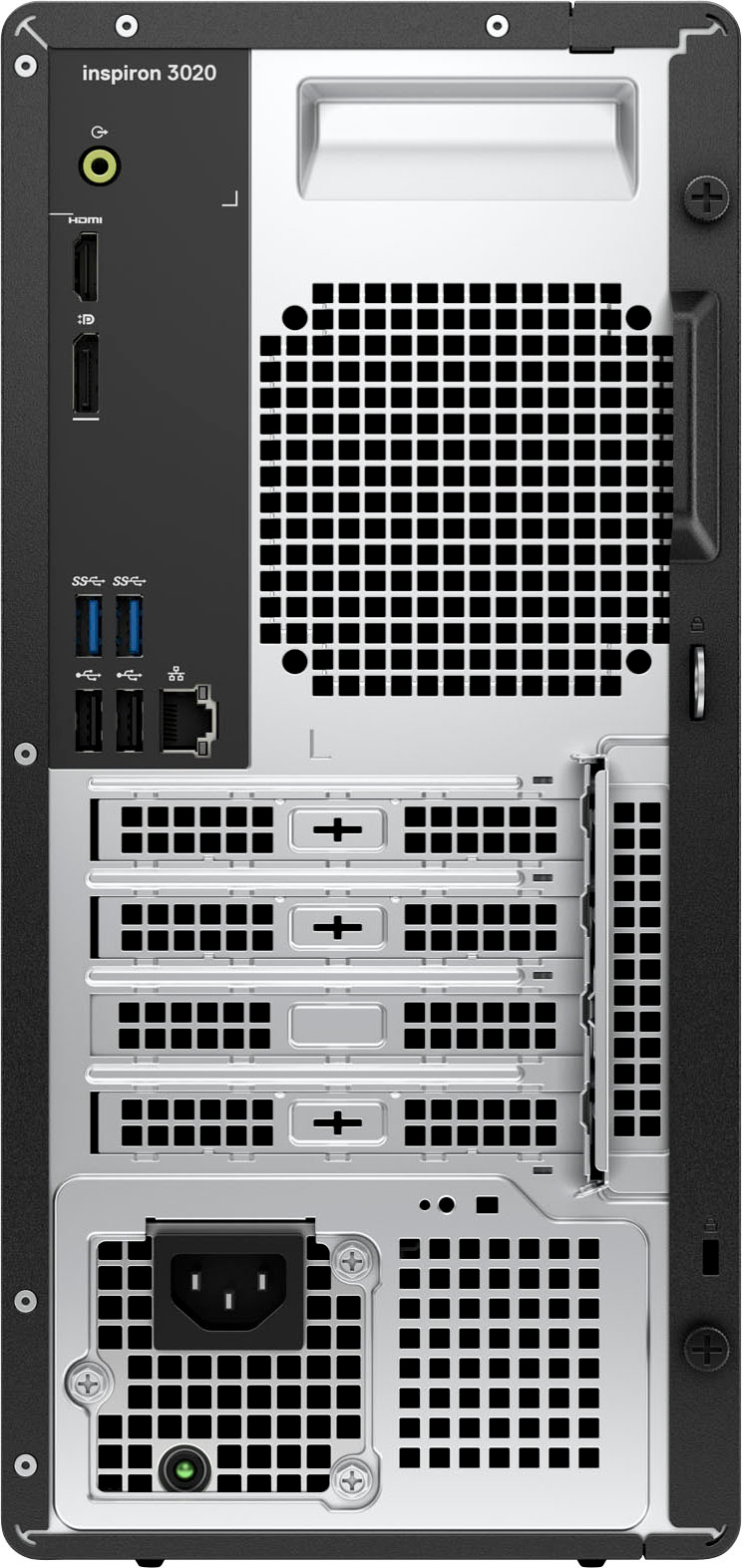
A:Answer Yes, pretty much "plug & play". The only thing which took extra time for me was finding a monitor which could work with the DisplayPort or HDMI connectors on the tower. I got the hardware installed during a morning at work, and spent the afternoon installing the software I had been using on my previous computers (f.ex., printer drivers, transferring the contents of the Documents folder, etc.).
Once the basic setup is done, you'll want to download current drivers for whichever printer you're using with the Dell tower (esp. if your previous computer ran an older version of Windows), but that was the closest to "configuring" I had to do with my setup.