A:AnswerIt depends on the laptop and not on the Monitor. If your laptop has two display output . 2 HDMIs or 2 thunderbolts or one each , it should work.
A:AnswerI can't tell you fps. But I have this monitor connected to a Radeon R9 380 and play COD WWII, Witcher3 and most CIV games and have no issues. I was blown away at how great things looked.
A:AnswerDear Reedman;
It's best to just let it "fall asleep" each night. No need to turn on / off the power button. I agree that it is flimsy, as you described. The sleep mode happens after about 5 minutes or so after no use. It's a nice piece of equipment.
Best of luck.
A:AnswerHDMI works well i wouldn't say its best, but if you can connect it to an HDMI port it will say you from buying an adapter i know there are cables that go HDMI to display port or mini display port i have also seen HDMI to DVI cables. I would try and stay away from adapters since if the fail on you your out of luck.
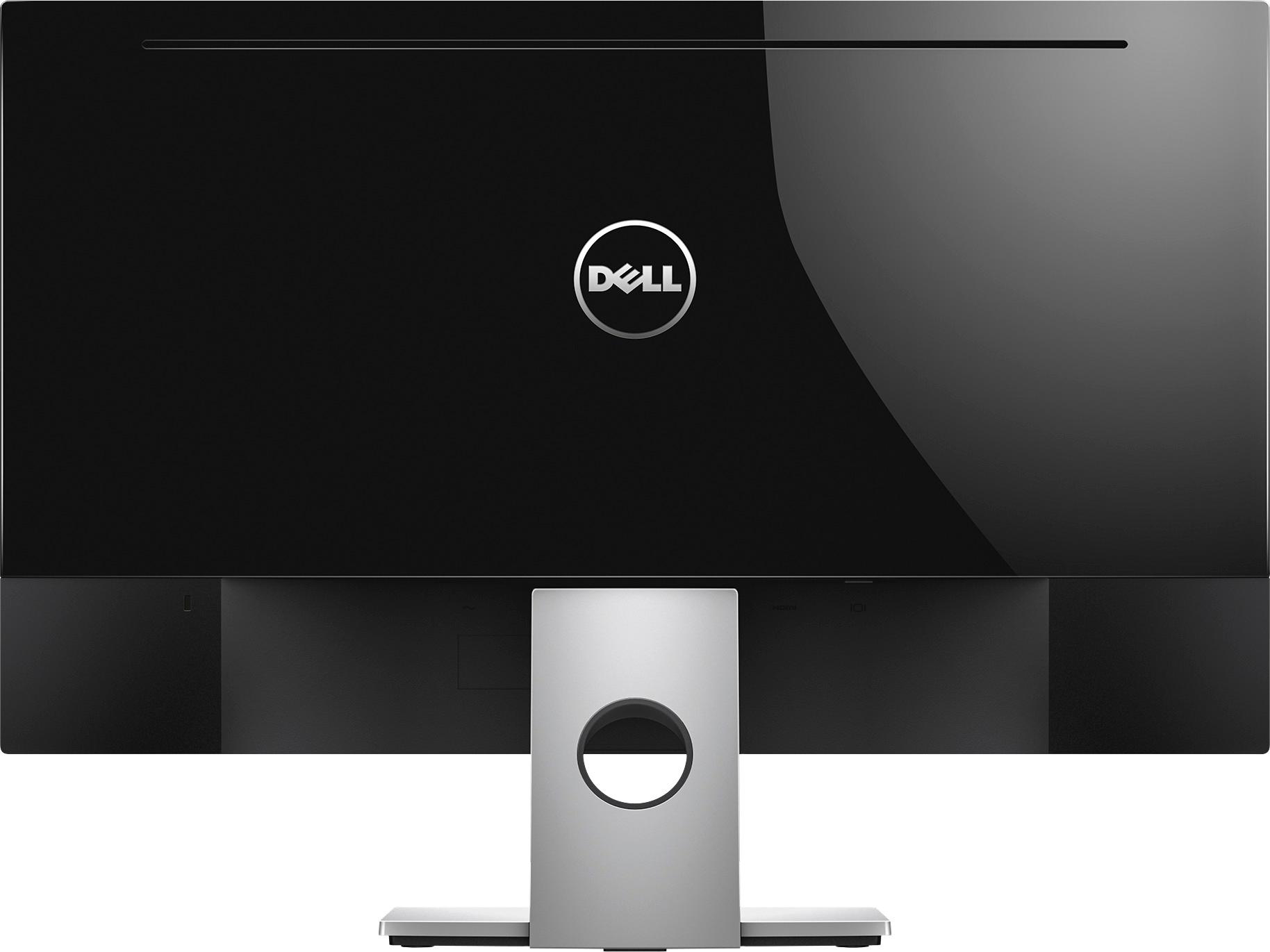
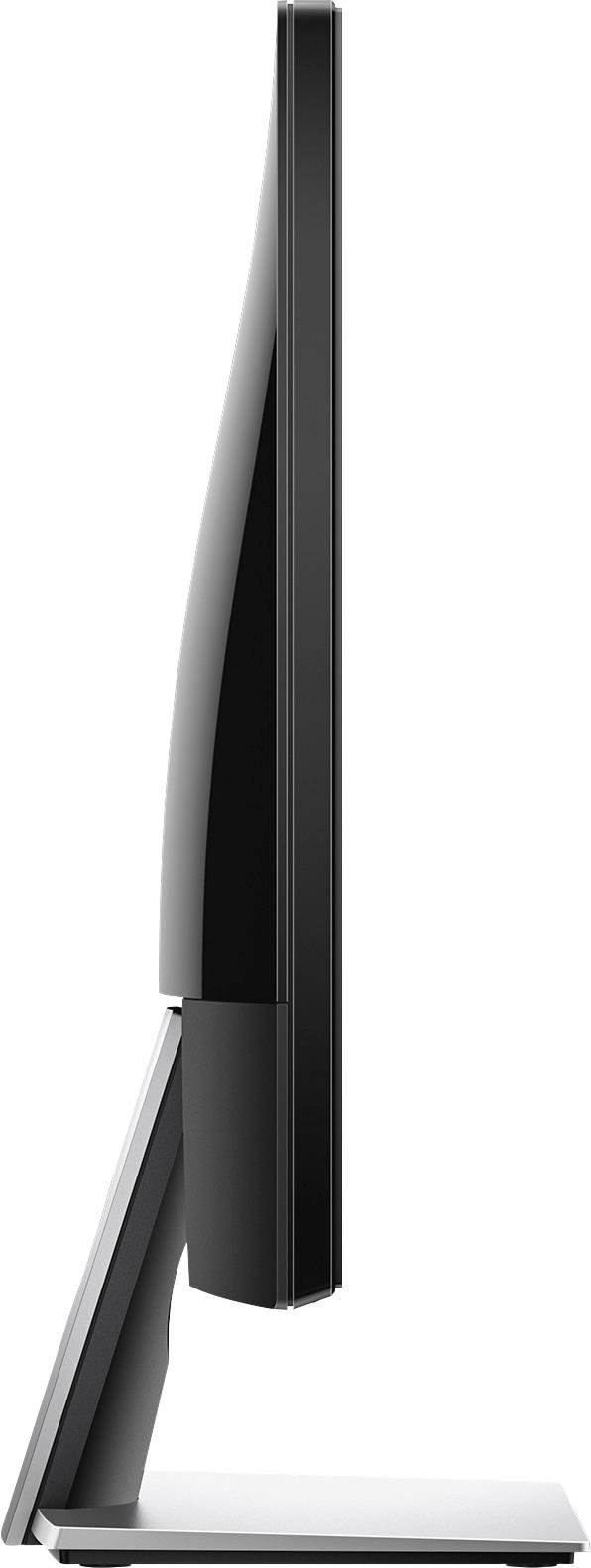
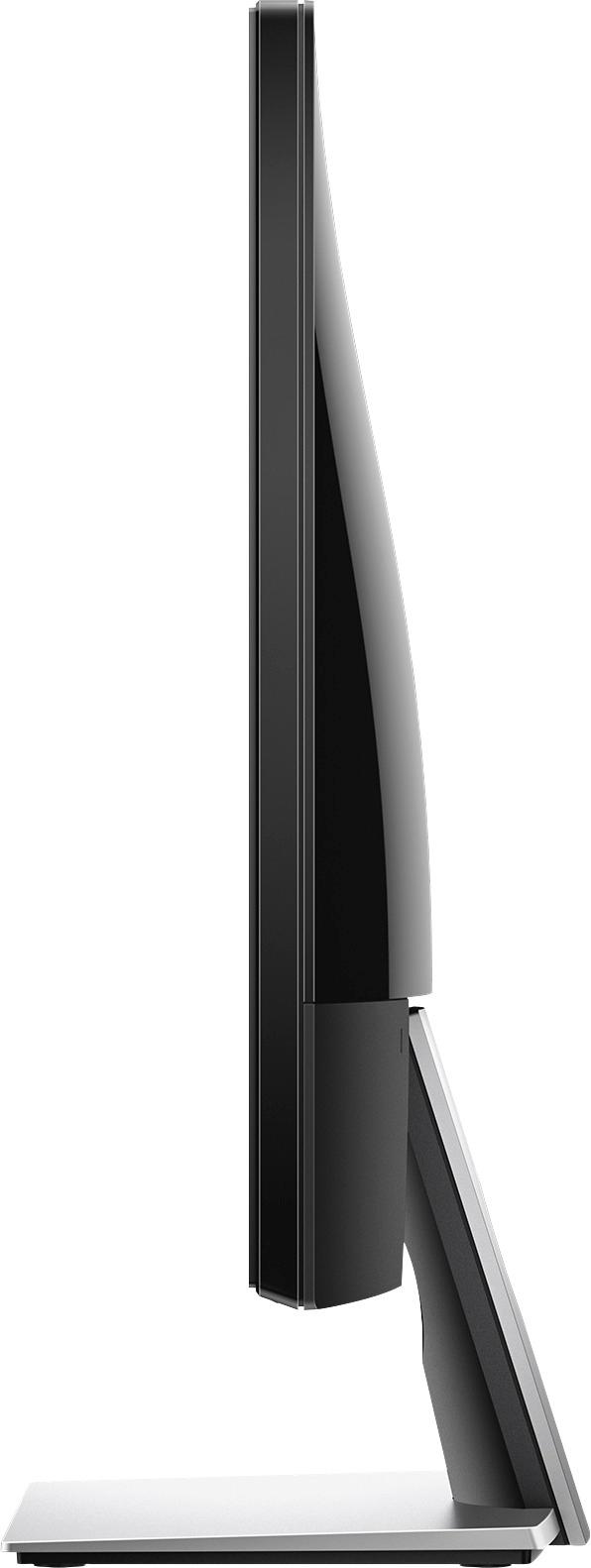
A:AnswerThis cannot be wall mounted as is. There are no vesa holes on the monitor. You can find aftermarket adapters on other sites (i.e. Amazon) that claim to fit and make it mountable to industry wide vesa standards, but since they are aftermarket parts you will have to use your own judgement.