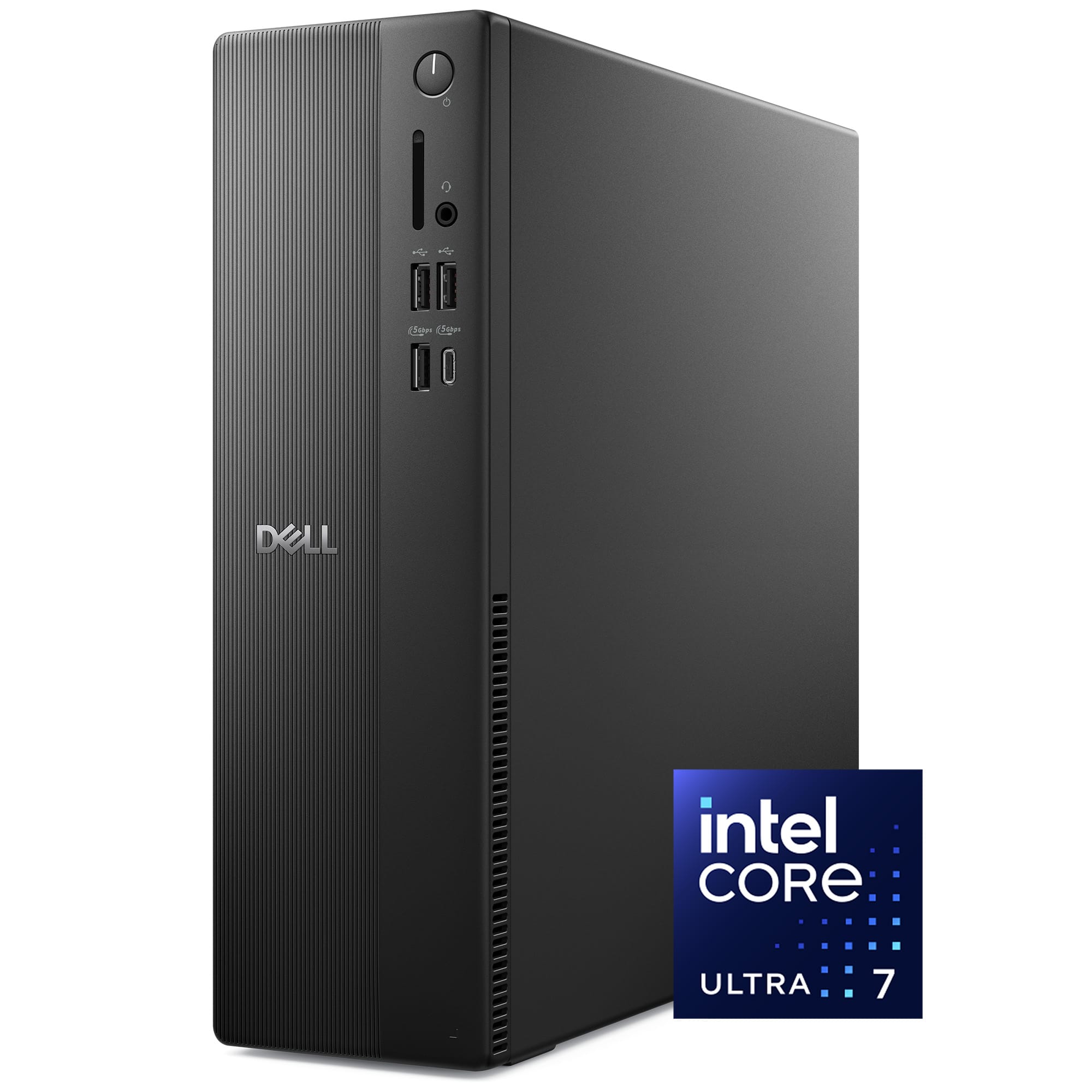
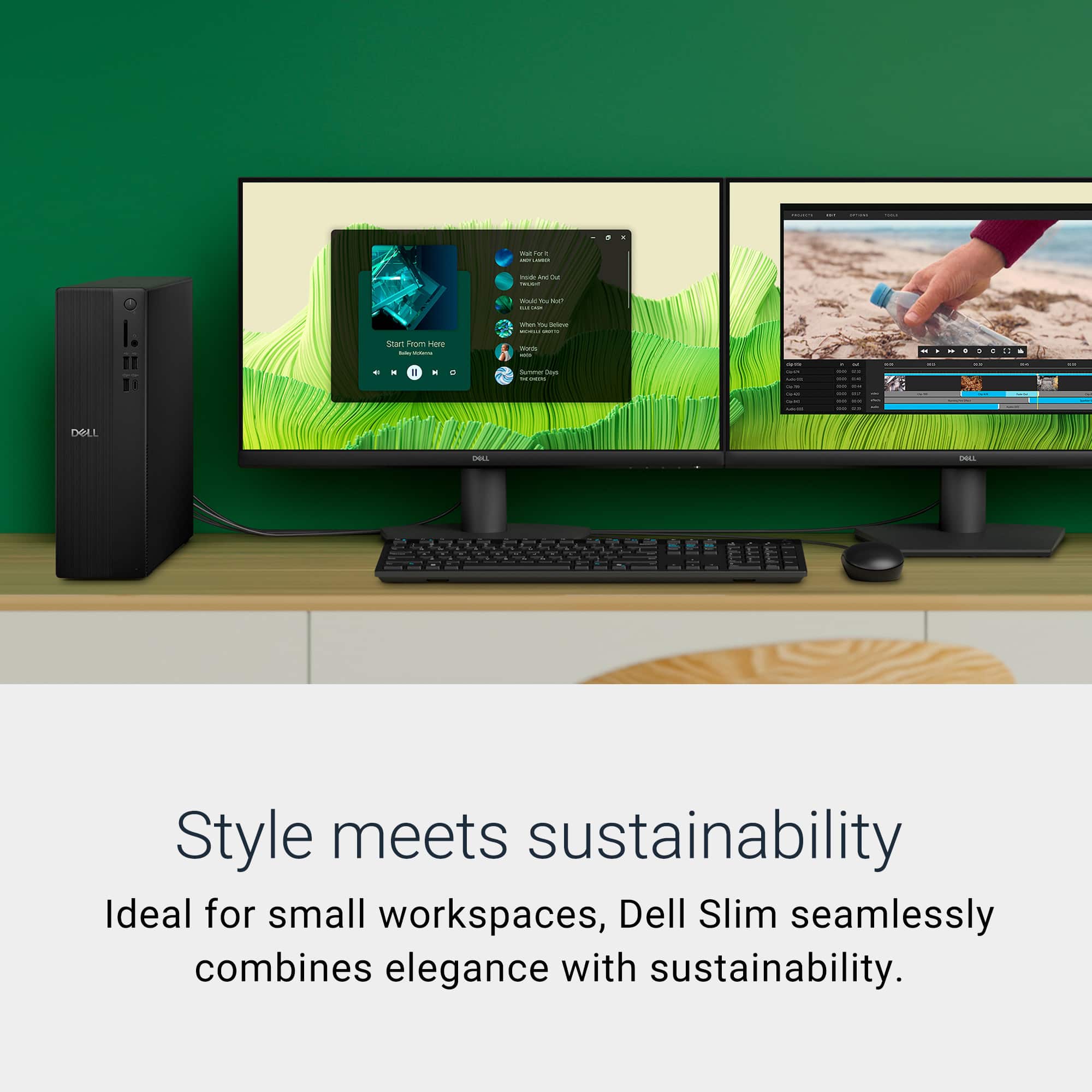
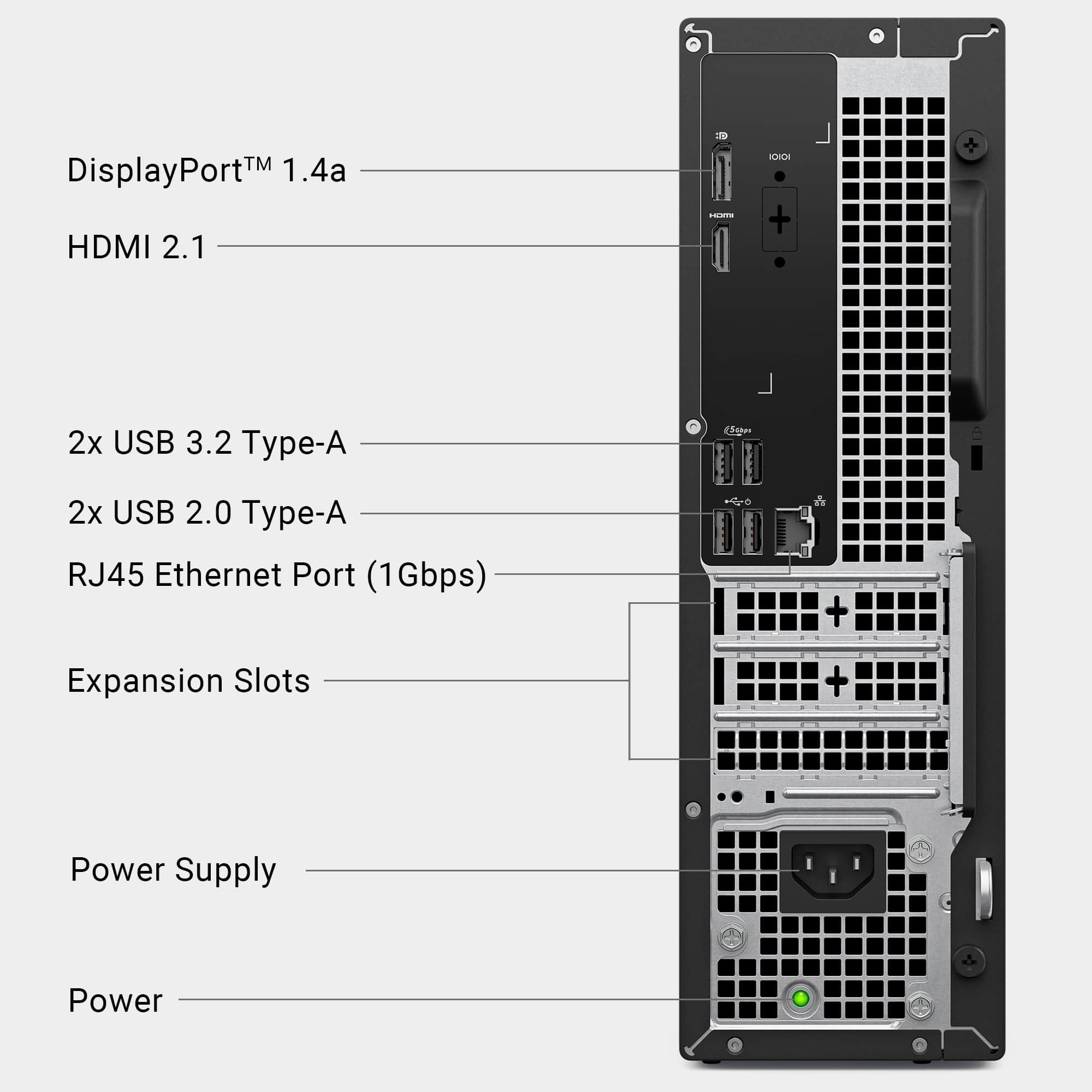
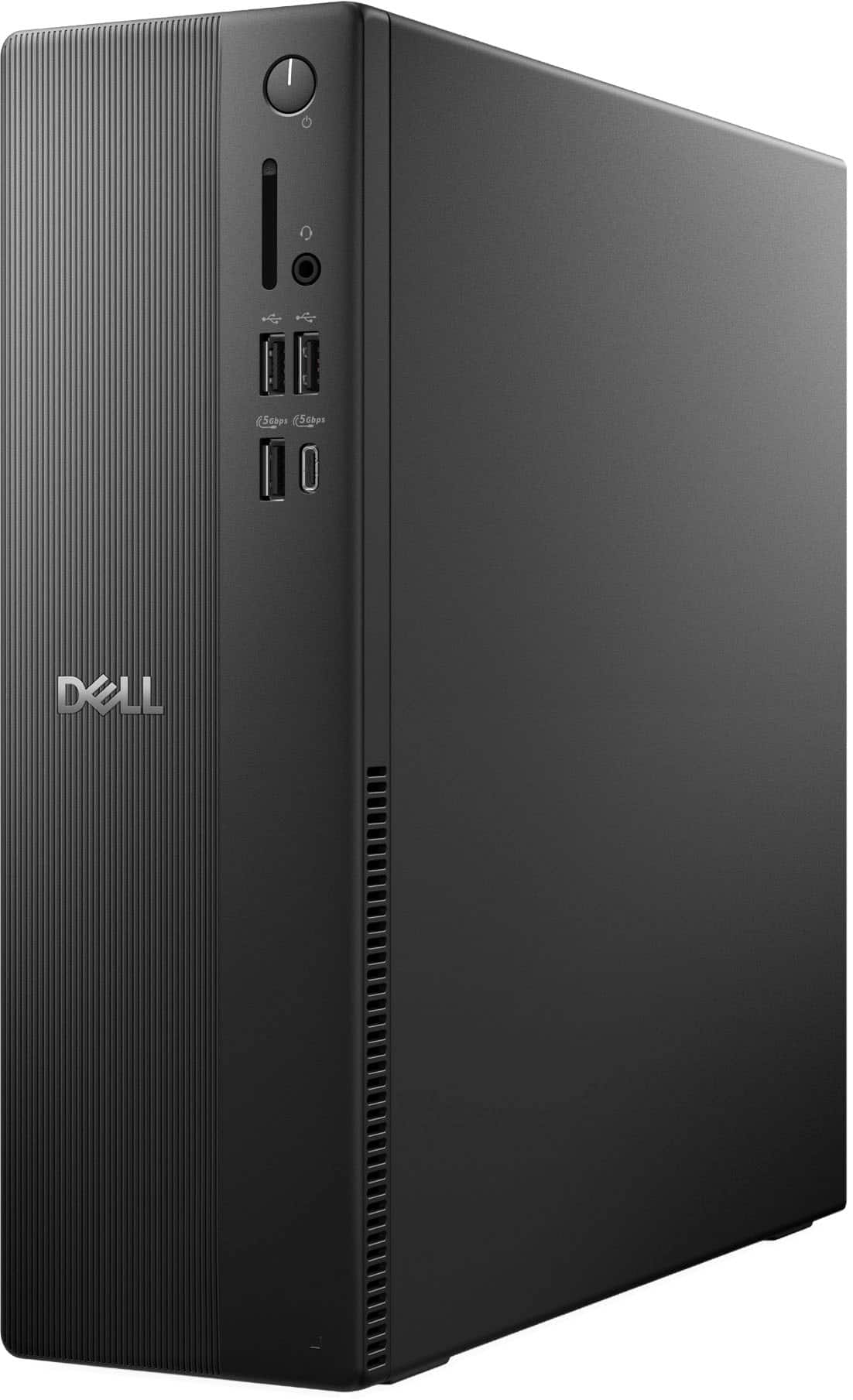
A:AnswerI see no reason you can't use it on its side. (My Dell 3670 tower has operated like that for years.) Just be sure you don't block the ventilation grilles with anything parked on top of / around it.
A:AnswerUnfortunately, this is a Microsoft Windows aggravation that Dell can do little to alleviate. Migrating DATA is not hard, but migrating PROGRAMS almost always requires re-installation from scratch. You will likely need new Windows 11 drivers anyway for your existing hardware - printers, cameras, scanners, etc. - and you should take time to review what programs you really want and will use on the new computer.
There are programs "out there" on the internet that advertise easy migration, but I have no indication that they work well.
My suggestion: install your "keeper" programs fresh on the new computer, and copy over your data on flash drives, a network connection, or temporarily using your old hard drive as a secondary USB or SATA drive. Keep your old machine intact and mothball it as a working backup in case things go wrong.
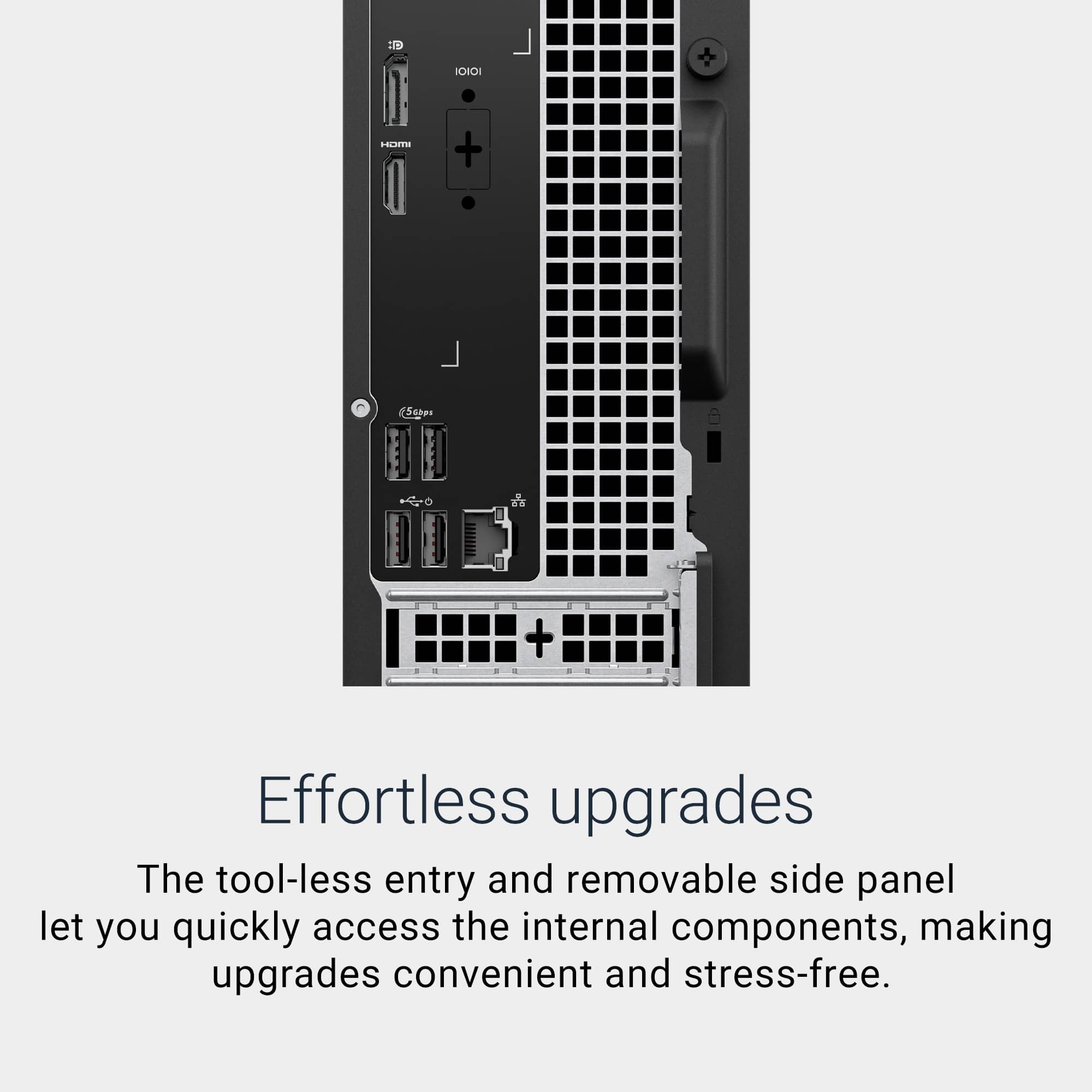
A:AnswerThe RAM is supposed to be removable and upgradeable. Only two slots total, but factory specs claim it can handle 64 GB. The hard drive is a 1 TB M-series SSD which will have to be cloned to a different drive before you swap it out.
Despite the Dell claims, there is no provision for a second internal hard drive unless you buy a $45 adapter and cable from Dell through a business or personal account.
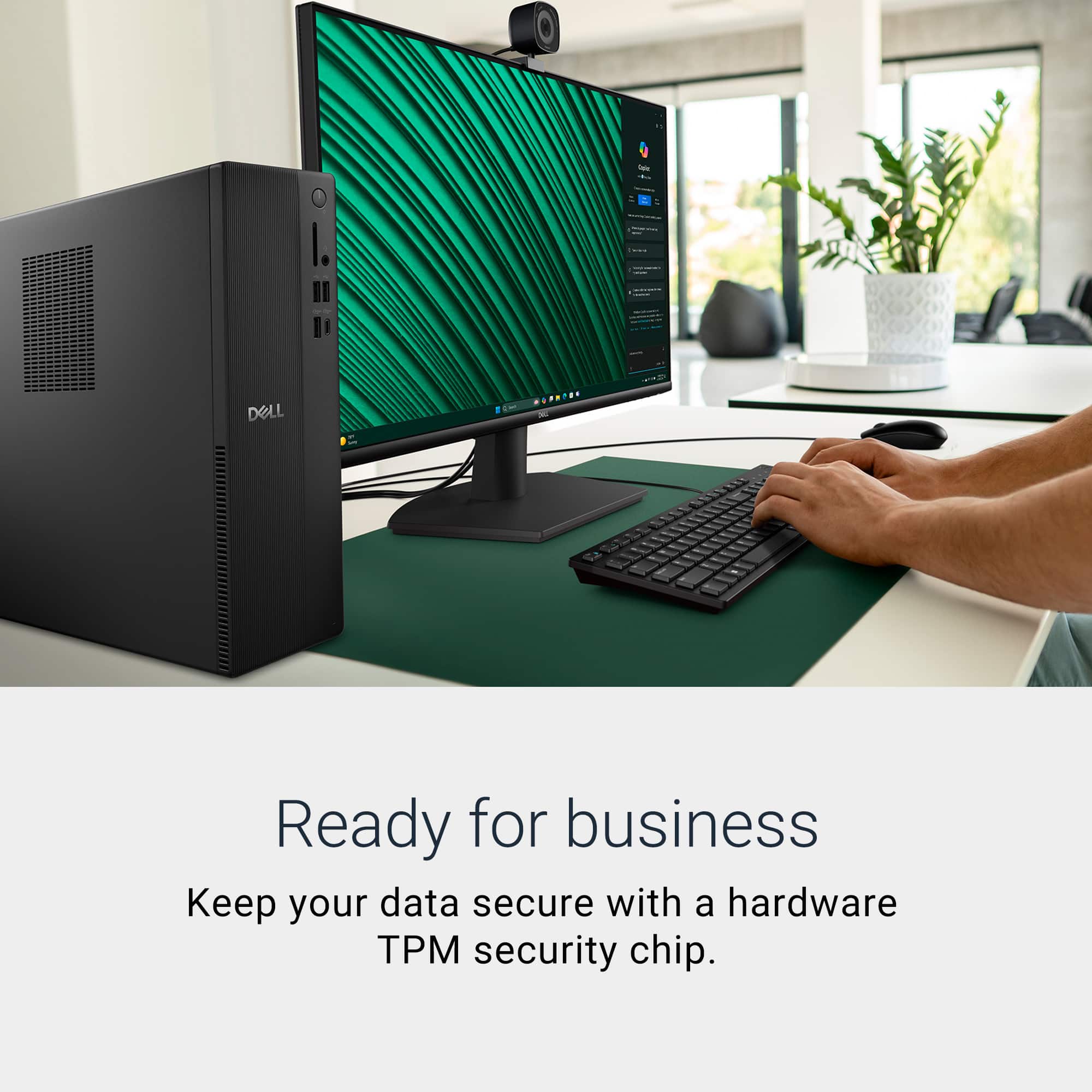
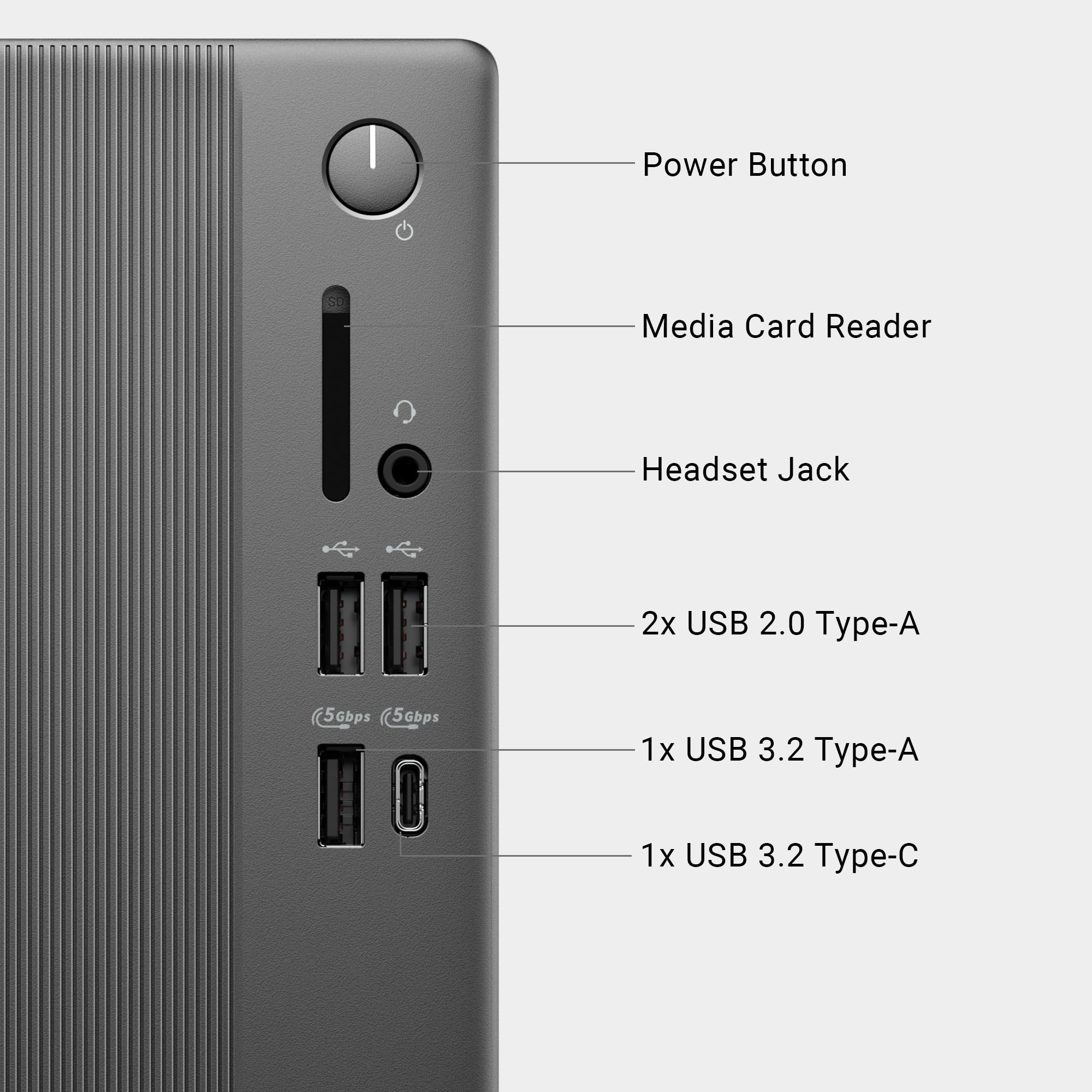
A:AnswerIt comes with a wired keyboard and mouse, which I am using, but should be able to accept a blue took keyboard and mouse if one is available. I attached a blue tooth speaker and seems to work fine.