A:Answerif your smart phone is less than 4-5 years old, you should be fine, could experience lag or phone getting hot but newer the smartphone, the better. iPhone preferred any day over android.
A:AnswerYou use the provided cables to connect your phone to the controller. The cable you use depends on the type of phone you have and the type of connection it uses (usb-c, lightning, microusb, etc). Then the controller connects to the drone through wifi (make sure your wifi connection is on in your phone). Make sure you have the latest version of the app and download any firmware updates that are available.
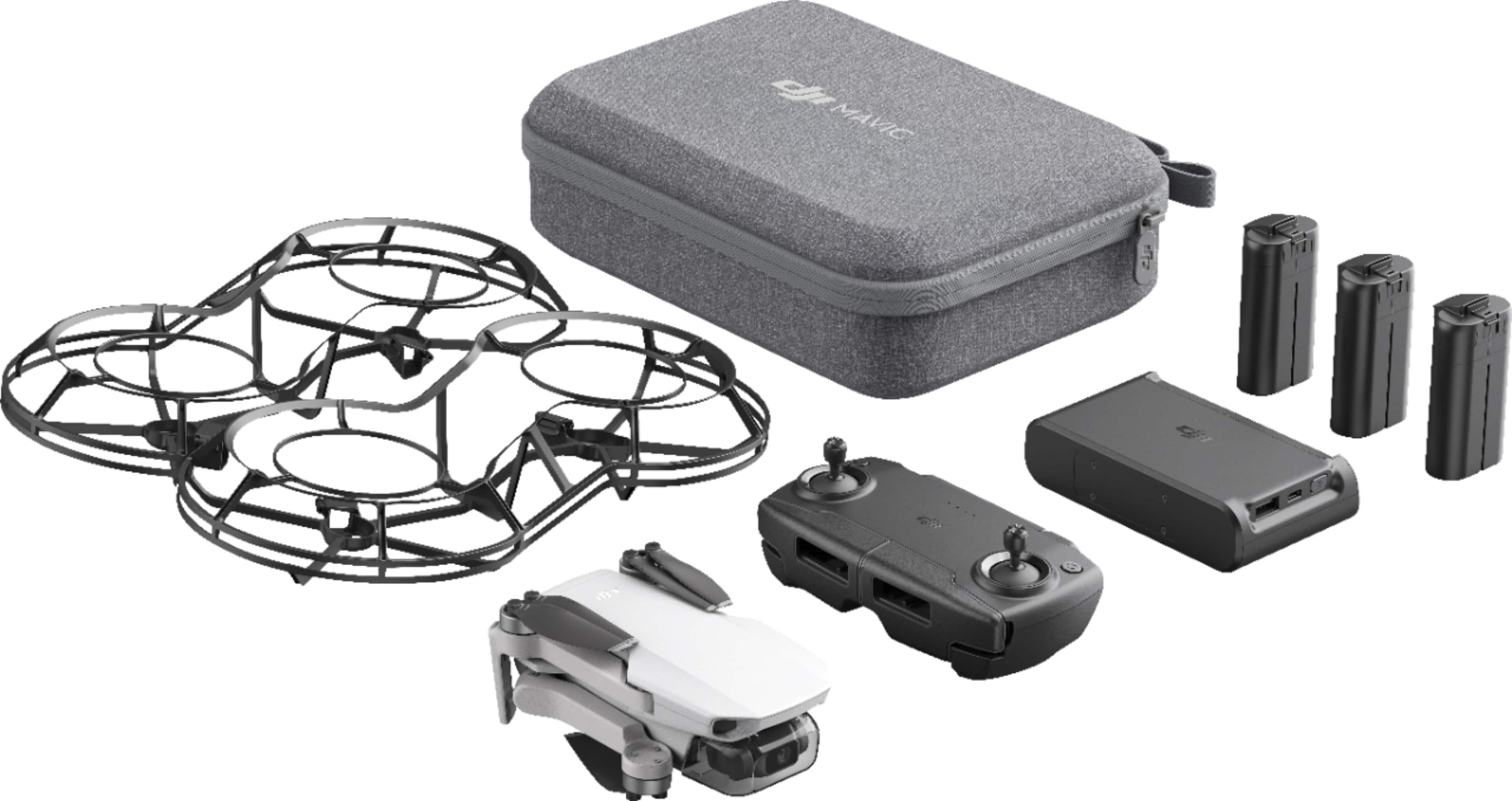
A:AnswerIt comes with a cable to hook up a s10 to the controller so I would assume it would? I’m a Apple user snd I believe dji is more android friendly by the way there fly apps work with android verse Apple so I bet it does work with s10?
A:AnswerThe drone weighs a 112 grams I believe with battery how much does your phone weigh? And how are you gonna attach it what is the weight of that? There’s not much of a payload maybe you can fly her a kite string attached to the phone and she can pull it up?
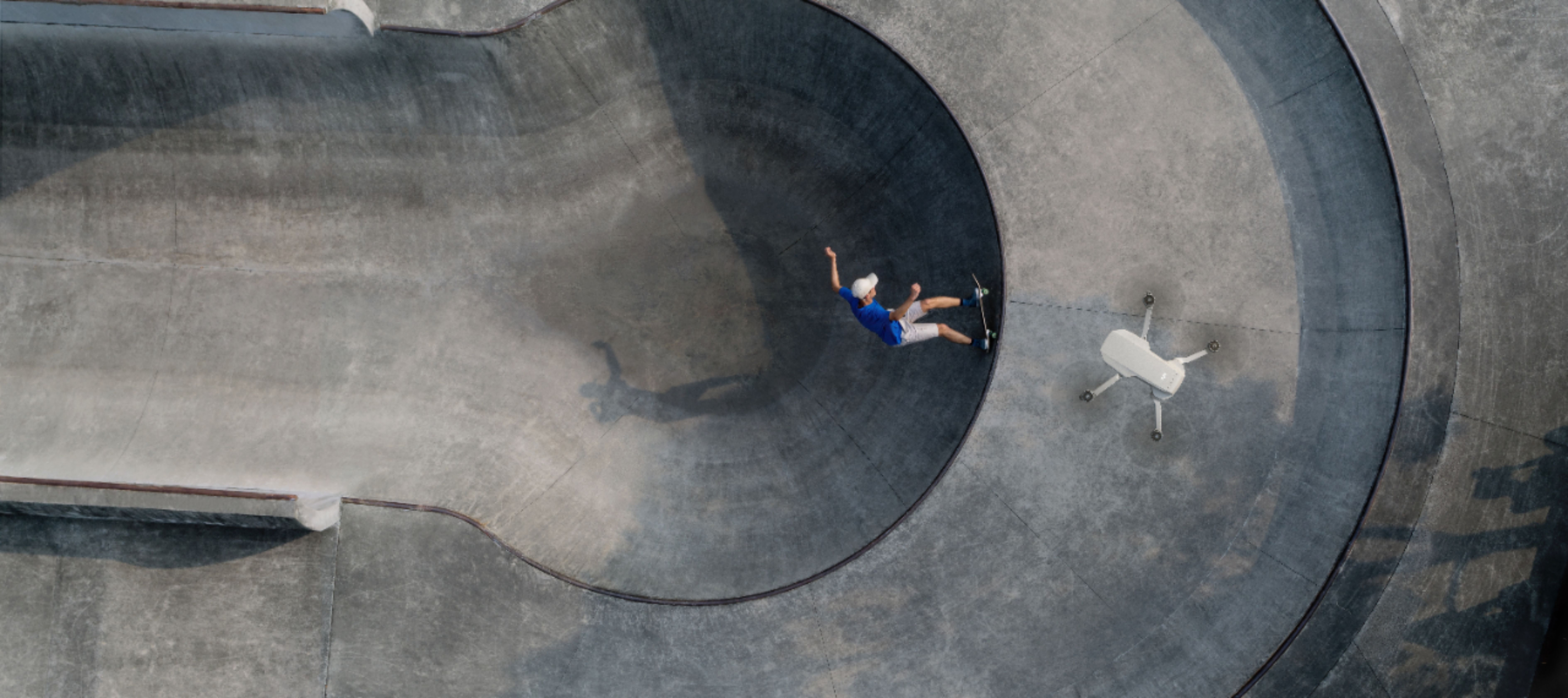
A:AnswerIt has 4 pre-programmed patterns that can be used for capturing cool shots. It also has different distances in those modes so you can shoot closer or further away from the subject. Also, it does have the fly home option. Beware if you are close to any airports because DJI has set up where it will not let you take off if you are in certain areas. Overall an awesome drone that gives a great deal of functionality at a great price point.