Questions & Answers
- Model:
- B010101
- |
- SKU:
- 5873517
Highly rated by customers for: Ease of use, Coverage, Speed
Page Showing 181-186 of 186 questions
Q: QuestionWhich printers are compatible with this eero wireless router?
Asked by Noelle.
- A:Answer Do not use HP wireless printer. I spent a day and half trying to troubleshoot mine. No one had the answer until I discovered that eero is not compatible with WPA and WPS networks. The company (eero) considers them "unsecure" and won't support them.
Answered by Anonymous
Q: QuestionCan you plug a eero - Pro Mesh WiFi System into a power strip?
Asked by JC1NYC.
- A:Answer Yes. These are not devices that share their signal through a home’s wiring; they only get power to operate their wired (in the eero Pro) and wireless services from the outlets. The outlet type is immaterial to operation.
Answered by SalisburySam
Q: QuestionWith eero pro (2ea) do you need a modem as well? Thought I saw the specs saying that a modem is intergrated on the eero Pro. I’m a bit confused. Also, I have 2000 sq ft home - 1 level, would 2 pack be enough or would I need a 3 pk ? And no modem, right?
Asked by Lifeloving.
This question was asked about the related product: eero - Pro Mesh WiFi System (2 eeros), 2nd Generation - White
- A:Answer It still uses the modem. Most modems have wifi built into them, which you would turn off. Whether you will need two or three depends on how your place is constructed.
Answered by StyxKilroy
Q: QuestionI do not own a cell phone. Can I buy and use Eero or Eero Pro anyway ? Thank you.
Asked by Monika.
- A:Answer Technically no because you need the app to setup the system. Without the app, there is no way to setup the system
Answered by Baylorhudson
Q: QuestionWhat is the Wi-Fi download and upload speeds on ATT Fiber (1000 Mbps download / upload service) ?
Asked by bestbuyshopper.
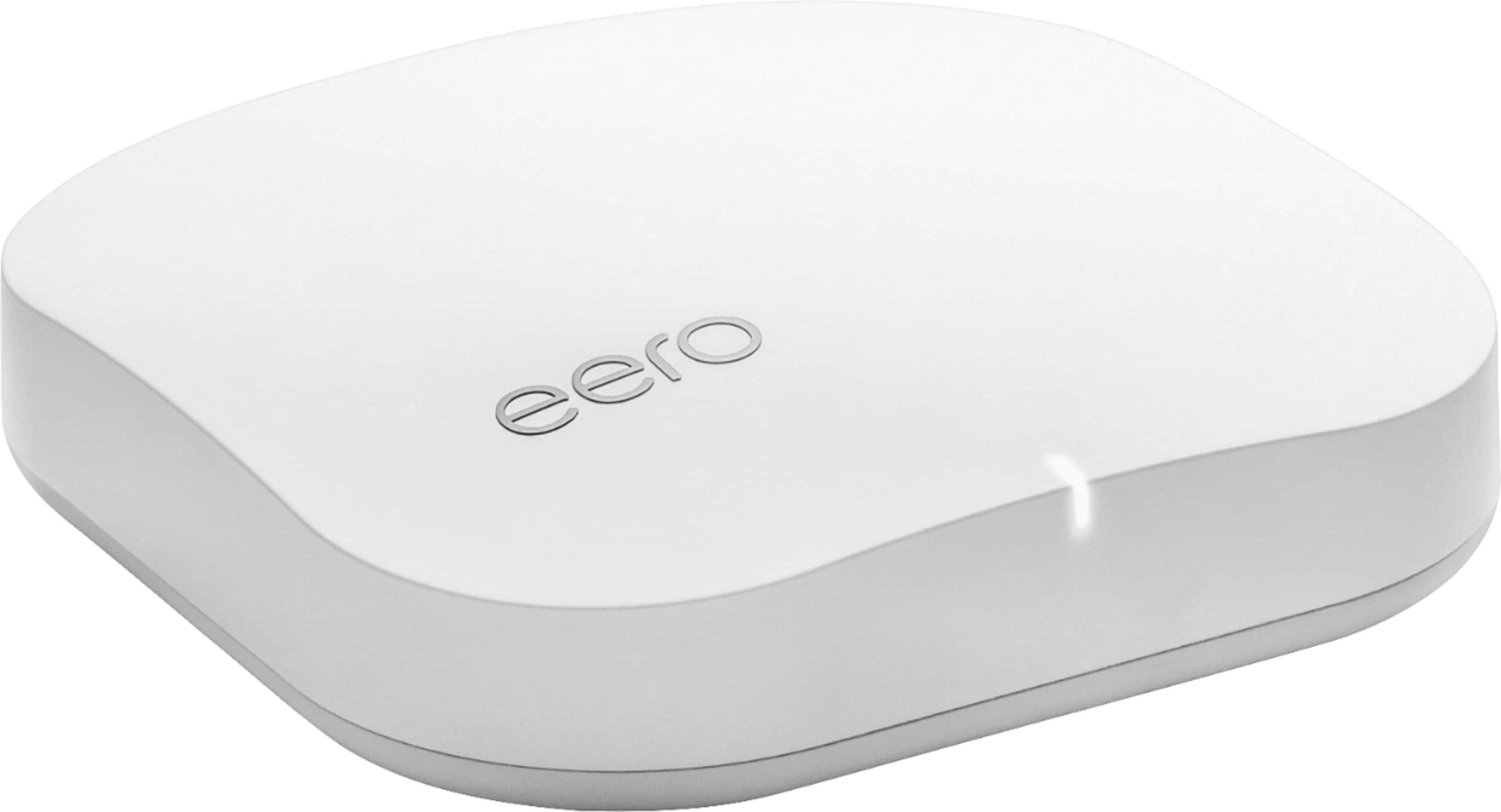
- A:Answer WiFi speeds will be far less than the 1Gbps the device receives from your fiber service. The actual speeds depend on many factors not related to the eero itself and some that are. For example, the eero’s communicate with each other on WiFi and generate a surprisingly large amount of their own traffic. In addition, any/all of the following reduce your WiFi speeds, some dramatically: number of connected WiFi devices, distance from the eero device, walls or other signal obstructions between the eero and the device, how much of the bandwidth other WiFi connected devices are using, conflicting signals from other sources (wireless phones, microwave ovens, other strong networks in the area). If speed is paramount, connect as many speed-hogging devices as you can as wired Ethernet connections.
Answered by SalisburySam
Q: QuestionOur Uverse set top boxes all connect to our ISP router via Cat5e. Would I be able to connect the eero to the jack at the wall and then connect the set top box to the eero and have functioning TV?
Asked by gc75067.
- A:Answer Yes
Answered by BobDad