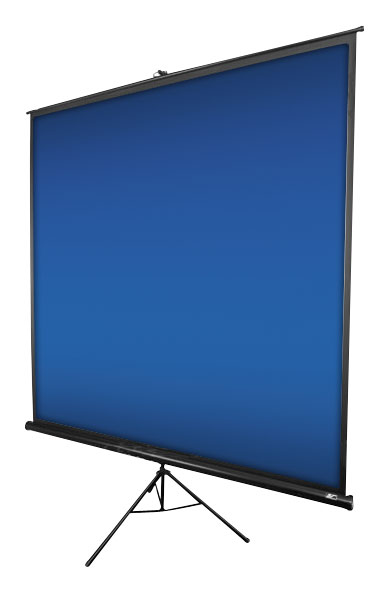
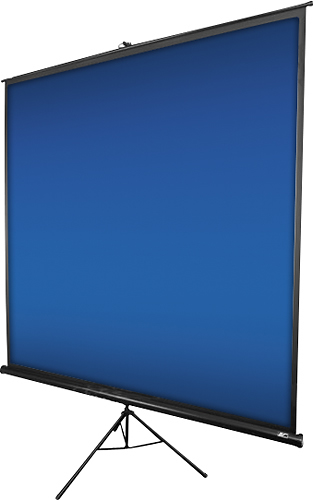
A:AnswerThe setup is fairly easy as the unit and case is all in one. When the unit is ready to store the tripod legs/support pole and screen case are locked in a straight line. There is a latch just above the carrying handle on the support pole. To set up the unit, flip out the latch and rotate the screen case so that it is perpendicular to the tripod legs/support pole making sure that the screen hanging hook is on the top of the case. While holding the case with one hand, reach down with the other hand and separate the tripod legs about six inches, then press down on the top of the tripod legs to completely open and then the unit will be free standing. Pull the screen hanging hook up and over the bar at the top of the support pole. The support pole is telescoping and has a knob to adjust the height. You can also adjust the height of the screen by opening the flip latch above the handle then closing to lock the screen position.
When you get ready to pack pack up, unhook the screen and slide back into the case. Then lift the case off the floor and reach down and pull up on the tripod legs to close them. Then rotate the case so that the end of the screen case with the hole is pointing up. The bar on top of the support pole has a tab that fits into the hole on the end of the screen case. You can adjust the pole height to make it fit snugly. Lastly, open the flip latch above the carrying handle to adjust the length of the tripod legs/support pole to be the same length as the carrying case then close the latch to lock and it is ready to transport.
This is a very nice case for the money. We purchased this case for our monthly meetings and it sets up and packs up quickly and is easy to transport. The case, support pole and tripod legs are all metal but still light enough to carry. The specifications say the unit is 14.4 lbs but I weighed our unit and it weight 13.4 lbs. The closed unit is 68" long so it may not fit well in a small compact car but I have a small SUV and just fold down one seat and it fits just fine.
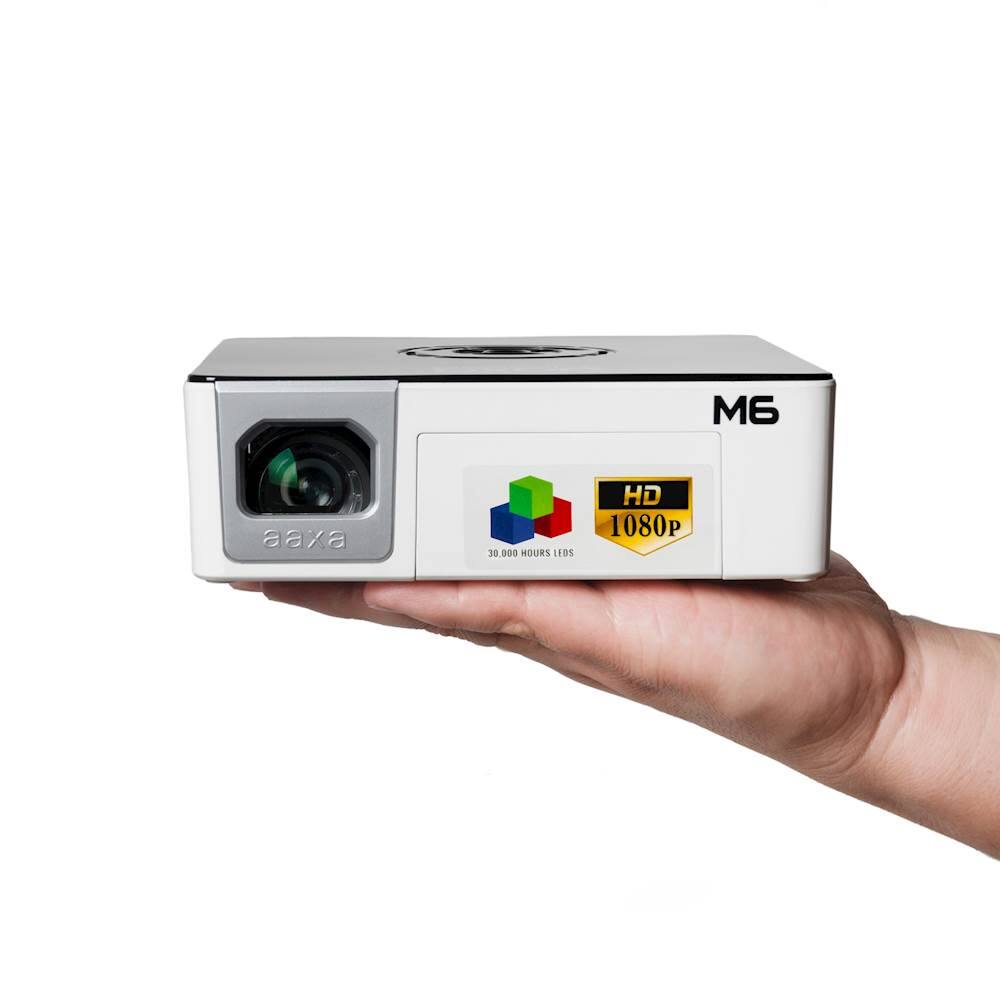
If you are looking for a projector to use with the screen, we purchased the aaxa M6 Pico Projector and it is amazing! Very small and also comes with its own carrying case and has an extremely bright display that can be seen with or without the lights on. The color resolution is great for our meetings which are usually just powerpoint presentations. If you are wanting to project high resolution movies it is probably not the best for that but it works great for our meeting presentations. The best thing is that because it is LED, we don't have to wait for the bulb to cool down when our meetings are over. Note: The description for the projector is confusing because it says Black/White but that is the color of the projector not the display.
A:AnswerWe purchased the aaxa M6 Pico Projector and are very pleased with it. We use it to display powerpoint presentations at our meetings and it can be seen very well from the back of the room even if the lights are on. The graphic display quality works well for our meetings but probably not the best for displaying high resolution movies or videos. Because it is LED we don't have to wait for the bulb to cool off, we our meetings are over we can just pack it up and go. I have worked with the traditional projectors for business meetings and it was always a pain to have to wait for the bulb/unit to cool off before packing up after a presentation and the replacement bulbs were expensive.