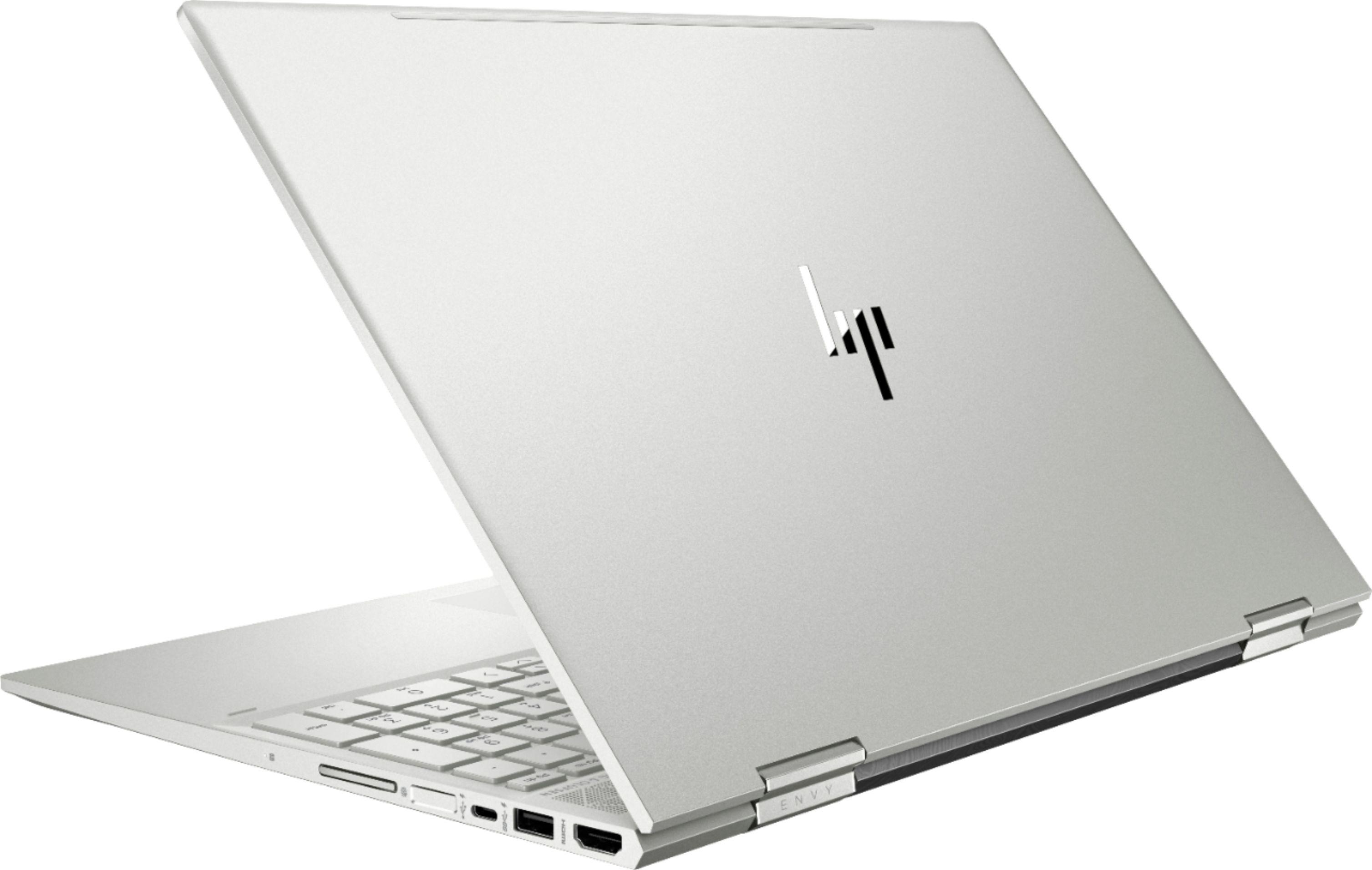
A:AnswerYou can if you use a USB3 or USBC docking station that supports dual monitors, for a total of 3 including the laptop. I know Wavelink makes a model that will work. If you want to go a cheaper rout, then use an HDMI cable and attache a stand alone HDMI monitor to it and you can use both the laptop monitor and the HDMI monitor for a 2 monitor configuration.
A:AnswerThank you for reaching out. The specs for this machine should easily be able to reach 60fps on WoW and World of Tanks on lower or medium settings. If you really want to step up performance you should look for a model with a GPU.
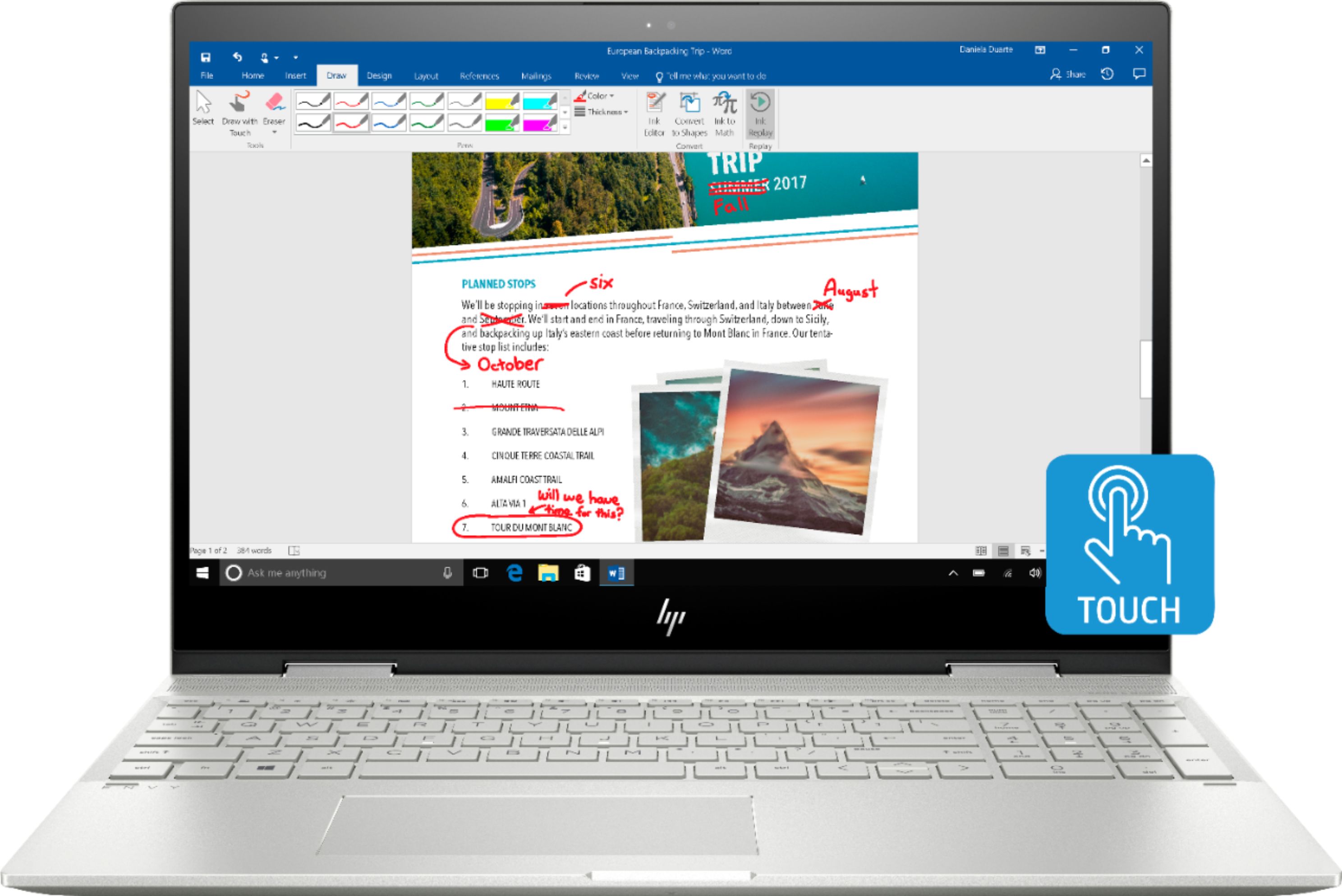
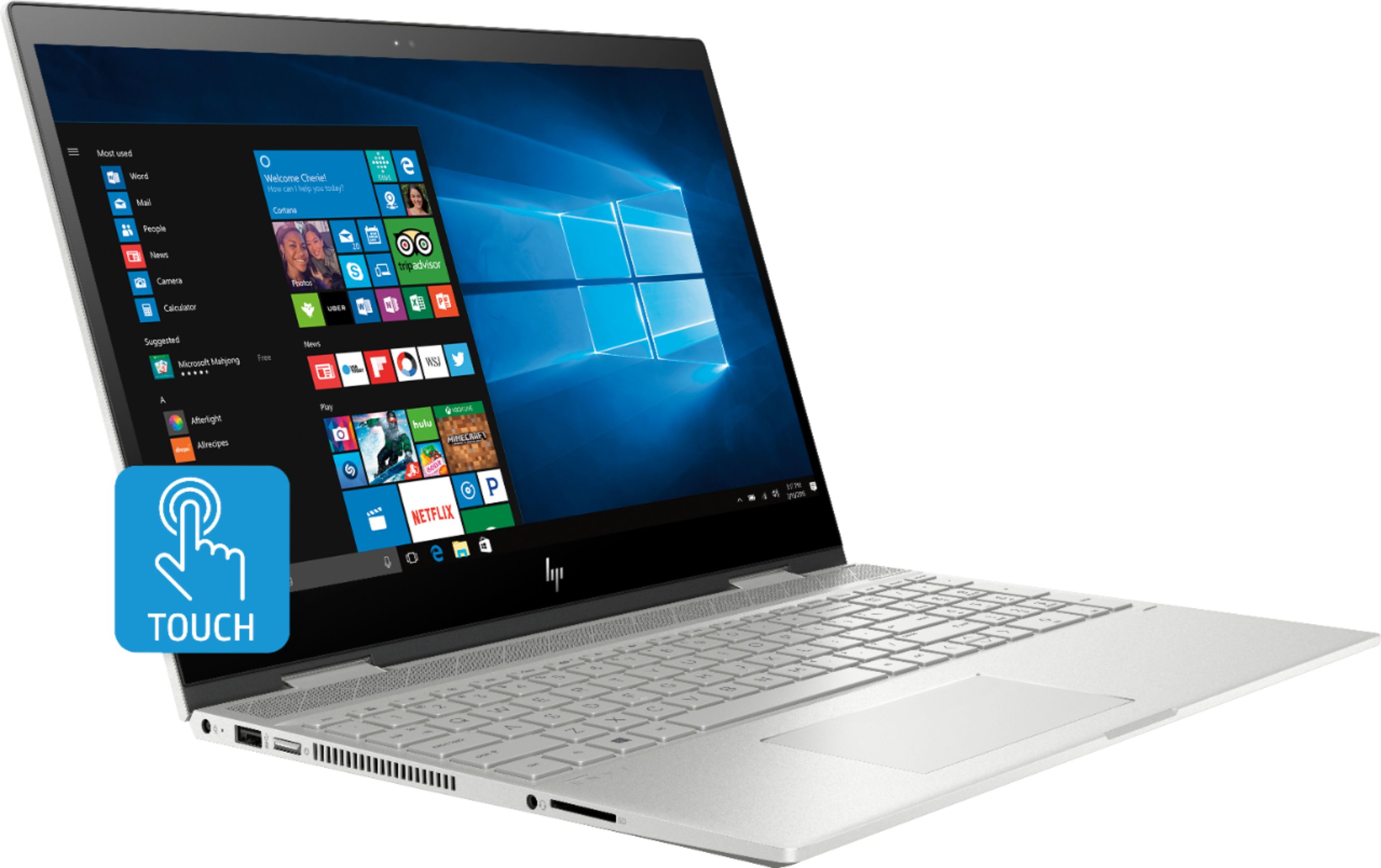
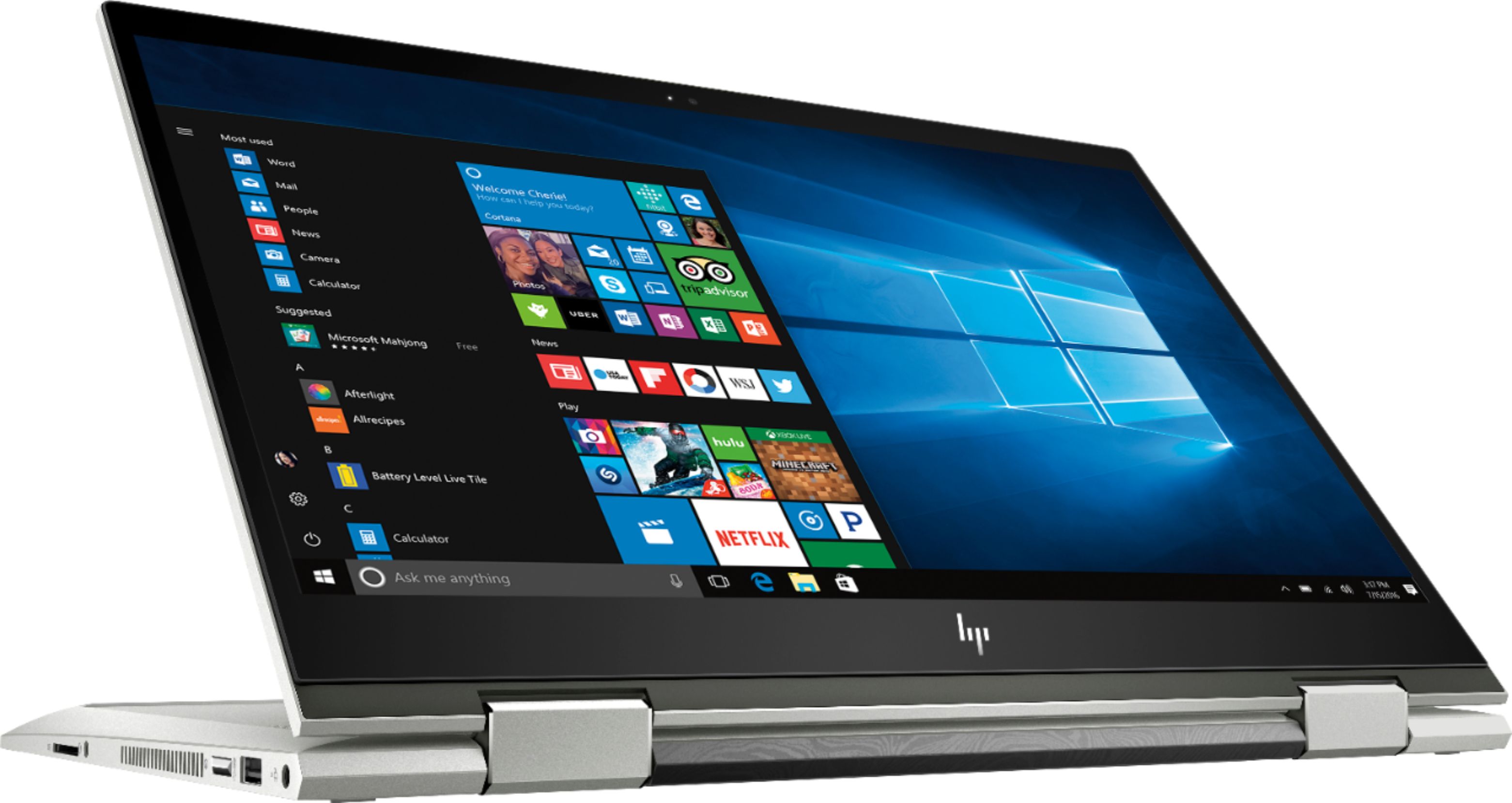
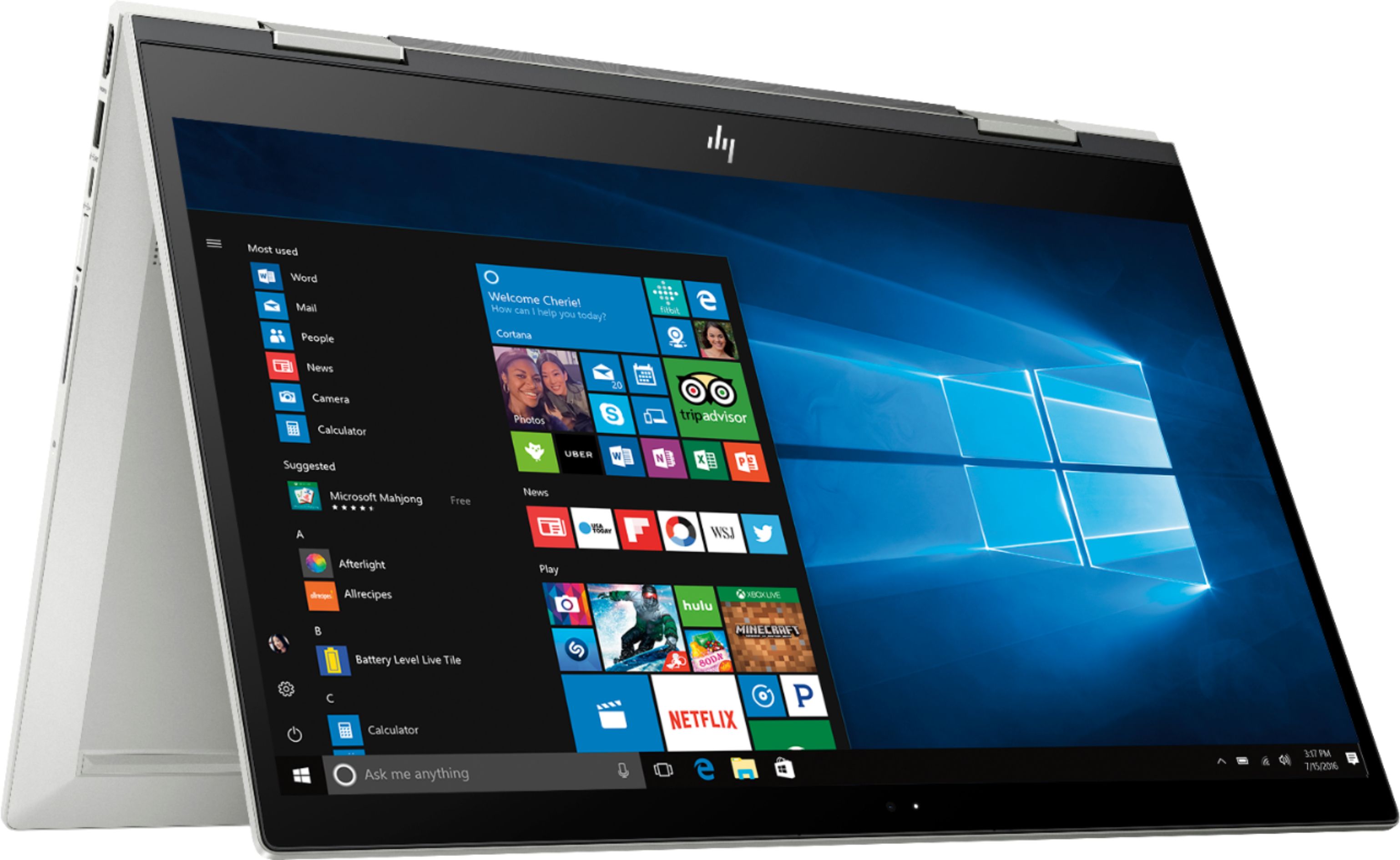
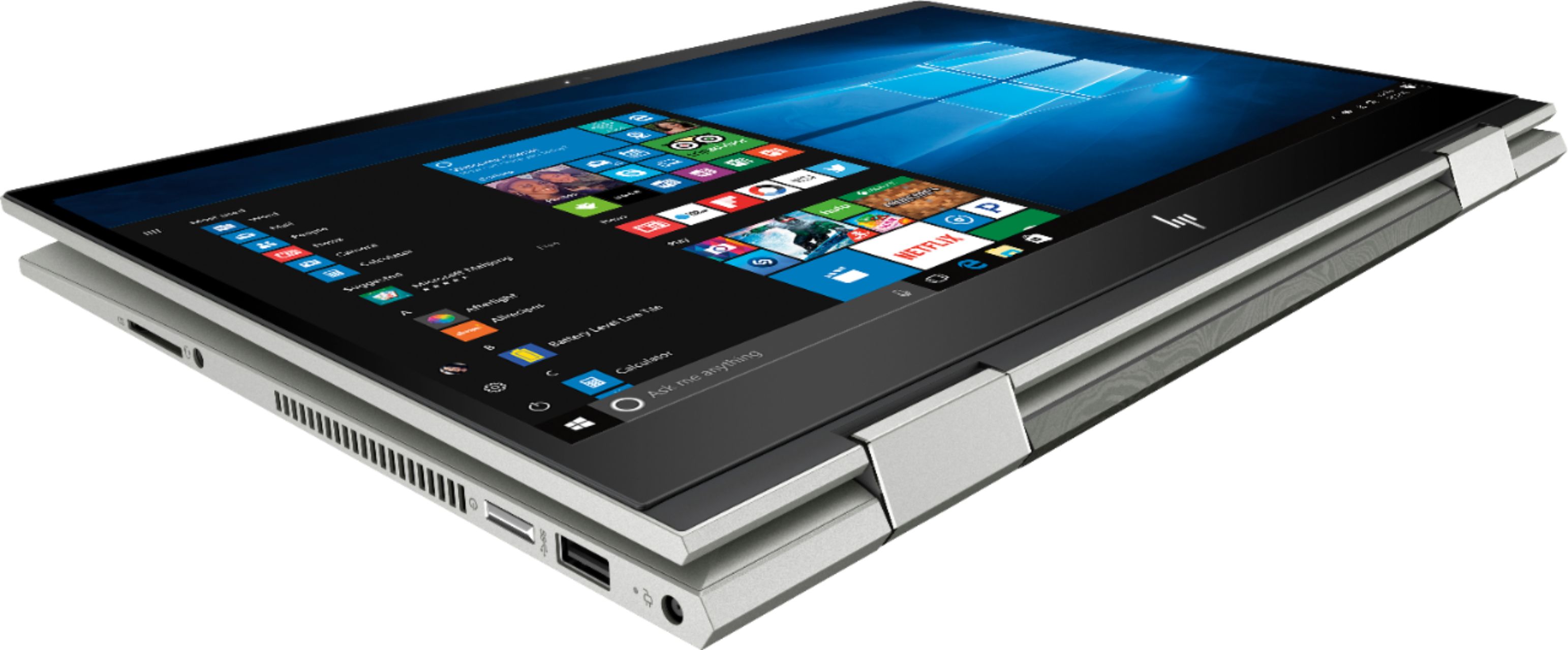
A:AnswerYes. The 2-in-1 is a laptop computer. You can fold the screen back 360degrees to use it in tablet mode. You can use a stylus or your finger on the touchscreen.
A:AnswerThe Processor Base Frequency is 1.60 GHz and the Max Turbo Frequency is 3.40 GHz. But this is a quad core processor with 8 threads so you can't just go by the GHz. The speed is much higher than a dual core processor with the same listed speed, for example.
A:AnswerUnfortunately no; due to the design of the x360 convertible models, there is no space to allow a disk drive. You can use an external disk drive that connects via USB though.
A:AnswerThank you for reaching out. From what I see available in the specs, this model does not have a stylus included. You would want to use a Microsoft compatible stylus like the HP Tilt stylus.