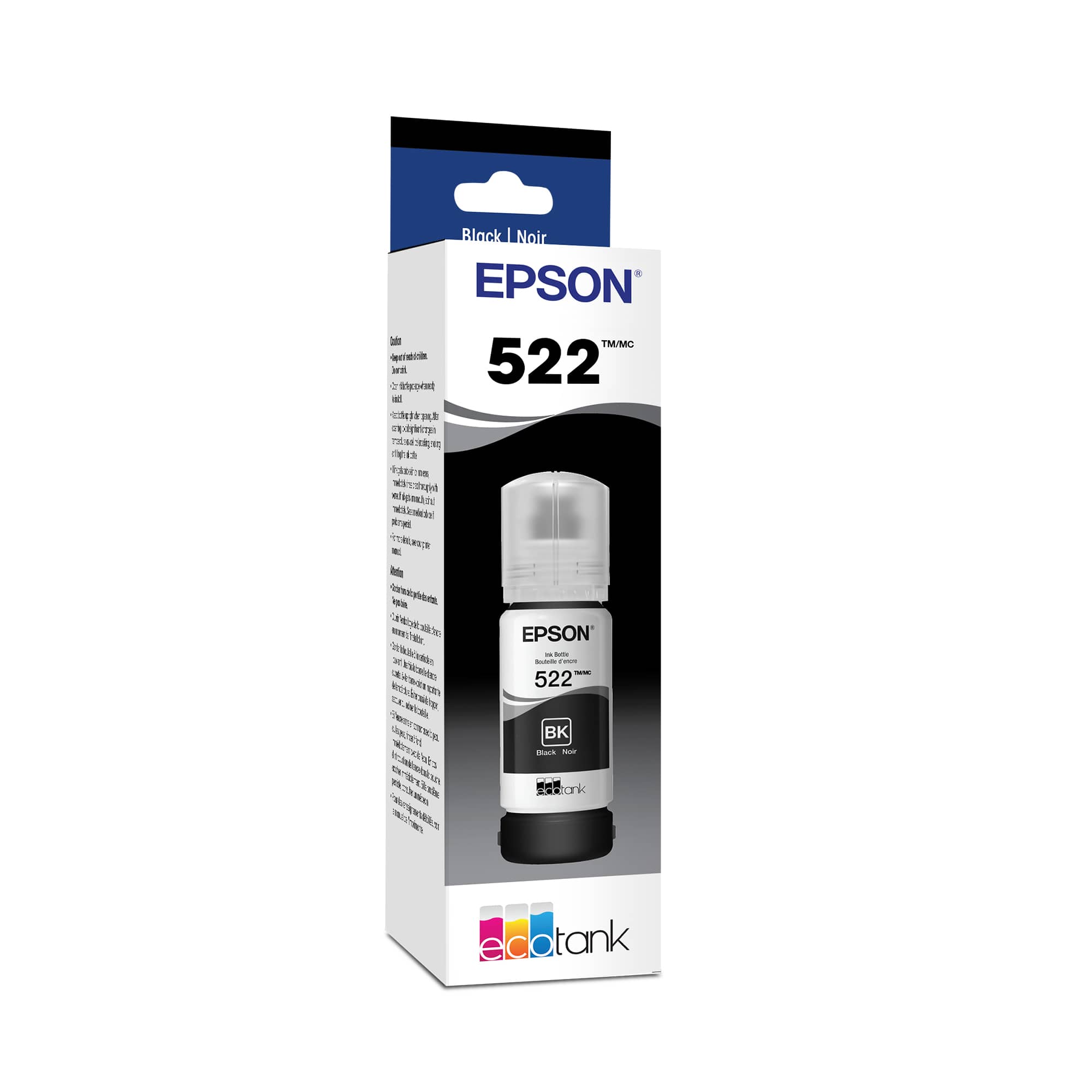
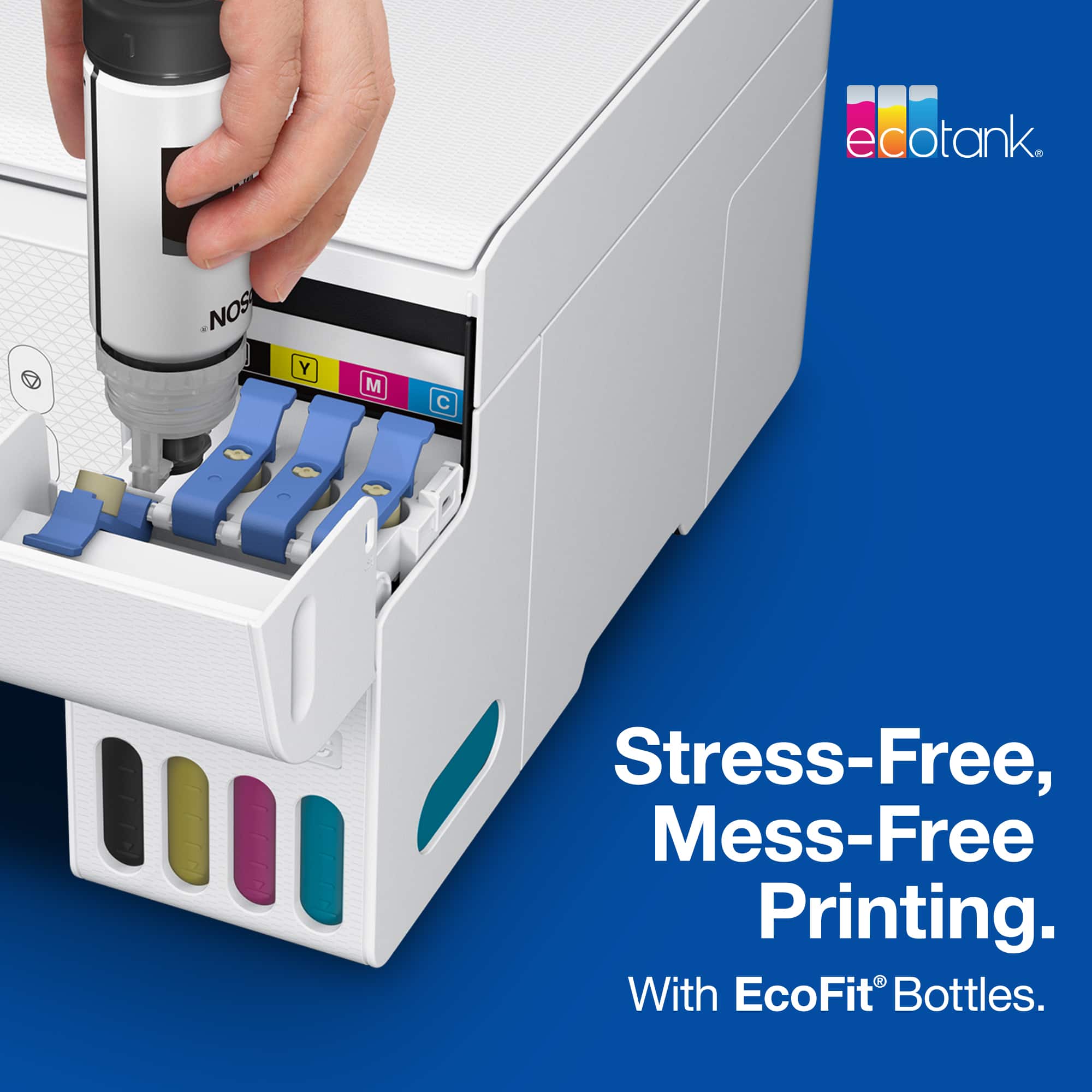
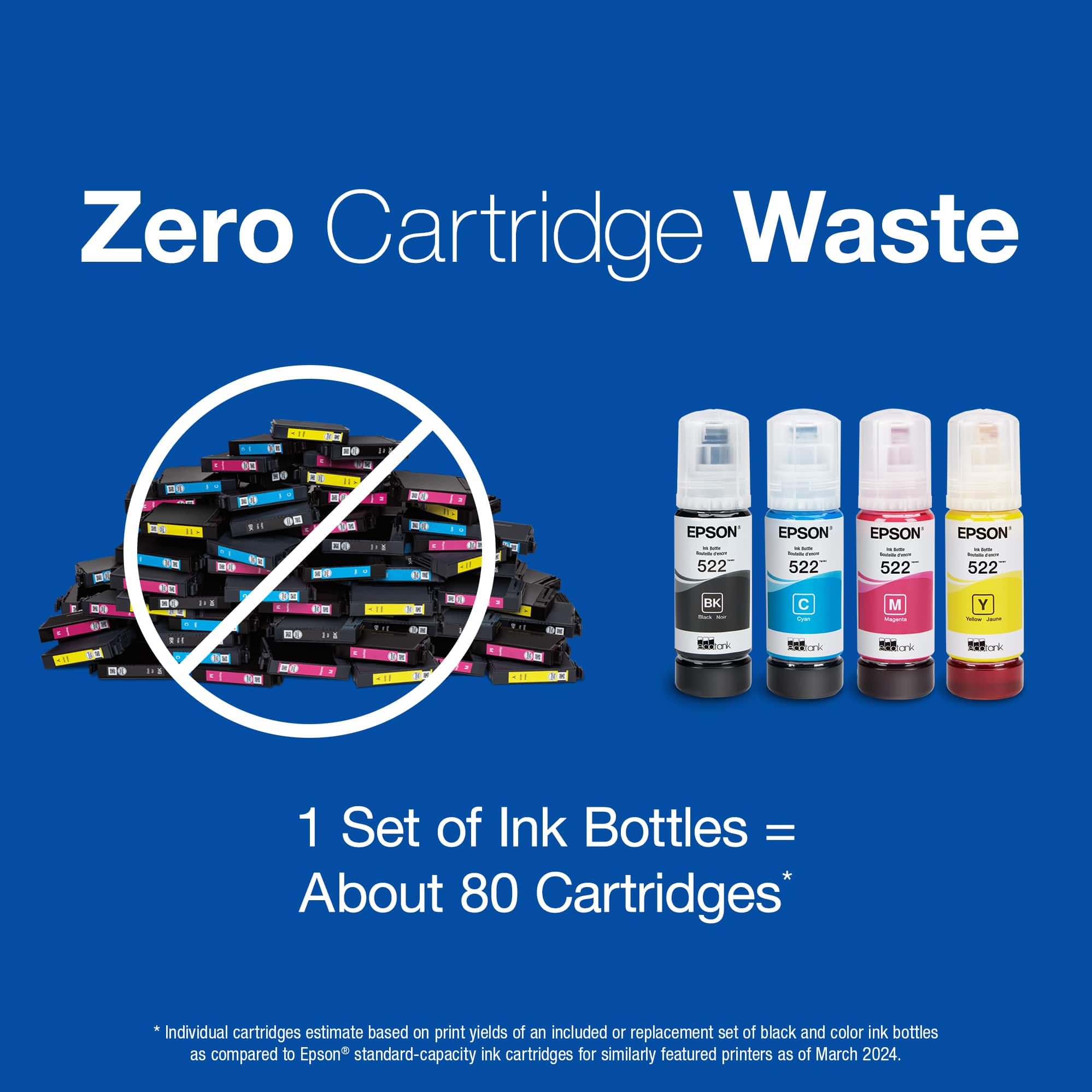
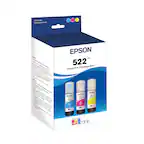
A:AnswerI don’t think you can just fill the Black ink reservoir. In order for the printer to work properly, all four tanks must be filled. It’s important to be careful not to let the ink fall below the lower line on the window of each tank. This can damage the printer. The good news is that the liquid ink for Epson printers with refillable tanks is MUCH cheaper by far to replace than the cartridges for most other printers. I hope that helps.
A:AnswerI don't know how many pages, but I can tell you that I print lots of pages and my tank (which left some still in the bottle to top off later) is still not even down to the 1/2 way mark after 6 months. I would have to buy at least 2 cartridges for my ink jet printer by this time. very economical and works great.
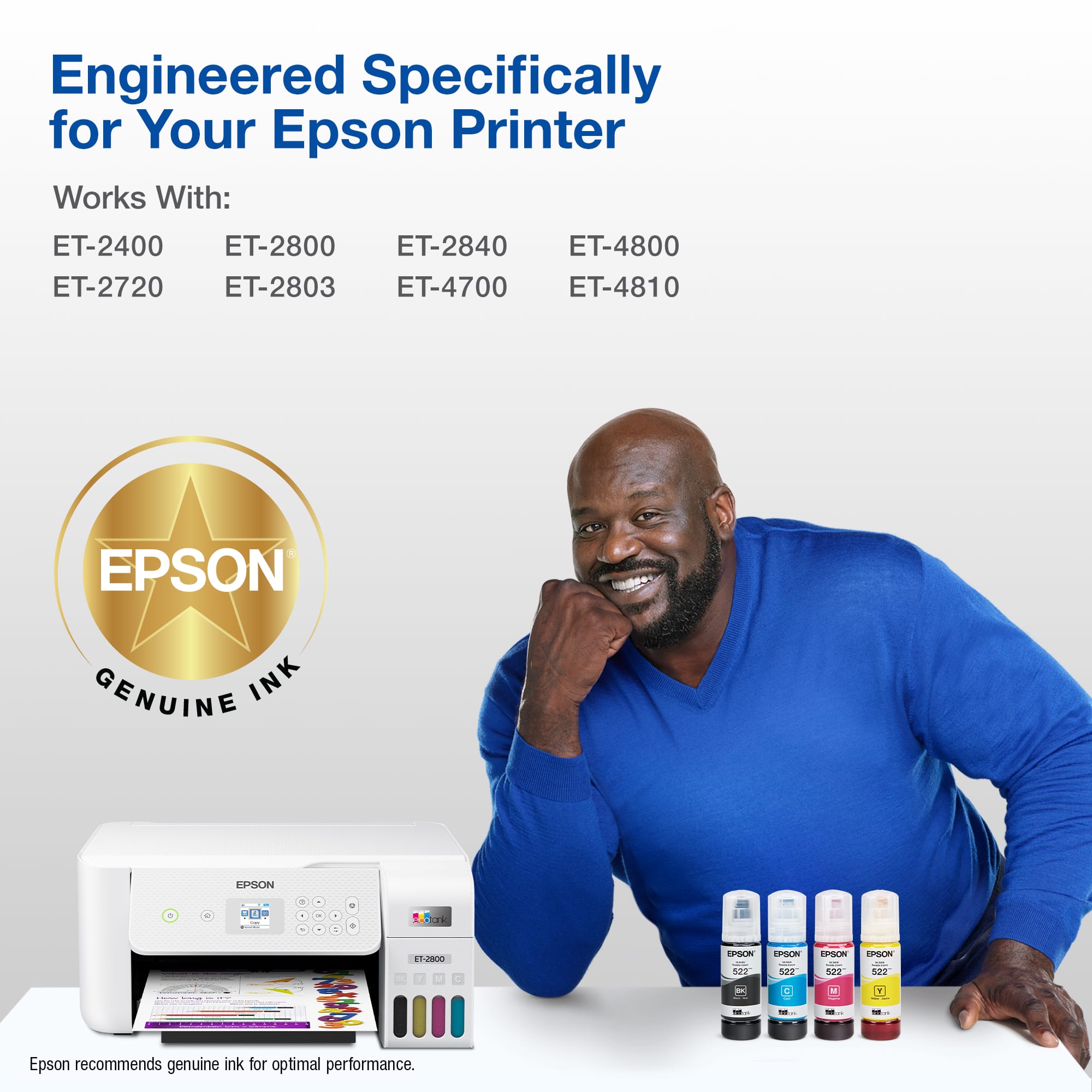
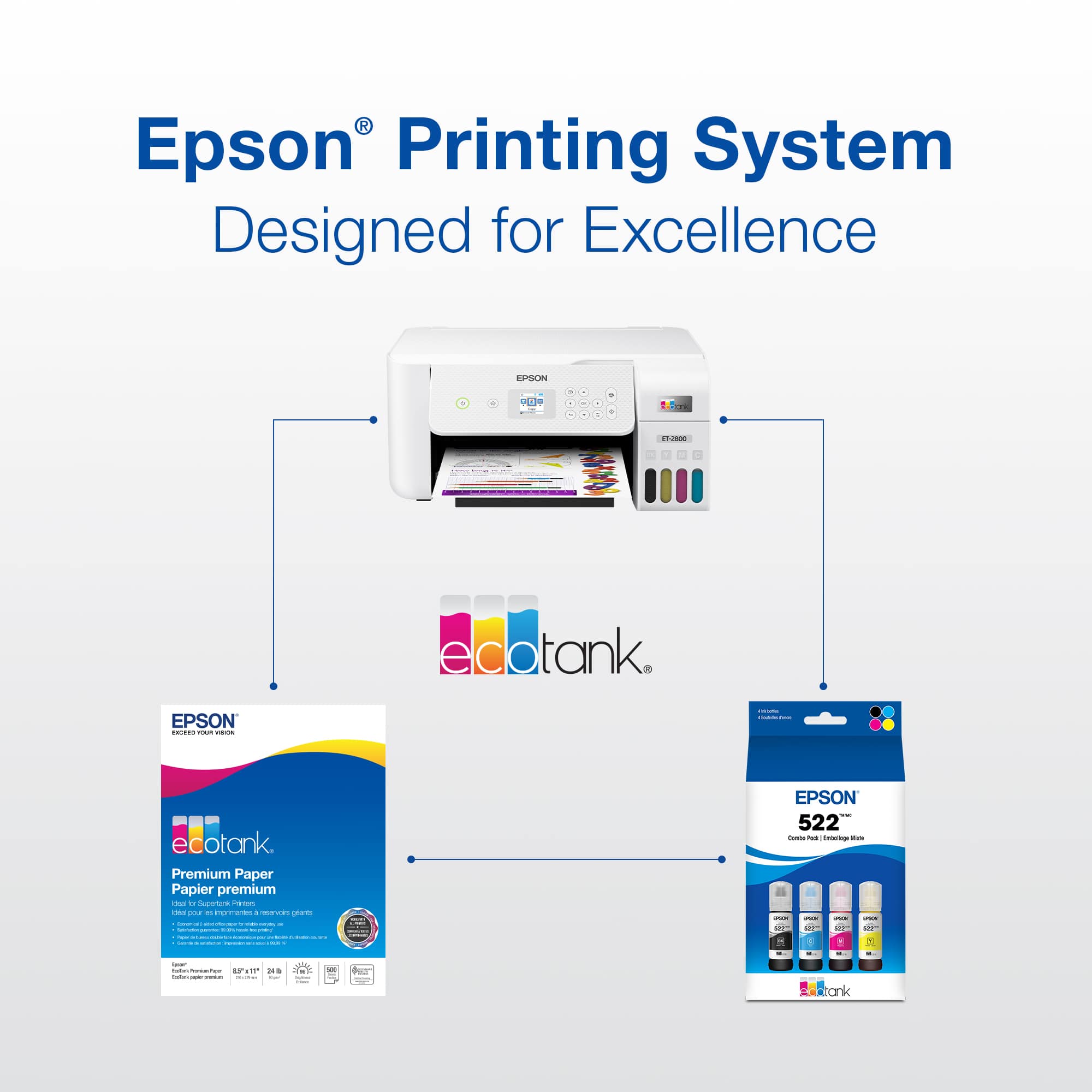
A:AnswerSorry, I mis typed. I have an ET-2800 that worst refill. Any ideas on how to get it working? I bought the combo pack of 522 ink and none of them will work.
A:Answerthats because you did not read all the instructions an d ink info it does come with rfull supply of ink only enought to get you statred so you prime the system and get you statrted out and then buy the full bottles of ink and they are water based ink the black pigment based
A:AnswerHello fe123. The correct product code for the photo black ink cartridge compatible with the ET-8550 is "T552120-S". Regards, Kevin - The Epson Team.
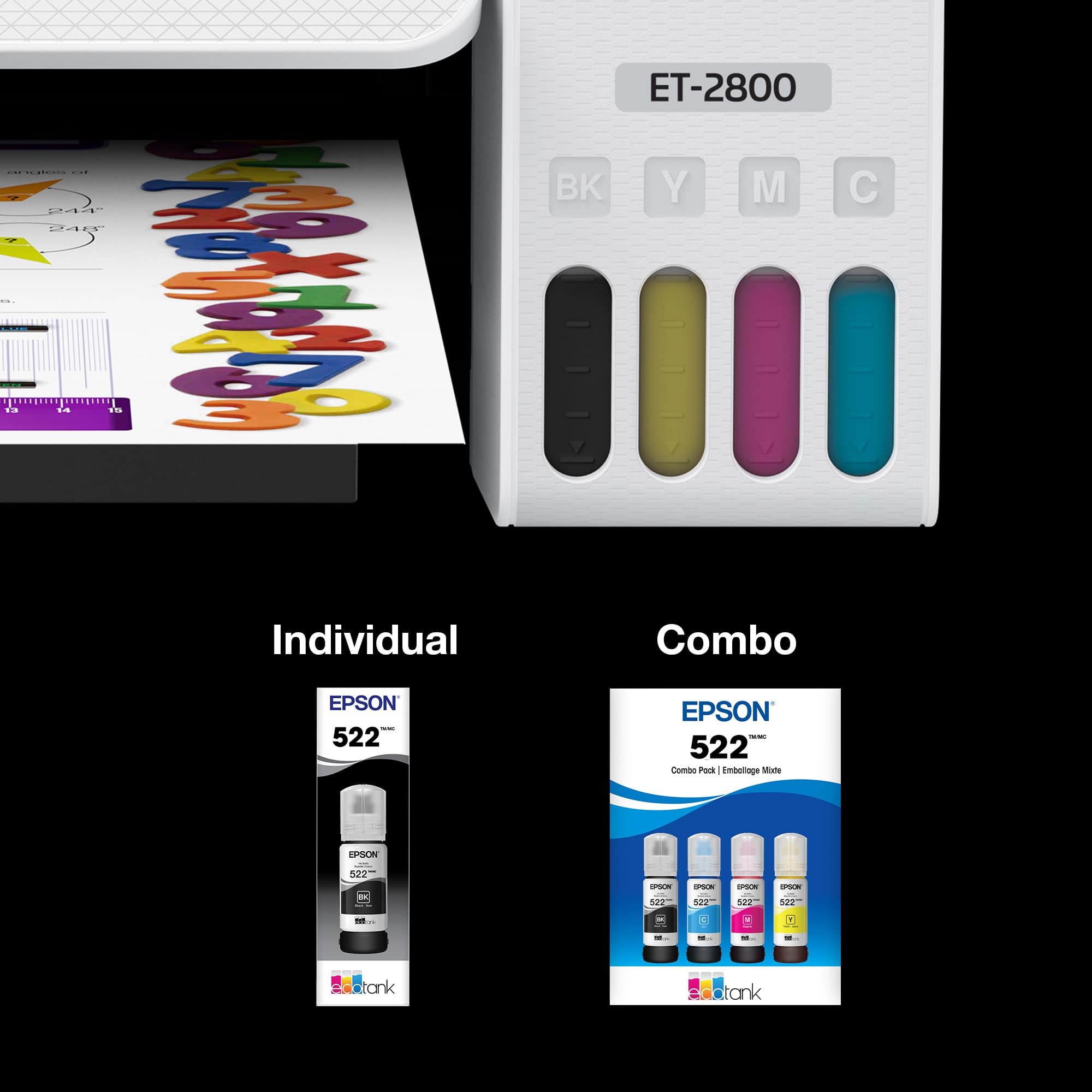
A:Answeryou can not add water to the ink its shot its dry you need new bottles or is it in the tank of the printer? lol lol the reason is the only thing that cleans this espon tank ink is ammonia and its what you hav4e to clean the headsas with and if you get the ink on your skjin good luck that wont take off your skin it has to were off.