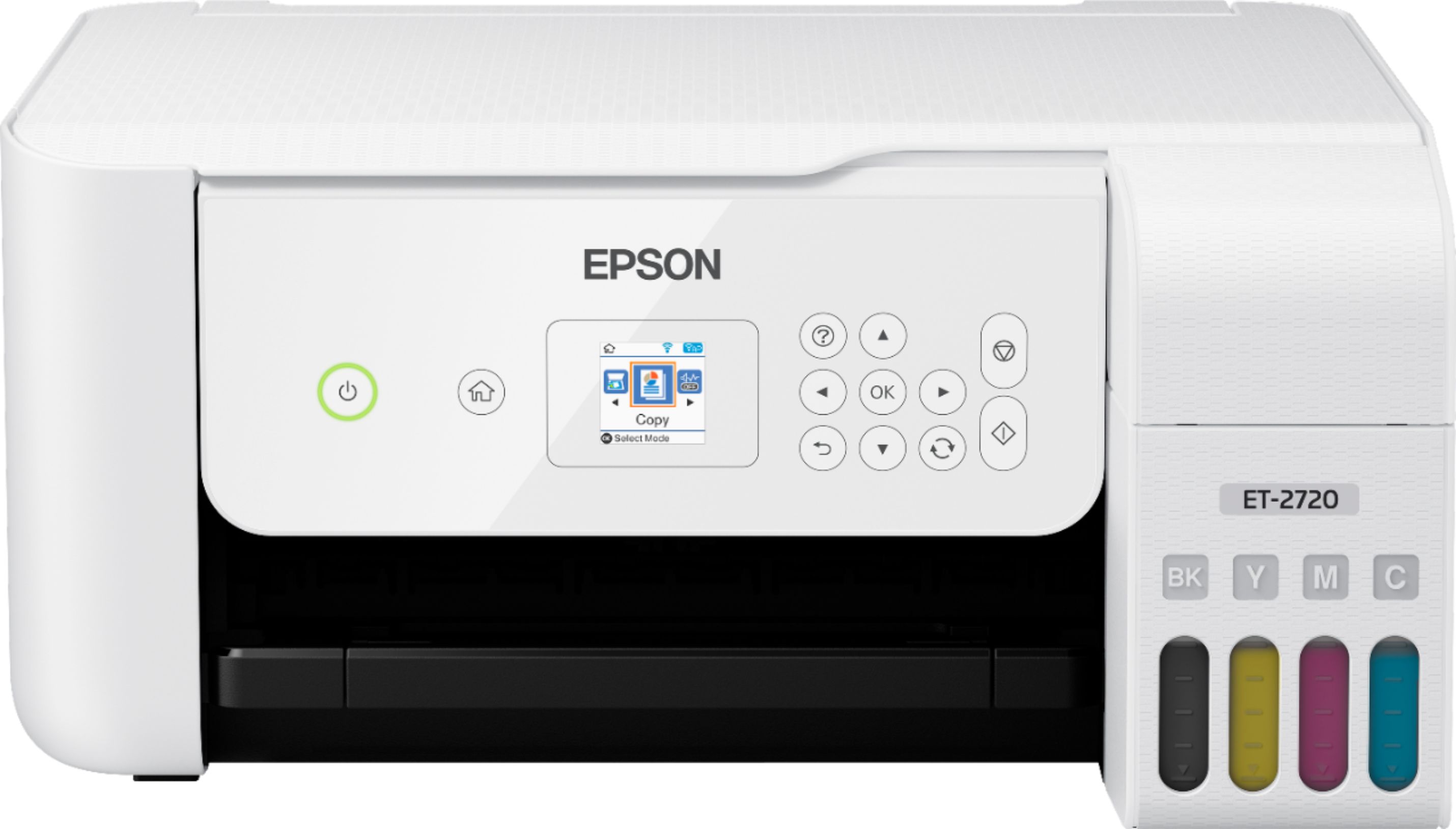
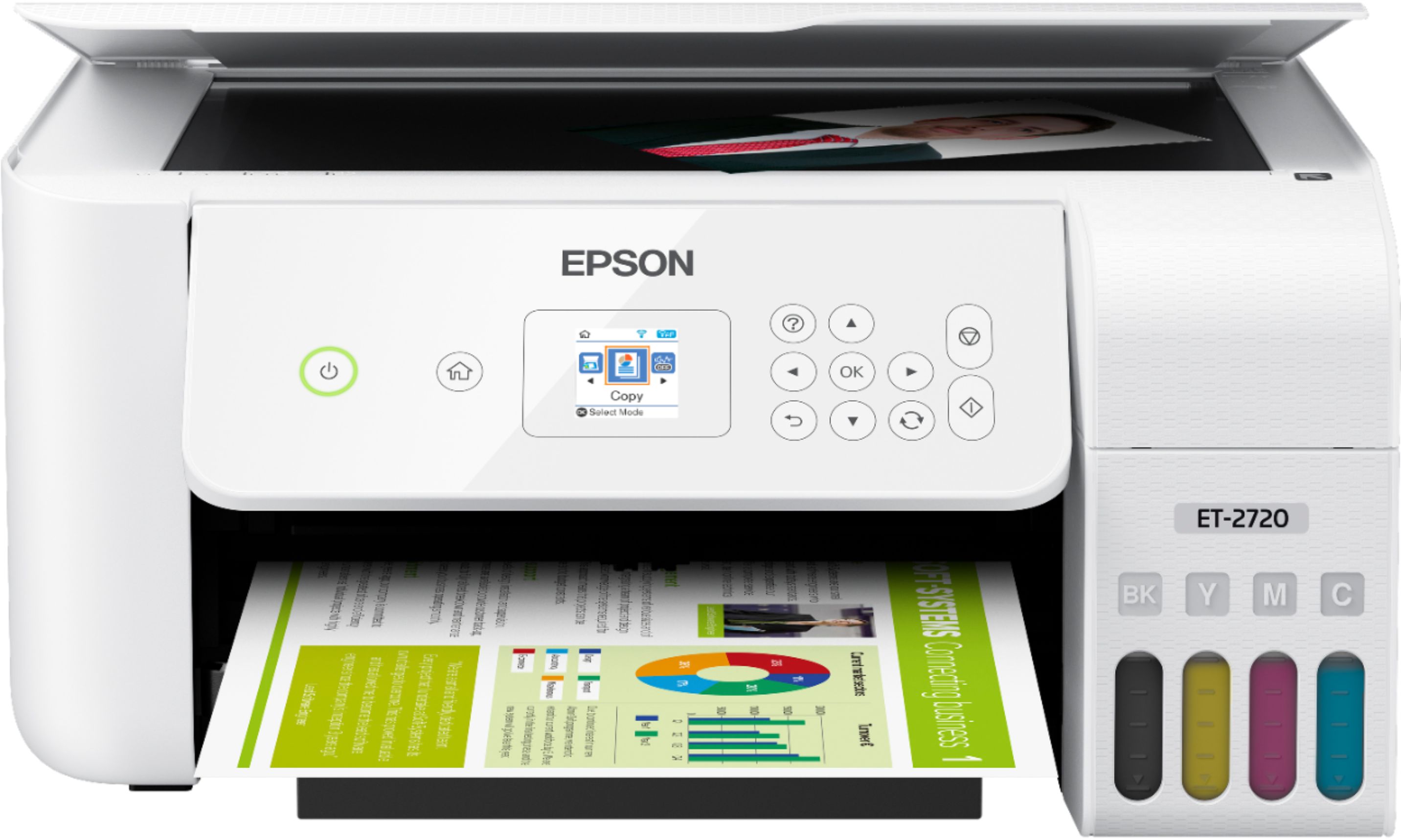
A:AnswerHi moo45, The Front panel controls for the EcoTank ET-2720 have options for cleaning the print heads. This function is also available in the printer driver on a PC or Mac. Regards, Mark - The Epson Team.
A:AnswerHi thenameischerry1, Yes, the EcoTank ET-2720 is compatible with Macs. If you purchase an ET-2720 please download the latest drivers from the Epson support site. Regards, Mark - The Epson Team.
A:AnswerHi Mini, The ET-2720 can print on a variety of paper types. The maximum weight is 24 lbs., so thicker cardstock may not feed properly. For a list of compatible Epson paper types, please visit the Epson support site. Regards, Mark - The Epson Team.
A:AnswerHi BigTrain23, Yes, your Mac Air running OS X 10.15.7 will work with the EcoTank ET-2720. Please visit the Epson support site to download the latest drivers. Regards, Mark - The Epson Team.
A:AnswerHi Stephanie, The largest sheet the ET-2720 can print is Legal, 8.5" by 14". The largest sheet it can scan is 8.5" by 11.7". Regards, Mark - The Epson Team.
A:AnswerThis printer can use paper sizes 3.5" x 5", 4" x 6", 5" x 7", 8" x 10",8.5" x 11", 8.5" x 14", A4, A6, half letter, executive, legal, and user definable (from 2.2" x 3.4" to 8.5" x 47.2").
A:AnswerNot sure how many ounces in the refill bottles, but they are the same size as the original bottles. Their necks only fit in the correct tank fill opening so you can't put wrong color in the tanks. In fact, there is some ink left in each bottle during the initial tank fill. The ink gets charged during set up process, and you can add the remainder later. Check Epson site for projected number of sheets, but it is over 3000. Depending on use, you could get a couple of years per refill. The ink bottles are less than $15 each, so the cost per page is minimal compared to the cartridges required for my old Epson ink jet.
A:AnswerI didn't want to mess with the wifi at all. I still have my printer cable, so I used that. I read somewhere that the wired setup is more reliable & accurate than the wifi setup. So yes, you can do it both ways. Just make sure you have your cable ready to attach to the printer when the installation tells you to.