A:AnswerHi, Sorry, no it cannot print on paper that thick. The thickest paper specified for the ET-2720 is Epson Ultra Premium Presentation Paper Matte at 0.26 mm. Regards, Mark - The Epson Team.
A:AnswerHi Linda, Yes you can print from Apple products. The ET-2720 must be on the same 2.4 GHz WiFi network as your devices. Regards, Mark - The Epson Team.
A:AnswerHi SeriouslySue, The ET-2720 will print on 4 x 6 and 5 x 7 photo paper. You can print borderless on 4 x 6 photo paper. If you need to print border-free on a larger variety of photo paper sizes, please consider one of the Epson Expression series printers. Regards, Mark - The Epson Team.
A:AnswerHi Yoyomeg, Yes, the EcoTank ET-2720 will do copies you set up and initiate from the front panel controls. And, yes, it will reduce and enlarge from 25% to 400%. Regards, Mark - The Epson Team.
A:AnswerHi El, Yes, you can use the Epson Connect Scan to Cloud feature to send scanned documents via email directly from the ET-2720. You can also upload them to popular sharing services, such as Dropbox or Evernote. Regards, Mark - The Epson Team.
A:AnswerHi natureguy, This is Mark from Epson. The ET-2720 will print borderless on 4 × 6 inch and 4 × 7.1 inch (16:9) photo paper. Regards, Mark - The Epson Team.
A:AnswerI bought on early sept through the bolingbrook store. They had to order it on line for me and it was shipped directly to my home in less than a week. I did have to get it in white rather than black. Not my first color choice but its a great printer and the white looks ok .
A:AnswerHi Bre, Yes, the EcoTank ET-2720 will work with the printer driver built-into Chrome OS. For instructions on how to set it up, see the Epson Support Site. Regards, Mark - The Epson Team.
A:AnswerHi Overmax, This is Eduard from Epson. The Epson EcoTank ET-2720 is compatible Apple Air print. Check the user's guide on how to set it up. Regards, Eduard. The Epson Team.
A:AnswerHi molflan, This is Eduard from Epson. Yes. The Epson EcoTank ET-2720 is compatible with a Chromebook. You can visit our official website for the information on how to set it up. Regards, Eduard - The Epson Team.
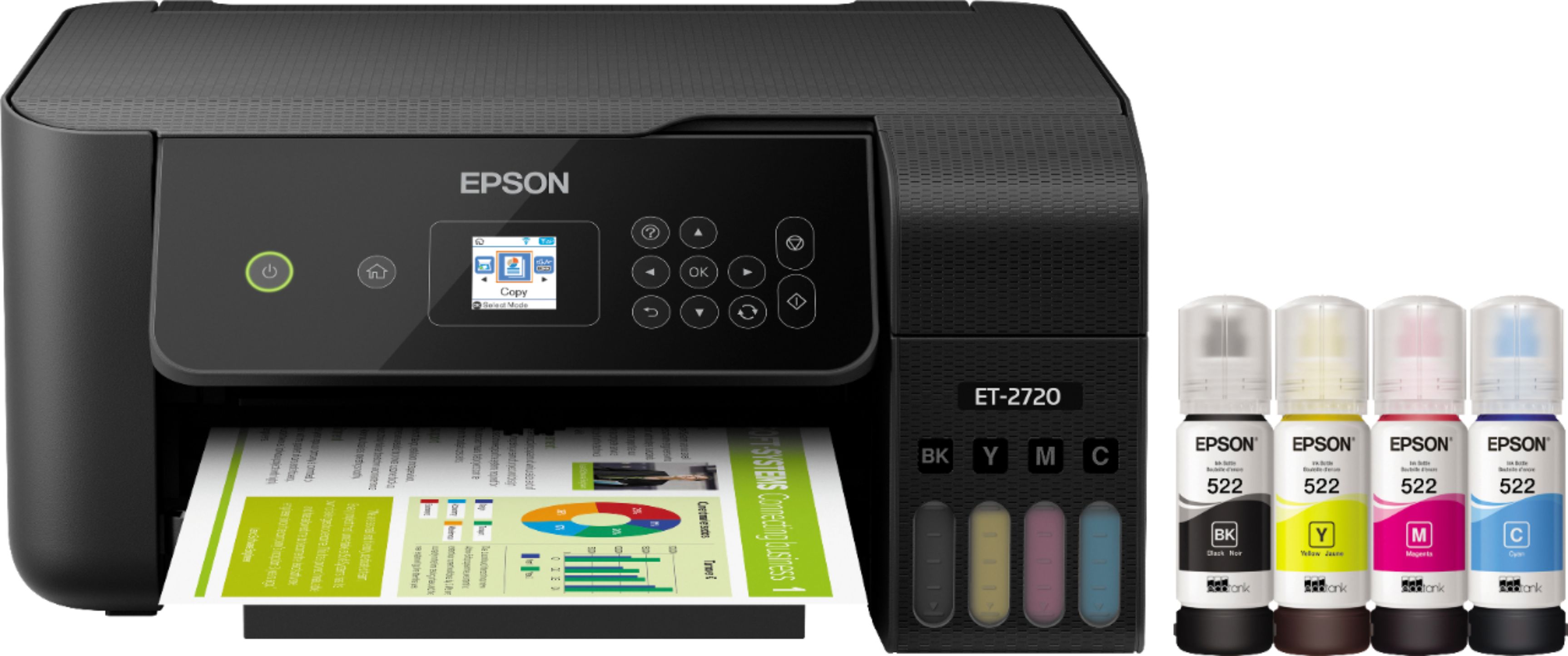
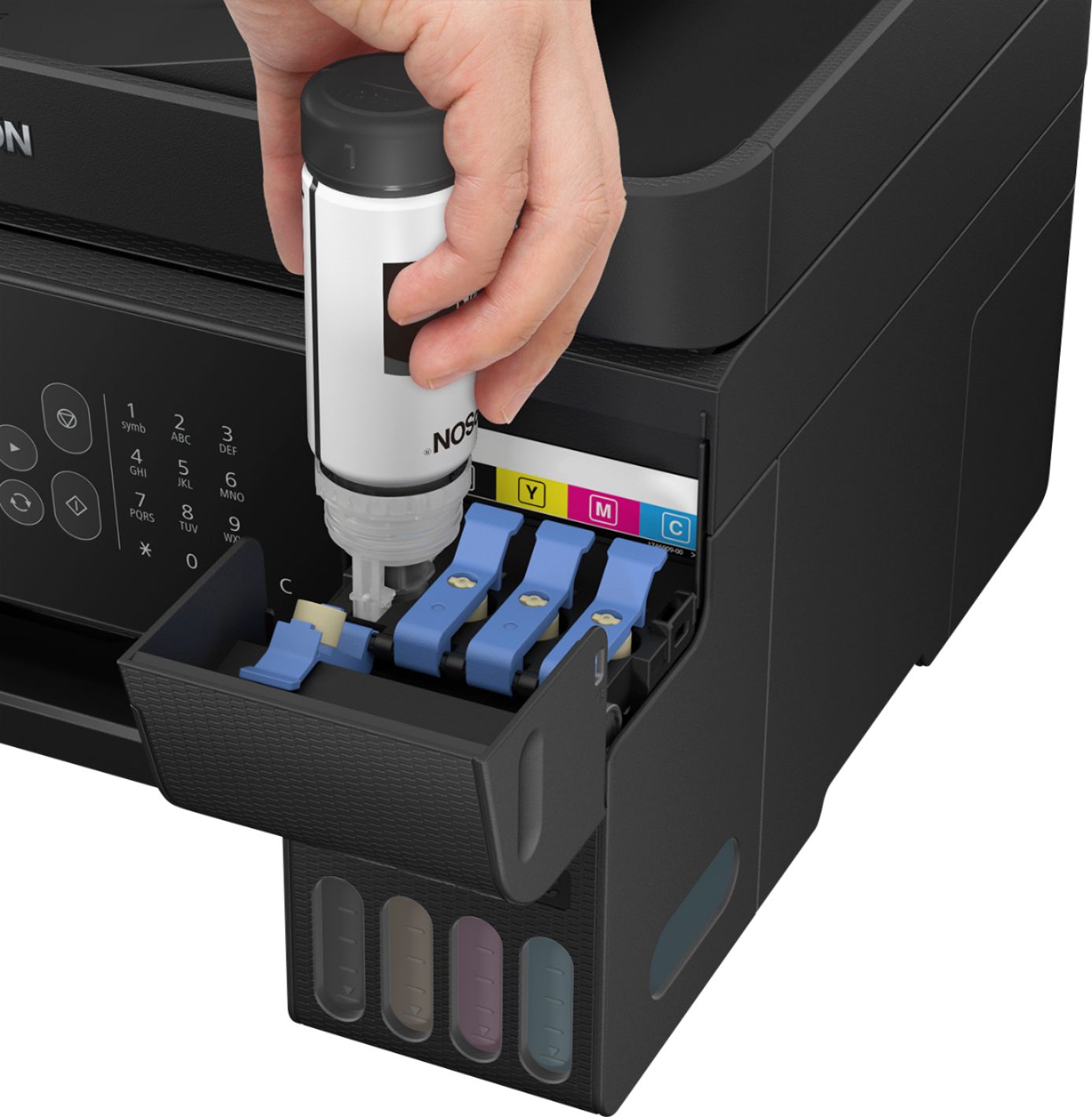
A:AnswerHi, Other brands of ink supplies are not compatible and, if described as compatible, may not function properly or continuously with the Epson EcoTank ET-2720. We recommend that you use genuine Epson ink and do not refill them. Regards, Alexander - The Epson Team.
A:AnswerHi meemaw, for recommended print settings on non-Epson paper, please refer to the manufacturer of the "Standard White Matte Sticker Paper" you're using. Bobby - The Epson Team.
A:AnswerHi Jack, The Epson EcoTank ET-2720 works with Windows 7, Windows 8 up to the latest version of Windows 10 both 32 and 64 bit operating system. Regards, Alexander - The Epson Team.