A:AnswerHi Xxxx, Try running a nozzle check using the front panel controls or print driver. If you have missing nozzles, another cleaning may solve your problem. For assistance, please check the FAQs on Epson's support site of contact technical support. Regards, Mark - The Epson Team.
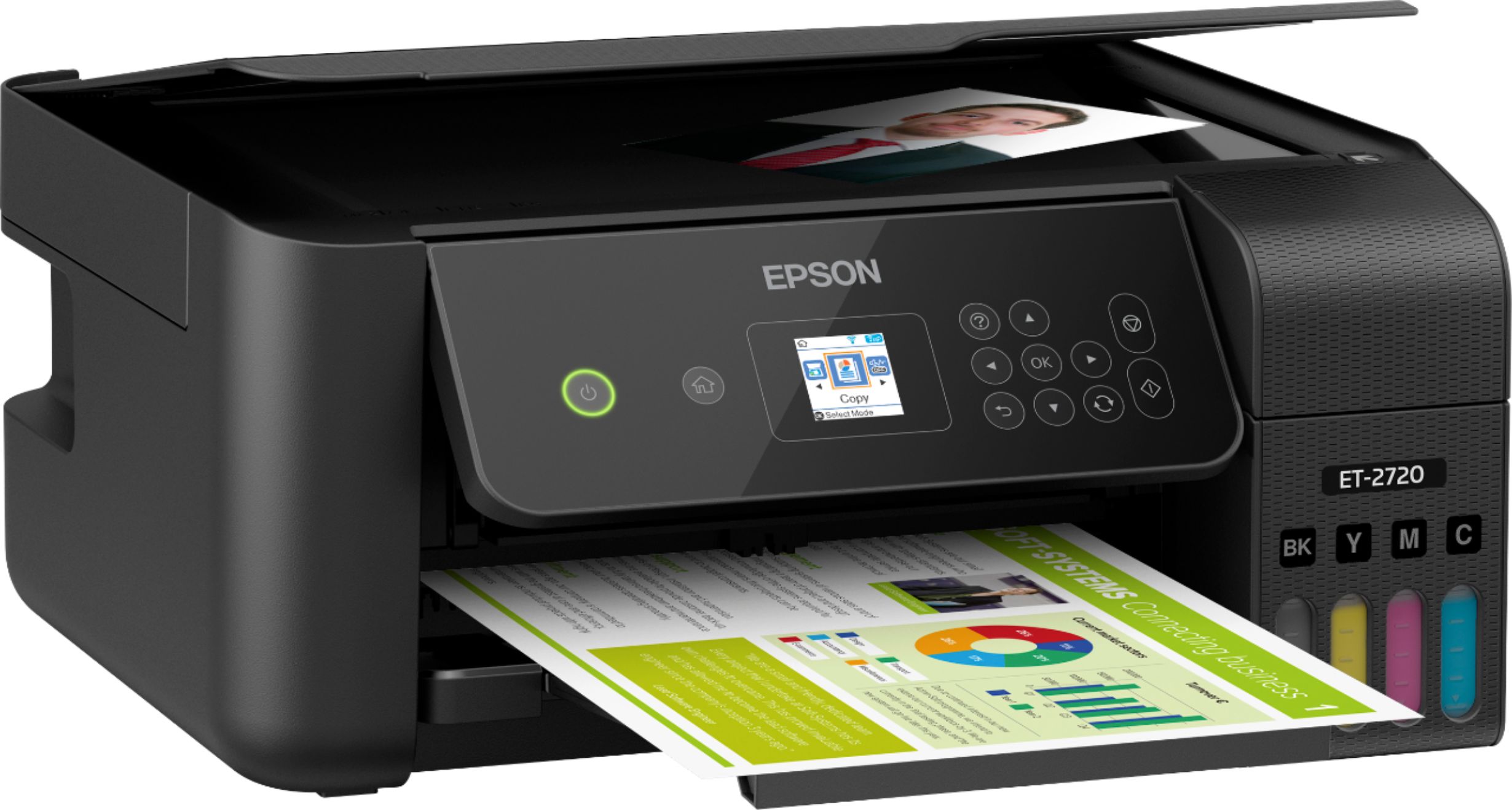
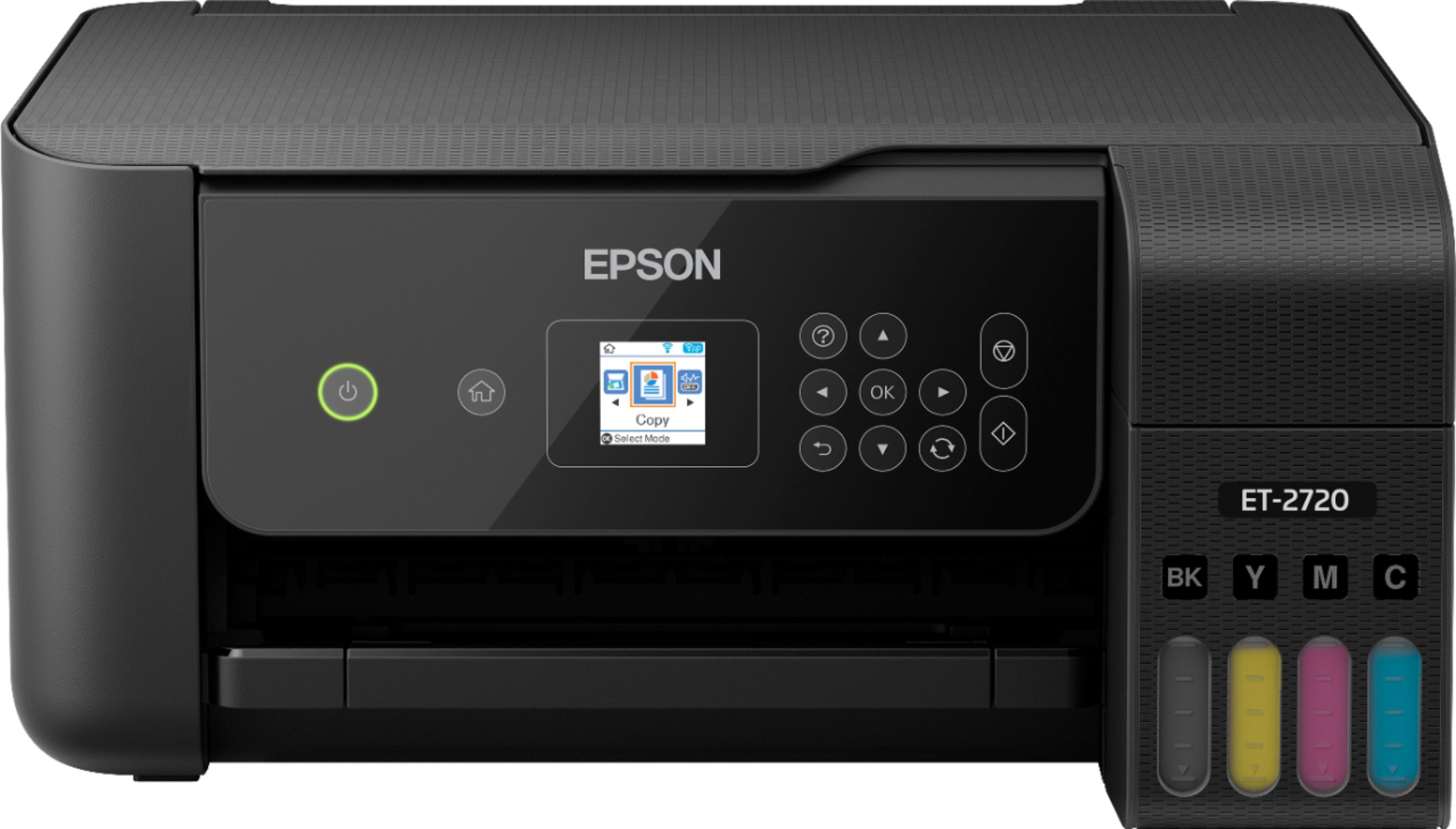
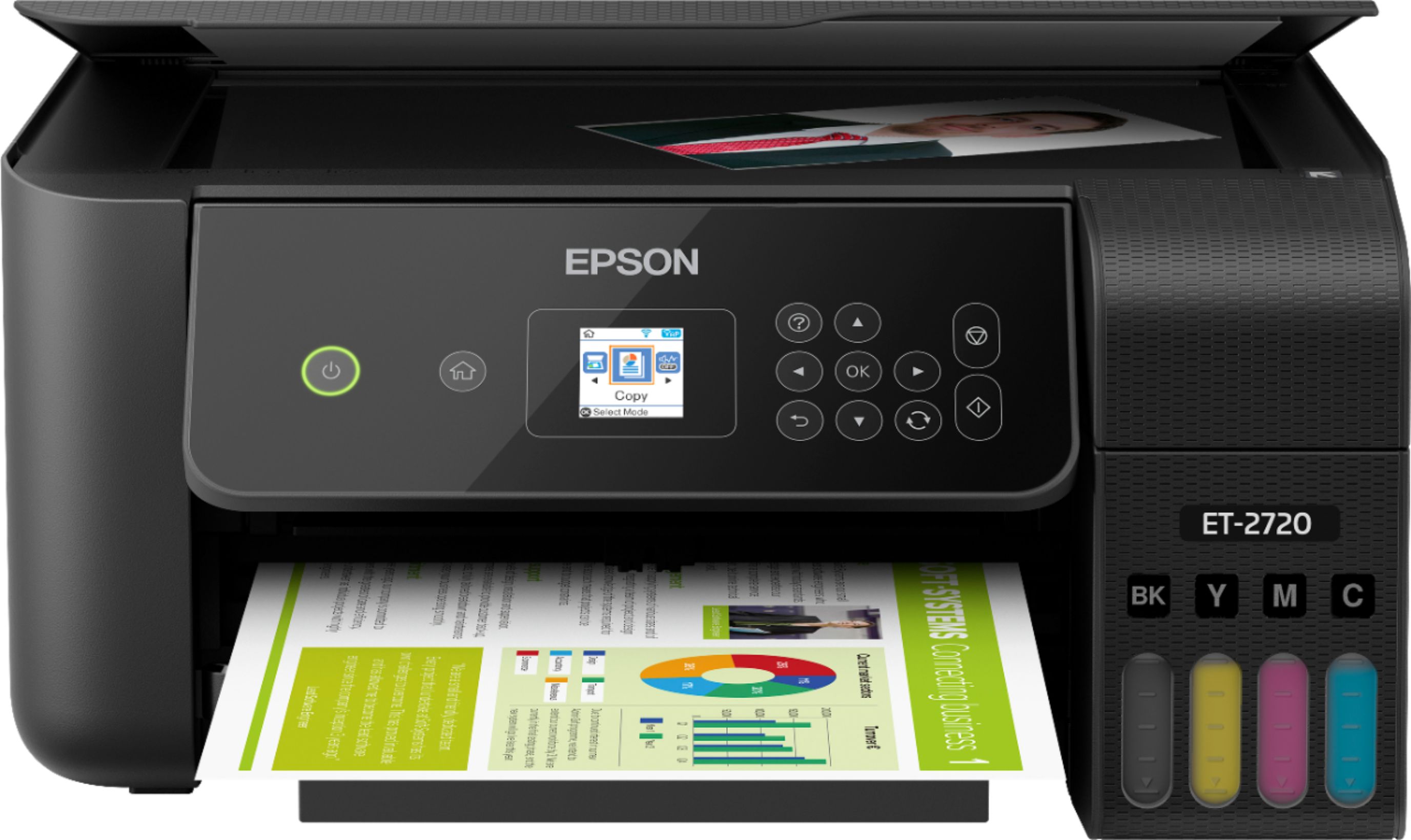
A:AnswerHi EpsonQ, Epson EcoTank ET-2720 Wireless All-In-One printer dimensions with both the input and output trays open: 14.8" x 22.8" x 10.0" (W x D x H). Hope this answers your inquiry. Regards, Eduard - The Epson Team.
A:AnswerHi Margee, Yes, the Epson ET-2720 is compatible with a Chromebook. With a Google Account, you can print from a Chromebook without drivers or cables. For details, visit the Epson support site. Regards, Alexander - The Epson Team.
A:AnswerHi, No, the Epson EcoTank ET-2720 Wireless All-In-One Inkjet printer is not compatible with 11" x 17" paper. Hope this answers your inquiry! Regards, Eduard - The Epson Team.
A:AnswerHi Longhorn, No, the Epson EcoTank ET-2720 does not work with Windows Vista. The operating system should be at least Windows 7 or higher. Regards, Alexander - The Epson Team.
A:AnswerHi Steinipoo, The Epson EcoTank ET-2720 is compatible with Windows 7, Windows 8/8.1, Windows 10 (32-bit, 64-bit). Regards, Alexander - The Epson Team.
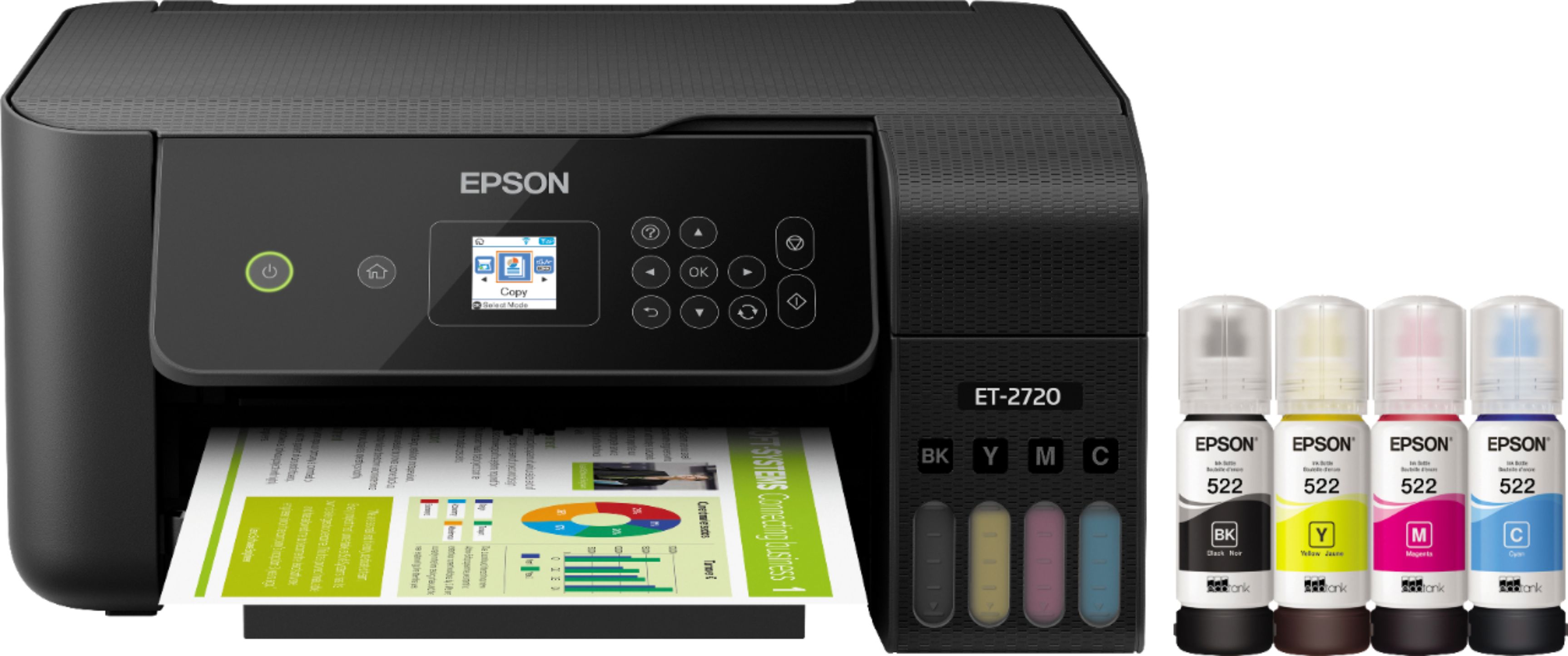
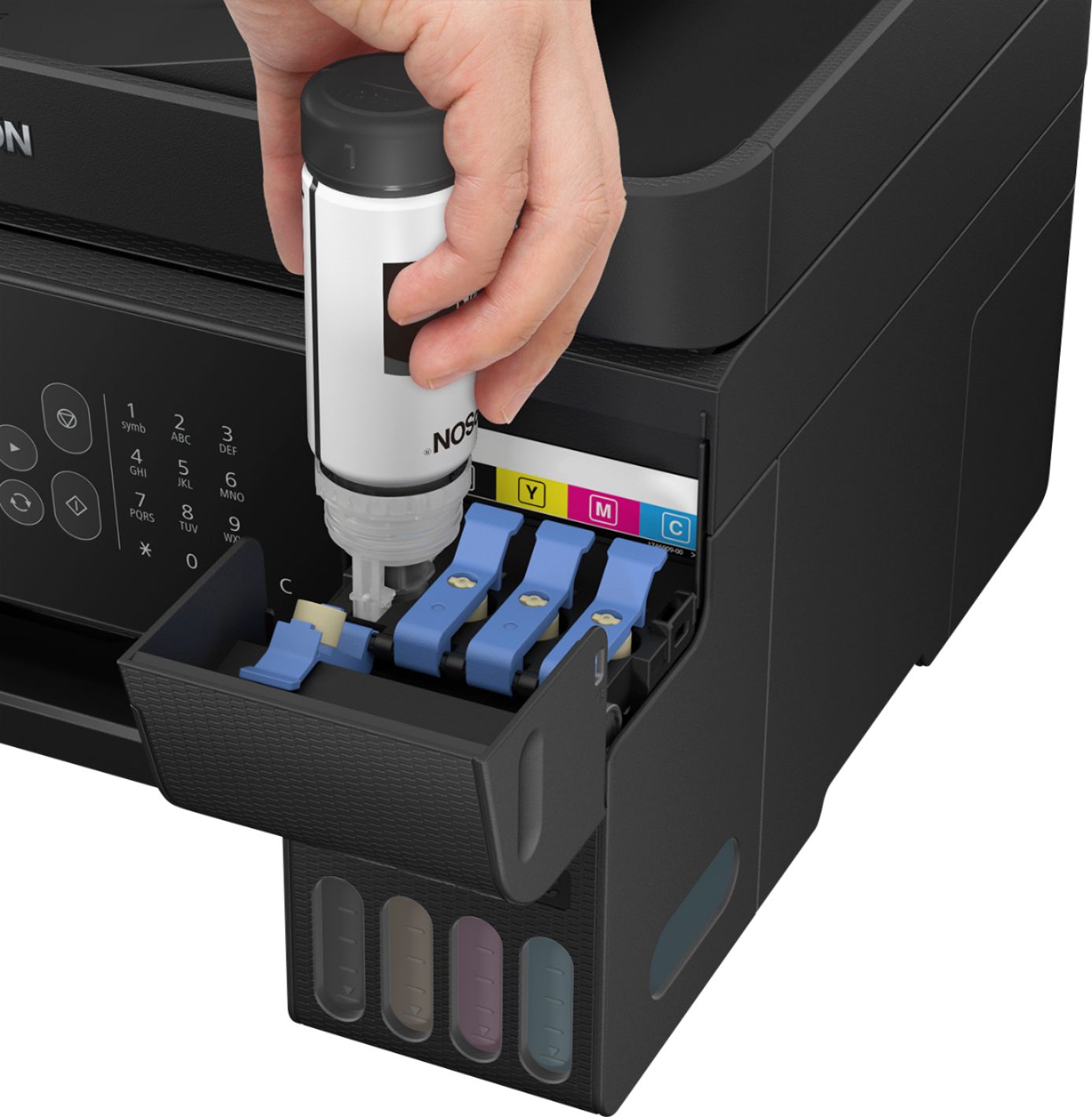
A:AnswerThe included ink bottles are full size, and seem to have a valve in the bottle neck to prevent spilling as long as you don't squeeze the bottle & just let gravity move the ink from bottle to tank. I don't know about what other companies offer.