Questions & Answers
- Model:
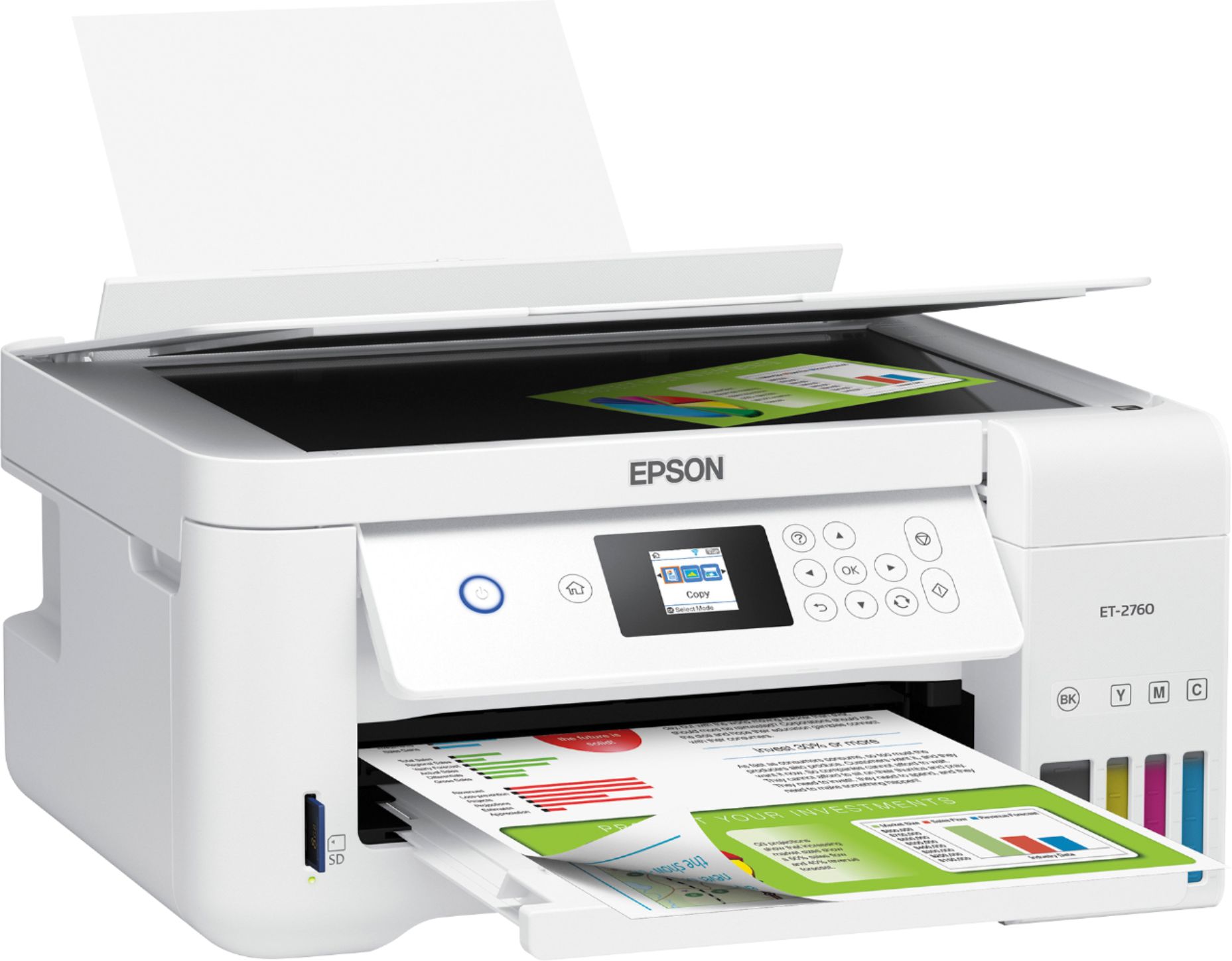
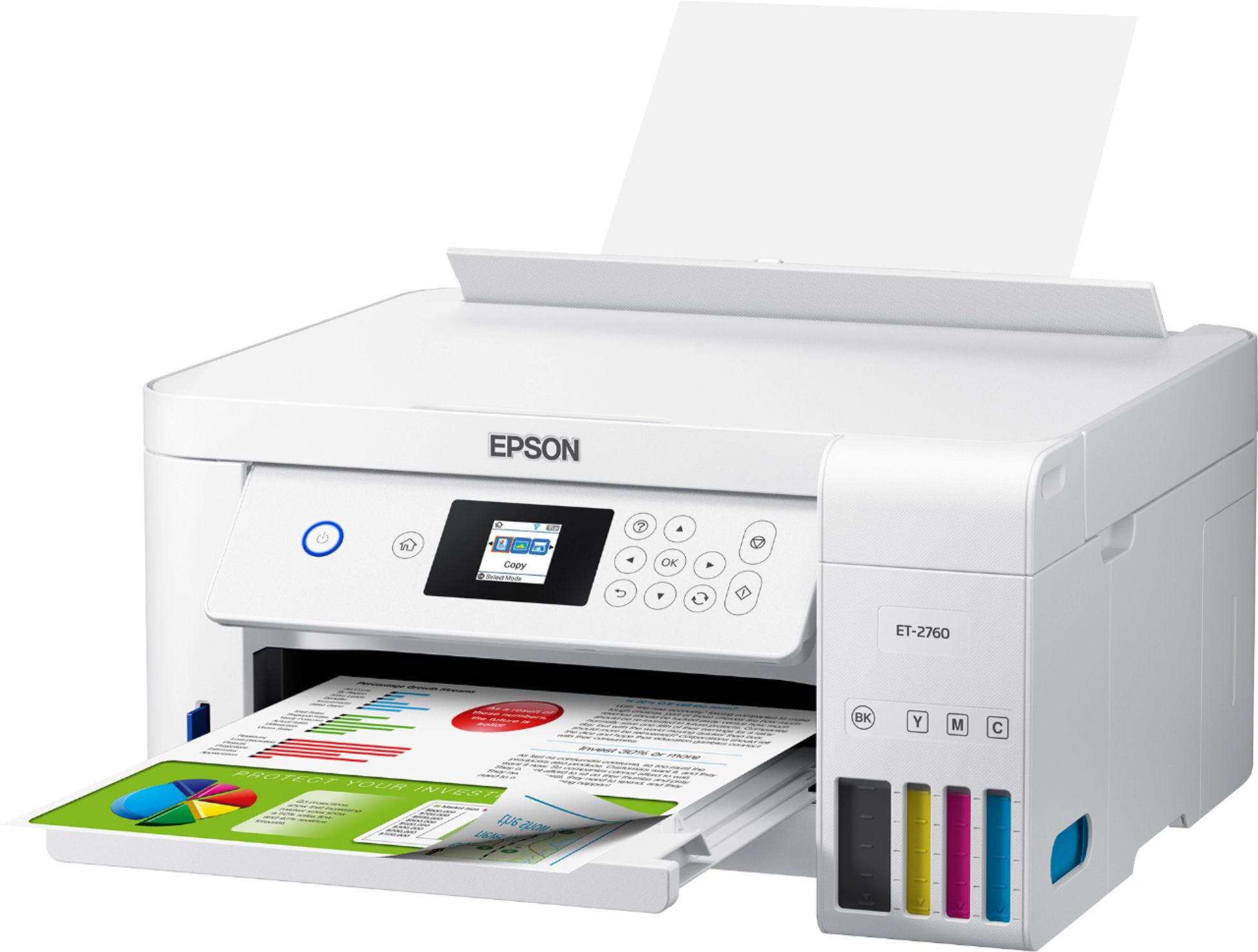
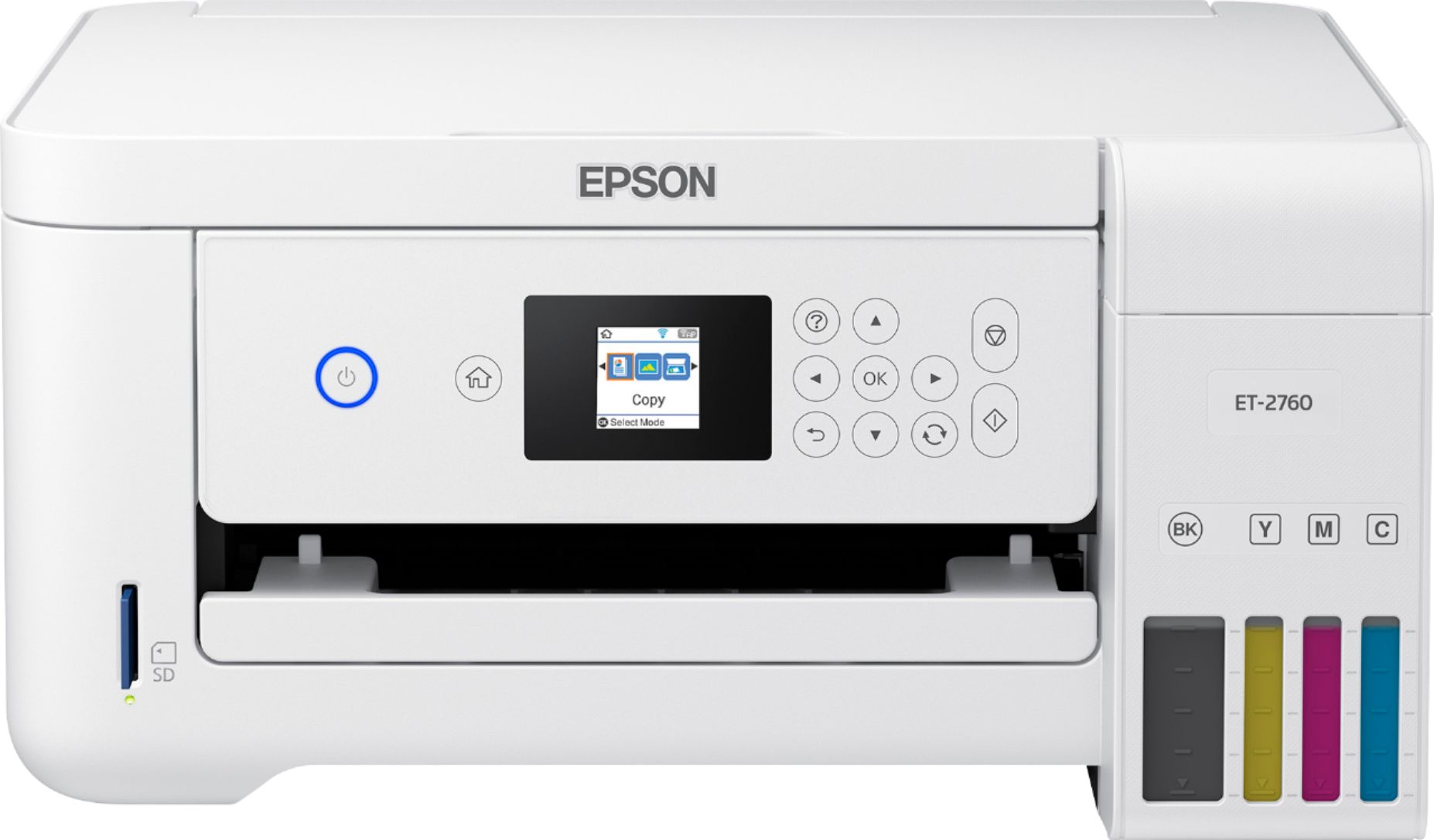
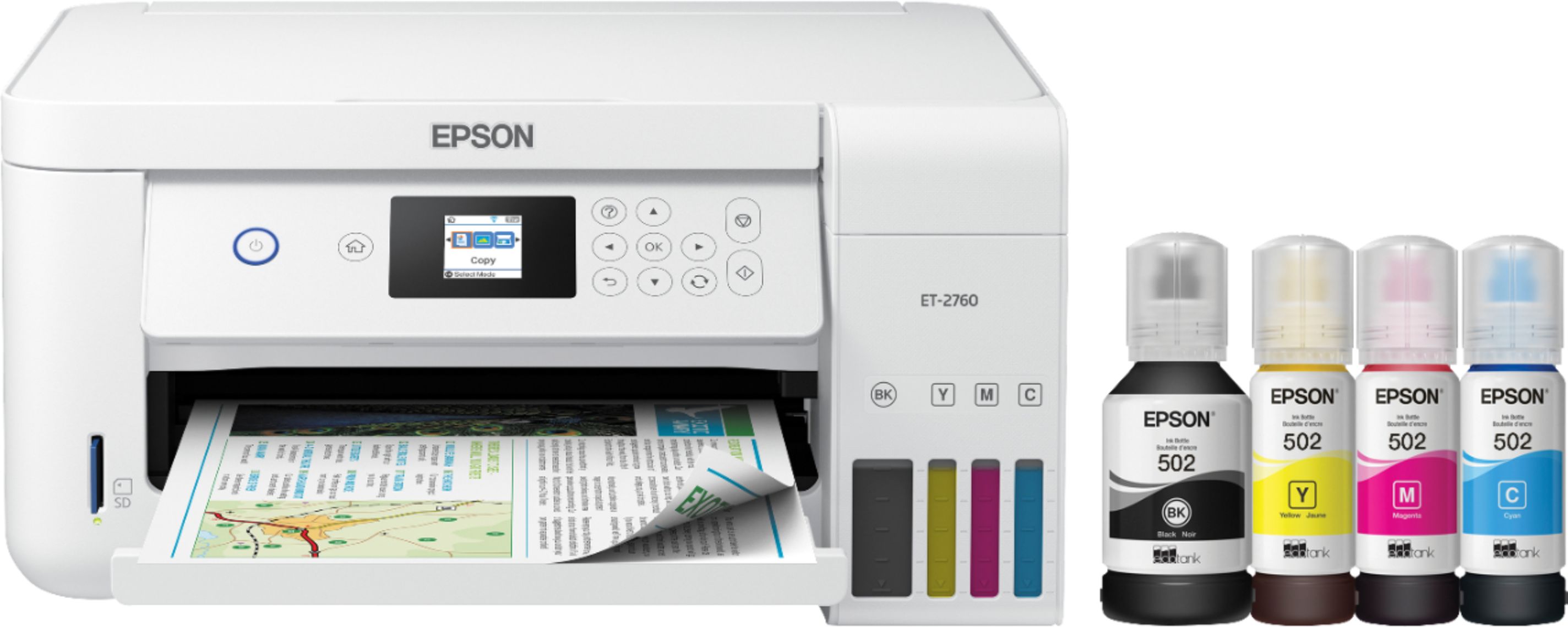
- ECOTANK ET-2760 PRINTER C11CG
- |
- SKU:
- 6347458
Highly rated by customers for: Print Quality, Ease of use, Size
Page Showing 181-200 of 354 questions
Q: Questiondoes this printer come with sublimation ink
Asked by Anonymous.
- A:Answer Hi. The Epson EcoTank ET-2760 was not designed for dye-sublimation printing nor use non-genuine Epson ink cartridges. Regards, Bobby - The Epson Team.
Answered by Epson

Q: Questionis this compatible with chromebooks?
Asked by kathy.
- A:Answer Hi kathy. Yes, the Epson EcoTank ET-2760 support printing directly through the Chrome OS. Regards, Bobby - The Epson Team.
Answered by Epson

Q: Questionwill this printer scan and print photos
Asked by louie.
- A:Answer Hi louie. Yes, the Epson EcoTank ET-2760 can scan and print photos. Regards, Bobby - The Epson Team.
Answered by Epson

Q: QuestionWhat size paper does it print ?
Asked by Chaos.
- A:Answer Hi Chaos. The Epson EcoTank ET-2760 supports printing on paper sizes up to 8.5" x 14". Regards, Bobby - The Epson Team.
Answered by Epson

Q: Questionprint pictures
Asked by cjb123.
- A:Answer Hi cjb123, You can print pictures using the EcoTank ET-2760. Photos look especially good printed on Epson Premium Photo Paper Glossy. Regards, Mark - The Epson Team.
Answered by Epson

Q: QuestionDose it fax if not then why call it a all in one
Asked by Anonymous.
- A:Answer Hi, The EcoTank ET-2760 is a printer/scanner/copier, That is why it is called an all-in-one. It does not fax. Regards, Mark - The Epson Team.
Answered by Epson

Q: QuestionCan this printer scan multiple pages from the feeder, or just one page at a time from the glass?
Asked by Nick.
- A:Answer Hi Nick, Sorry, the EcoTank ET-2760 does not have a document feeder. You must place documents directly on the scan glass one at a time. To see which Epson EcoTank printers come with document feeders, please visit the Epson support site. Regards, Mark - The Epson Team.
Answered by Epson

Q: QuestionWill it print CD labels?
Asked by r2c4f6.
- A:Answer Hi r2c4f6, The EcoTank ET-2760 should be able to print on ink jet-compatible labels. We do not test third-party media, so quality cannot be guaranteed. Regards, Mark - The Epson Team.
Answered by Epson

Q: QuestionDoes this printer also do faxes
Asked by KeithD.
- A:Answer Hi KeithD, Sorry, no, the ET-2720 does not fax. Regards, Mark - The Epson Printer.
Answered by Epson

Q: QuestionIs this machine good to print with sublimation paper to use heat presser to design on stainless tumbler surface?
Asked by JI.
- A:Answer Hi Jl, The EcoTank ET-2760 is not a sublimation printer. If any ink, other than the Epson ink the printer is designed for, is used it may damage the print heads and affect warranty coverage. Regards, Mark - The Epson Team.
Answered by Epson

Q: QuestionHow do I make it print into sublimation paper?
Asked by Daddydee.
- A:Answer Hi Daddydee, The EcoTank ET-2760 is not a sublimation printer. Using ink other than the EcoTank 502 ink bottles the ET-2760 is designed for may damage the print heads and affect warranty coverage. Regards, Syd - The Epson Team.
Answered by Epson

Q: QuestionIs it quiet?
Asked by Lyn.
- A:Answer Hi Lyn, The sound level when the EcoTank ET-2760 is printing is 50 dB(A). Regards, Mark - The Epson Team.
Answered by Epson

Q: QuestionHi can this printer print canvas prints?
Asked by Maemae.
- A:Answer Hi Maemae, Canvas media is not compatible with the EcoTank ET-2760. To see a list of compatible paper types, please visit the Epson support site. Regards, Mark - The Epson Team.
Answered by Epson

Q: QuestionWhy does printer continue to be offline
Asked by jeck1013.
- A:Answer Are you referring to the timing out / auto shut down that then requires you to actually hit the bottom to wake up the printer? In the downloaded drivers there was a setting that allow you to set it so it doesn't go to sleep
Answered by JimBob
Q: QuestionCan this printer be used for water slide decals?
Asked by Sophie.
- A:Answer Hi Sophie, Generally, we do not test third-party paper types, so we cannot guarantee your results using water slide decals. If you try them, please be sure they are made for use in ink jet printers. To see a list of compatible Epson paper types, please visit the Epson support site. Regards, Mark - The Epson Team.
Answered by Epson

Q: QuestionI see this printer supports Apple Print. But what is the minimum Mac OS supported by this printer?
Asked by Anonymous.
- A:Answer Hi, The ET-2760 supports Mac OS X 10.6 or higher. Regards, Mark - The Epson Team.

Answered by Epson

Q: QuestionWhat is the largest size the ET-2760 prints
Asked by Dot.
- A:Answer Hi Dot, The largest size sheet you can print using the ET-2760 is 8.5" x 47.2". Regards, Mark The Epson Team.

Answered by Epson

Q: QuestionI bought this printer to start my phone case business but when I put sublimation paper in the tray and print and then try to use the heat press to transfer to the sublimation phone case it doesn’t work. Is there a paper that works best for phone cases
Asked by Gabby.
- A:Answer I don’t know. There are utube videos out there that are vey helpful. I remember one reviewer talking about that
Answered by Sherry
Q: QuestionThe printing option: "Print selection only" is not bold. Why? My printer prints multiple pages when I only want the first page. I am wasting paper.
Asked by Alex.
- A:Answer When printing, review Print Options. You can select number of copies, which pages to be printed etc.
Answered by Sankeys
Q: Questioncan it do enevlopes and labels
Asked by helpneeded.
- A:Answer Hi helpneeded, The EcoTank ET-2760 can print on Commercial No. 10 envelopes and labels that are compatible with ink jet printers. Regards, Mark
Answered by Epson