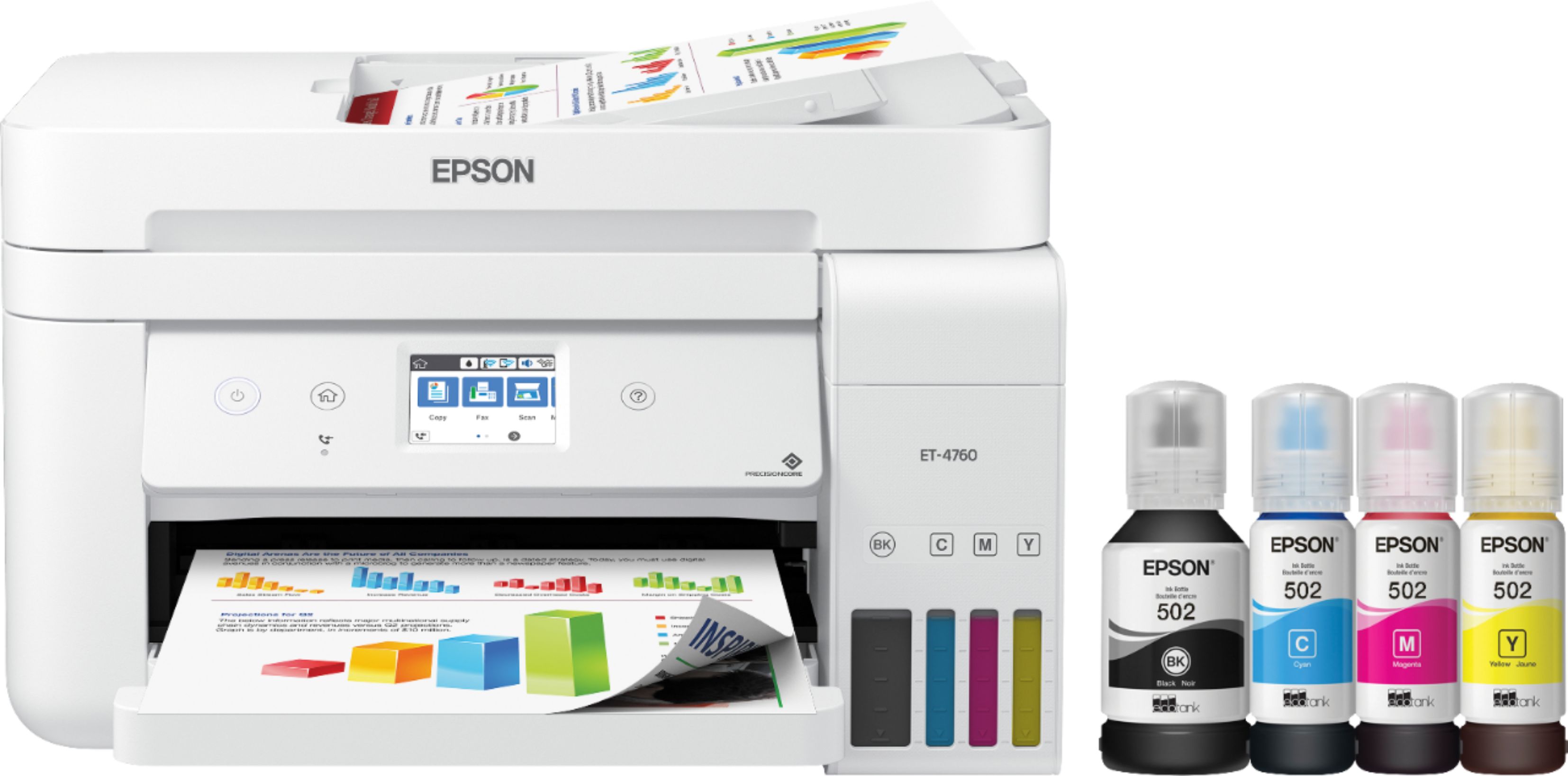
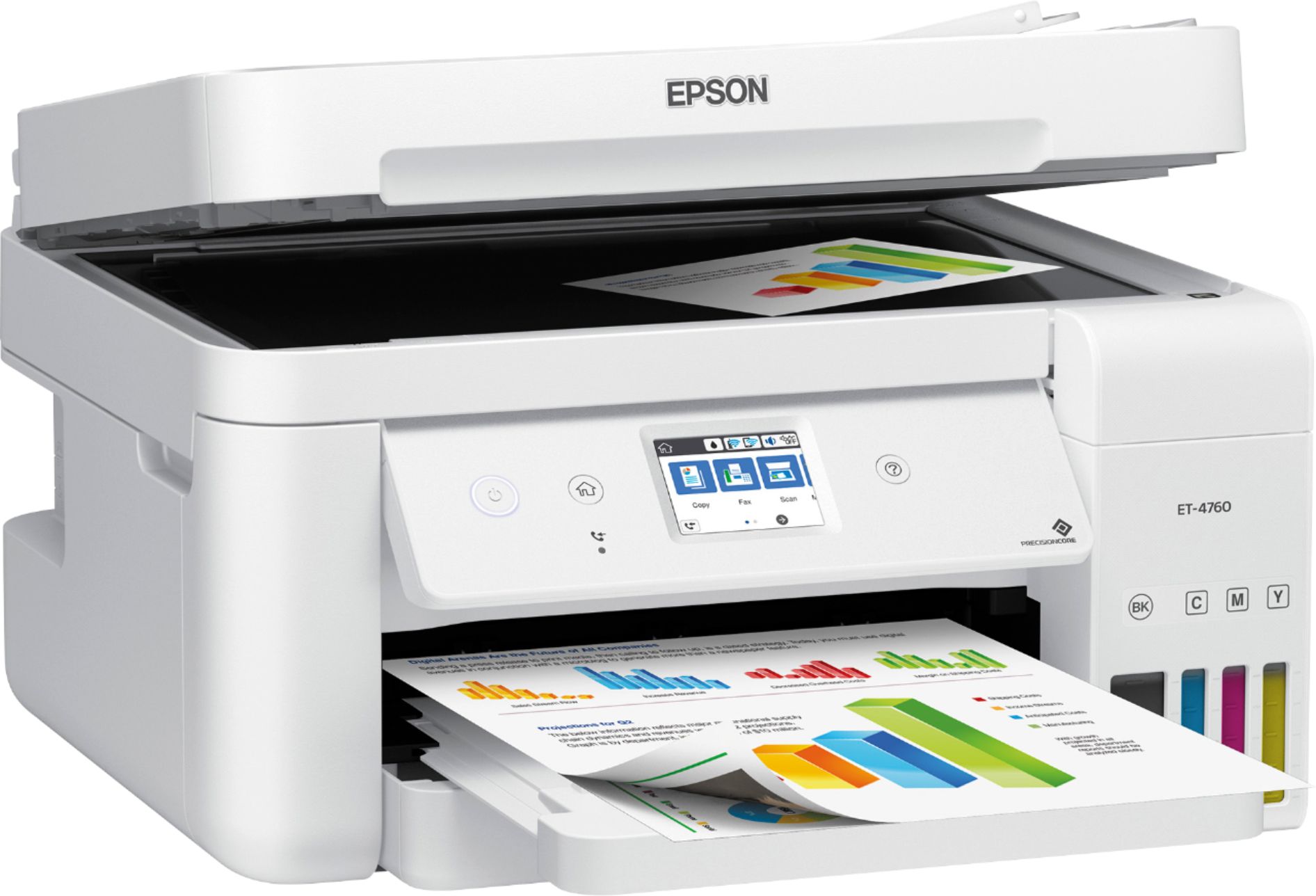
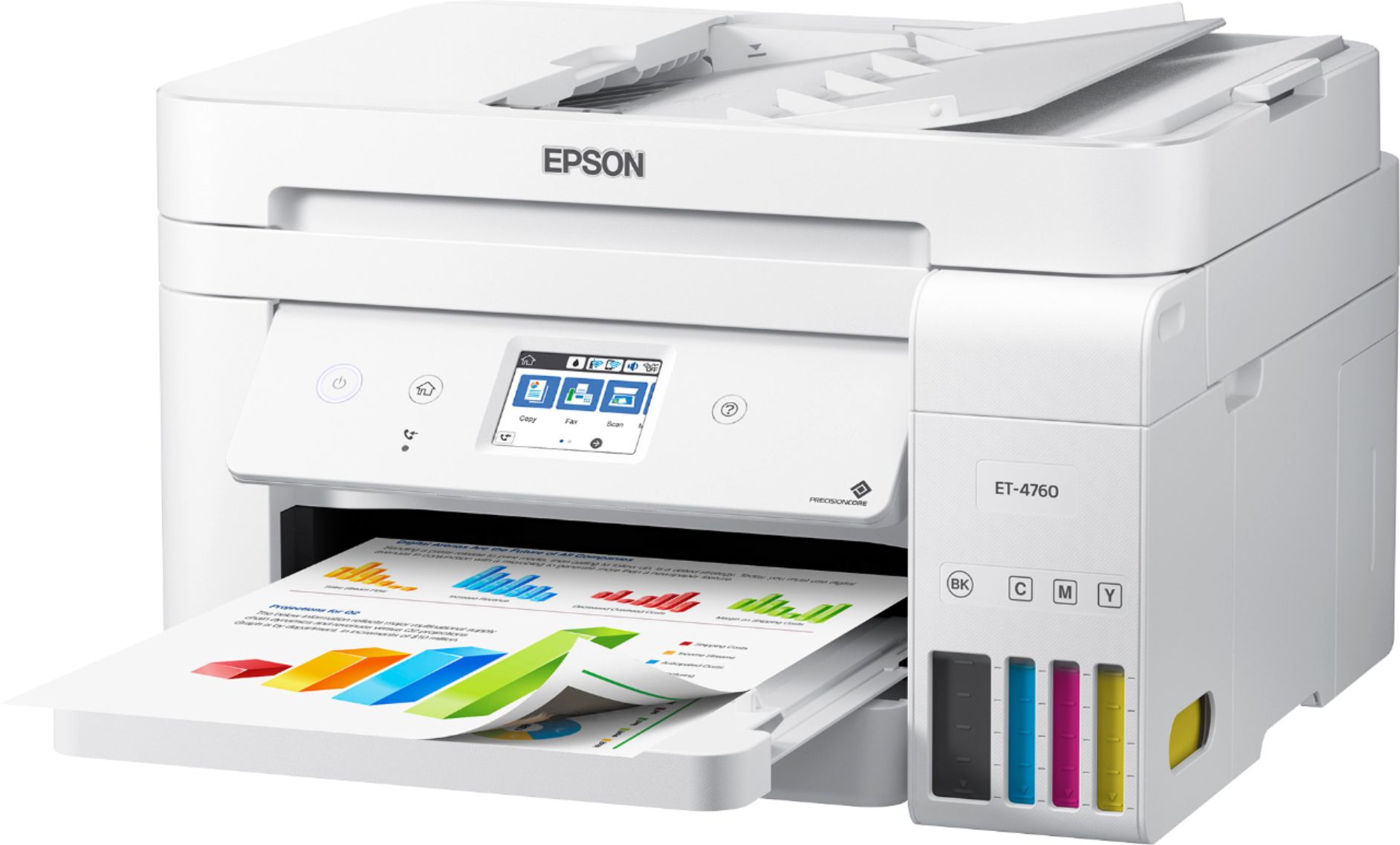
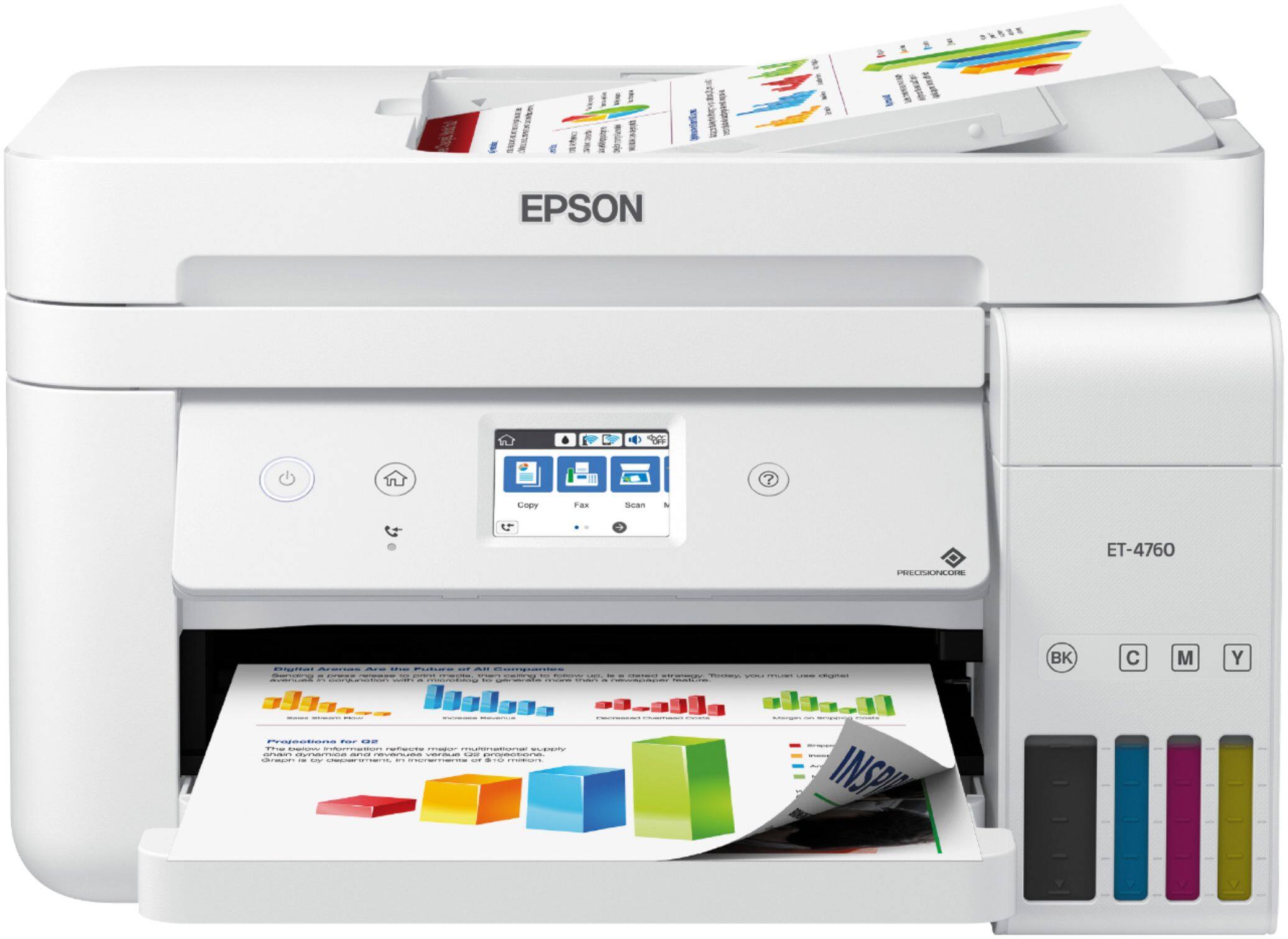
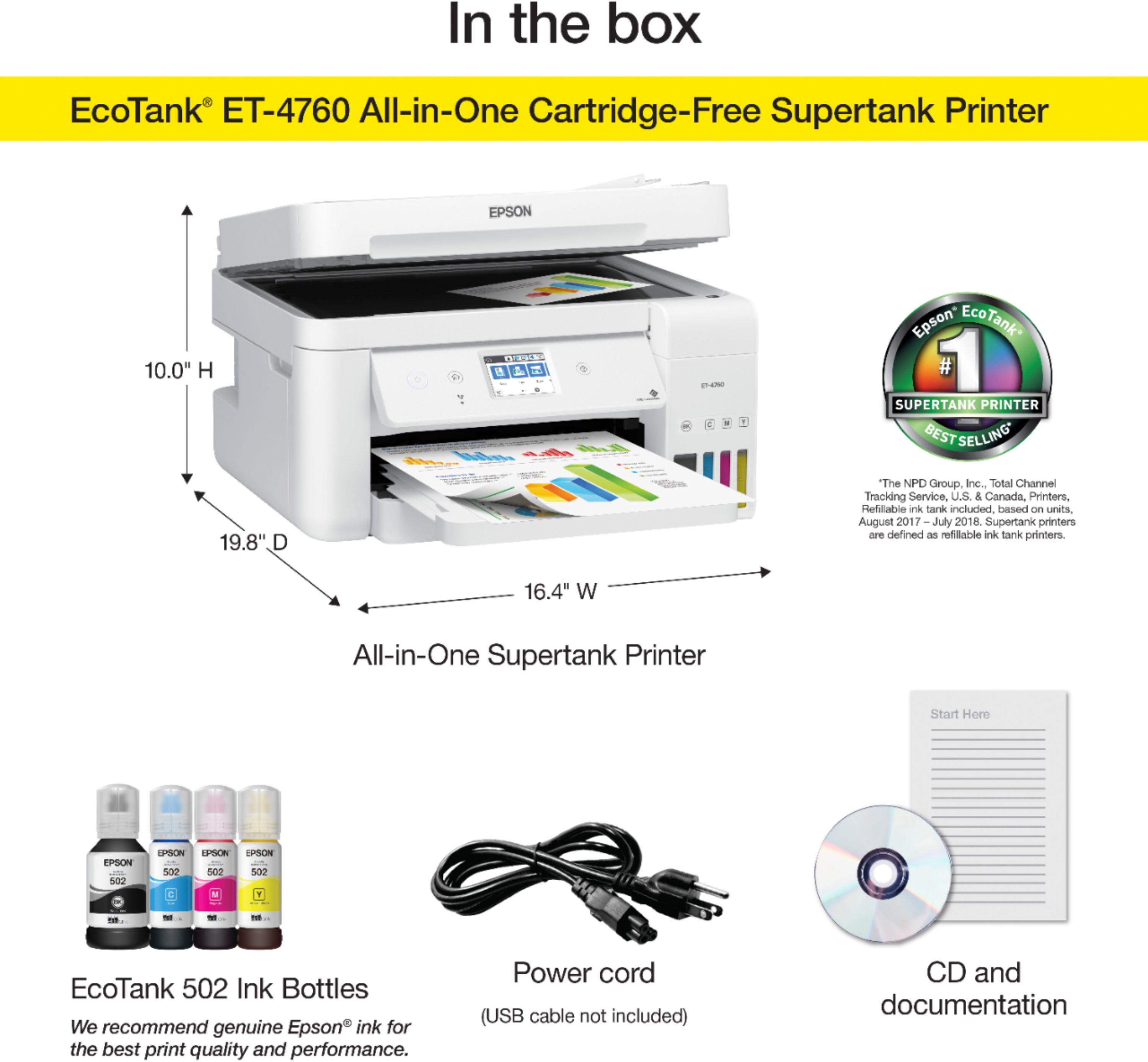
A:AnswerHi Lee. No, the Epson EcoTank can not print on 11" x 17" sized sheets. The largest paper size supported by this printer is 8.5" x 14" (Legal). Regards, Bobby - The Epson Team.
A:AnswerHi Sticks317, Yes, the ET-4760 is compatible with the latest Mac OS. We have drivers for the latest Mac Catalina OS X 1.15 and for the upcoming Big Sur OS X 11 posted on the Epson support site. Regards, Mark - The Epson Team.
A:AnswerI have had mine 11 months. I print about 5-10 pages a week. I have not printed photos. But I have not run out of ink yet! I highly recommend this TANK! I would buy again.
A:AnswerIf you are printing in color and a color runs out you will be notified and asked if you want to continue in black. Normally when you hit the print button you will be warned a particular color is too low and are then asked if you want to proceed in black. You are always given ample notice before any ink runs out. For this particular model printer it is not a good idea to let the ink run out. Read the manual for more information if you have access to one.
A:AnswerIf you print infrequently, print a few pages every week or so to keep the ink from drying up in the print head. There is a expiration date on each bottle.