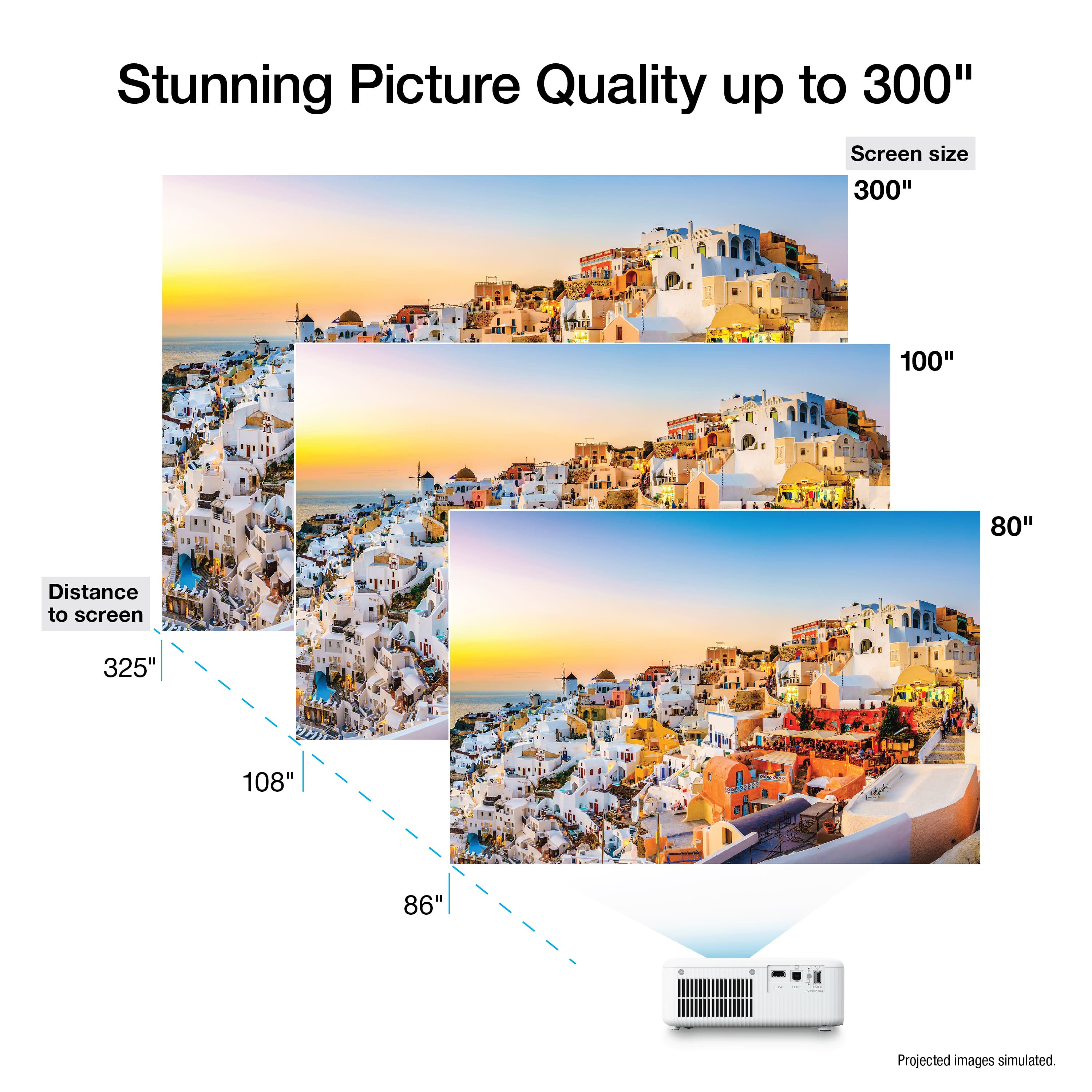
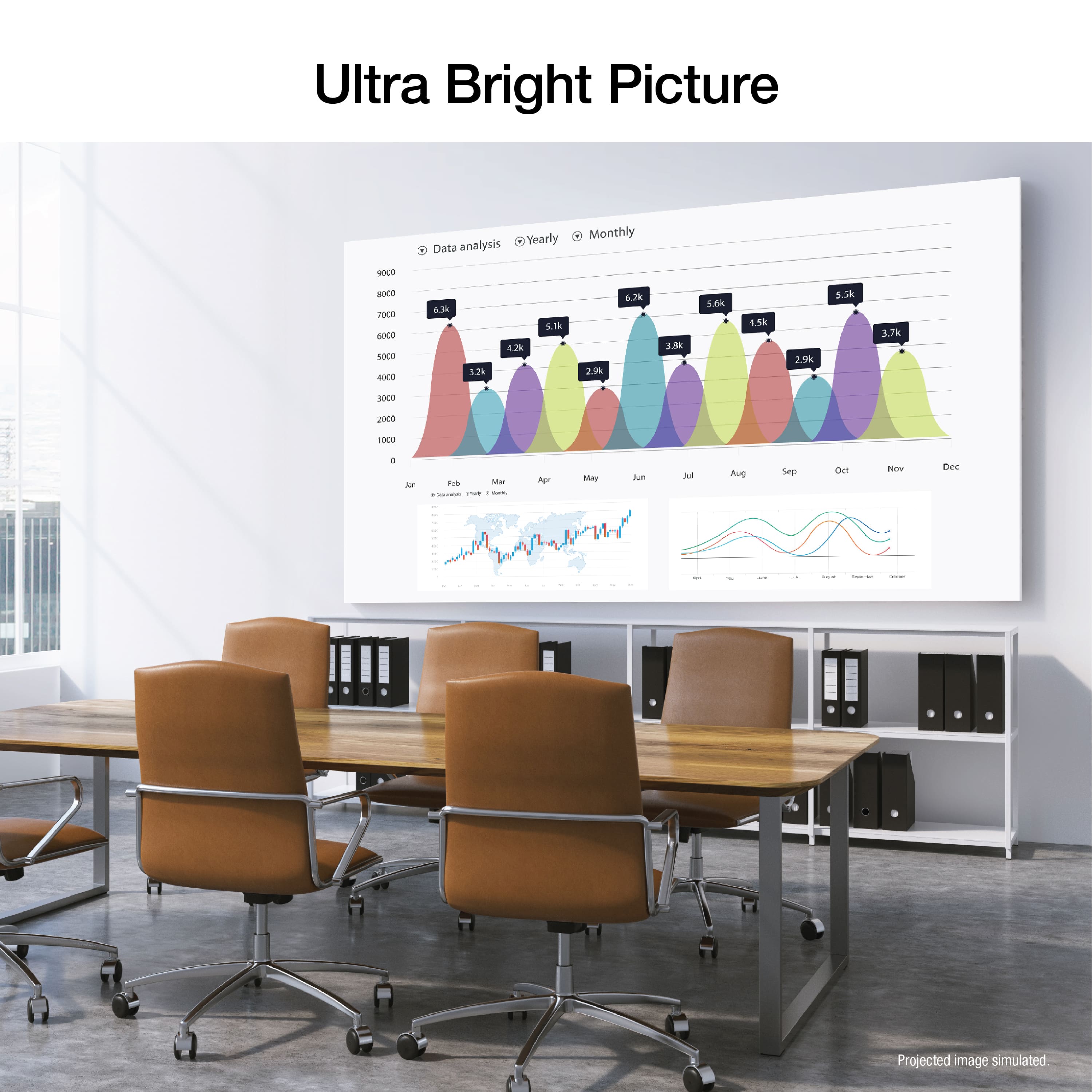
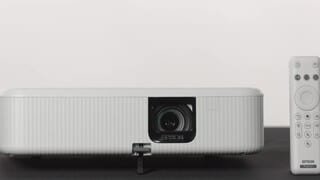
A:AnswerHello Britt. Yes, the CO-FH02 will work with screen sizes ranging from 26 to 391 inches. For a 150" screen, we recommend placing the CO-FH02 approximately 169 to 229 inches away from the display. Regards, Kevin - The Epson Team.
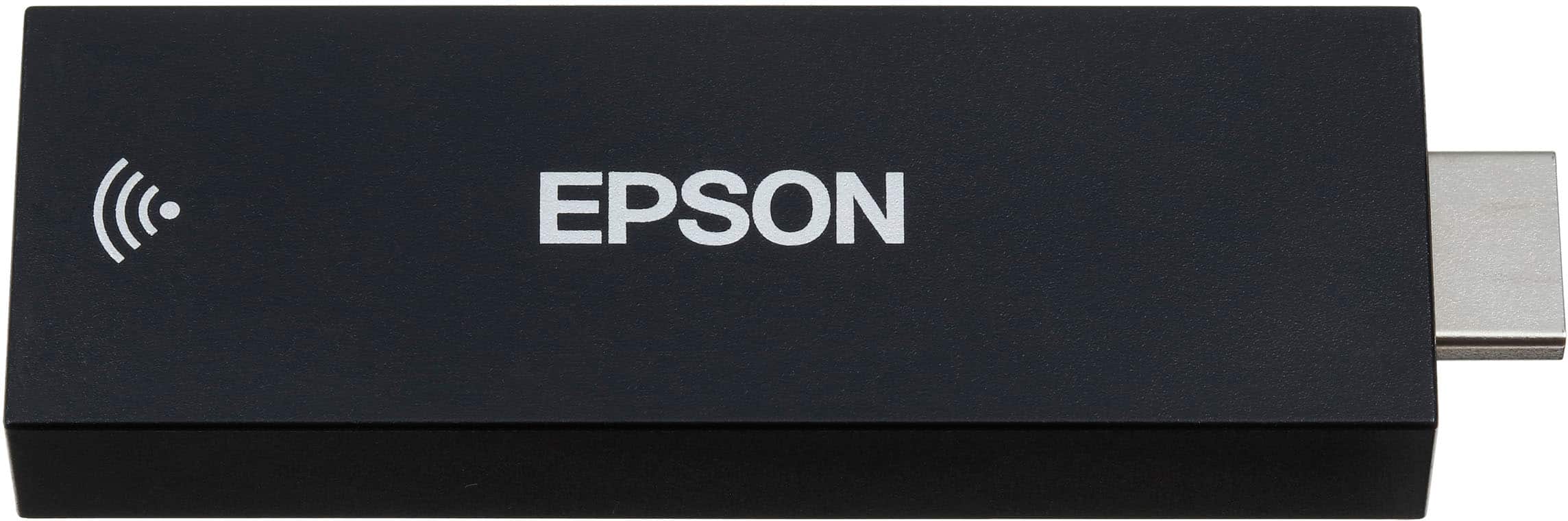
A:AnswerYou will need to download a third-party app to mirror your screen directly to the Android TV (e.g. “DoCast”). You can cast most supported apps without a third-party app, however (e.g. ESPN, Netflix, streaming apps). I believe an HDMI splitter would work, but not certain.
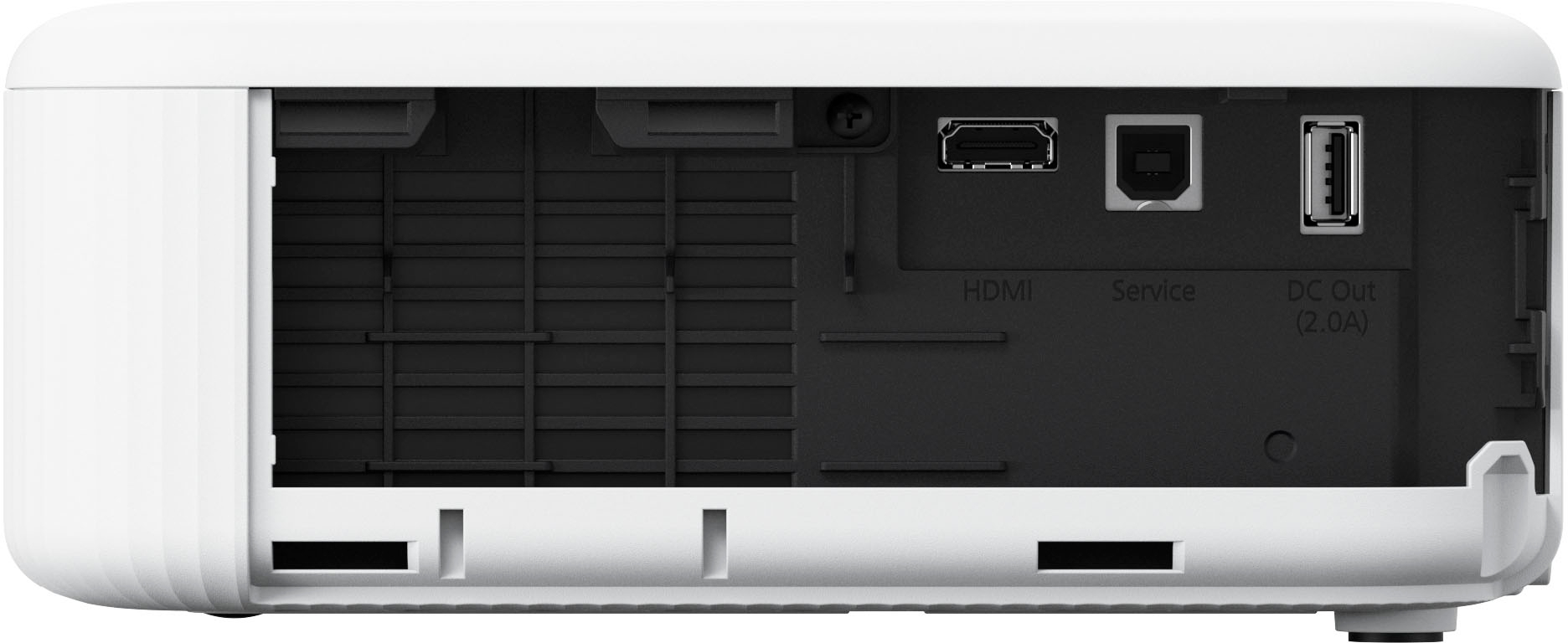
A:AnswerWithout knowing the make and model of your laptop, it would be difficult to answer the how. In general, how ever you can connect an HDMI cable to your laptop will be the answer
A:AnswerHello Rigo3610. The CO-FH02 only supports front and rear projection. Unfortunately, it cannot be ceiling mounted. Regards, Kevin - The Epson Team.
A:AnswerHello Leigh. The CO-FH02 can connect to only one Bluetooth speaker at a time. Regards, Kevin - The Epson Team. Regards, Kevin - The Epson Team.
A:AnswerHello Pramod. You can enable rear projection on the CO-FH02 by going into the Settings > Projector Features > Installation > Projection. Regards, Kevin - The Epson Team.
A:AnswerIf your AV receiver has HDMI then you can simply run the HDMI out from the receiver to the projector and then plug the Android stick into the back of your receiver.
A:AnswerHello Confused. Yes, you can set the sleep timer for 1 - 30 minutes. The option to make the change can be found under settings > operation settings > sleep mode timer. Regards, Kevin - The Epson Team.