A:AnswerHello Satya. The Mini EF12 Projector comes with a standard 2-year limited warranty. We also include free technical phone support for the life of the product. Regards, Kevin - The Epson Team.

A:AnswerHello Ryan. The EF12 Projector can be attached to a VESA-compliant mount on the ceiling using the optional mounting plate. The correct part number for the mounting plate is "ELPMB65". Regards, Kevin - The Epson Team.
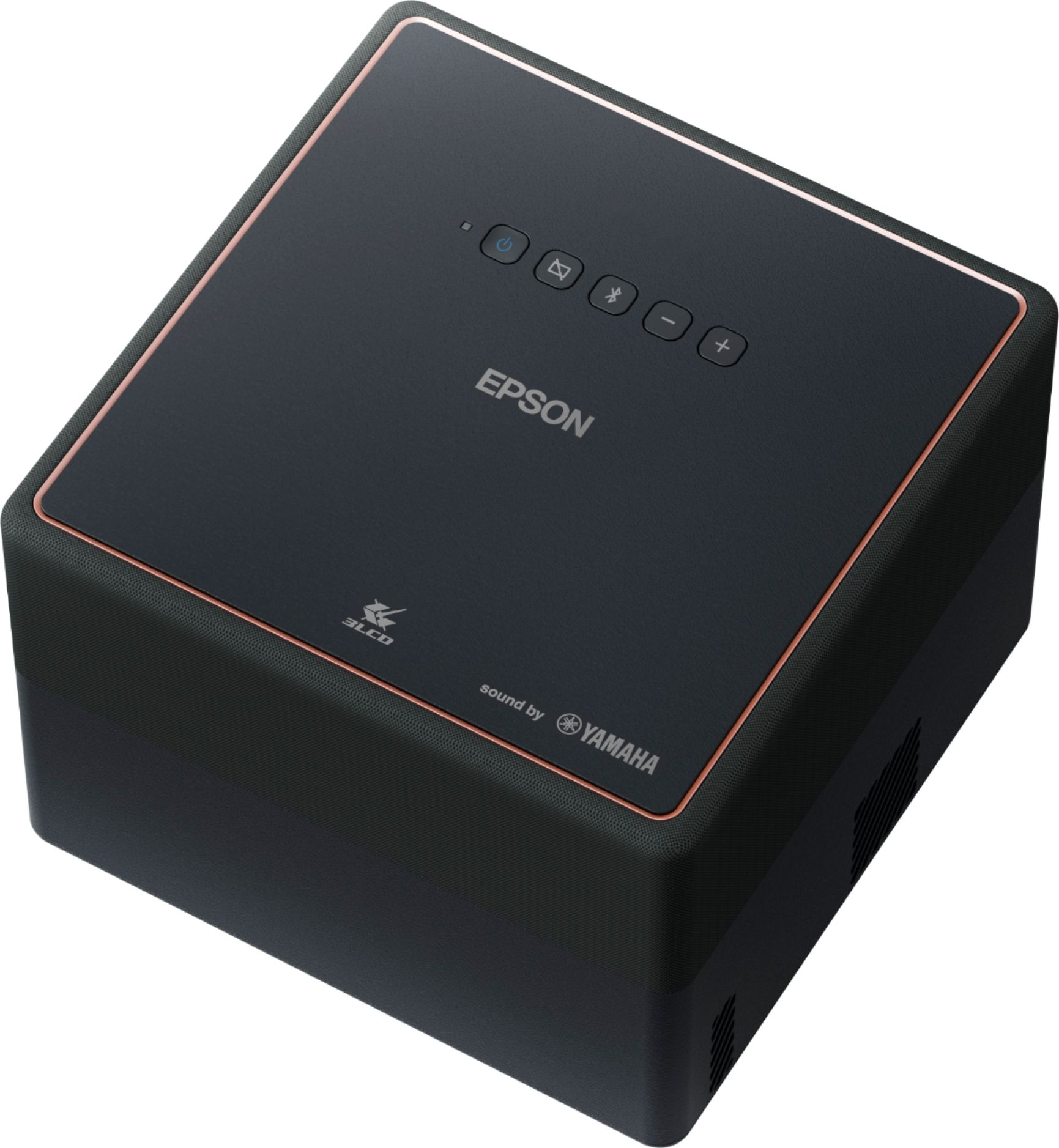
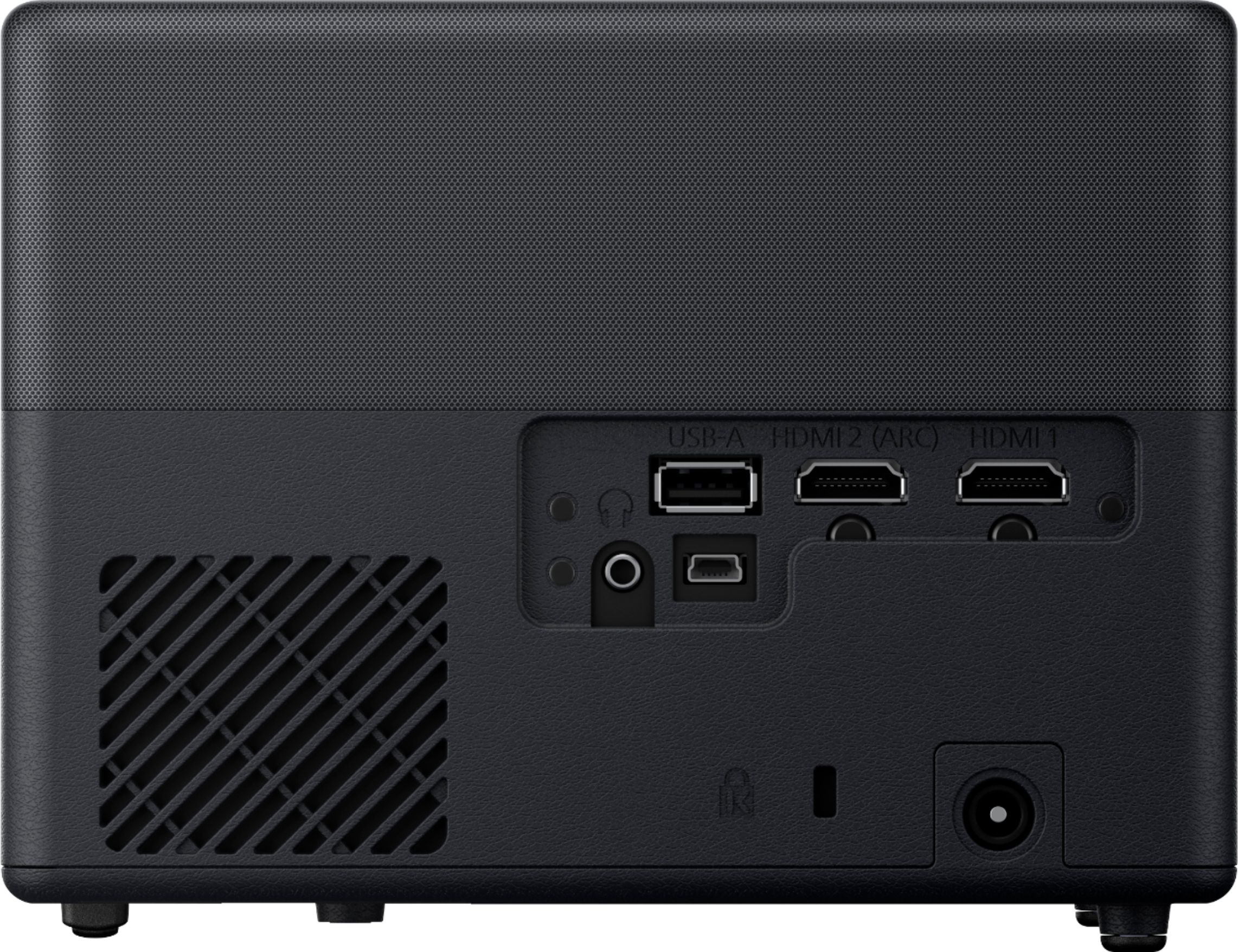
A:AnswerThis is my big question, too… and so far remains unanswered. Is there any way at all of connecting a subwoofer to this unit *while still using the built-in Yamaha speakers* ? If not, providing a subwoofer output jack for this thing in a future version would be a brilliant idea!
A:AnswerHello Blazer. The EF12 Projector does not include a connection for a TV Antenna. Your best option will be to use a streaming device via an HDMI connection like a Roku or Fire TV and see if there are apps available to watch OTA local channels. Regards, Kevin - The Epson Team.
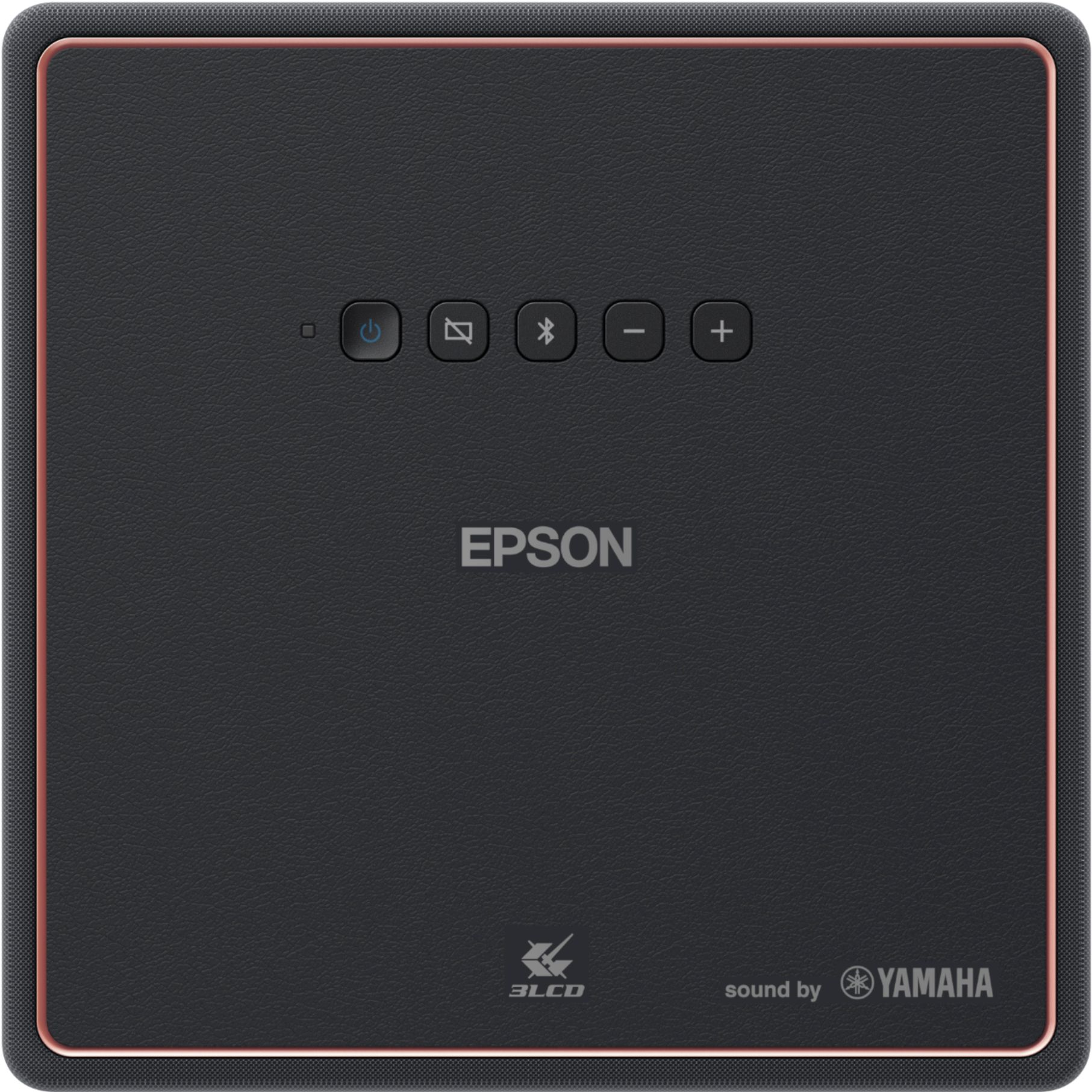
A:AnswerHello bestbuypro. The EF12 Projector is compatible with most features using HDMI 2.1 specification. Watching movies in SDR or HDR is generally controlled by your source signal type. We recommend visiting our official Epson Support page to review the User's Guide, where you can see if the Display Format specs from your device will fall within SDR or HDR format. Regards, Kevin - The Epson Team.
under these conditions described in the UG - it is automatic on the projector side
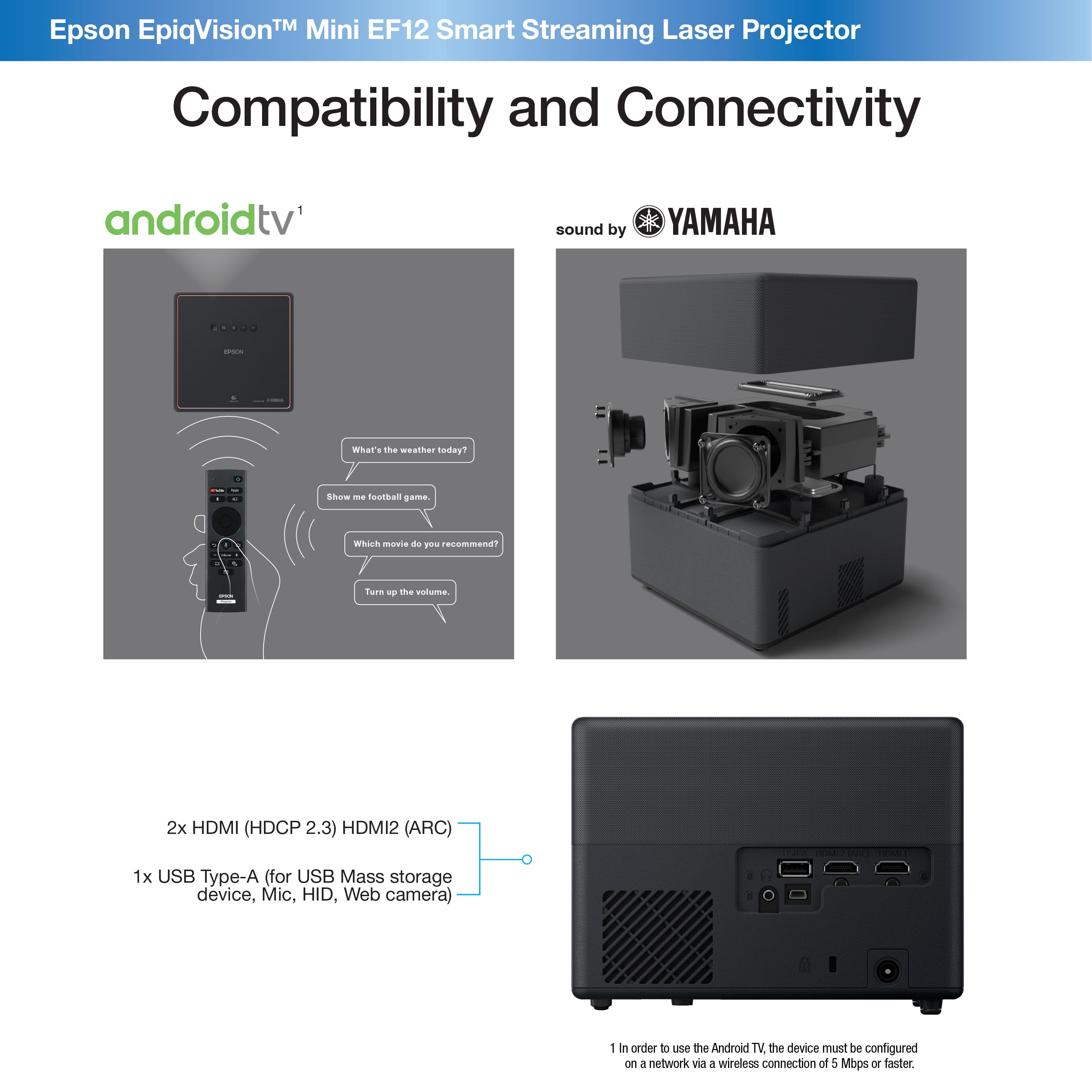
A:AnswerHello. The EF12 includes an HDMI port. We recommend confirming that your dish receiver has HDMI connectivity. If your dish receiver does, you should be able to use it with the projector. Regards, Kevin - The Epson Team.
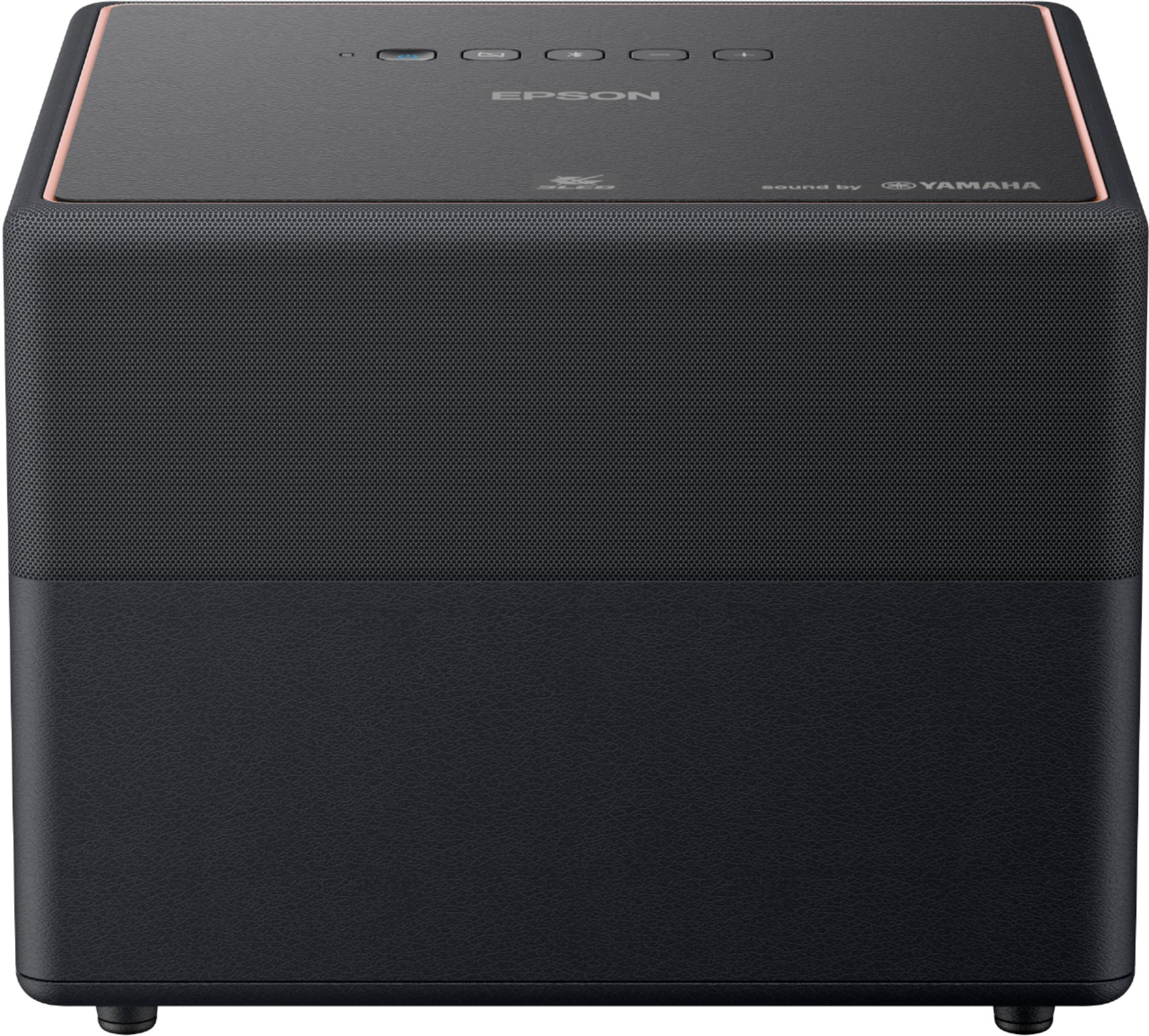
A:AnswerHello Ashutosh. The EF12 mounting plate is sold as a separate accessory. Unfortunately, it is not included with the projector. If you want to purchase the mounting plate, the product code number is V12HA40AA0. Regards, Kevin - The Epson Team.
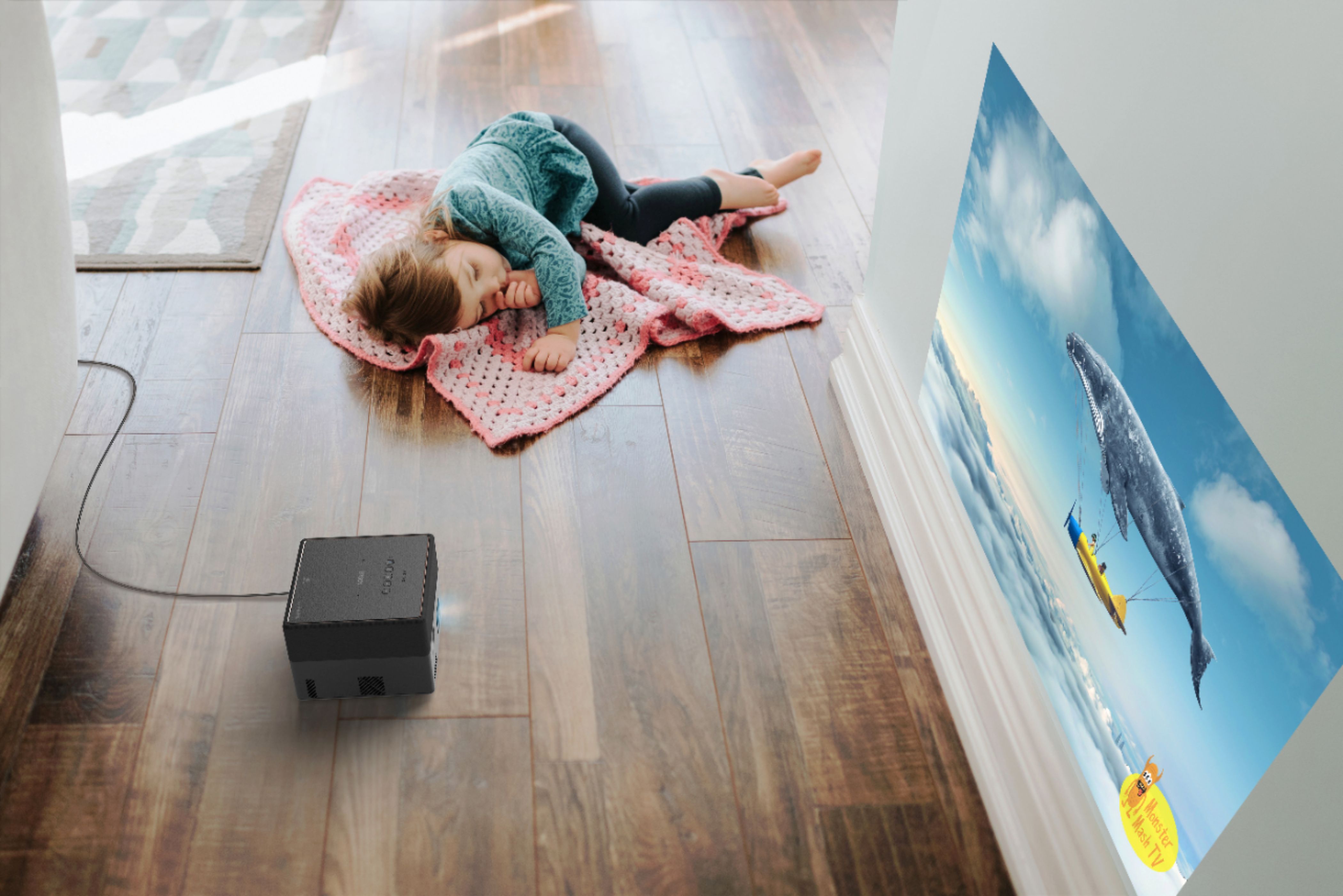
A:AnswerHi Sangia, The EpiqVision Mini EF12 does not have Bluetooth for streaming. The best way to wirelessly connect a Mac to the projector is to connect an Apple TV to the EF12's HDMI port. Regards, Mark - The Epson Team.
A:AnswerYes you can *BUT* the sound only comes out of the speaker in the projector. It wont play on my surround wirrless Bose for some reason, neither for a bluray player. Only if you are watching through projector and not through HDMI ports.
A:AnswerHi Solarguy, The image from the EpiqVision Mini EF12 looks better on a screen than on a wall. This is the same for most projectors. Regards, Mark - The Epson Team.