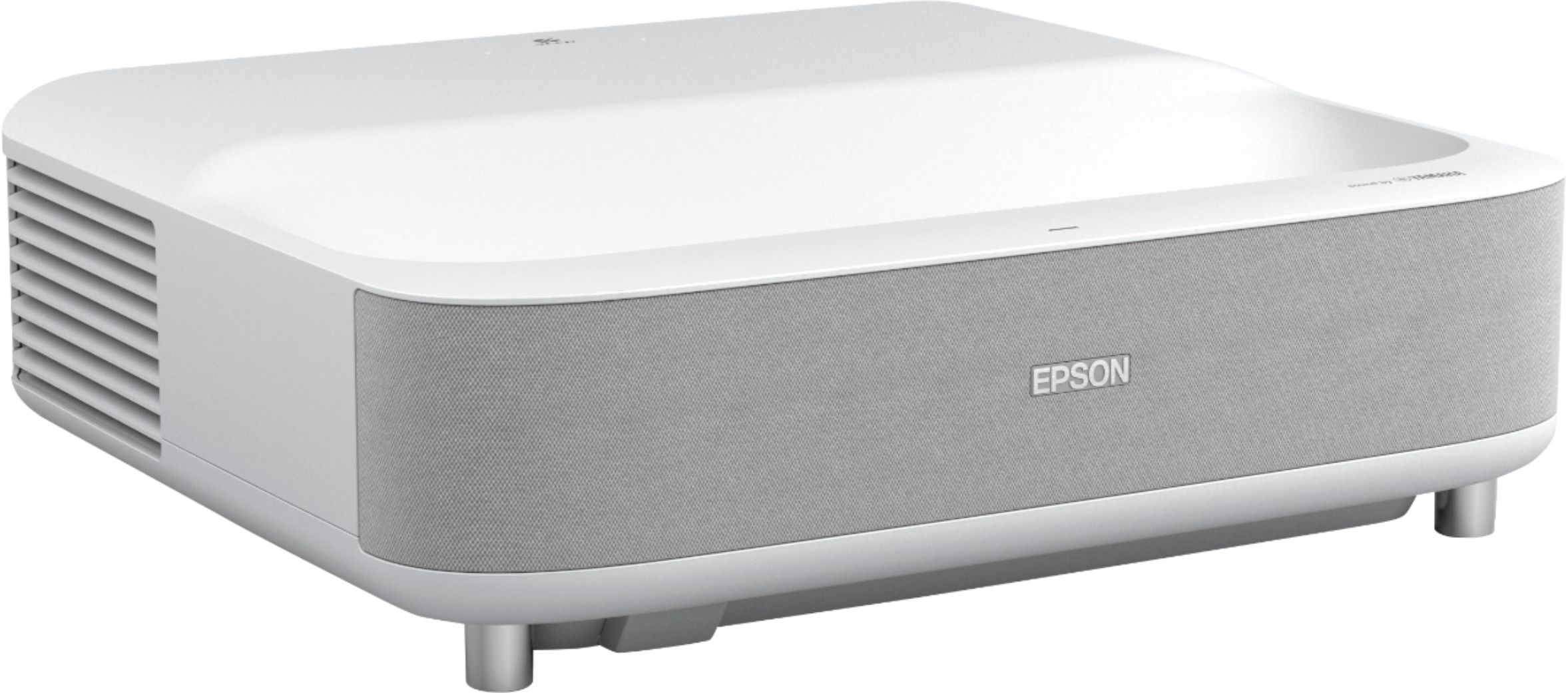
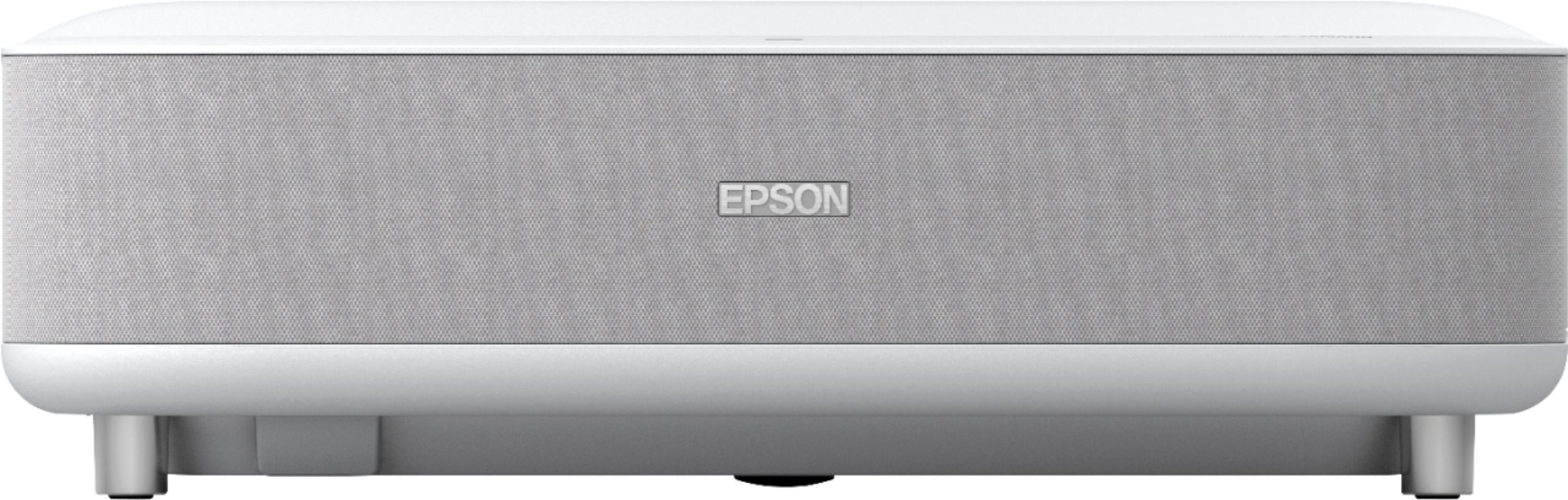
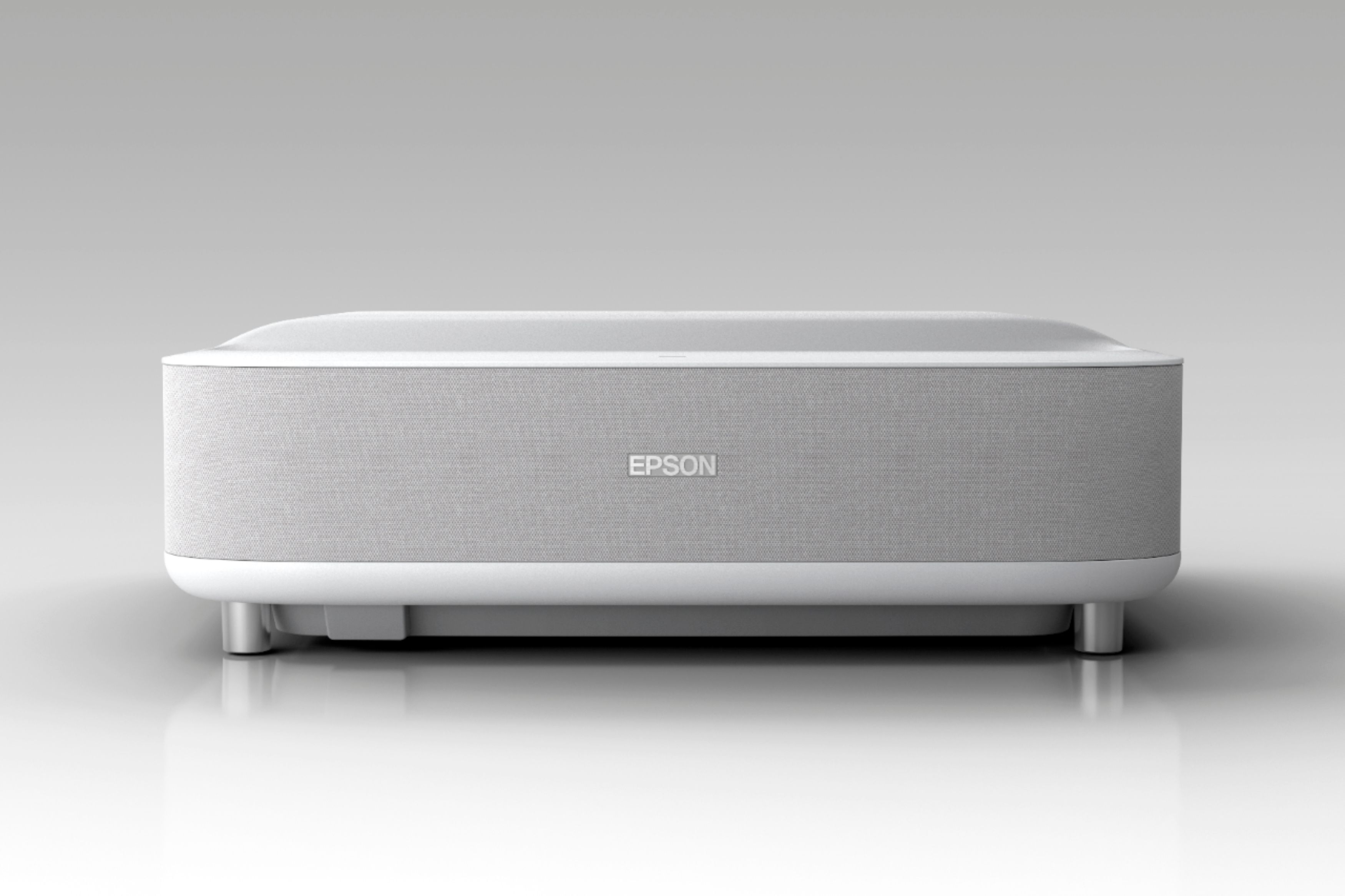
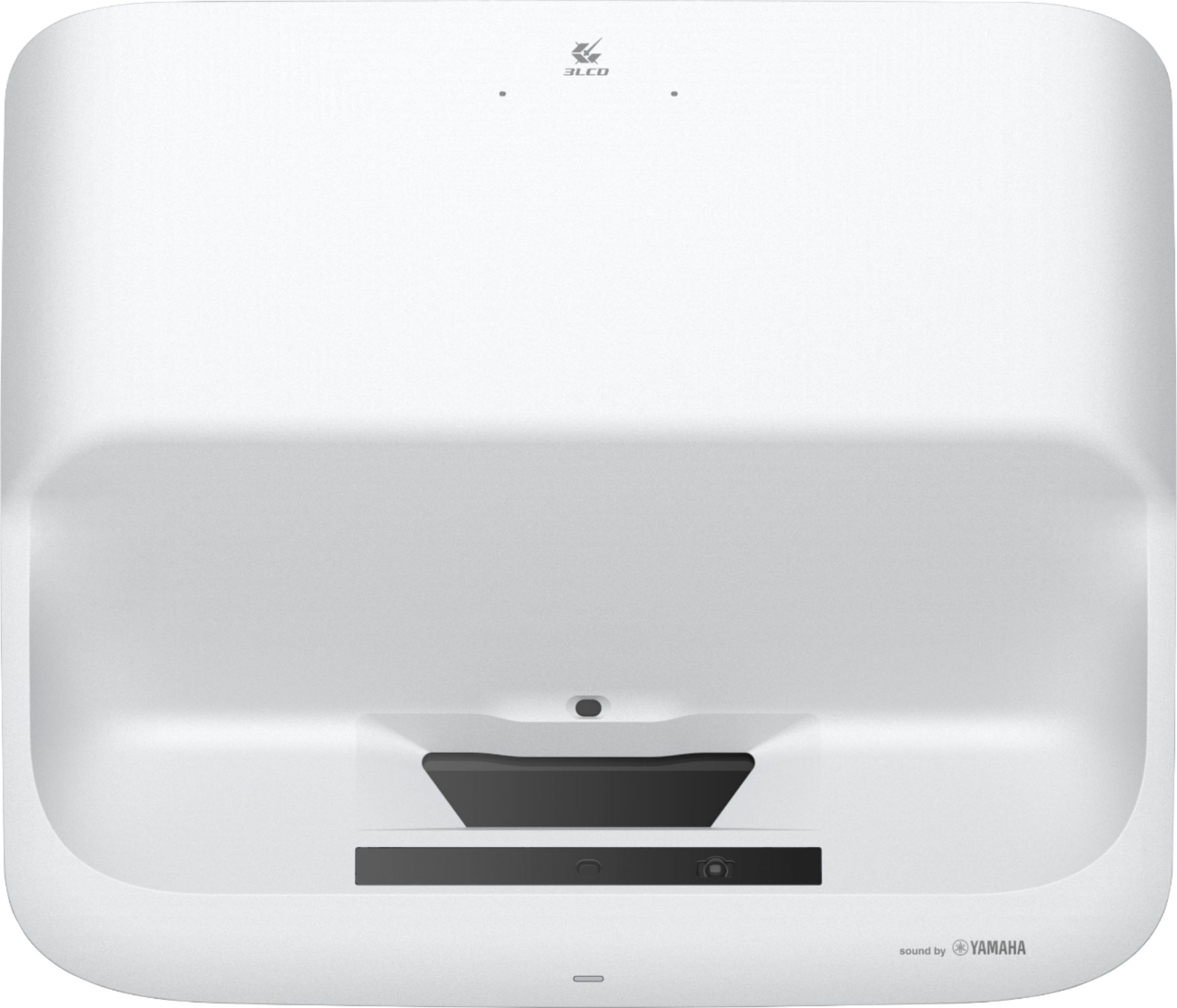
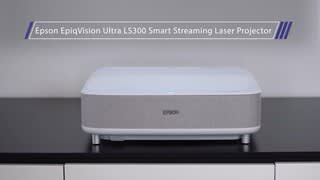
A:AnswerHello ShadowTechFX. The LS300 Projector has 3,600 lumens of color and white brightness that can produce an exceptionally sharp and vivid picture. Regards, Kevin - The Epson Team.
A:AnswerHello Aboveavg. Yes, the LS300 projector can be viewed in a room with lights on. However, color brightness and white brightness can vary based on usage conditions. The projector does offer different Color Modes to provide optimum brightness, contrast, and color for a variety of viewing environments and image types. We recommend choosing the "Dynamic" mode as this offers better image contrast for bright rooms. Regards, Kevin - The Epson Team.
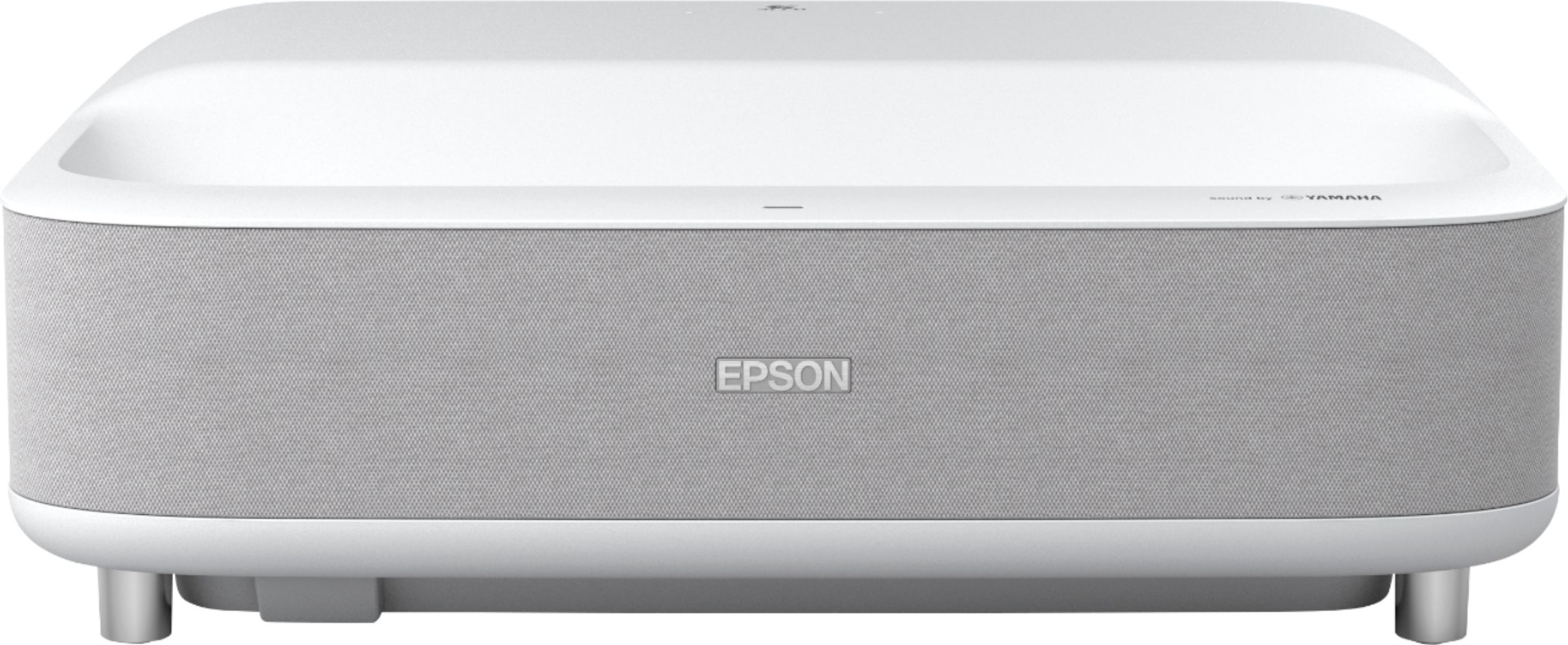
A:Answeryou cant stream netflix from the ls300 projector, but you can play it on a different device like an xbox or roku tv and project it via the hdmi ports
A:AnswerHello Truckstop. Unfortunately, the LS300 Projector is not intended to be ceiling mounted. We do not recommend mounting the projector on a ceiling as it could fall and cause damage or injury. Regards, Kevin - The Epson Team.
A:AnswerI had the same issue at 1st, Then I went into the settings and had to connect to the Wi-Fi and do a complete update which took a little while, Then I connected it to my laptop via HDMI and everything started working great, Using the USB port took a little bit more finessing Through the settings on the device itself.
A:AnswerHi BPB, If the projected image from the EpiqVision Ultra LS300 projector is 120" measured diagonally, the image would be 4' 10 13/16" high by 8' 8 9 /16" wide. If the projector is sitting on a 29" high table the bottom of the image would be at 3' 10 7/8" above the floor. So, as long as your ceiling is higher than 8' 9 11/16" it will work. You could also place the projector on a shorter piece of furniture. Regards, Mark - The Epson Team.
A:AnswerHello Lou. Yes, you can connect an Apple TV device via HDMI to the LS300. As long as the video signals are compatible, the projector supports viewing HDR video in 1080p and 4K. Regards, Kevin - The Epson Team.
A:AnswerI have noticed this happens when there's an object or debris that lands on the lens, It's a safety feature you can turn it off in the settings or you can just clean your lens.
A:AnswerI actually connected a bose 500 triple black, But Only use it for certain movies the rest of the time the the audio on the device itself is great.
A:AnswerHello Santosh. Unfortunately, not at this time, the LS300 Projector only supports HDMI Arc. For more information on supported audio configurations, please visit our official Epson Support page. Regards, Kevin - The Epson Team.
A:AnswerHello Samy. We would like to hear more about this issue. Please visit our official Epson Support page to find the contact information for our technical support team. Regards, Sam - The Epson Team.
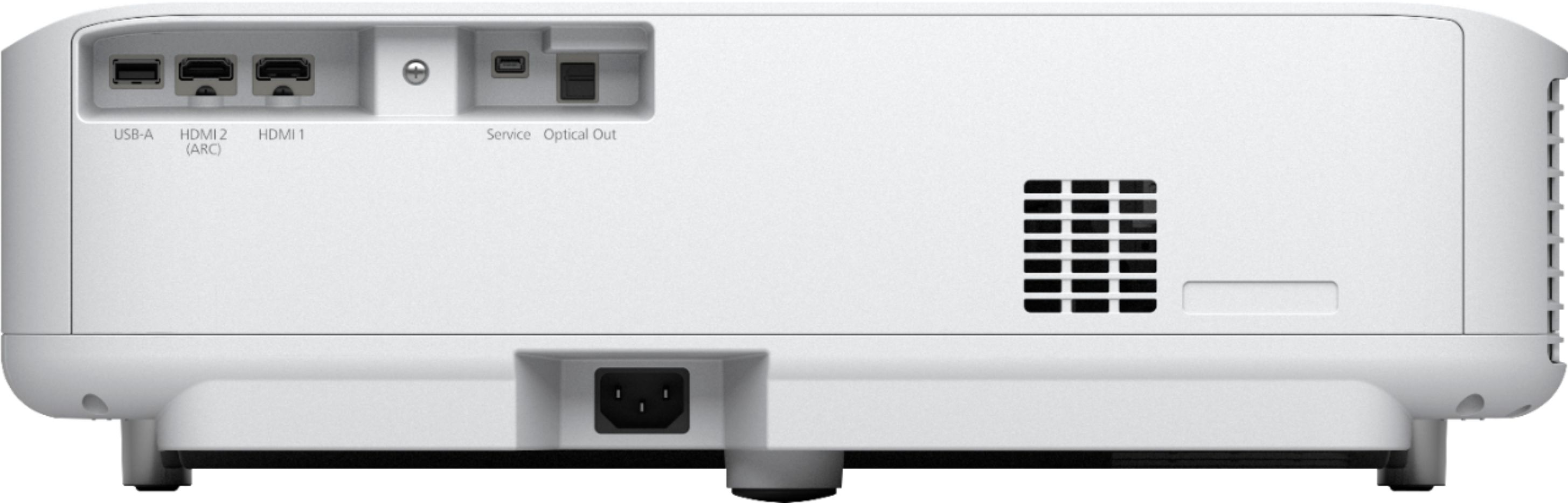
A:AnswerIt doesn't support Dolby Atmos via ARC, only DD/DTS 5.1 via HDMI Passthrough from it's HDMI 2 ARC socket if you have an external device outputing DD/DTS 5.1 into it's HDMI 1 socket. The Optical output on the EH-LS300 can only output 2.0pcm and not DD/DTS 5.1 even when you connect an external device into it's HDMI sockets with DD/DTS 5.1 it still only outputs 2.0pcm from it's Optical output. The built in Android 9 TV apps output only 2.0pcm and not DD 5.1 from either HDMI ARC or Optical outputs as well.
A:AnswerHello Danny. The LS300 supports 100v to 120v and also 220v to 240v. Please review the technical specifications in the user's guide on the official Epson Support page for more information. Regards, Kevin - The Epson Team.
A:AnswerHi Rabbit. The Epson LS30 was designed to connect to 2.4 GHz (IEEE 802.11 b/g/n) or 5 GHz (IEEE 80211 b/g/n) Wi-Fi networks. Regards, Kevin - The Epson Team.
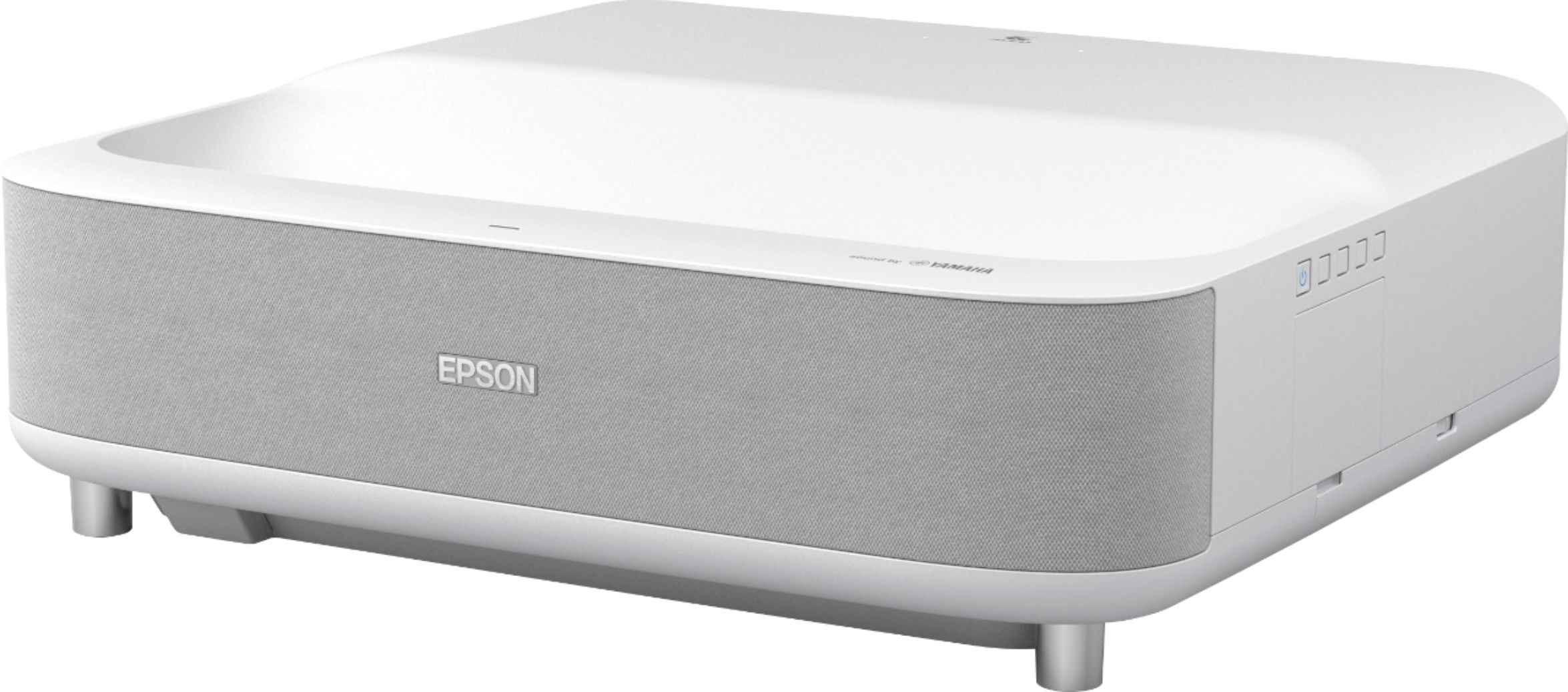
A:AnswerHey, I just had the same issue but figured it out. The spot where u put the fiber optic cable actually has a plug in it. I was trying to put my cable in it and it wouldn’t fit. Pulled it out and the plug came out. I was trying to mess with it but was scared I would break it. Try that.
A:AnswerHi pulp. Yes, you can connect the Epson EpiqVision LS300 projector to Bluetooth audio devices such as speakers or headphones to output audio. Regards, Bobby - The Epson Team.