Questions & Answers
- Model:
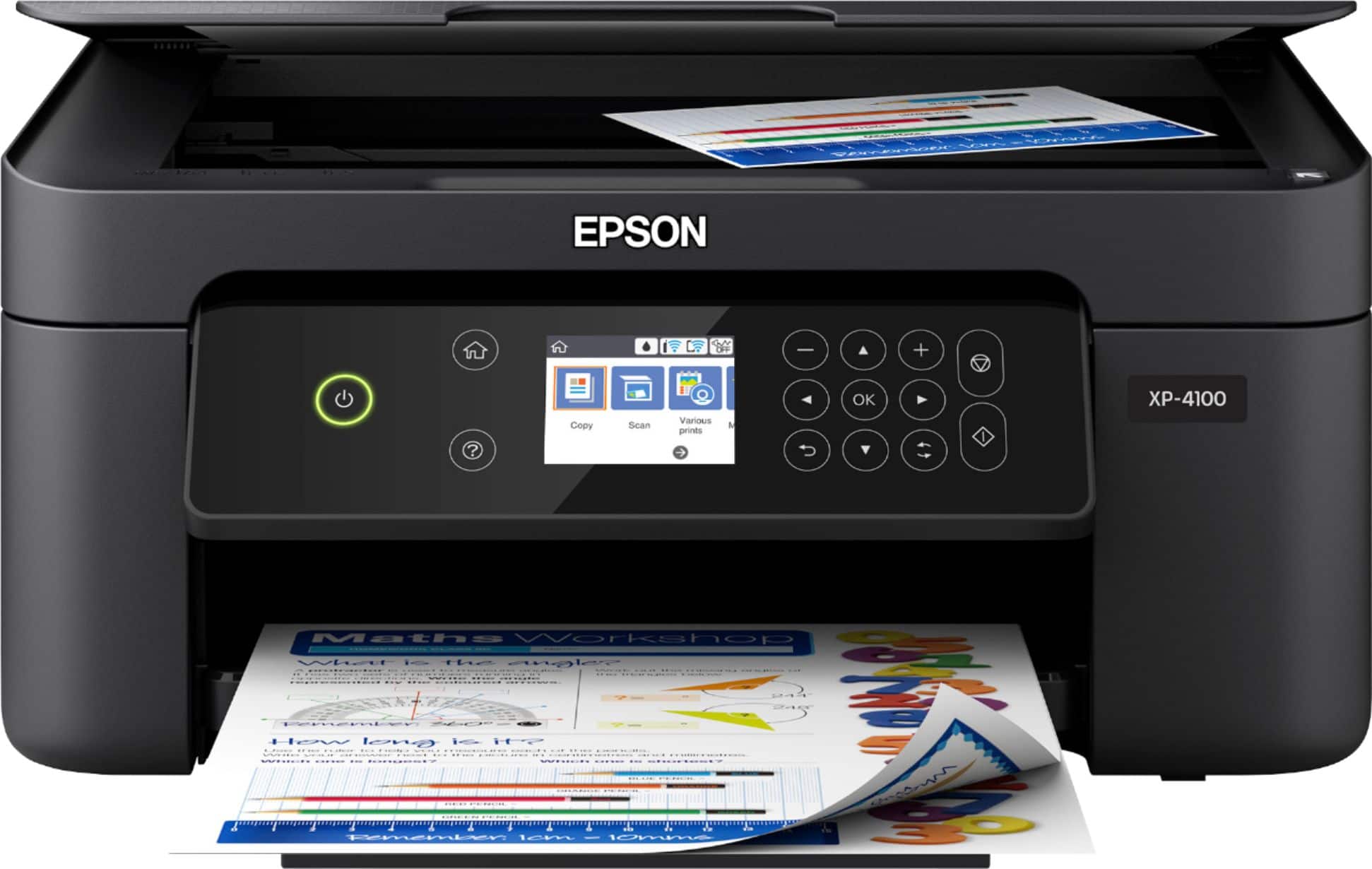
- EPSON XP-4100 PRINTER C11CG33
- |
- SKU:
- 6348813
Highly rated by customers for: Ease of use, Print Quality, Size
Page Showing 181-200 of 706 questions
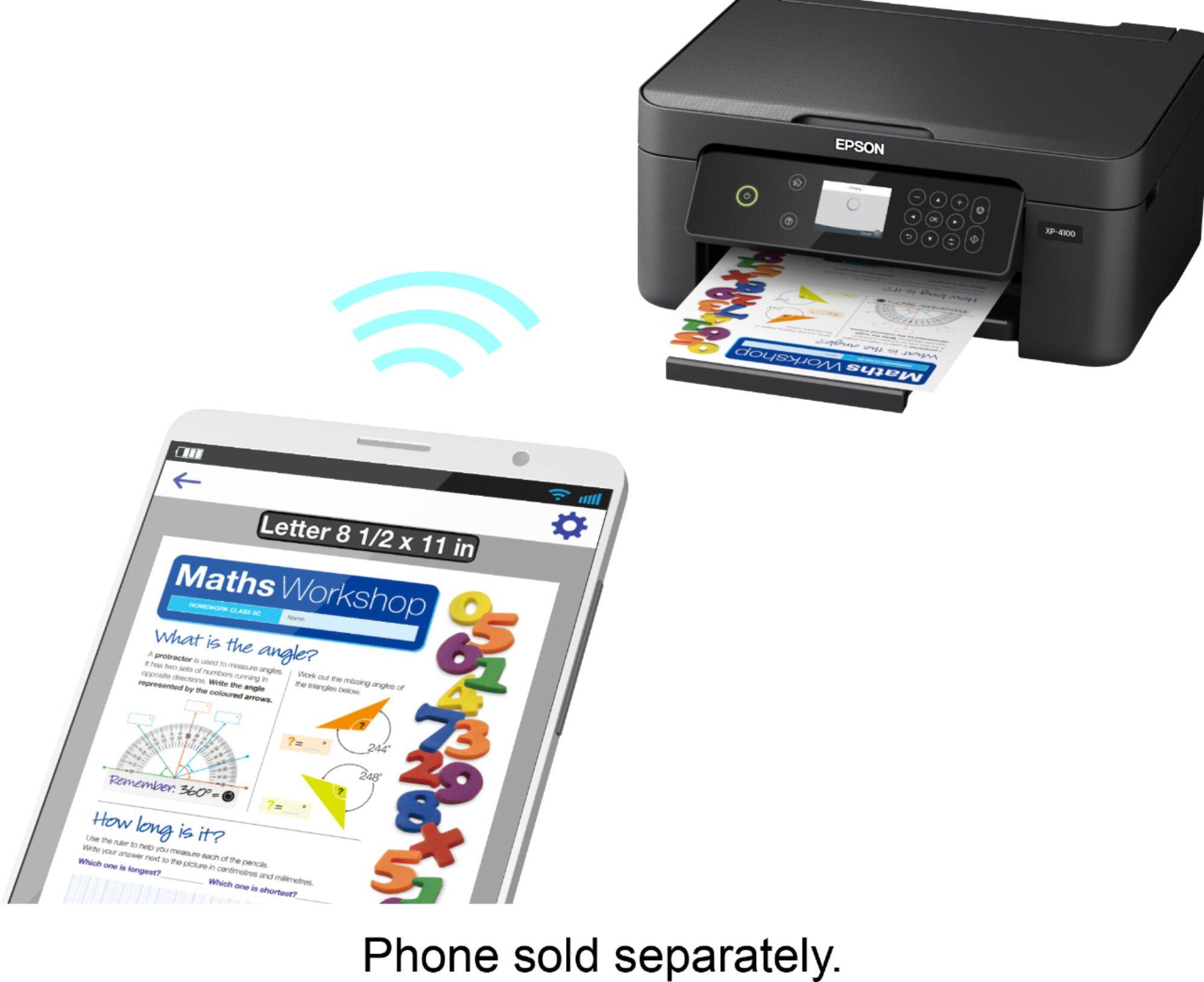
Q: QuestionI want to choose the size paper when printing from phone. Can I choose? I can only seem to print letter size.
Asked by cheryl6510.
- A:Answer Hi cheryl6510, Yes, you can change the paper size. The method depends on which smart phone and app you are using. With an iPhone and the built-in AirPrint print service, there is a print option screen that includes a Paper size selection option. If you are using the free Epson Smart Panel app on an iPhone or Android phone, once you select the document or photo you tap the gear symbol to open the Print Settings screen. Then use the Paper Size selection to change the paper size. Regards, Mark - The Epson Team.
Answered by Epson

Q: Questionhow you fax with this printer
Asked by bruno.
- A:Answer Hello bruno. The XP-4100 is an All-In-One printer with printing, copy, and scan features. Unfortunately, the printer does not include fax functionality. Regards, Kevin - The Epson Team.
Answered by Epson

Q: Questiondoes this printer have black ink only
Asked by Anonymous.
- A:Answer Hello. The XP-4100 uses Cyan, Magenta, Yellow, and Black Ink. The printer is designed to only work with T212 and T212XL Ink Cartridges. Regards, Kevin - The Epson Team.
Answered by Epson

Q: QuestionDoes this have a memory card reader capability. I want to be able to download pics from my camera to my IMAC
Asked by sissyd.
- A:Answer Hi sissyd, Sorry, the Expression Home XP-4100 does not have a built-in card reader. Regards, Mark - The Epson Team.
Answered by Epson

Q: QuestionDoes printing possible from iPhone wirelessly
Asked by Anonymous.
- A:Answer Hi, Yes, you can send prints from your iPhone to the Expression Home XP-4100. Both your phone and the printer must be connected to the same 2.4 GHz Wi-Fi network. Regards, Mark - The Epson Team.
Answered by Epson

Q: QuestionDo this printer scan directly to a USB / flash drive
Asked by Na.
- A:Answer Hi Na, Sorry, the Expression Home XP-4100 does not have the capability of scanning to a USB drive. Bestbuy.com carries a similar model, the Expression Premium XP-6100, that can scan to an SD card. Inventory levels on Bestbuy.com can change. Regards, Mark - The Epson Team.
Answered by Epson

Q: QuestionCan this printer connect to a Chrome Notebook?
Asked by Inez.
- A:Answer Hello Inez. Yes, the XP-4100 can be connected to a Chromebook computer. Please visit our official Chromebook Support page for details on setting up the device. Regards, Kevin - The Epson Team.
Answered by Epson

Q: QuestionCan you scan with this printer
Asked by Anonymous.
- A:Answer Hello. Yes, the XP-4100 is an All-In-One printer that includes printing, copy, and scan functionality. Regards, Kevin - The Epson Team.
Answered by Epson

Q: QuestionI want to double check. I was told this will work with macos catalina 10.15 but the description doesnt show that. Are you sure that is correct?
Asked by Anonymous.
- A:Answer Hello. Yes, the XP-4100 is compatible with Apple computers running macOS 10.15. To download the latest driver, please visit our official Epson Support page. Regards, Kevin - The Epson Team.
Answered by Epson

Q: QuestionIs this a sublimation printer
Asked by Anonymous.
- A:Answer Hello. The Epson XP-4100 was not designed for dye-sublimation printing nor the use of non-genuine Epson ink cartridges. Using sublimation ink in this printer could damage the print head and impact warranty coverage. Regards, Kevin - The Epson Team.
Answered by Epson

Q: QuestionCan you print remotely to this printer? In other words if this printer is at my office can I send a print from my home that is on a different wireless network and have it print?
Asked by David.
- A:Answer Hello David. Yes, the XP-4100 supports "Online Printing," where you can remotely send jobs to your printer using services such as Epson Connect. There are also additional options to choose from, such as Epson Email Print, Epson Remote Print. Regards, Kevin - The Epson Team.
Answered by Epson

Q: QuestionWhy am I unable to find the event manager software to dl in order to scan, Ive searched and tried several to no avail. Both my laptop and my phone show this printer/scanner installed and I am successfully printing but not scanning?
Asked by paula.
- A:Answer Hi paula, Have you installed the Epson scanner driver? It is necessary even if you plan to use WIA or ICA to scan from a computer. Regarding your phone, which app are you using? You can use the native AirPrint app on an iPhone, or the Epson Smart Panel app on either Android or iPhone. Please visit the Epson support site for the XP-4100 to see videos, FAQs and user's guides with setup and trouble-shooting tips. Regards, Mark - The Epson Team.
Answered by Epson

Q: Questiondoes it print two sided?
Asked by gp.
- A:Answer Hi gp, The Expression XP-4100 does not print on both sides automatically. You can print one side and flip the stack of paper to print the second side. Or, consider an Expression Premium XP-6100. It does do automatic two-sided printing. It is currently available at BestBuy.com. Availability can change. Regards, Mark - The Epson Team.
Answered by Epson

Q: QuestionDoes the printer automatically turn on when you go to print or do you have to manually turn it on?
Asked by cheryl6510.
- A:Answer Hi cheryl6510, The Expression Home XP-4100 will wake up from sleep mode if you send a print job. It goes to sleep after a period of inactivity. You can adjust the time it takes for the printer to go into sleep mode. If you turn it off using the power button, you must push the button to turn it on again before it will print. Regards, Mark - The Epson Team.
Answered by Epson

Q: QuestionIs this printer compatible with Windows XP?
Asked by Anonymous.
- A:Answer Hello. The XP-4100 is not compatible with Windows XP. Epson provides printer drivers ranging from Windows 7 - 11. If you need to download the latest driver, please visit our official Epson Support page. Regards, Kevin - The Epson Team.
Answered by Epson

Q: QuestionWill it print high quality color pictures?
Asked by MustDo.
- A:Answer Hello MustDo. The XP-4100 is a four-color printer that can print photos with a maximum resolution of 5760 x 1440 optimized dpi. The printer also supports a variety of Epson Photo Papers. For a list of compatible paper types, please visit our official Epson Support page. Regards, Kevin - The Epson Team.
Answered by Epson

Q: QuestionThis printer can be used wireless with my desktop/laptop. Right? In descriptions of printers, how do I know it works with desktops because the printers are always indicating smartphones, tablets, etc
Asked by Rose.
- A:Answer Hello Rose. Yes, the XP-4100 can be connected wirelessly to a desktop/laptop via Wi-Fi. In addition, as you said, it also supports being connected to a smartphone and tablet. To download the required printer software to set up your printer, visit our official Epson Support page. Regards, Kevin - The Epson Team.
Answered by Epson

Q: QuestionCan you print a envelope out with it??
Asked by Printer.
- A:Answer Hello Printer. Yes, the XP-4100 can print on No.10 sized Envelopes. Using the paper feed of the machine, you can expect to load approximately ten envelopes total. Regards, Kevin - The Epson Team.
Answered by Epson

Q: QuestionWhat size papers does it print on?
Asked by dubalu.
- A:Answer Hi dubalu, The Expression Home XP-4100 prints on the following sizes: 3.5" x 5", 4" x 6", 5" x 7", 8" x 10", Letter, Legal, A4, B5, A5, A6, half letter, executive, user definable (3.5" – 44" in length). Creating a user-definable size is a simple one-time operation. Regards, Mark - The Epson Team.
Answered by Epson

Most-viewed items
- $699.99$699.99The price was $1,199.99
- Top Deal$99.99$99.99
- $33.33 per month$33.33/mo.for 36 months; 0% APR
- $189.99$189.99The price was $399.99