A:AnswerHello. The Home Cinema 3800 can do full 3D projection with RF active shutter glasses. This includes side-by-side, top-and-bottom, and frame-packing 3D formats. Regards, Kevin - The Epson Team.
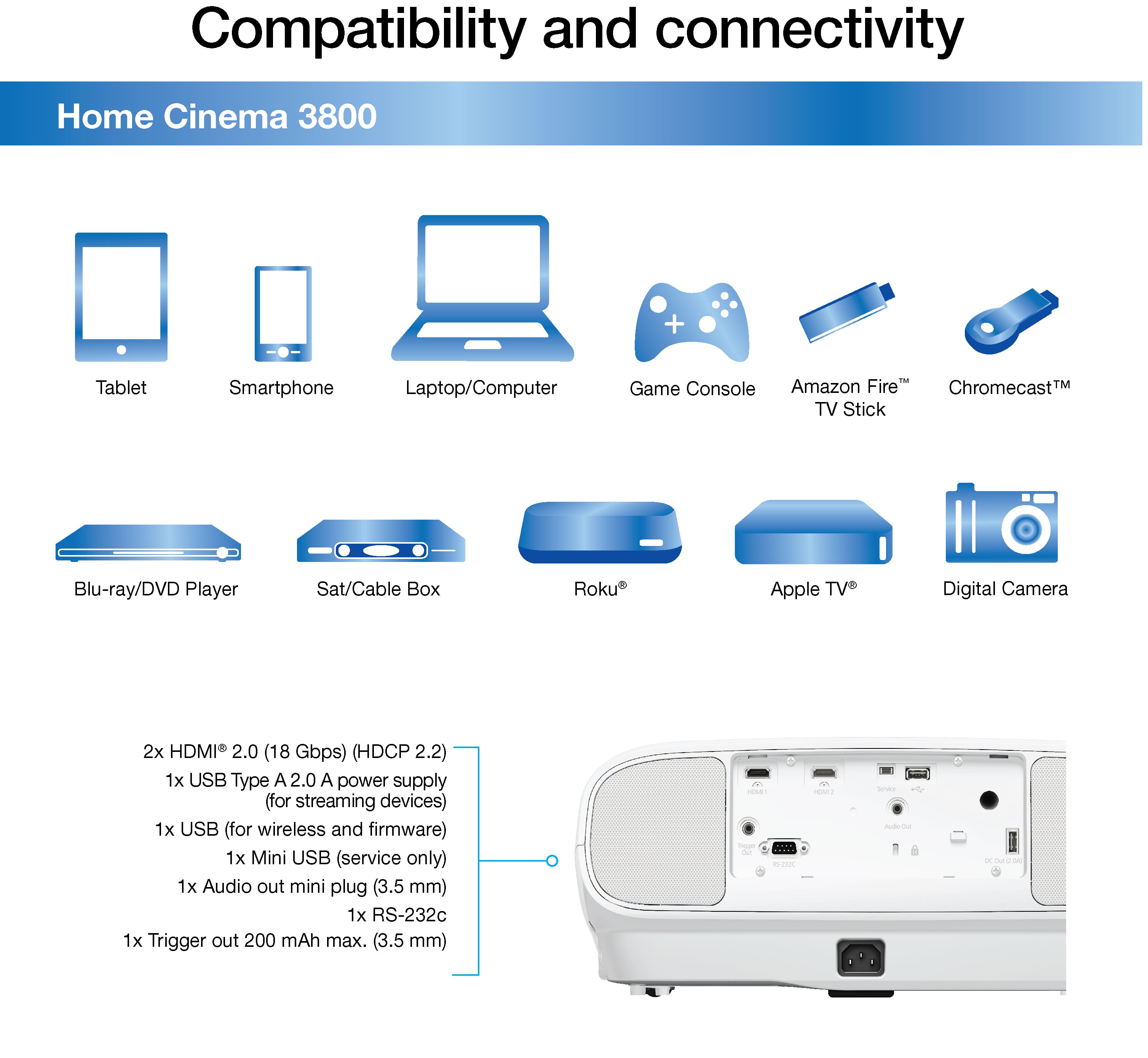
A:AnswerHello Greg. Unfortunately, the Home Cinema 3800 Projector cannot set up a soundbar through an HDMI ARC connection. To connect an external sound device, you can use the Audio Out port or a Bluetooth connection. Regards, Kevin - The Epson Team.
A:AnswerHello Tjac. The Home Cinema 3800 includes an Audio Out port and supports Bluetooth connections to connect external speakers. Regards, Kevin - The Epson Team.
A:AnswerHello Kman2012. The Home Cinema 3800 has three power consumption modes, including ECO, Medium, and High. Power Consumption mode uses 406 W, Medium Power Consumption mode uses 376 W, and ECO Power Consumption mode uses 309 W. Regards, Kevin - The Epson Team.
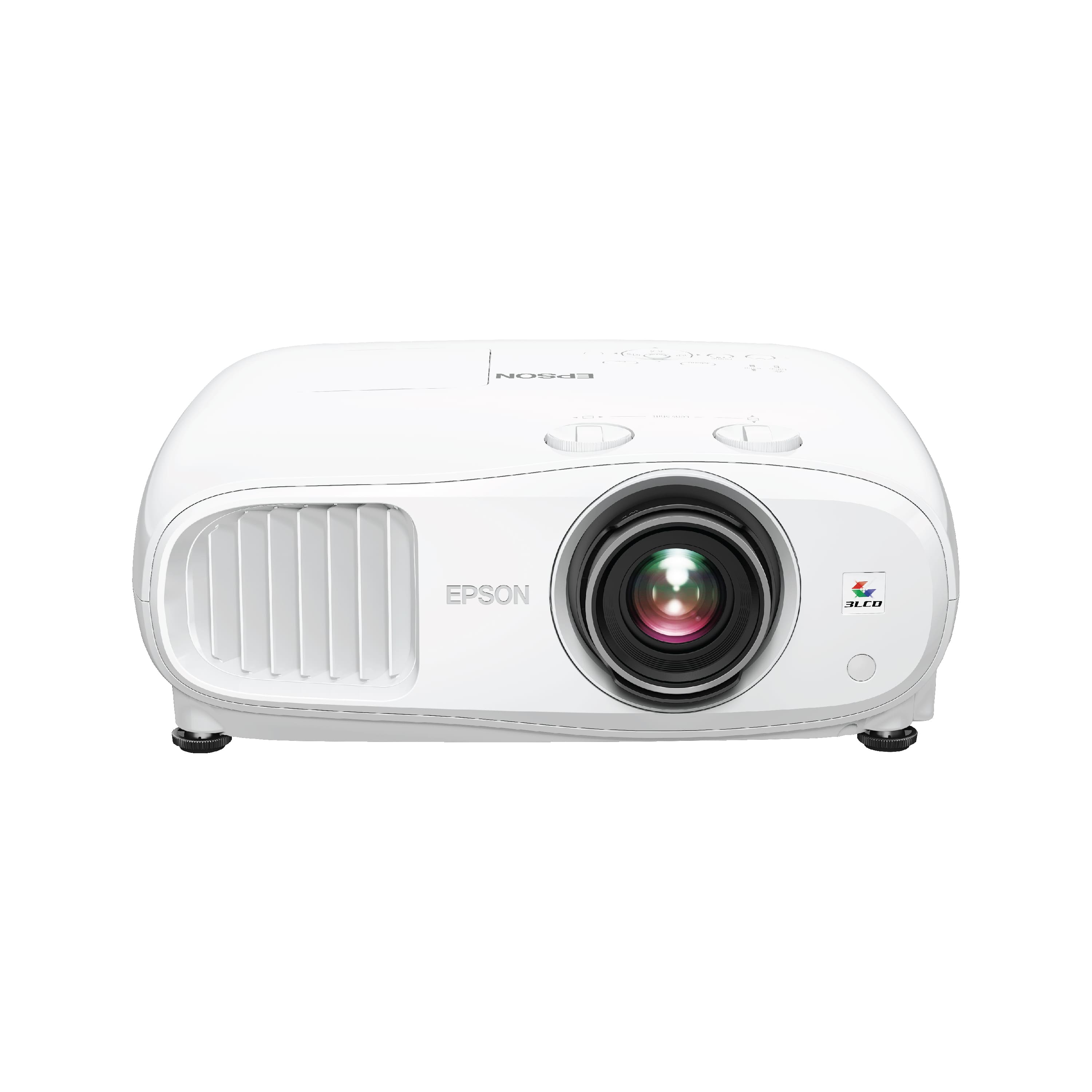
A:AnswerHi Mount. The Home Cinema 3800 uses the CHF1000 Ceiling Mount Kit. Availability is possibly limited, but the SKU number for the kit is 4637032. Regards, Kevin - The Epson Team.
A:AnswerHello Phillip. If you are set up to use HDR on the Home Cinema 3800, we recommend the correct refresh rate and settings are properly set across all devices. The issue is not a common one, and if the settings are already properly set, then we recommend contacting our Technical Support team for additional assistance. Please visit our official Epson Support page for contact information. Regards, Kevin - The Epson Team.
A:AnswerHi Chico, The Home Cinema does not have built-in wireless speaker capabilities. It does have a dual 10 Watt speaker system for stereo sound and an audio out mini port (3.5 mm). Regards, Mark - The Epson Team.
A:AnswerHello Jaxon. The Epson Home Cinema 3800 is compatible to work with the ELPLP85 projector lamp. For more information on supported projector accessories, please visit our official Epson Support page. Regards, Kevin - The Epson Team.
A:Answer60hz. It works perfectly with Xbox Series X with the correct setup (and full 60fps). I easily swap between a 4k tv and this Epson 3800 projector with no issues.
A:AnswerHello LikeStuff. Unfortunately, the Home Cinema 3800 Audio Out port does not carry multi-channel detail; it only supports Stereo output. Regards, Kevin - The Epson Team.
A:AnswerHi KevG, The HDMI ports on the Home Cinema 3800 are for input only. The projector does have an audio out mini plug (3.5 mm) port for sound output. Regards, Mark - The Epson Team.
A:AnswerWhile the projector can upscale any resolution to 4K, this is not true 4k. If you want a true 4K picture you must feed it a 4K signal. Sources that are 4K can connect directly to the projector or go through a processor or receiver. if you go through the processor/receiver it must either process or pass-through the 4K signal in order to get true 4K on the screen.
A:AnswerIf you want to send 4K video to the projector, you would do well to have a HDMI 2 .0 cable.
As for the mount, the mounting holes on the 3800 are different from many other Epson projectors, so your answer depends on what kind of mount system you have.
A:AnswerHi jtime. The Epson Home Cinema 3800 projector is not certified for Dolby Atmos. Additionally, this projector was designed with one 3.5mm jack for audio out. Regards, Bobby - The Epson Team.
A:AnswerYour receiver does not need upgrading because of the projector. The picture is beautiful regardless. If you want 4K, Atmos and Dolby Vision, then you have to update a lot more than just the receiver. So much has changed in the last decade regarding sound, HDMI switching, and processing that you might want to refresh everything.