A:AnswerHi undrgrndgrl, Sorry, the Perfection V39 cannot scan slides and negatives. Please check higher end Epson Perfection scanners for this capability. Regards, Mark - The Epson Team.
A:AnswerHi, You can set the driver to scan a photo at more than 100% of the size of the original. See the Epson support site for more information, including user's guides, FAQs and videos. Regards, Mark - The Epson Team.
A:AnswerHi GeoPotato. Yes, you can download the drivers and other scanner software, for the Epson Perfection V39, from the official Epson Support website. Regards, Bobby - The Epson Team.
A:AnswerI'm struggling again with the power cord. My brother said he's had these issues, too.
At this point, after several sessions with tech support, I'm going to buy a replacement cord.
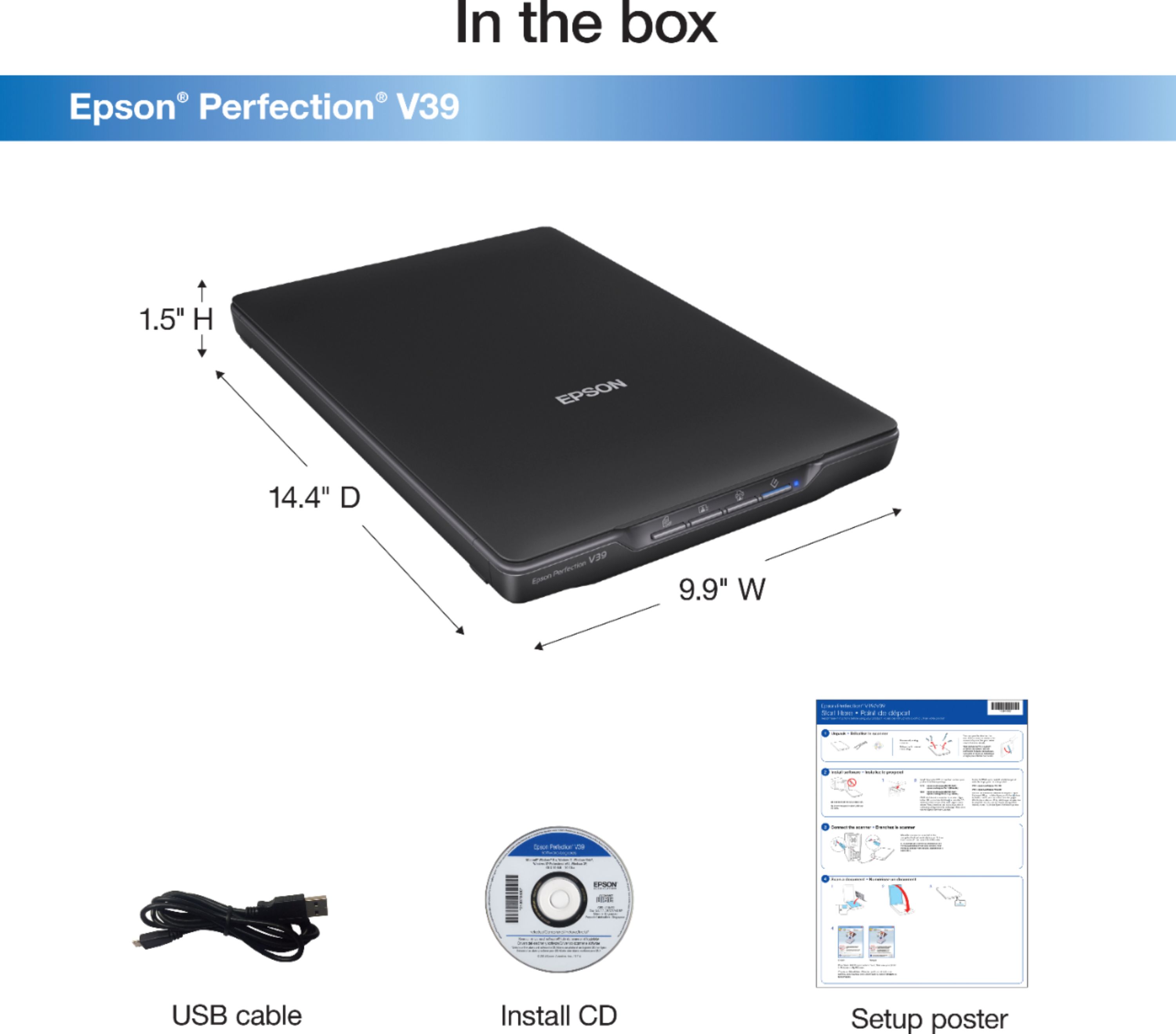
A:AnswerHi paperlesslover. Yes, the Epson Perfection V39 scanner is compatible with computers running Windows 10 and 7. The scanner software can be obtained from the included Installation CD or downloaded from the official Epson Support website. Regards, Bobby - The Epson Team.
A:AnswerHi, You can use your Mac running Big Sur with the Perfection V39 by downloading the latest drivers from the Epson support site. Regards, Mark - The Epson Team
A:AnswerHi, You can use Mac Big Sur with the Epson Perfection V39 scanner. Be sure to download the latest drivers from the Epson support site. Regards, Mark - The Epson Team.
A:AnswerHi fred, the Epson Perfection V39 scanner was designed with one Hi-speed USB 2.0 port and does not support simultaneous USB connections. Regards, Bobby - The Epson Team.
A:AnswerHi, Sorry, no the Perfection V39 cannot scan directly to an iPad. Please check the Epson support site for information on scanners that feature wireless connectivity. Regards, Mark - The Epson Team.
A:AnswerHi, You can use your Mac running OS X 10.15.7 with the Perfection V39 scanner. Please be sure to download the latest drivers from the Epson support site. Regards, Mark - The Epson Team.
A:AnswerHi Laura, Sorry, no the Perfection V39 will not scan slides. It does not have a transparency unit. Please consider a higher end scanner which does have a transparency unit, like an Epson V600. Regards, Mark - The Epson Team.
A:AnswerHi thumb drive, The Perfection V39 scanner does not have a port for a USB thumb drive. The scanner requires a computer connection to operate. You can insert a thumb drive into your computer and select it as the location for scanned files to be saved. Regards, Mark - The Epson Team.
A:AnswerHi DENISE, You can download OS X 10.15 drivers for the Perfection V39 from the Epson support site. The USB port in the back of the scanner is a USB 2.0 Type-B, so it should work with your adaptor cable. Be sure to download and install the latest drivers. The scanner will not power on until the driver is installed. Regards, Mark - The Epson Team.