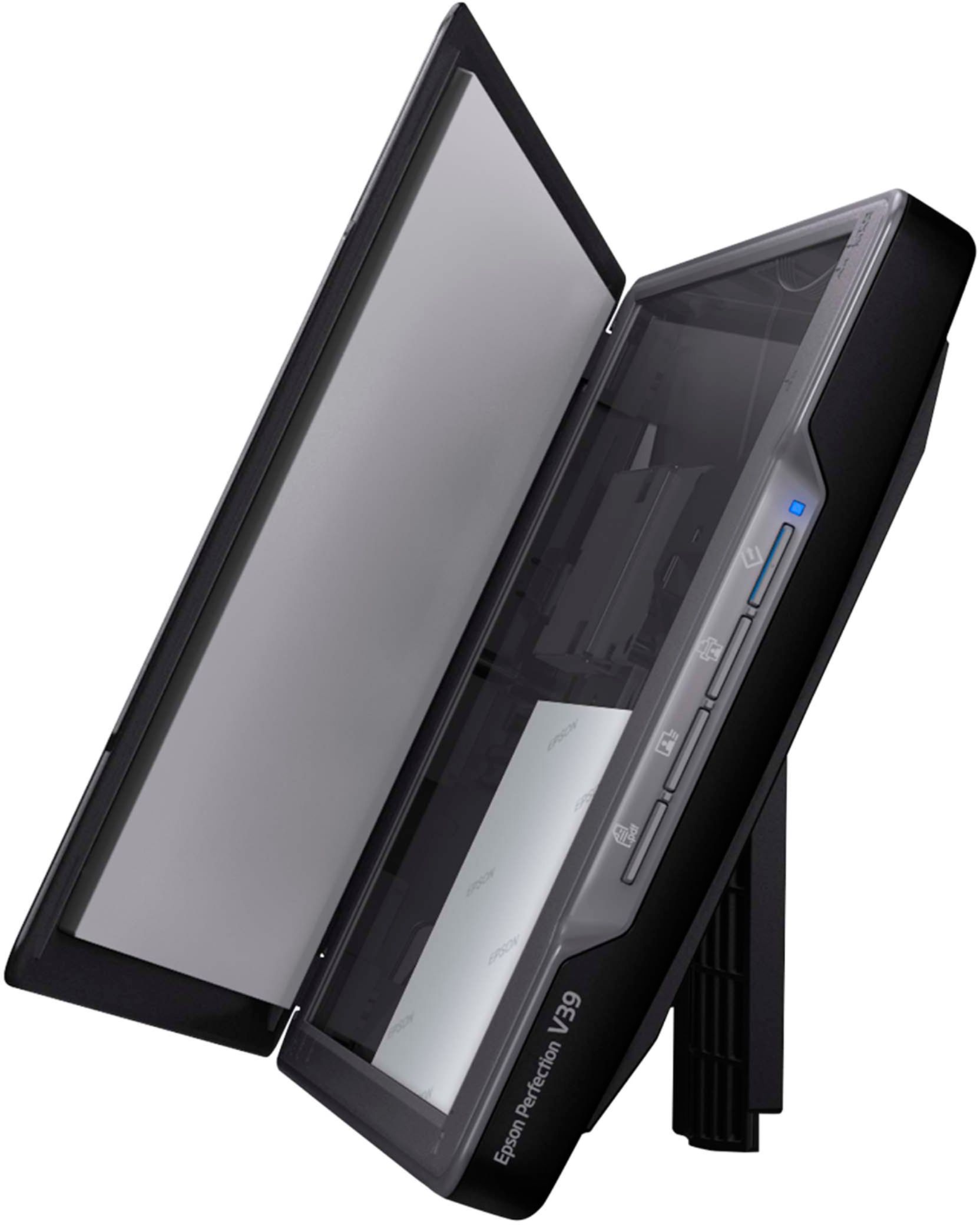
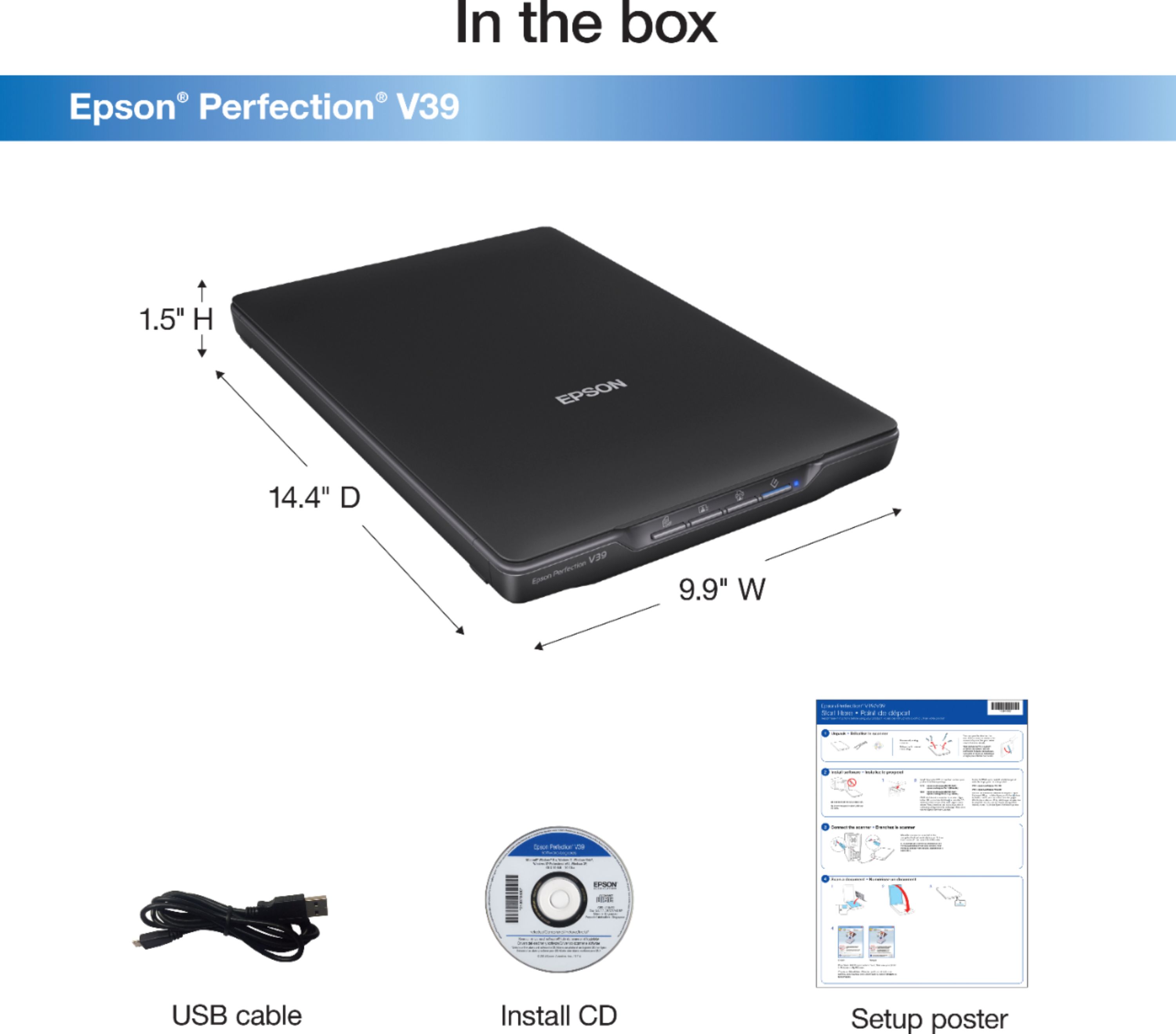
A:AnswerHello Sageorod. Yes, the V39 Photo Scanner is compatible with Windows 11. You can find the latest software available for download on our official Epson Support page. Regards, Kevin - The Epson Team.
A:AnswerHello Jewel. Unfortunately, the V39 is not ideal for scanning slides. We recommend looking at the V600, which includes a built-in transparency unit that scans slides, negatives, and film in both 35mm and 120mm formats. It is currently in stock on BestBuy's website, but please be aware that inventory can change. Regards, Kevin - The Epson Team.
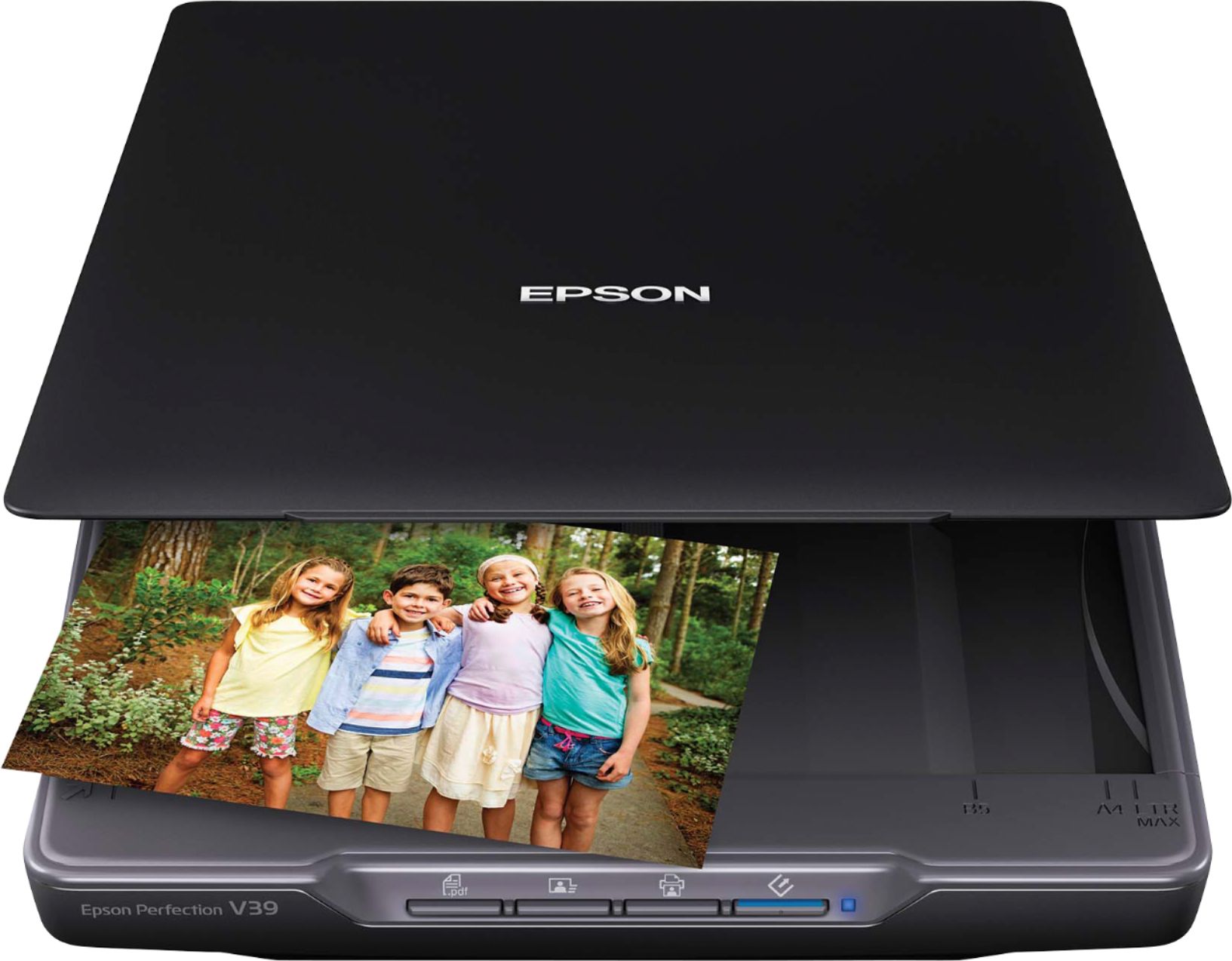
A:AnswerHi Angie, Call the telephone number on the Start Here poster that came with your Perfection V39 for real-time troubleshooting assistance. Regards, Dylan - The Epson Team.
A:AnswerHello GegR. The V39 can only be connected to a computer via a USB "A to B" cable. Unfortunately, the scanner does not have wireless functionality. Regards, Kevin - The Epson Team.
A:AnswerHi Angie, The quickest way to resolve your V39's issue is to call Epson support at the number on the Start Here poster that came with your scanner. The technician can offer real-time assistance. Regards, Mark - The Epson Team.
A:AnswerHello rudy. The V39 Photo Scanner will work with most computers running Microsoft Windows 7 - 11 and macOS 10.6 - 13. Regards, Kevin - The Epson Team.
A:AnswerHello Bruce. We recommend connecting the scanner directly to a USB port on the computer. We cannot guarantee the functionality, and your results will vary when adding a USB hub accessory. Regards, Kevin - The Epson Team.
A:AnswerHi Mike, You can use the Perfection V39 with your Surface Go 3 if you switch out of S mode and purchase a USB C to USB B cable to connect the scanner. Windows 11 drivers are available at the Epson support site. Regards, Mark - The Epson Team.
A:AnswerM1 mac with Ventura -- In way yes - it connects - and will scan a page or 2. But the software does give trouble -does not work consistently when trying to scan a good number of phots. Same with docuemnts.
Whiel with my Macmini 2014 with an intel processor running Monterey (12.6.9) - the sofware work correctly without any hiccups. so, I am forced use the scanner with this older machine or my Windows 11 laptos (it works well) !!
I feel that in M1 macs - the driver works thru the Rosetta 2 converter - and the conversion is not perfect. Hence the hiccups.
A:AnswerHello BobJ. Unfortunately, the V39 isn't designed to scan slides. We recommend looking at the V600 Scanner. It includes a built-in transparency unit that can scan slides, negatives, and medium-format panoramic film. The V600 is currently in stock on BestBuy's website, but please note that availability can change. Regards, Kevin - The Epson Team.
A:AnswerHello Ianartist. Unfortunately, the V39 Photo Scanner cannot be used on an iPad, as it can only work with PCs or Apple computers. For a wireless photo scanner that is compatible, we recommend looking at the FF-680W. It is currently in stock on BestBuy's website, but please be aware that inventory can change. Regards, Kevin - The Epson Team.
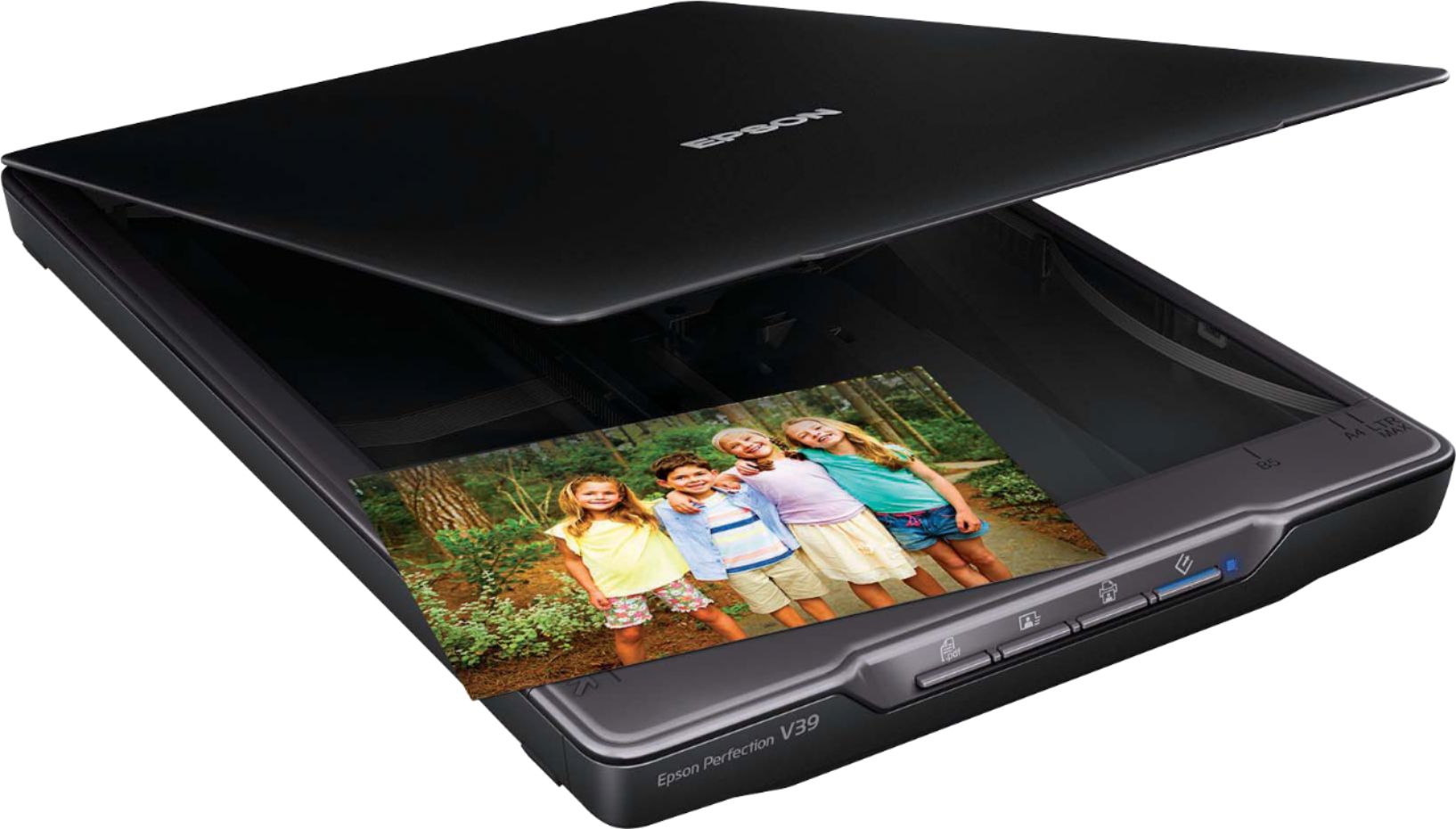
A:AnswerNo/ All information is available online and is easily downloadable. Works like a charm/is fast/and friendly install. Read your instructions included with the scanner.
A:AnswerHello arfy. Unfortunately, the V39 scanner isn't designed for negatives. We recommend looking at the V600 Scanner. It has a built-in transparency unit that scans slides, negatives, and medium-format panoramic film. It is currently in stock on BestBuy's website, but please note that availability can change. Regards, Kevin - The Epson Team.
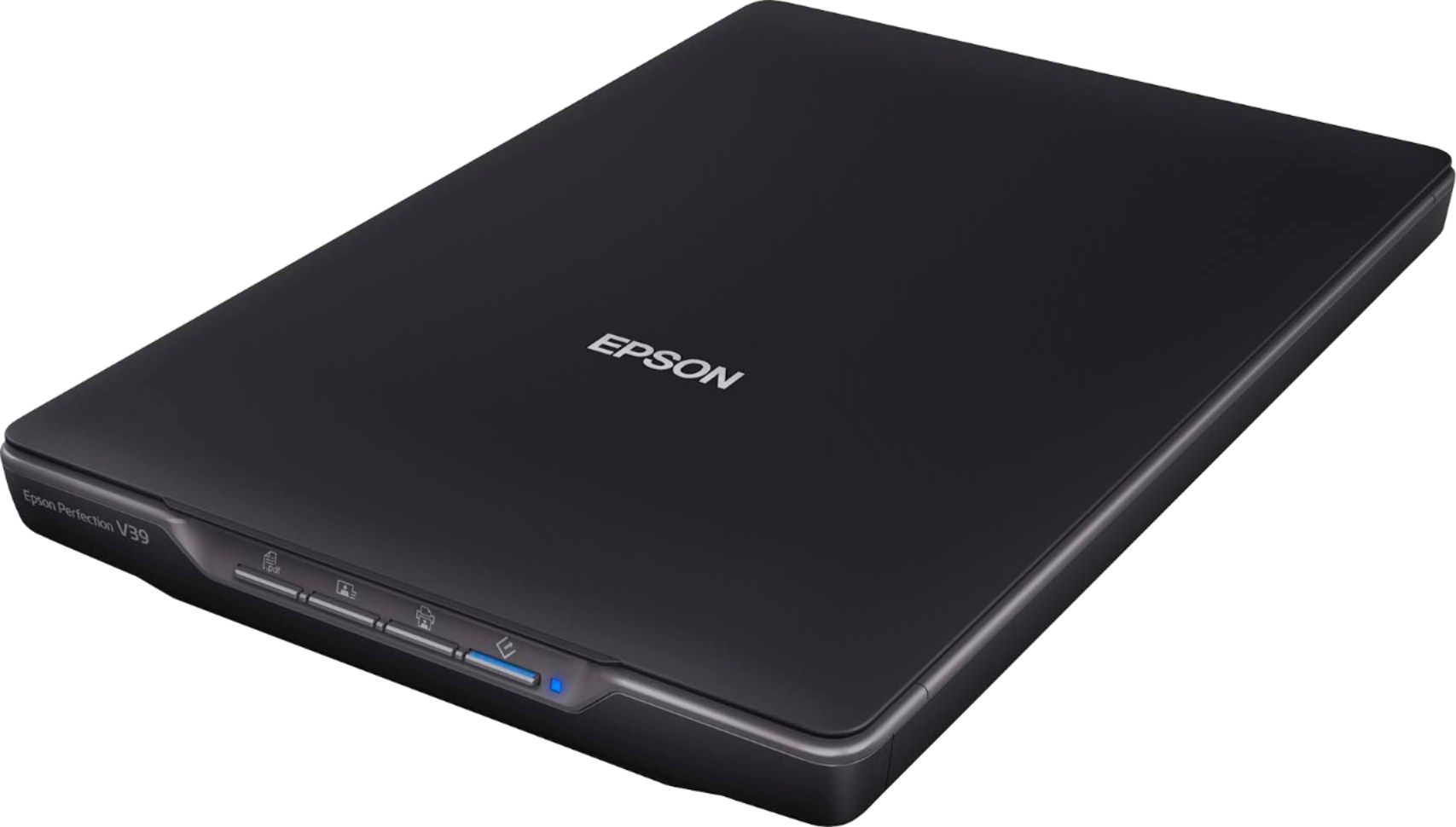
A:AnswerNo ink required. Scan to computer and then print using the computer. You must use your own copier or drop the scan onto a card and take to Wal Mart to copy to paper.