A:AnswerBest guess is that there is a setting within the software you're using to scan that is causing your problem, most likely is not the scanner itself. Double check all your settings in the software!!
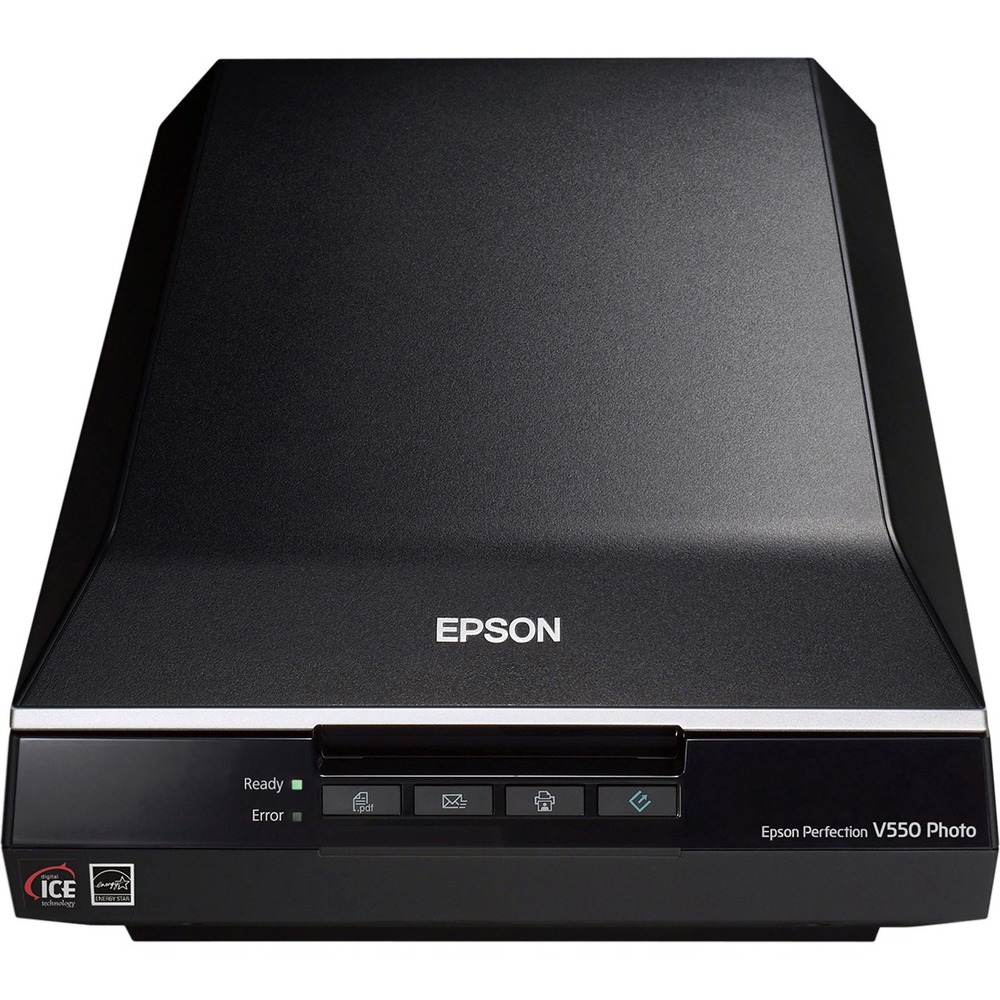
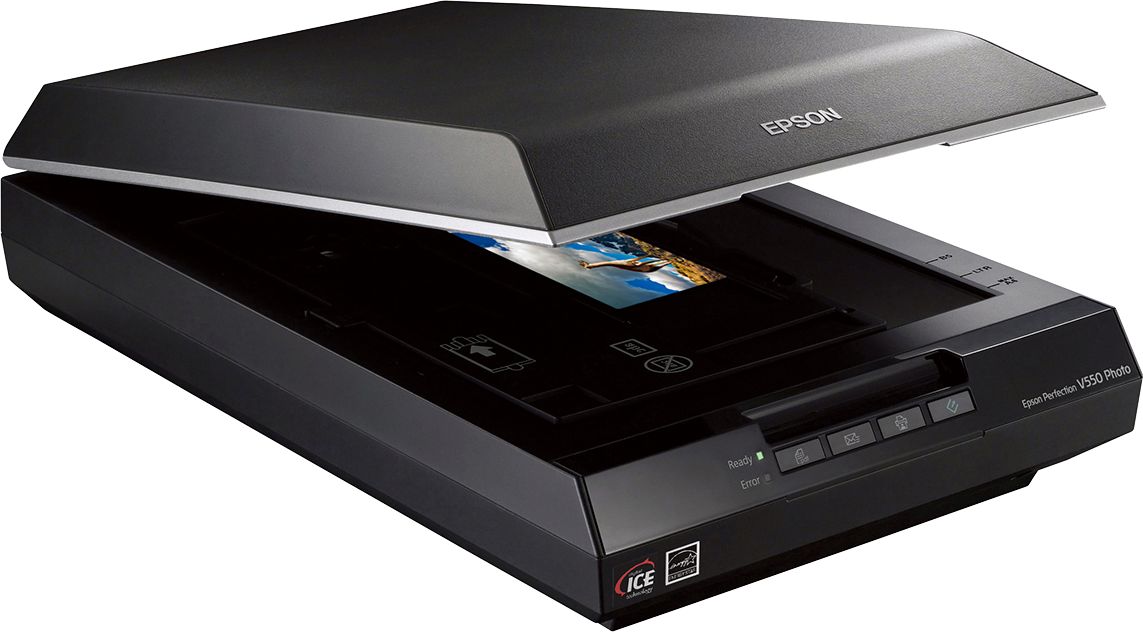
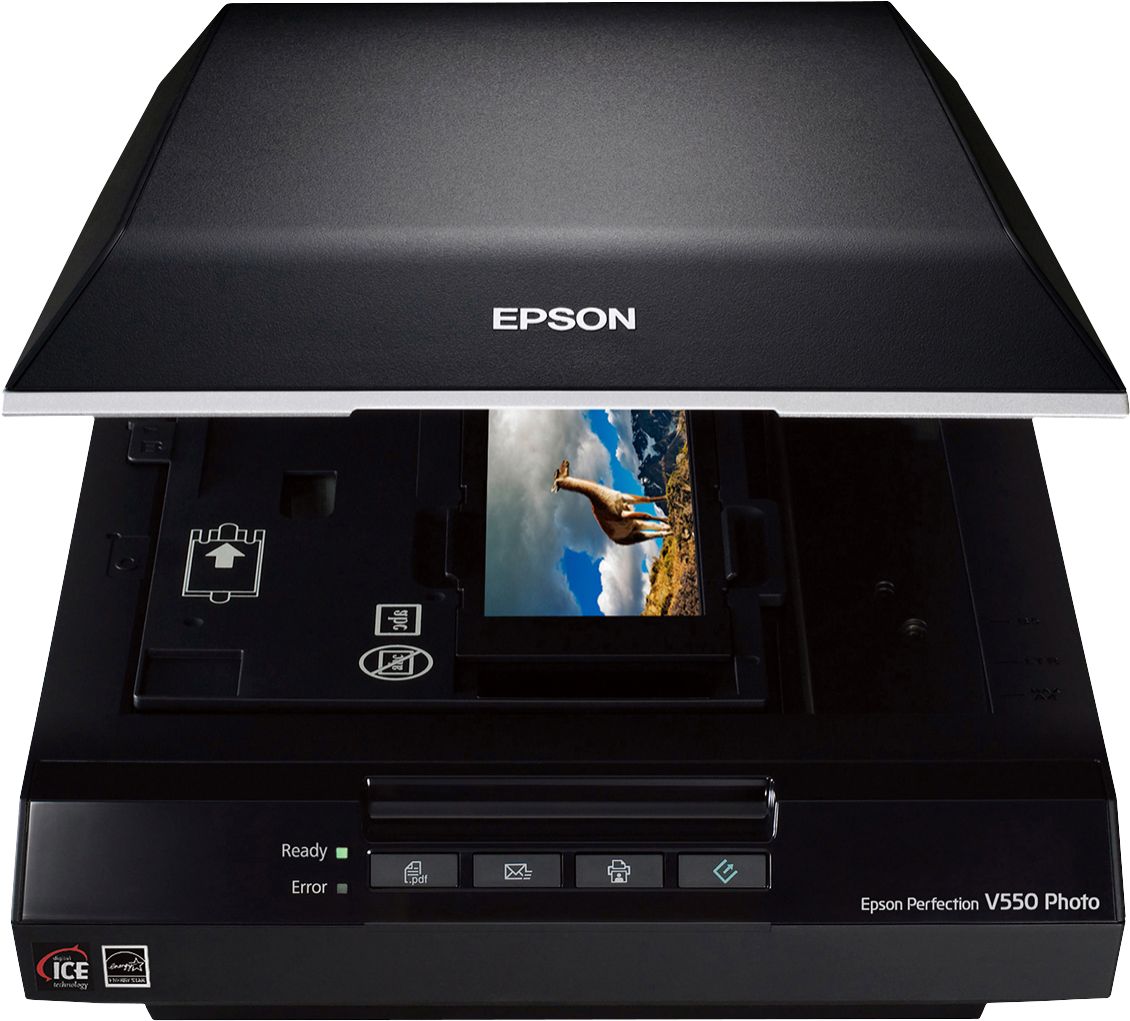
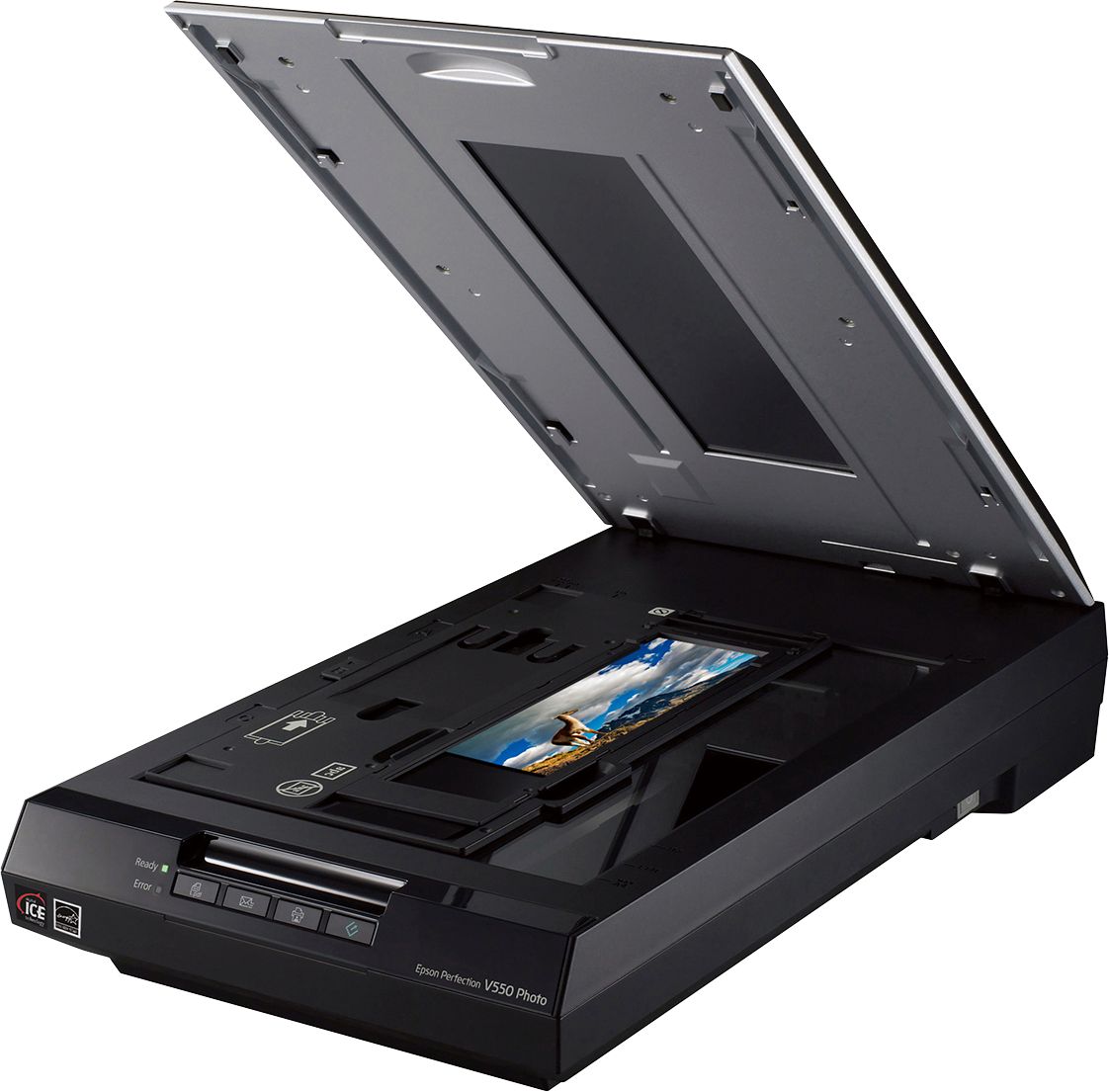
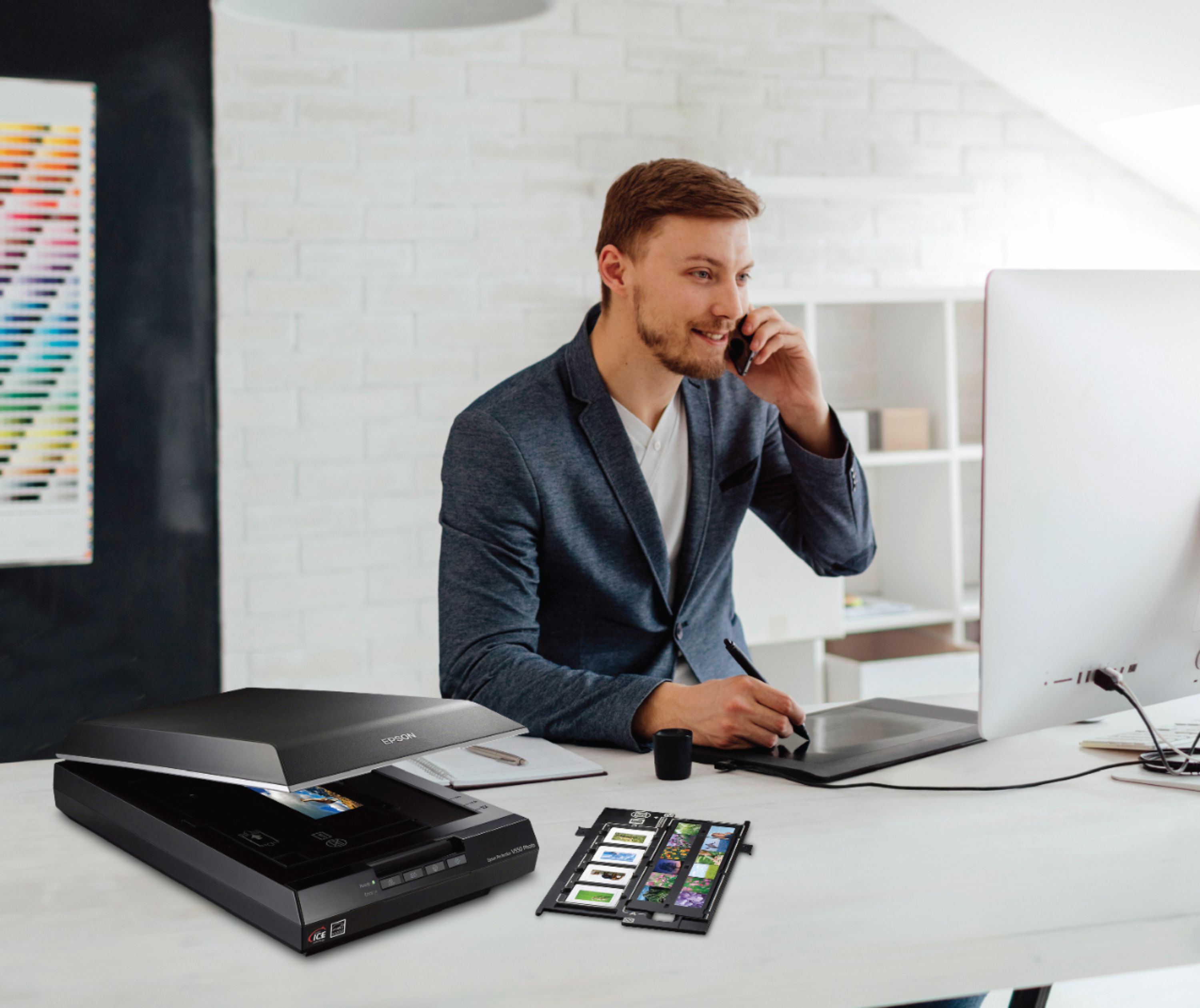
A:AnswerYes, I use it to scan 35mm and 2-1/4". Look up the included negative holders. Much better than previous Epsons for scanning negatives. Use the included Epson scanner software disk..
A:AnswerYes. It comes with a high speed USB cable. My in-laws have it connected by USB cord and it works great.
I bought mine in December, but have not yet set it up. My in-laws use theirs a lot and love it. I saw how it worked for them and had to get it. Love the way it scans multiple pics and automatically saves them individually.
A:AnswerIn the software as you set up your first scan, you can identify where you want the scan stored. We're scanning old family pictures over 40 years so we've set up our destination folder on my computer by year.
I'm not sure about adding a blurb under the photo with the scanner but you can modify the scanned picture when it gets into your computer folder.
Enjoy.
A:AnswerYes, You can scan negative and slides to your computer. You can scan to jpeg and tiff. Once the images are digital they should work well in your program. We use photoshop when needed. The scanner comes with everything you need to get a beautiful image from your slides.