A:AnswerI haven't used it enough to know if you could directly but I do you can when you have it plugged into a computer and you set the thumb drive as the destination.
A:AnswerYou can not scan directly to an SD Card. You would have to save them to your PC first and then port them to the SD Card. Maybe contact EPSON to see if the SD Card is an option.
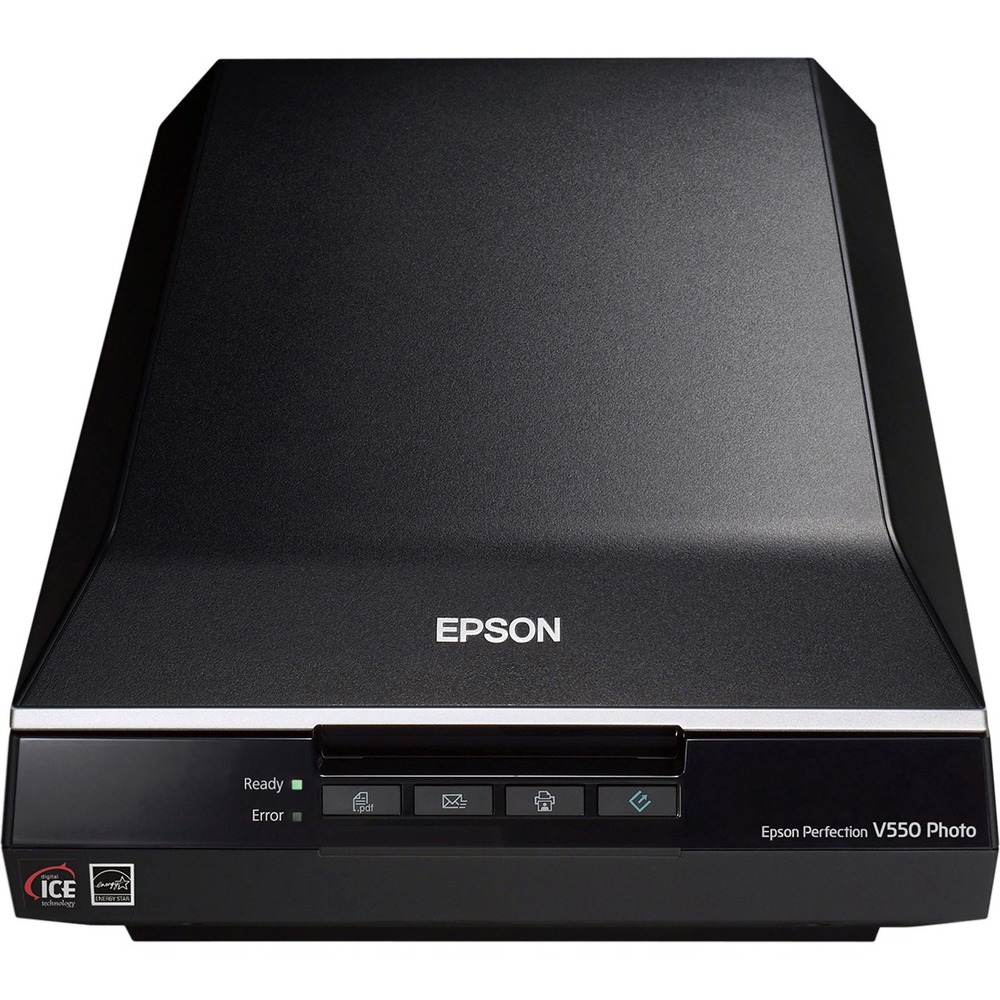
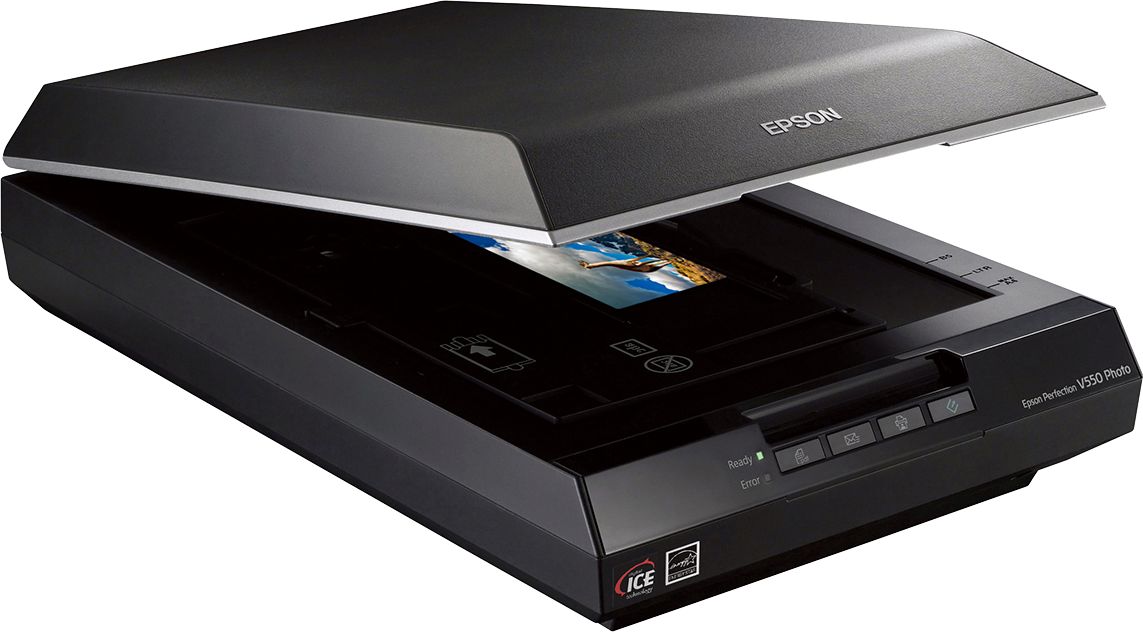
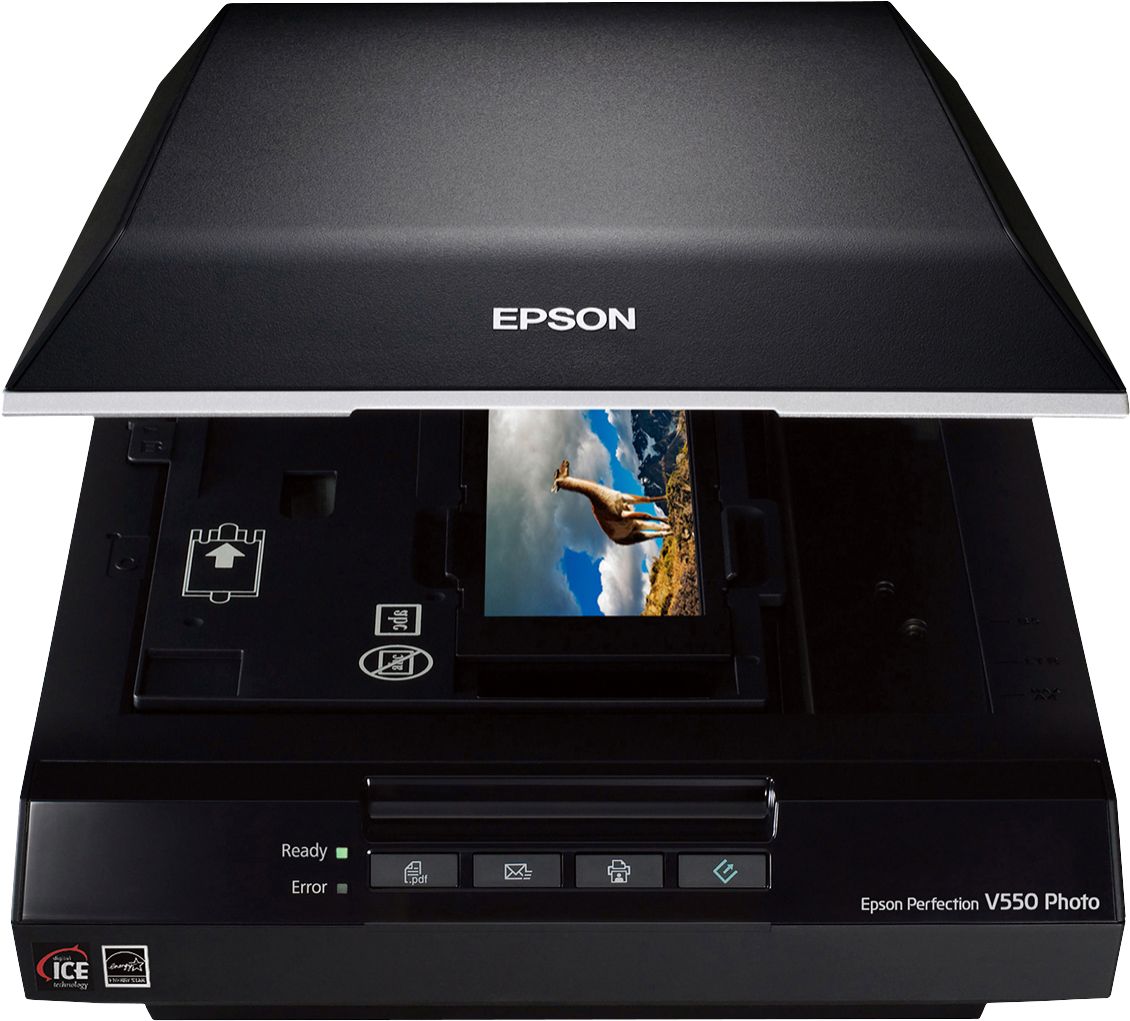
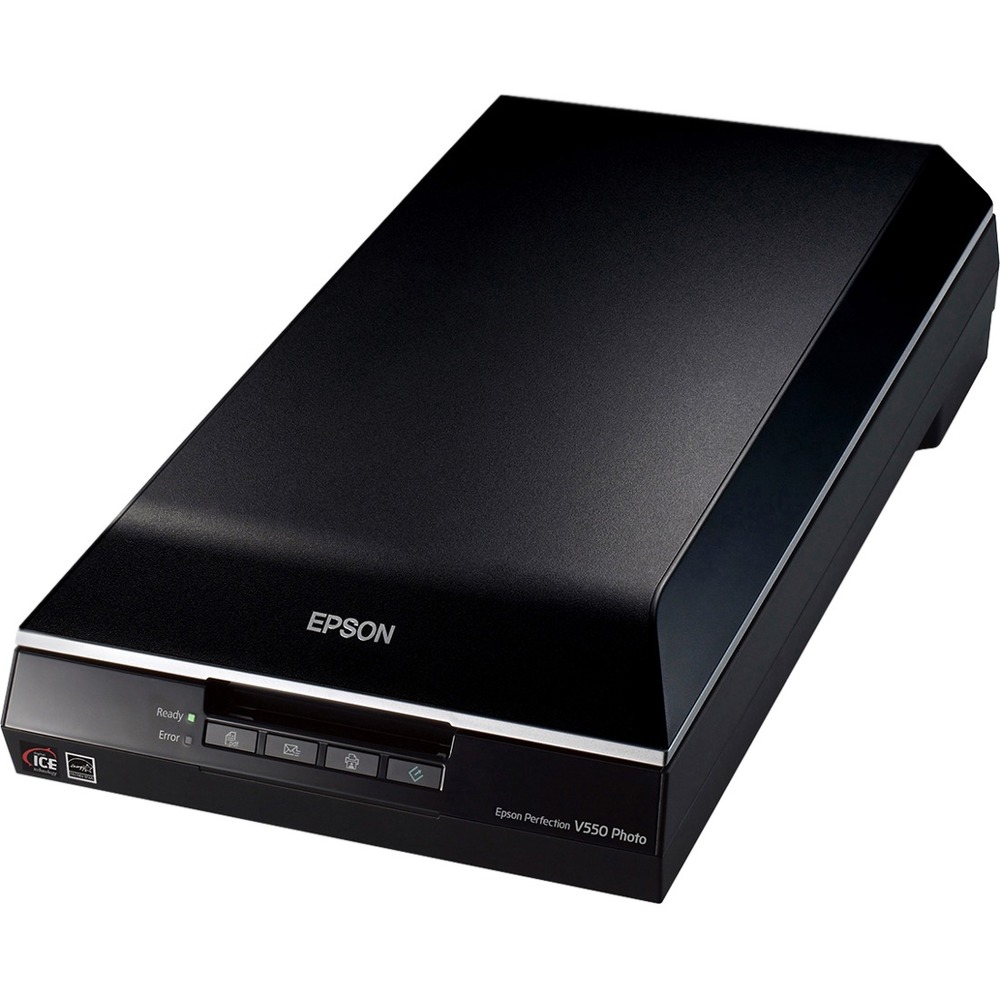
A:AnswerThe scanner can also scan documents. Use the buttons on the front of the scanner itself. Read the instructions that come with the CD to get more details. Once you know what buttons to push, it is a easy task. You can also scan a document and have your printer print it out. In effect, the scanner can be used as a copy machine.
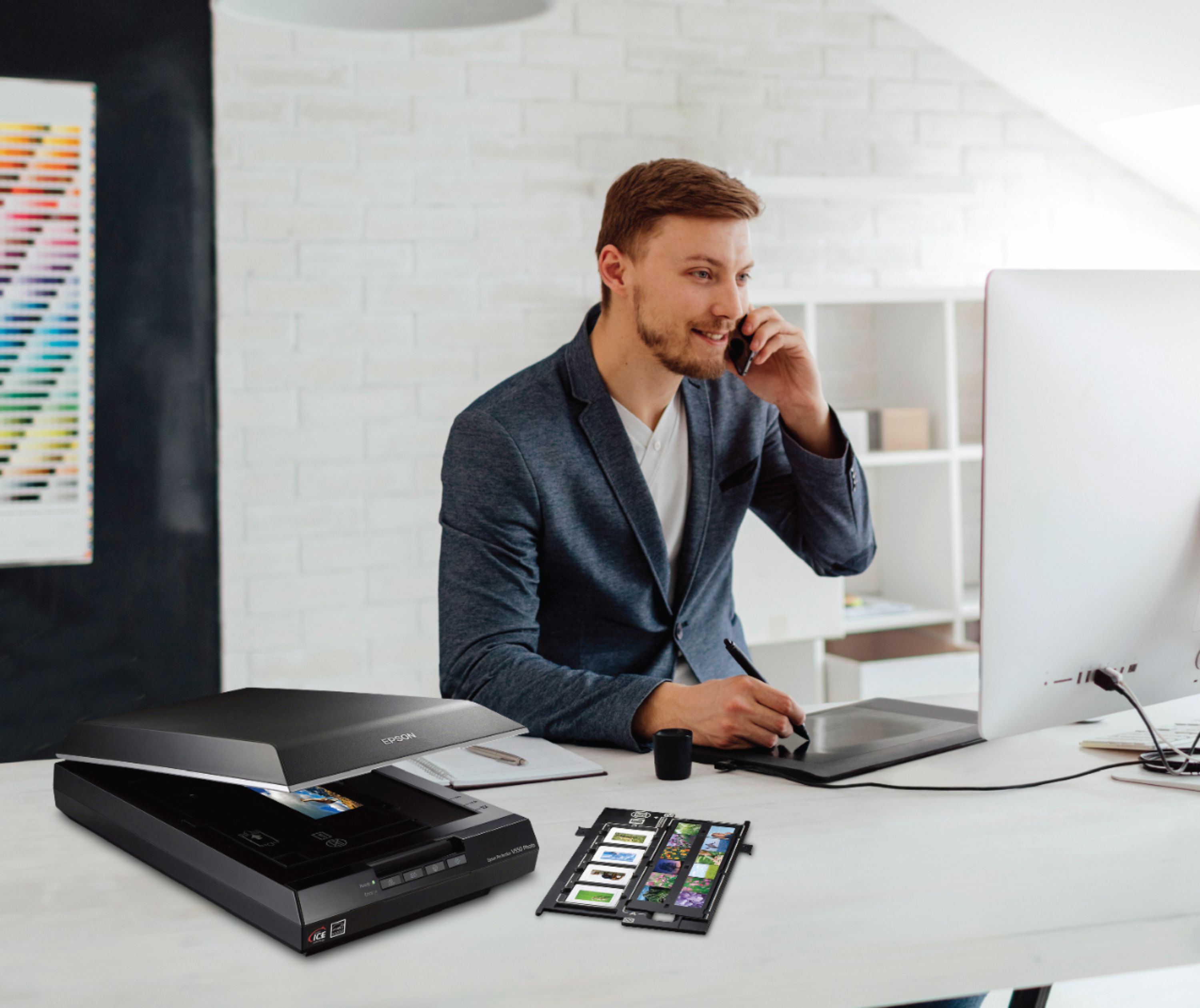
A:AnswerThe V550 is GREAT! It not very noisy and does a great job scanning all my negatives, slides and even my medium format slides and negatives. It is easy to use and does a great job much better that my old Canon that is not supported on Windows 10
A:AnswerI find that hard to believe, I was running a 4490 Perfection on the same OS, maybe you need to find the right driver. However, yes I'm currently running this scanner on El Capitan 10.11.6. It works with Photoshop, Acrobat, Image Capture.
A:AnswerI cannot say with certainty about 10.9 but I am using 10.13.2 with no issues. The problems with most devices was the switch to High Sierra so since it is working in High Sieraa, it will probably work in 9. Of course, I might be wrong.
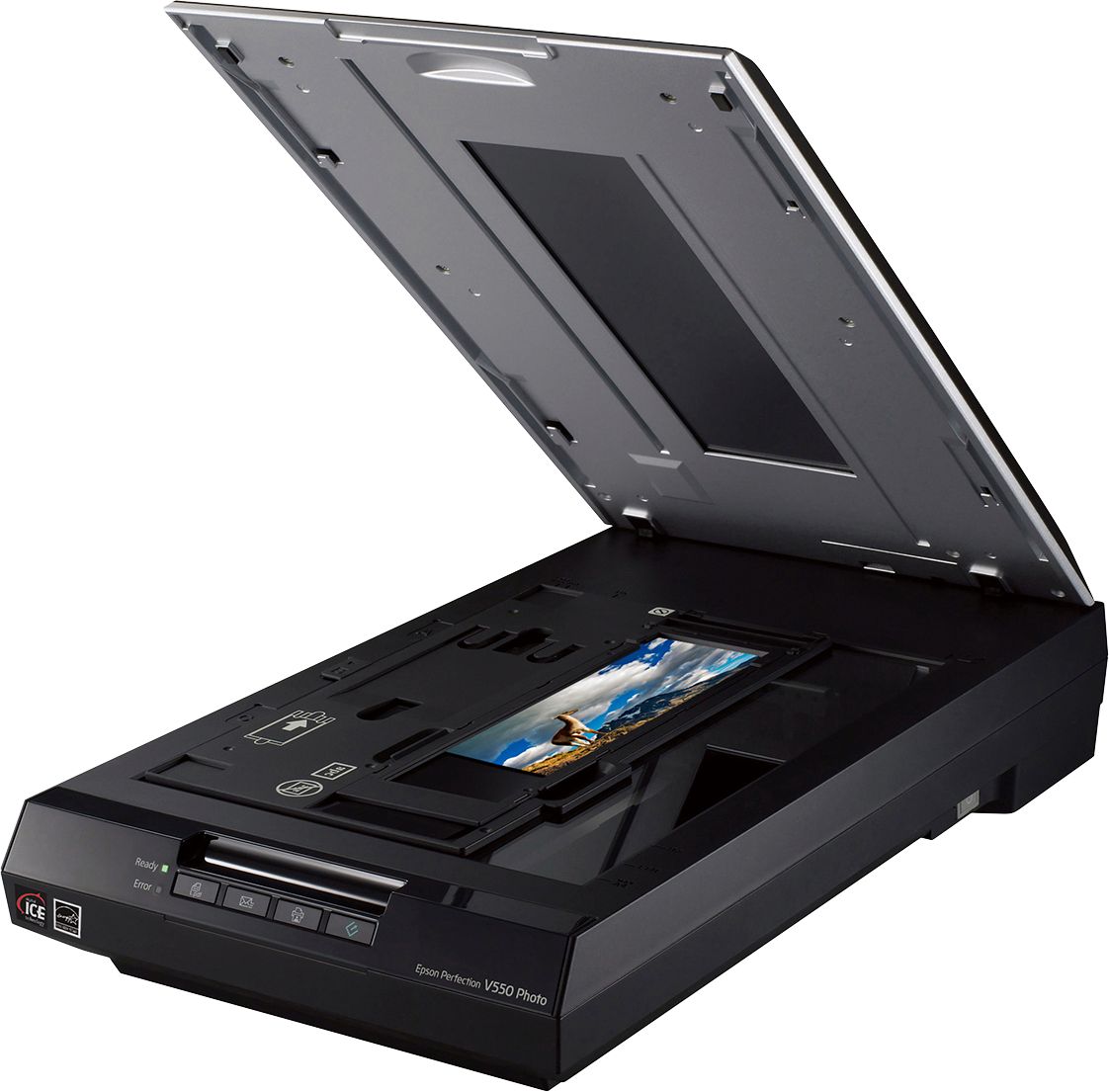
A:AnswerIt has plastic holding templates that specifically hold three different film sizes (35 MM is one of them). I am not sure of what size the others are for, but likely medium format and 110. You should able to find the sizes in the manual. I would think you scan any negatives smaller than medium format.
A:AnswerYes you can. With the Epson V550, you are in control on how big to make the final file. For that size I would scan and save the file for printing, at least 600 dpi, and you can larger with this scanner. Good quality and you can make adjustments, in the professional mode, to help make it look even better. I hope that helped.