A:AnswerThis is really complicated for an old geezer. (82) If I get started I eventually lose track of where I am going. Next time I will ask for help from my 8 year-old great granddaughter.
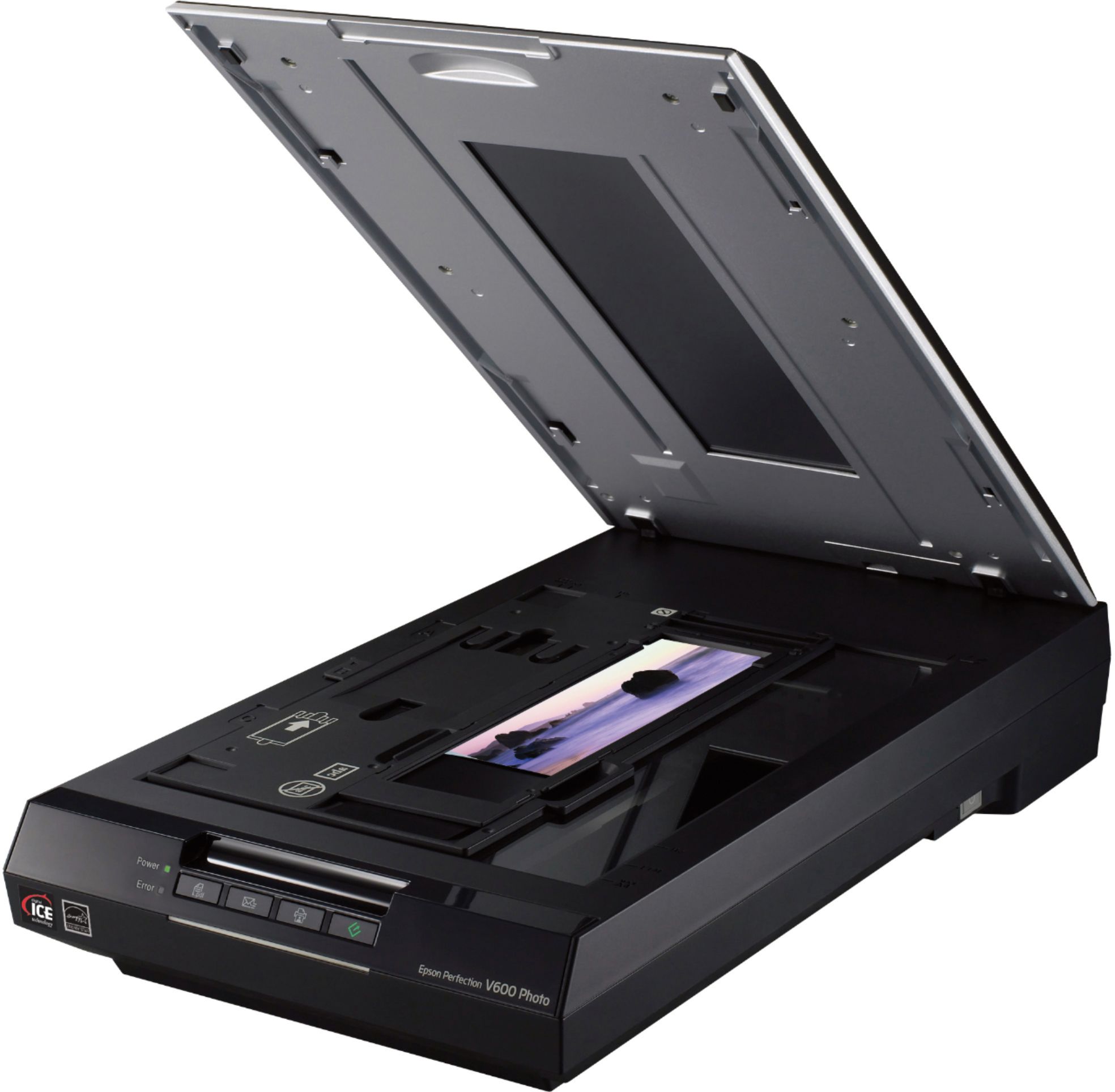
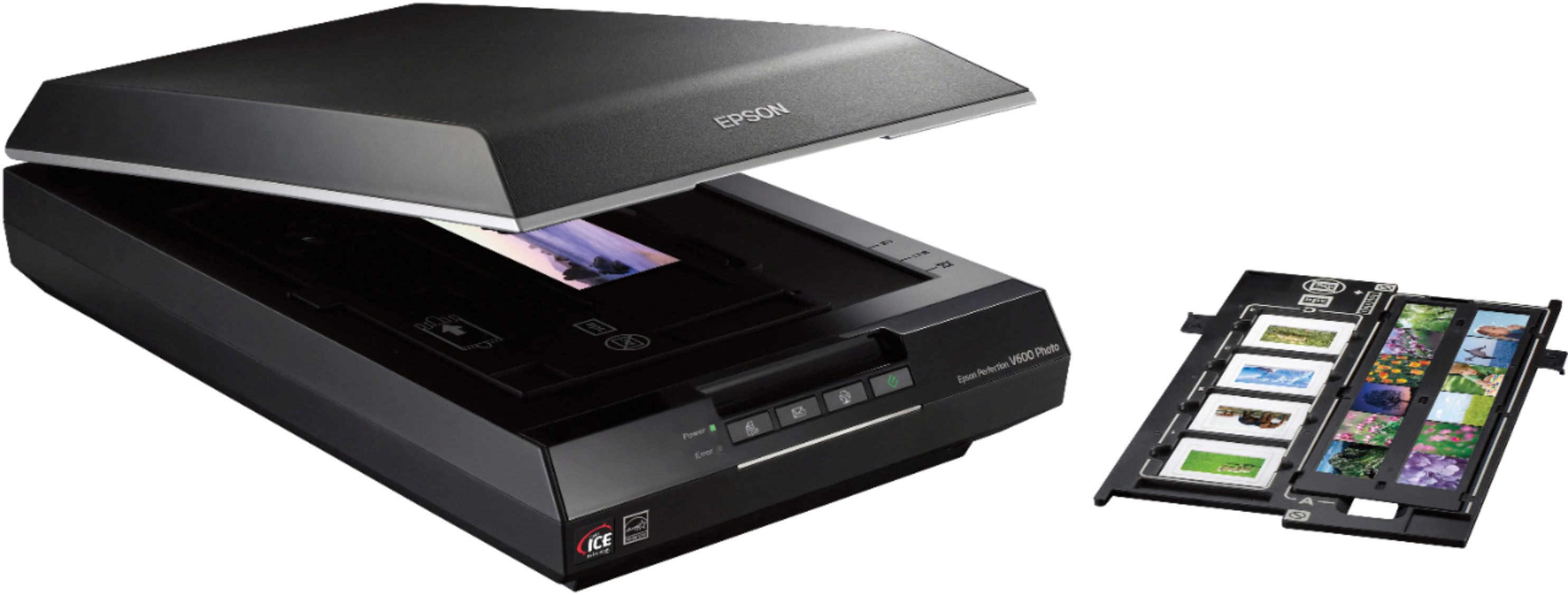
A:AnswerWill scan up to 314 X 2 1/4 negs or pos. the higher the scan resolution the better and larger quality prints you can make..T scan larger negs or pos you are looking up in the $1,000 range
A:Answeryou do that in the computer when you go to print ir using a photoshop program...the higher the scan resolution the larger quality printb you can make
A:AnswerAs it pertains to what I use it for (scanning film negatives) no, you must use Epson Scan or a third party software to have full control over the output of your images.
A:AnswerI am running 10.11.6 so I can't say but it does work fine on 10.11.6
I would say you will be fine and if you do have an issue you could always return it.
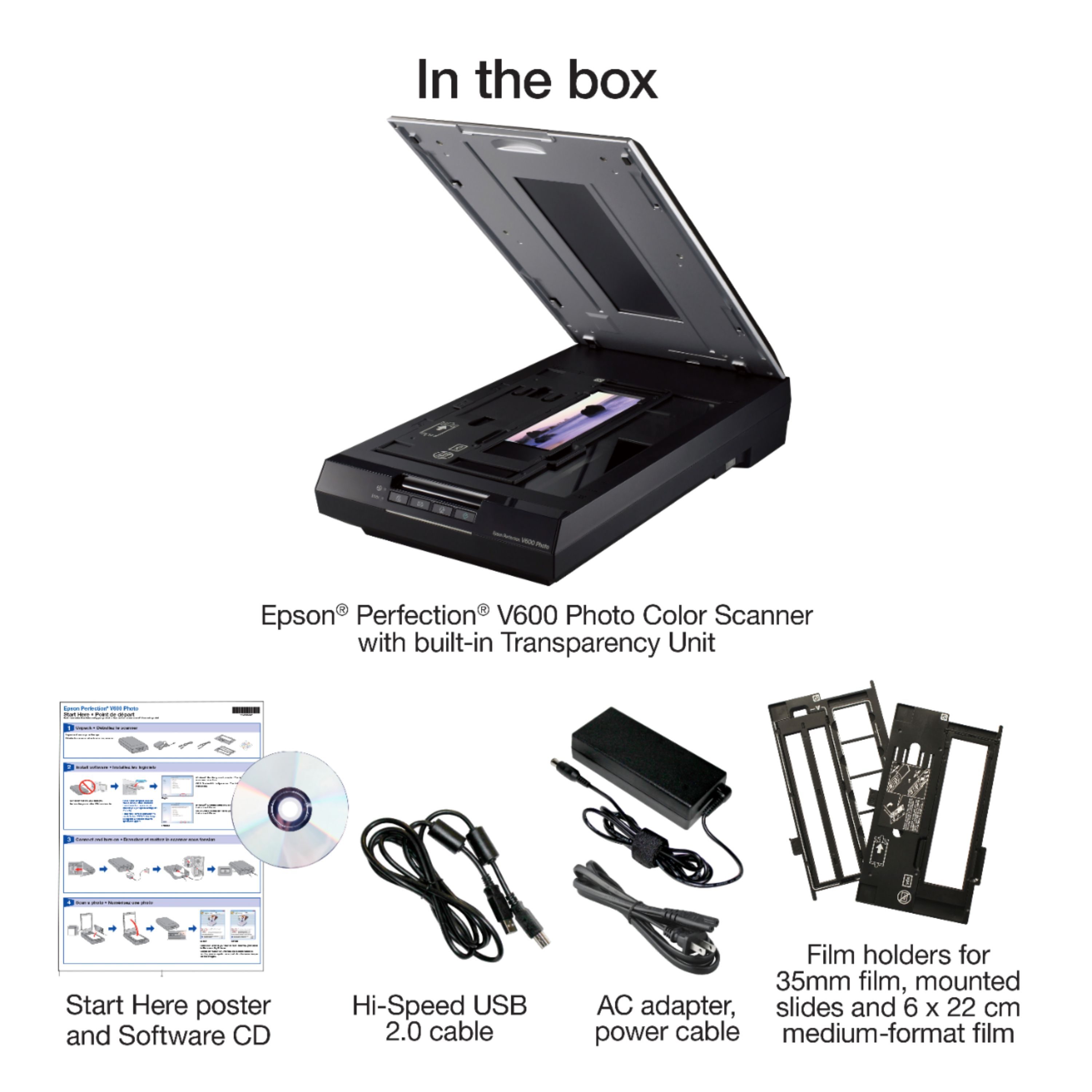
A:AnswerI realize it requires a USB connection. Does the USB connector require a direct connection into a computer or will is work off a hub. Modern iMacs have very limited usb ports and if this scanner requires a direct connection to a computer I can't use it.
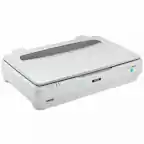
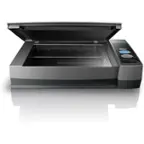
A:AnswerHello Nick. The flatbed size for the V600 is 8.5" x 11.7". If you have an original that's larger, you can use the Epson Scan software to scan different areas and later stitch them together. Regards, Kevin - The Epson Team.
A:AnswerHello Skc. The V600 can only be used with a computer and a USB cable. Unfortunately, there is not a USB for a thumb drive. Regards, Kevin - The Epson Team.