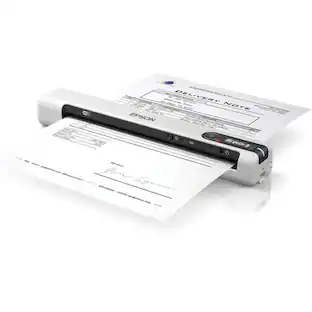
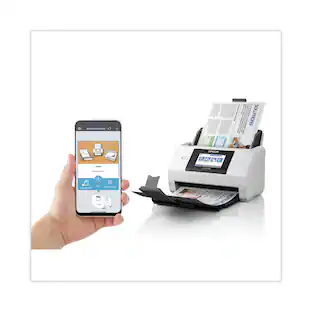
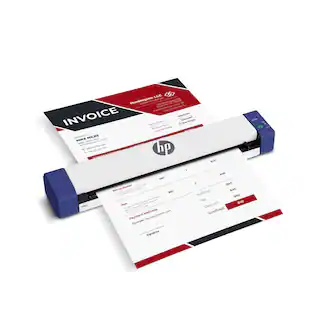
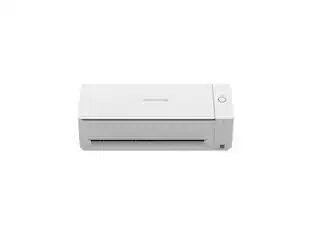
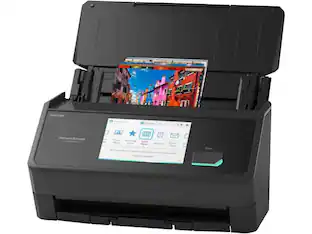
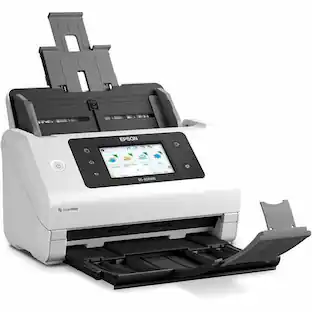
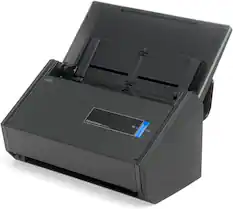
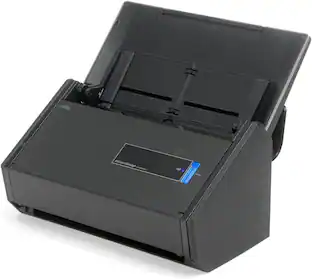
Fujitsu - ScanSnap iX500 Desktop Scanner
About this product
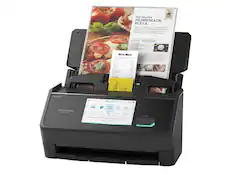
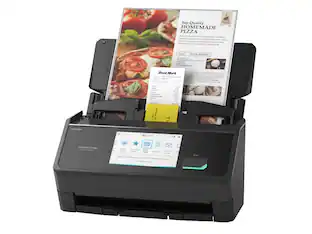
Scan numerous documents within moments with this Fujitsu document scanner. It takes just one button to create a PDF directly from the machine so that you can store receipts and everything else, and USB 3.0 connectivity keeps data running smoothly. With its advanced paper feeding system, this Fujitsu document scanner can handle numerous pieces of paper.
Features
Up to 600 x 600 dpi optical resolution
For crisp, clear text and detailed images. One-button PDF creation makes it easy to save digital files of your work.
34" maximum page length
Lets you scan a variety of items, including business cards, receipts and oversize documents. Automatic document feeder holds up to 50 pages to accommodate your tasks.
Scan speeds up to 25 ppm in color and black and white
For quick results. Duplex function allows you to create 2-sided documents.
Wi-Fi technology and a high-speed USB 3.0 interface
To suit a variety of Mac and PC workspaces. Also compatible with iOS and Android devices for wireless scanning.
ScanSnap Cloud
Quickly delivers scans from scanner to your favorite cloud service, without the need for a computer or mobile device.
ENERGY STAR certified
Designed to use less energy and meets strict energy efficiency guidelines set by the Environmental Protection Agency and U.S. Department of Energy.
Specifications
- NetworkingWirelessScan (Color) Speed25 copies per minuteScan MethodSingle passDuplex Scan FunctionYes
Reviews
Rating 4.9 out of 5 stars with 164 reviews
Customer Images
The vast majority of our reviews come from verified purchases. Reviews from customers may include My Best Buy members, employees, and Tech Insider Network members (as tagged). Select reviewers may receive discounted products, promotional considerations or entries into drawings for honest, helpful reviews.
Compare similar products
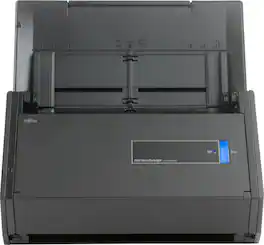
Scan numerous documents within moments with this Fujitsu document scanner. It takes just one button to create a PDF directly from the machine so that you can store receipts and everything else, and USB 3.0 connectivity keeps data running smoothly. With its advanced paper feeding system, this Fujitsu document scanner can handle numerous pieces of paper.
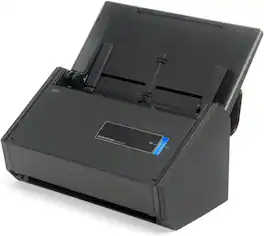
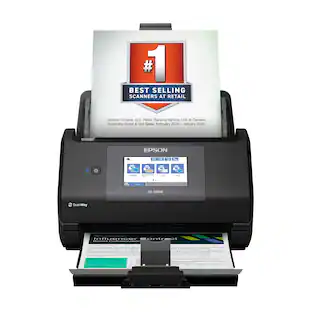
The Fujitsu fi-6110 (PA03656-B005) is a compact and efficient document scanner designed for small offices and workgroups. It delivers reliable, high-speed scanning with advanced paper handling features, making it ideal for everyday document digitization.

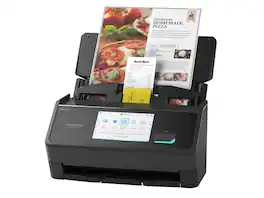
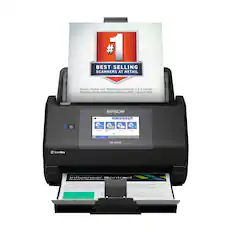
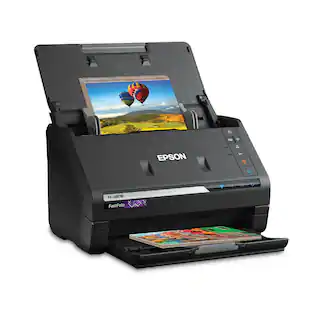
Preserve what’s priceless with the Epson FastFoto FF-680W — the World’s Fastest Personal Photo Scanner. Scan thousands of photos — as fast as 1 photo per second. Easily restore, save, organize and share photos, postcards, panoramas, documents and more. The convenient mobile app enables you to capture the voice of loved ones and create slideshows, so you can easily share stories about your photos right from your smartphone, from a firsthand perspective, for generations to come. Plus, FastFoto brings old photos to life with auto enhancement, color restoration and more. Offering the ultimate in versatility, it includes a variety of format options for quick sharing, archiving and enlargements
| Pros for Fujitsu - ScanSnap iX500 Desktop Scanner | |||
|---|---|---|---|
| There were no pros for this product— | There were no pros for this product— | There were no pros for this product— | Scanning Speed, Ease of use, Image Quality, Software, Size |
| Cons for Fujitsu - ScanSnap iX500 Desktop Scanner | |||
| There were no cons for this product— | There were no cons for this product— | There were no cons for this product— | Price, Connectivity, Jamming, Compatibility |
Specs
Be the first to ask a question.
We’ll try to get your question answered within 24 hours by a Best Buy customer or brand representative.
Customers often buy these together
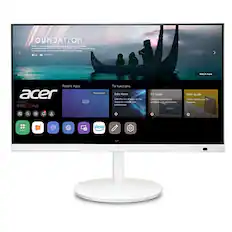
Acer - CS272 wemiiirx 27” IPS LED FHD(1920 x 1080) 60Hz Monitor(HDMI) - White
$243.99The price was $299.99
![The text on the image reads:
888 DD DI DD 4 DSC i F2 F3 4 FS T6 ET 1. 1N IN F.. 11 1.. 114 1n F1 F12 118 in9 - a ee 1 8F 2 3 $ 4 % 5 A 6 & 7 . 8 I 9 I 0 ee I + = delete fn home page up clear - / + tab Q W E R T Y U I 0 P { [ ] ] | I delete end page down 7 8 9 ee caps lock A S D F G H J K L : I - return 4 5 6 + shift Z X C V N M < F > ? / shift a 1 2 3 control option 2 command 3 command option control Y - 0 enter
After grouping and correcting the text, it reads:
888 DD DI DD 4 DSC i F2 F3 4 FS T6 ET 1. 1N IN F.. 11 1.. 114 1n F1 F12 118 in9 - a ee 1 8F 2 3 $ 4 % 5 A 6 & 7 . 8 I 9 I 0 ee I + = delete fn home page up clear - / + tab Q W E R T Y U I 0 P { [ ] ] | I delete end page down 7 8 9 ee caps lock A S D F G H J K L : I - return 4 5 6 + shift Z X C V N M < F > ? / shift a 1 2 3 control option 2 command 3 command option control Y - 0 enter](https://pisces.bbystatic.com/image2/BestBuy_US/images/products/f4059d3a-0c2a-46ef-bcfd-4e11b9b26d5d.jpg;maxHeight=232;maxWidth=233?format=webp)


Customers ultimately bought
Discover lifestyle innovations Sponsored

Discover related products
 $138.99The price was $169.99
 $59.99The price was $61.99
 $119.99The price was $129.99




Keep exploring
 $58.99The price was $73.09