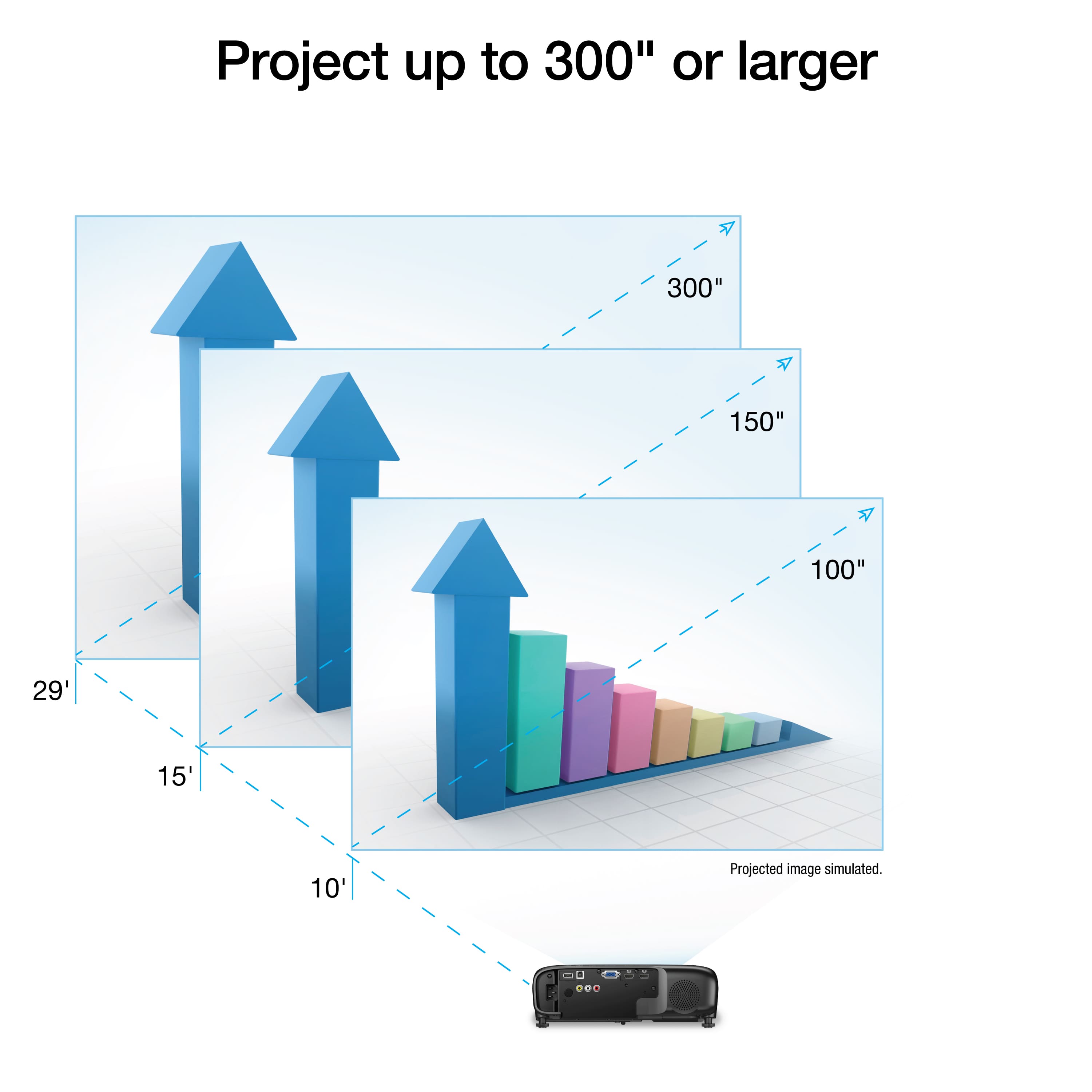
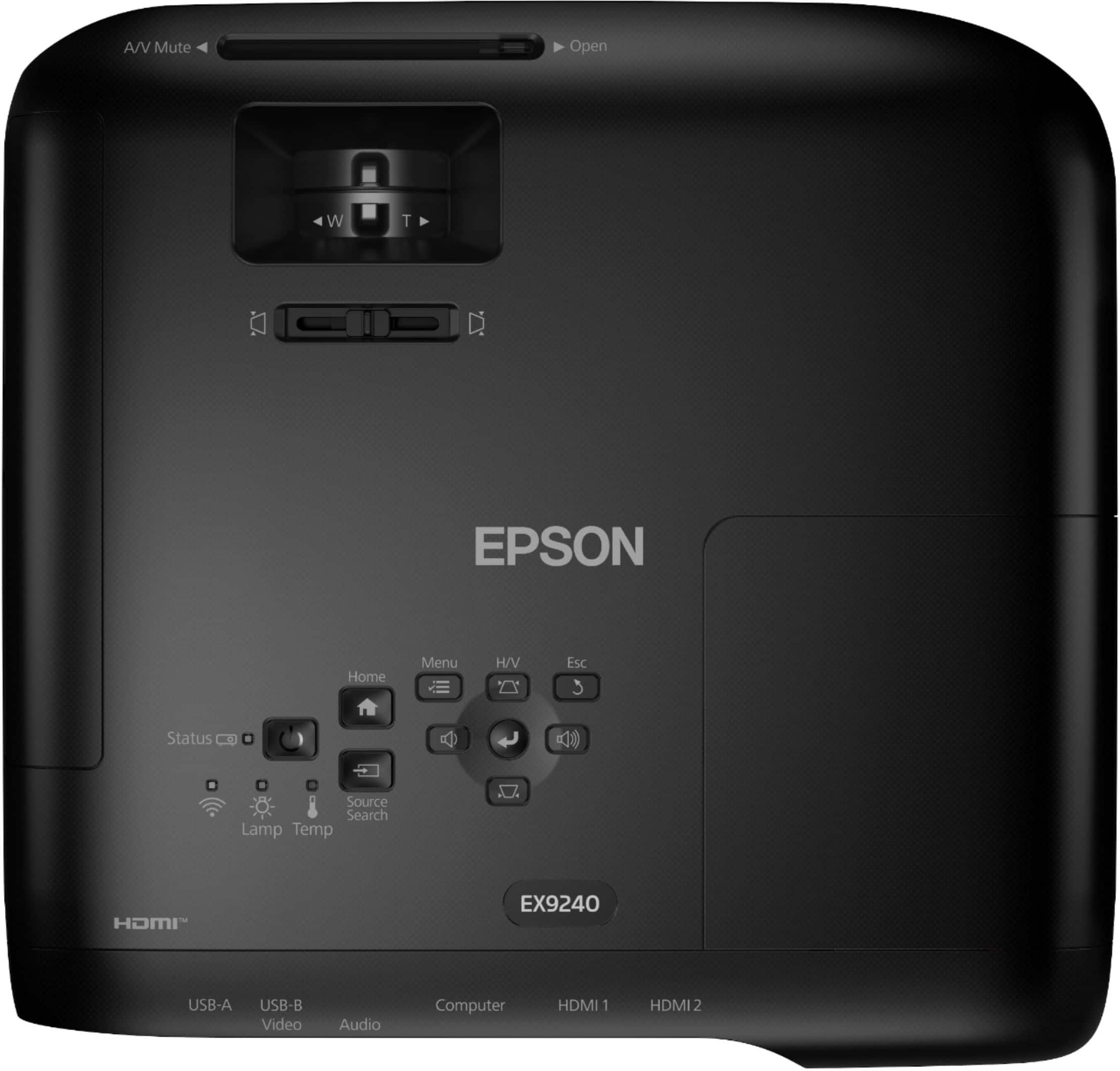
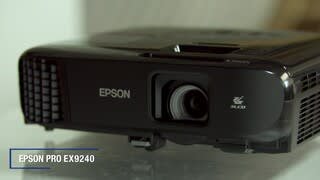
A:AnswerHi Throwdistance, Yes, the throw distance for the Pro EX9240 can be adjusted. You can physically move the projector closer or further away from the screen, or use the built-in zoom control. For more information visit the excellent throw-distance calculator on the Epson support site for the EX9240. Regards, Mark - The Epson Team.
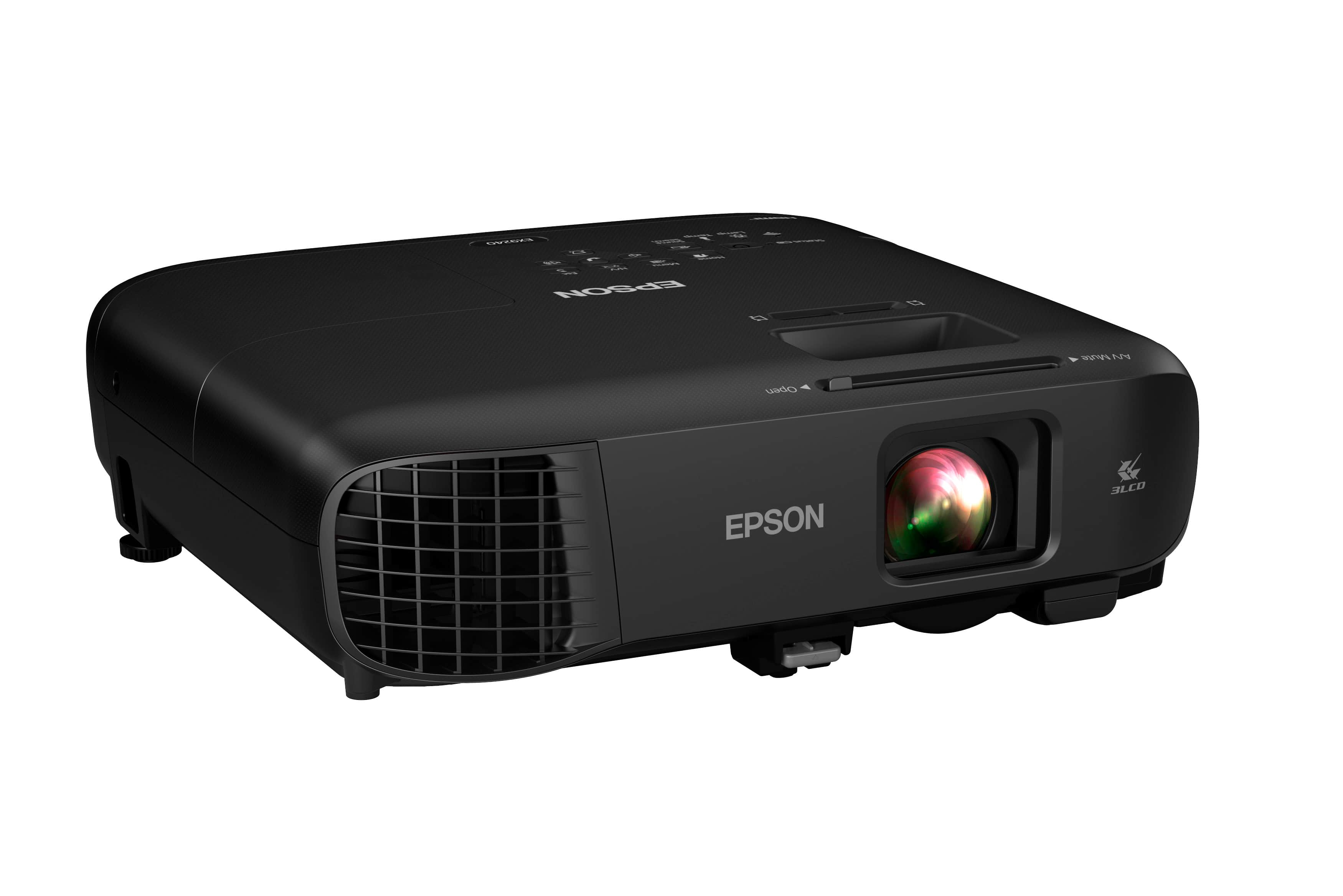
A:AnswerHi Upsidedown, Yes, you can use the EX9240 with a ceiling mount. There is a menu setting to flip the image. Please make sure you use a suitable mount and safety cable. Regards, Mark - The Epson Team.
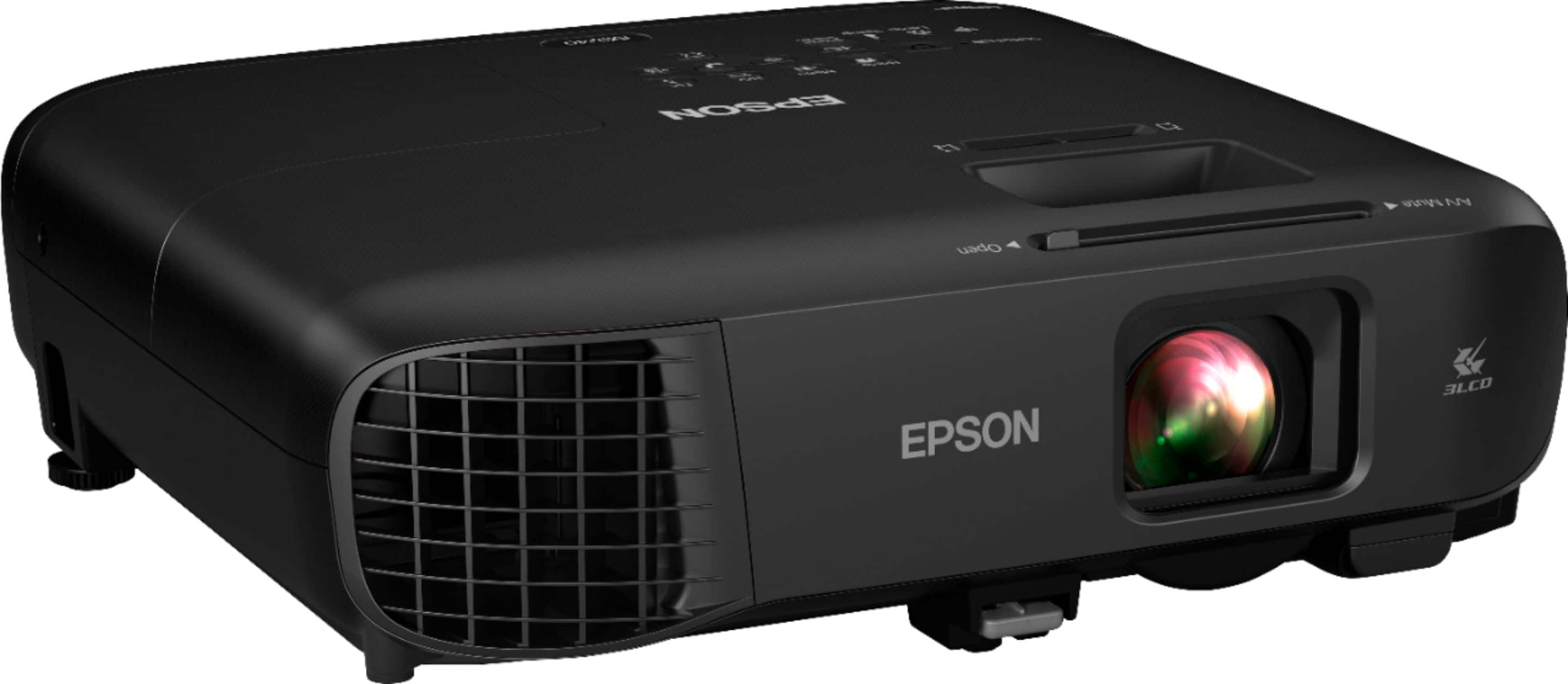
A:AnswerHi, At 29 feet, the Pro EX9240 will display a 300-inch diagonal image. Visit the Epson support site for a throw distance calculator. Regards, Mark - The Epson Team.
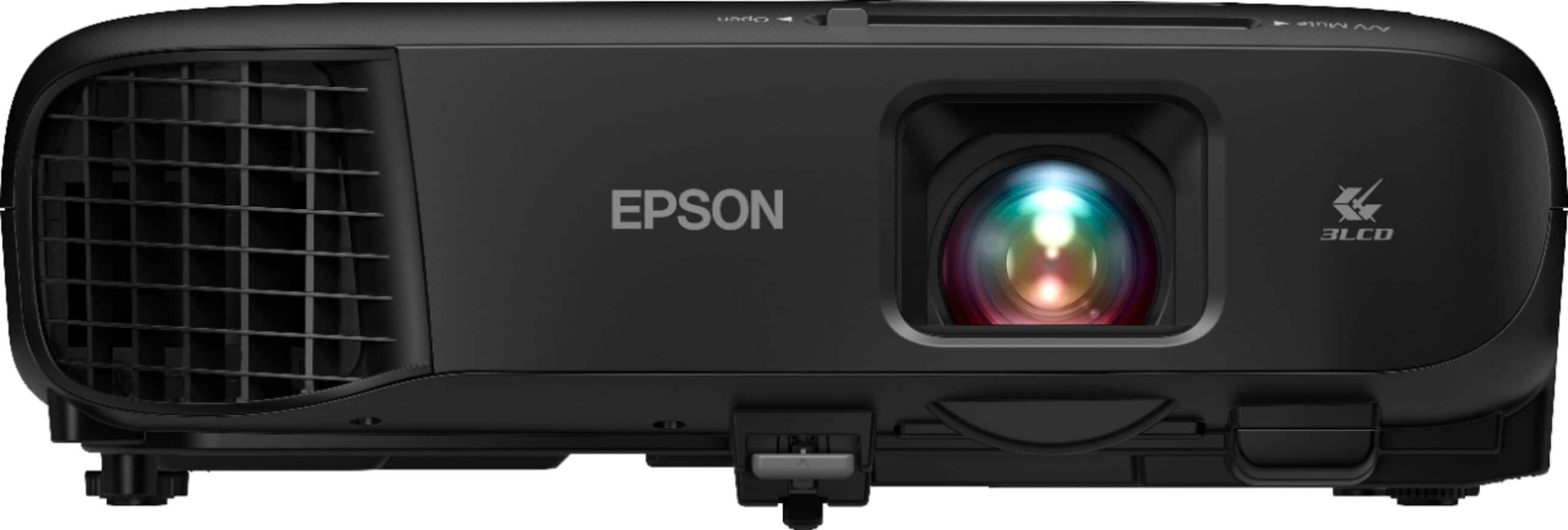
A:AnswerHello. You should be able to use the EX9240 with a golf simulator. However, we generally recommend using our laser projectors for a better experience. At approximately 8 feet, you should use a screen that measures between 70 - 80 inches with this projector. We have a dedicated "Laser Projectors For Golf Simulators" section on our official Epson Support page if you want to learn more. Regards, Kevin - The Epson Team.
A:AnswerDo you use Apple TV, Roku or another stream feature box with Bluetooth? I connect my surround sound stereo through the Bluetooth on my Apple TV mounted to the top of my projector. It replaces any need to run long cables. It’s connected from the Apple TV to my AV audio visual input on my stereo receiver with a $10 Bluetooth receiver. I can control the volume through my Apple box or from the stereo. Not wanting to run 50 foot of HDMI cable, this was an easy decision.
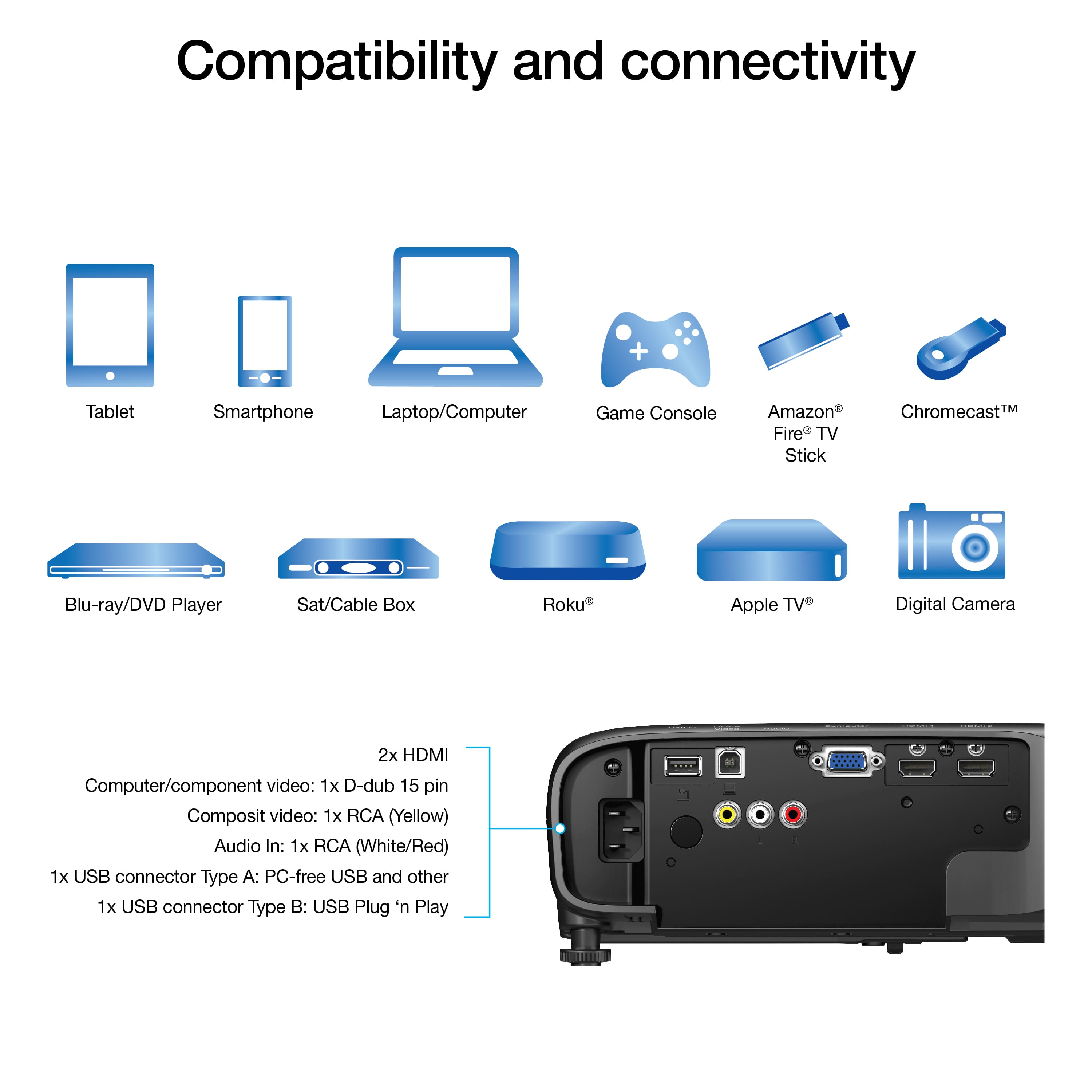
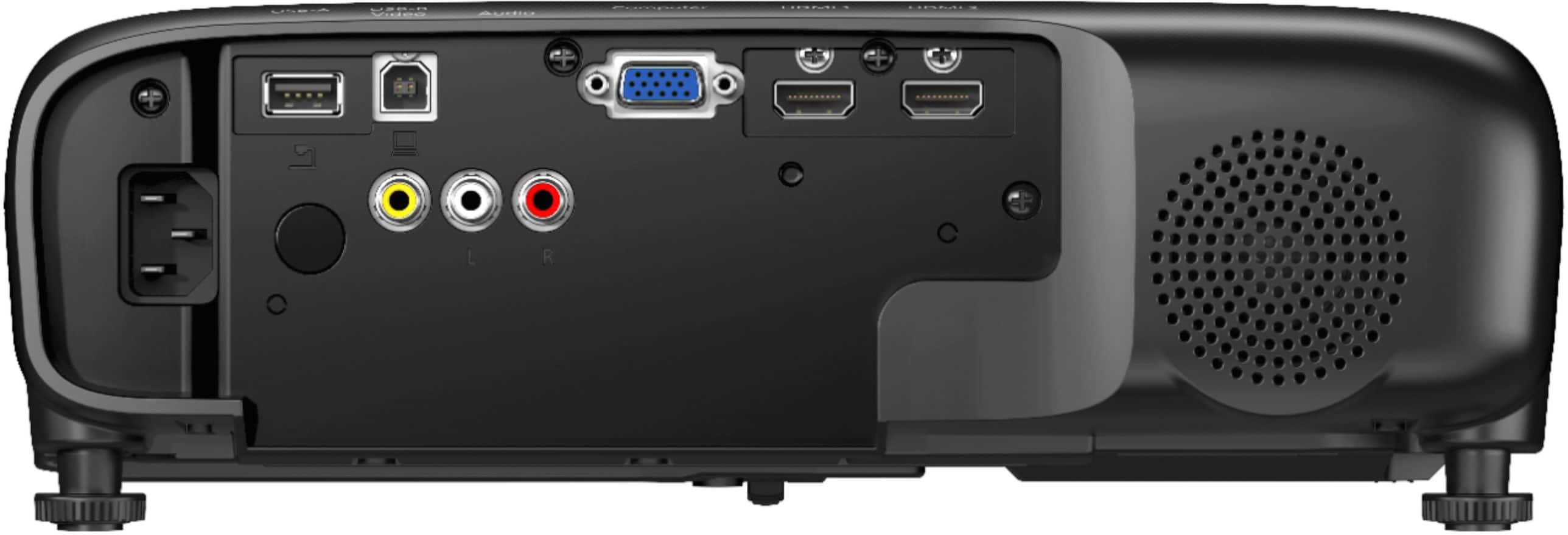
A:AnswerHello readyeddie. The EX9240 can connect external self-powered speakers by using the Audio L/R output on the back of the projector. To do this, you would need an RCA or stereo mini-jack-to-pin-jack cable. Regards, Kevin - The Epson Team.
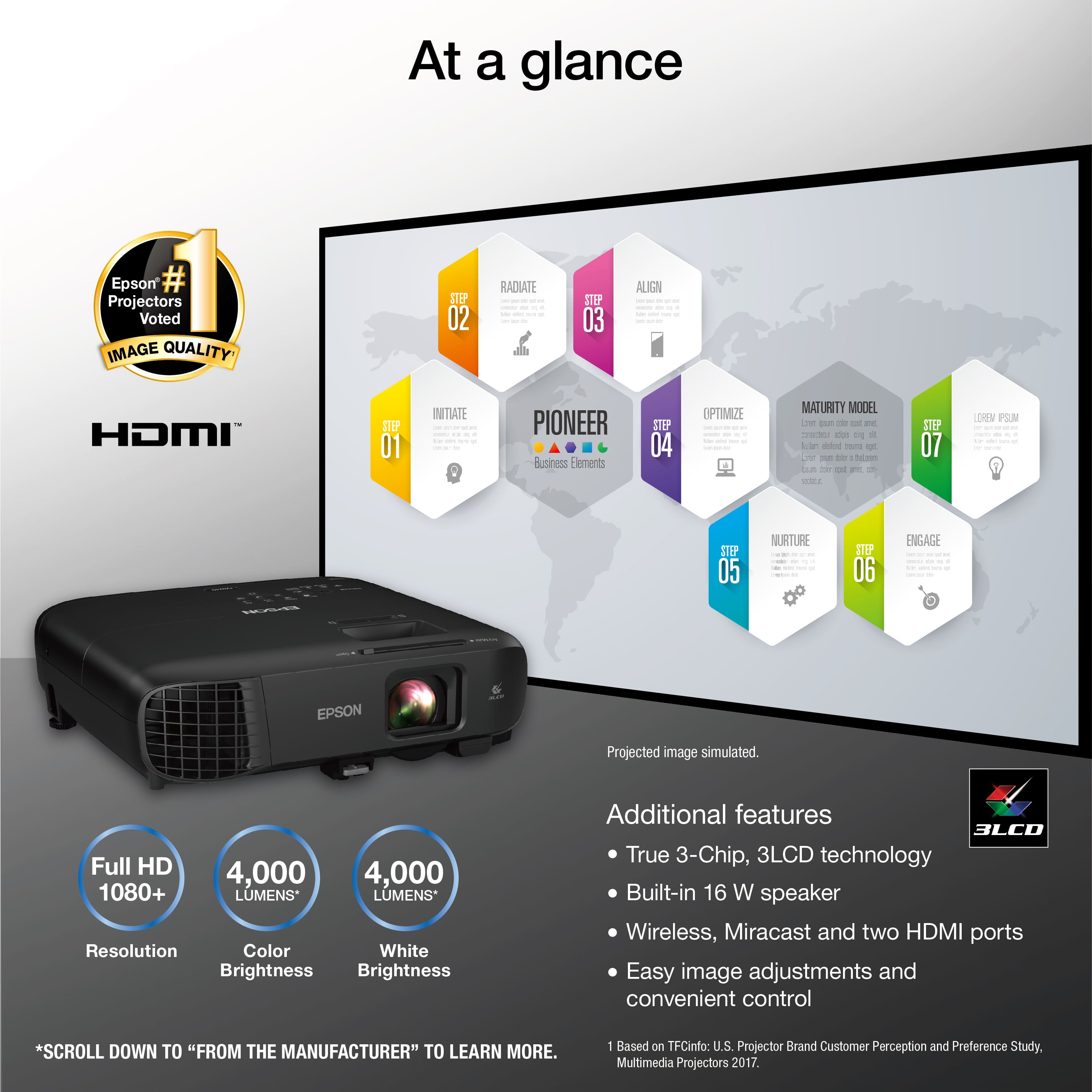
A:AnswerHi gradybaby81, The Pro EX9240 is rated at 4000 Lumens of color and white brightness. Color light output is measured in accordance with IDMS 15.4; white light output is measured in accordance with ISO 21118. Regards, Syd - The Epson Team.
A:AnswerEpson did not answer this question. The customer asked about the projector having an auto tune feature to line up with the vertical and horizontal parameters of the screen instead of having to continue to tweak it over and over and over again. This has NOTHING to do with the aspect feature!
A:AnswerAll ports on the Epson EX9240 are OUTPUTS. There are no inputs. The only way to do it is via a receiver with HDMI or an amplifier. Also, the projector has Miracast, but without outputs the sound can only come from the tiny speaker on the projector. I found this out after purchasing and I'm not happy.
A:AnswerHello Mike. The EX9240, by default, will display the media source at a 16:9 Aspect Ratio. Unfortunately, the projector does have an option to display a video source at a 4:3 Aspect Ratio. Regards, Kevin - The Epson Team.
A:AnswerI have this projector and currently cannot get it to connect to an external speaker. The instructions states to make sure the audio cables are labeled "No Resistance." So make sure you purchase these at the same time.