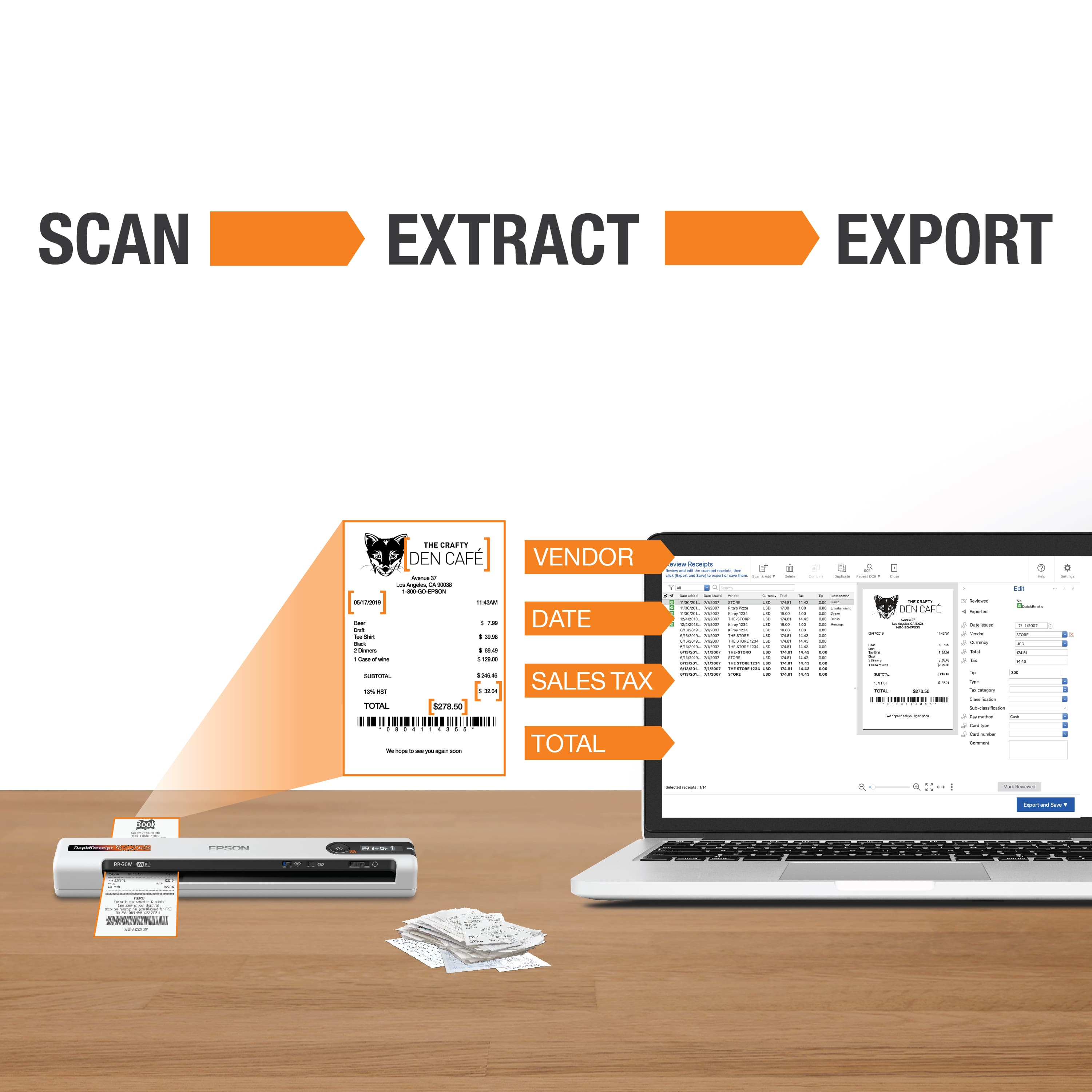
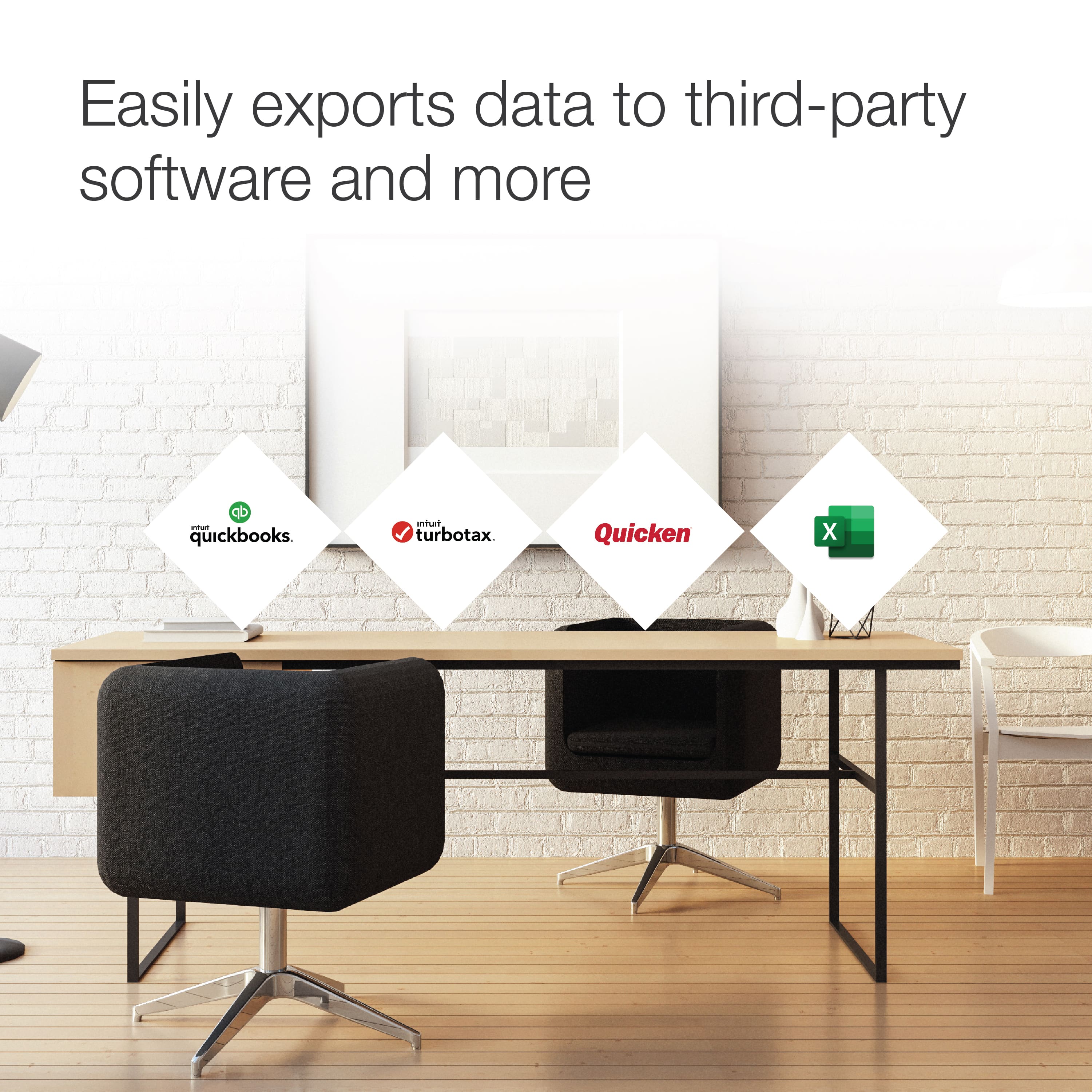
A:AnswerHello. After you have scanned your file in the Epson ScanSmart software, you should see an option to export data to "quicken file." After you save your file, you can import it into your Quicken software. For more details, please see the "Saving or Exporting Receipts to Quicken" section in the User's Guide. Regards, Kevin - The Epson Team.
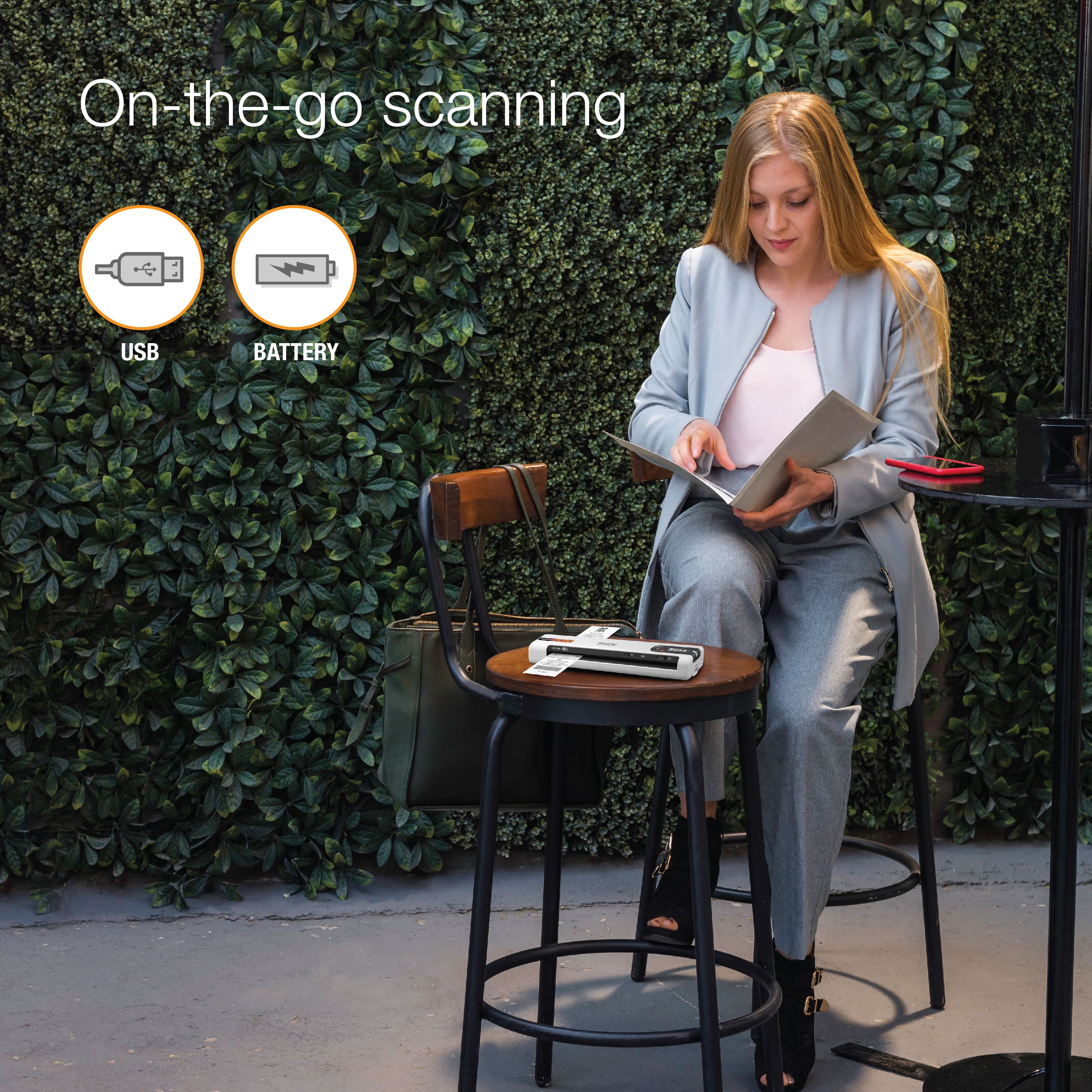
A:AnswerHello Mark. Depending on the model, most standalone scanners can only be used with a computer, phone, or tablet. If you are looking for a device that can scan and save to a memory device, then your best option is an Epson All-In-One model. Regards, Kevin - The Epson Team.
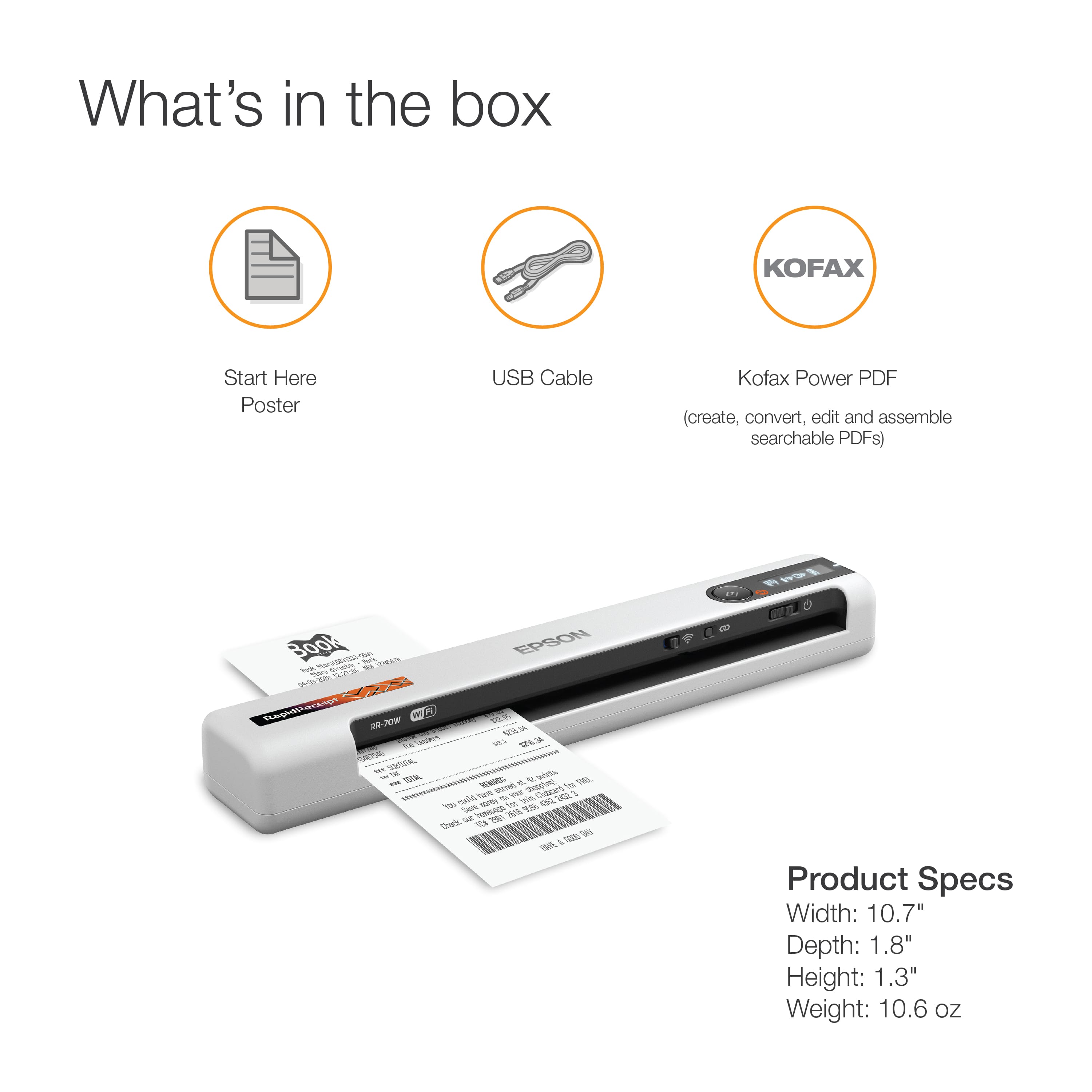
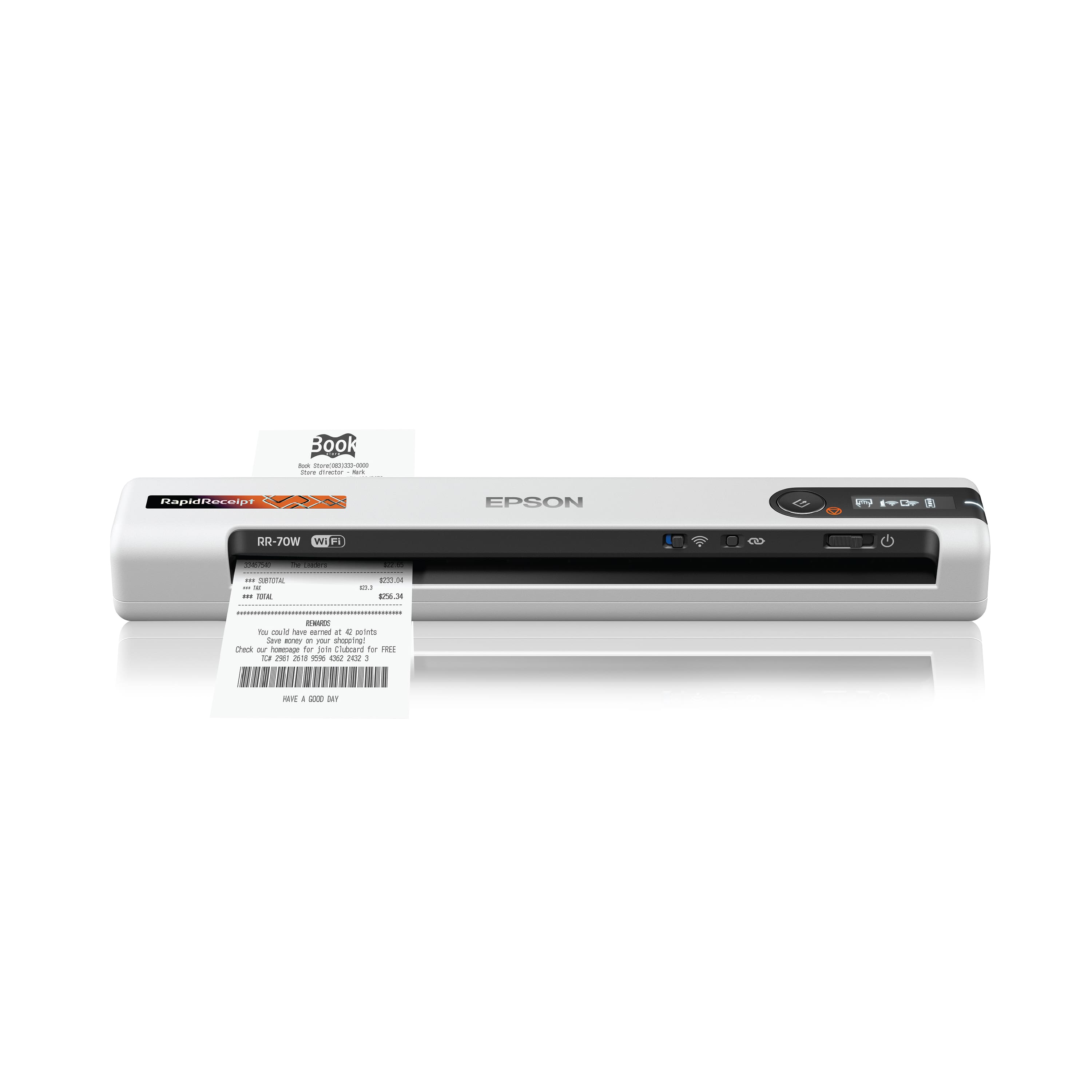
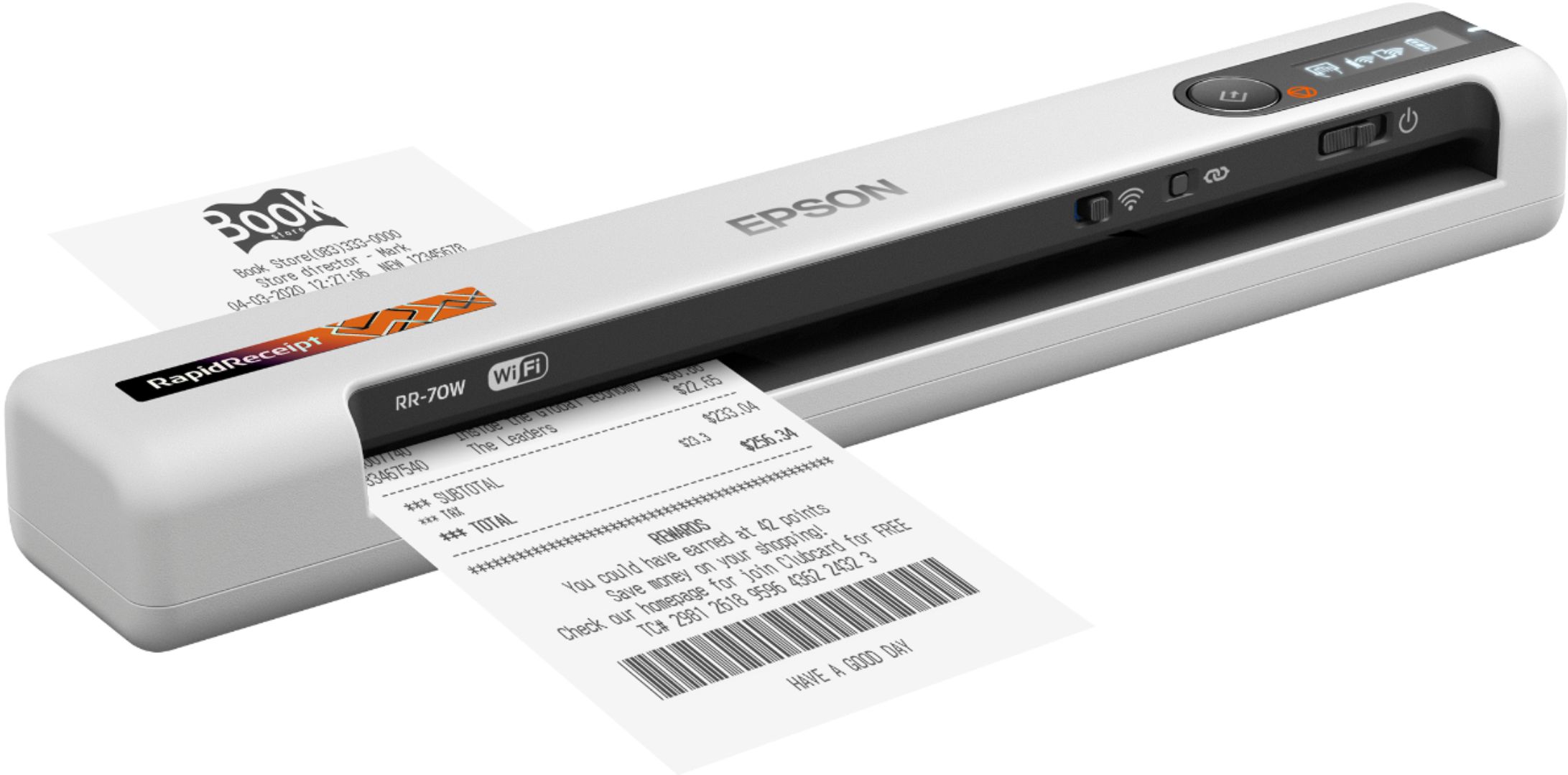
A:AnswerHello Eagle. Yes, the RR-70W can scan originals up to 8.5" x 72" in size. When scanning, you can save multiple pages into one file by choosing the PDF or JPG option. Regards, Kevin - The Epson Team.
A:AnswerHello RockinPRanch. We need to gather more information to help resolve your issue with Epson ScanSmart. Please get in touch with our Technical Support team by phone so that we can provide further assistance. Regards, Kevin - The Epson Team.
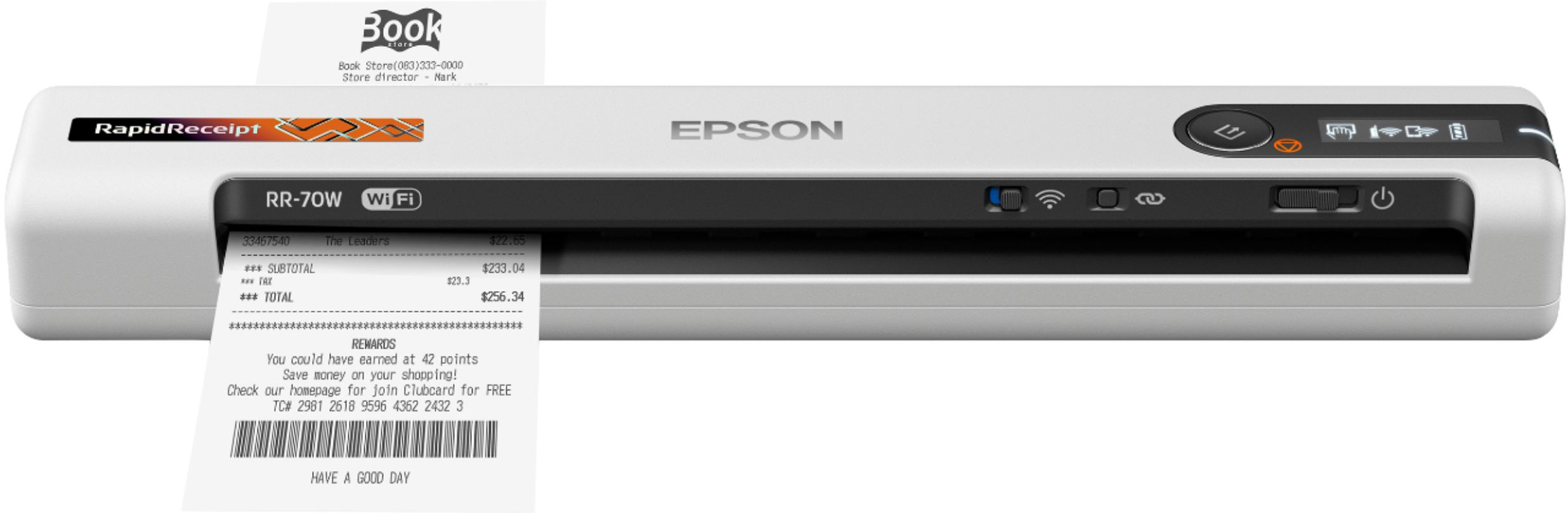
A:AnswerHello Tom. Unfortunately, we have not tested the RR-70W Scanner with Kofax Power PDF to confirm compatibility. The scanner does include a TWAIN driver, which makes it much easier to integrate with most current data management software. We recommend reaching out to Kofax directly to get more compatibility information. Regards, Kevin - The Epson Team.
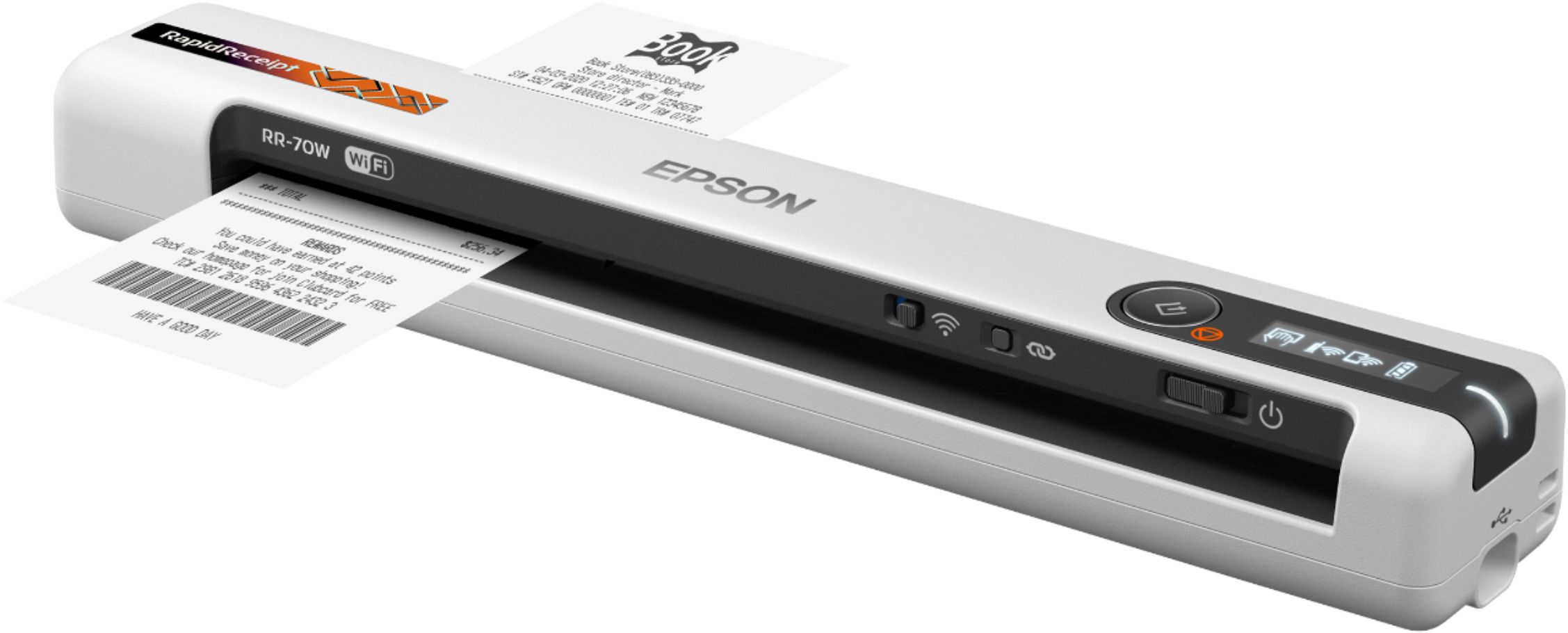
A:AnswerHello Happy. The RR-70W does not include a memory card. The scanner can be used wirelessly or with a USB connection to save scanned originals onto computers, smartphones, and tablets. Regards, Kevin - The Epson Team.
A:AnswerHello. We want to gather more details to assist you in downloading the correct program for the RR-70W. Please contact our Technical Support team by phone for additional assistance. Regards, Kevin - The Epson Team.

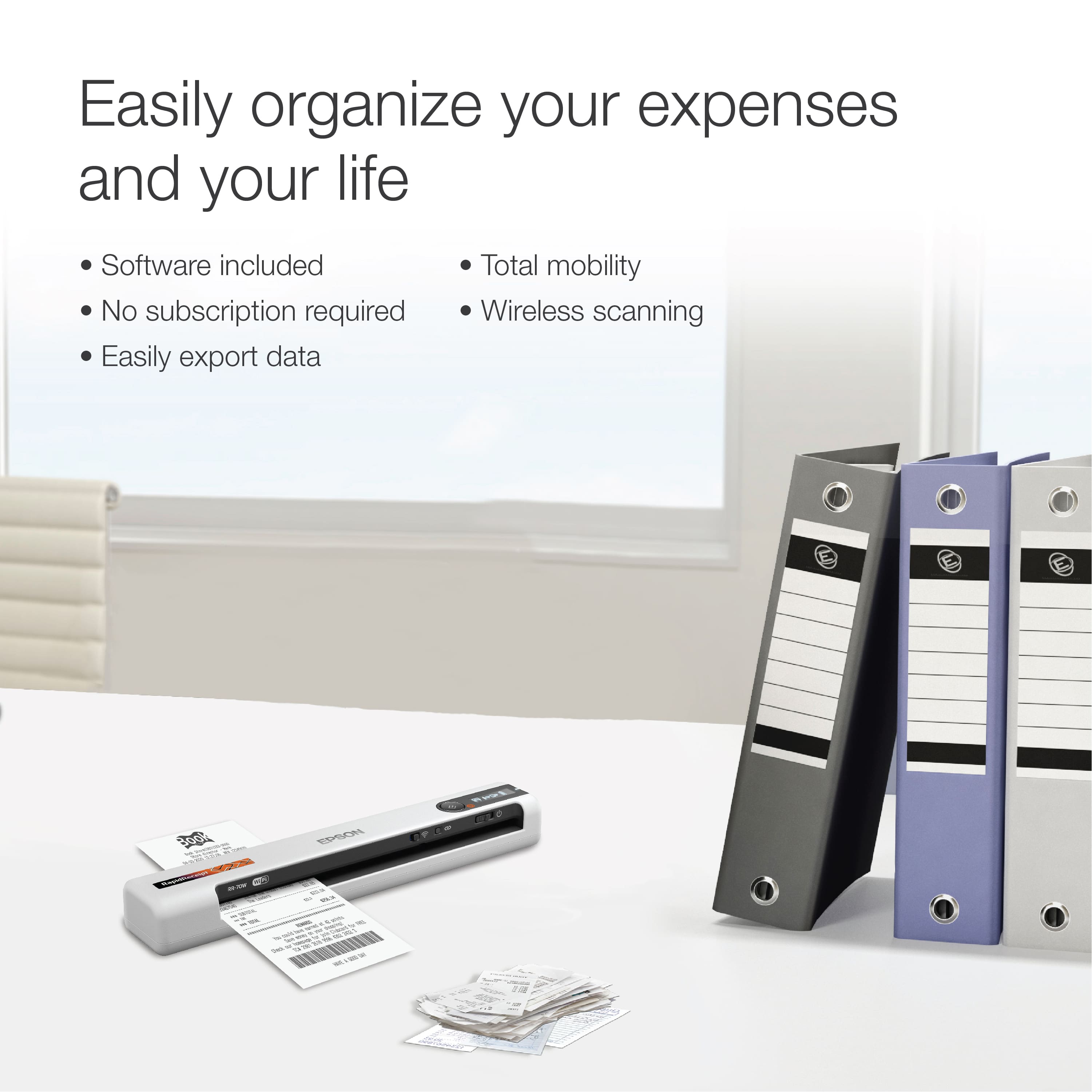
A:AnswerI think it will do just fine. I scan receipts from all over the US, most computer generated but there are a few that are hand written. They have came out in good detail.