A:AnswerYes - the drivers at the Epson's site work fine with Windows 10; the driver disk that comes with the printer upgrades to 10 automatically when applicable
A:AnswerI had a terrible time installing this printer running the latest Mac OS. Ended up having to call Epson. Even today this printer continually loses communication with the computer over the wireless network requiring a lot of restarts, turning the printer off and on and pausing the print job to restart.
A:AnswerIf you are printing on photo paper, you're better off feeding in one page at a time in the tray. The glossy pages tend to stick to each other and I'm not surprised if they jam all sorts of printers. Printing photos is time and ink consuming as it is. If you're planning on printing stacks of the same picture or a presentation on glossy, you're better off just dropping the file off with a local professional printer. You would probably save more money in the end. Other than that... one sheet at a time works fine.
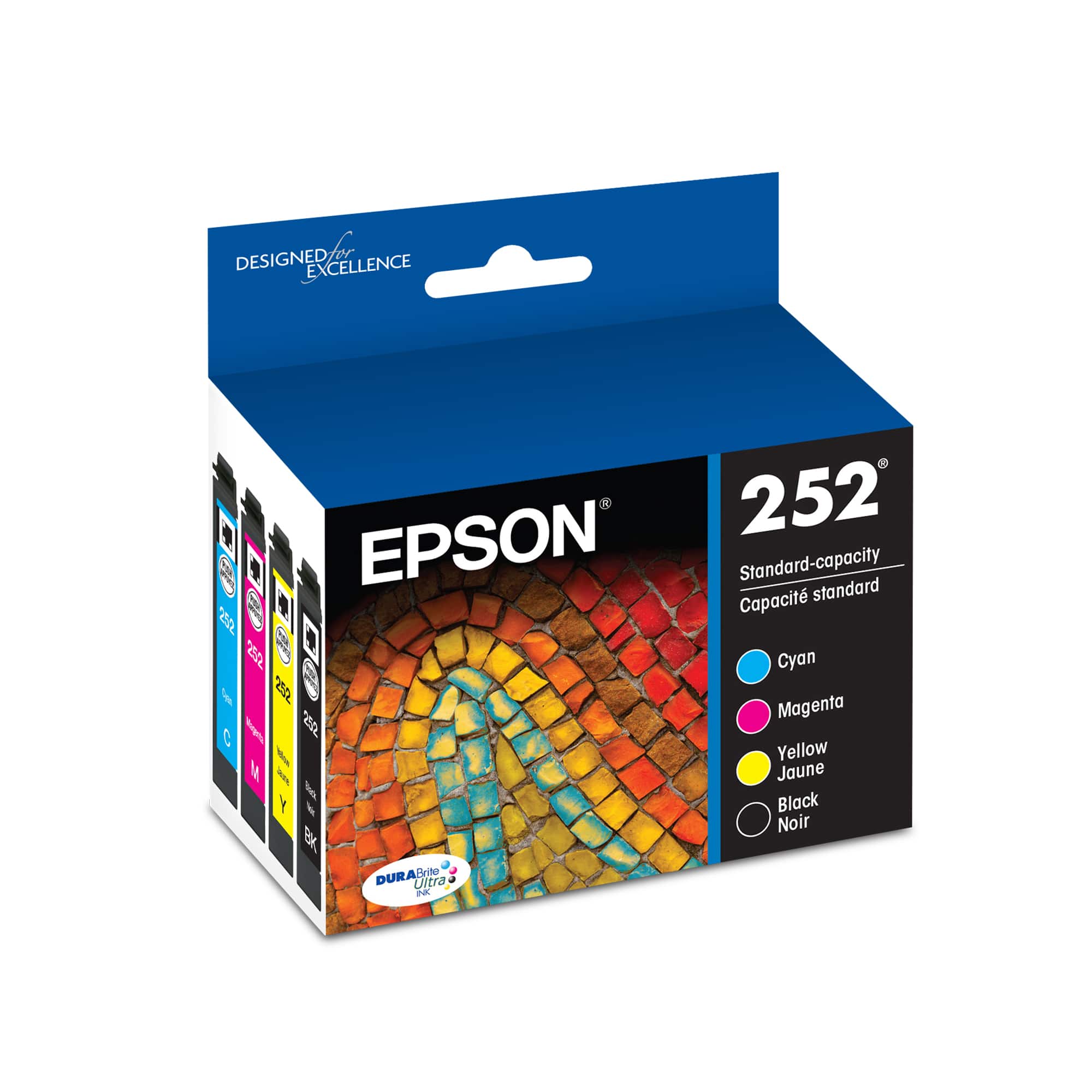
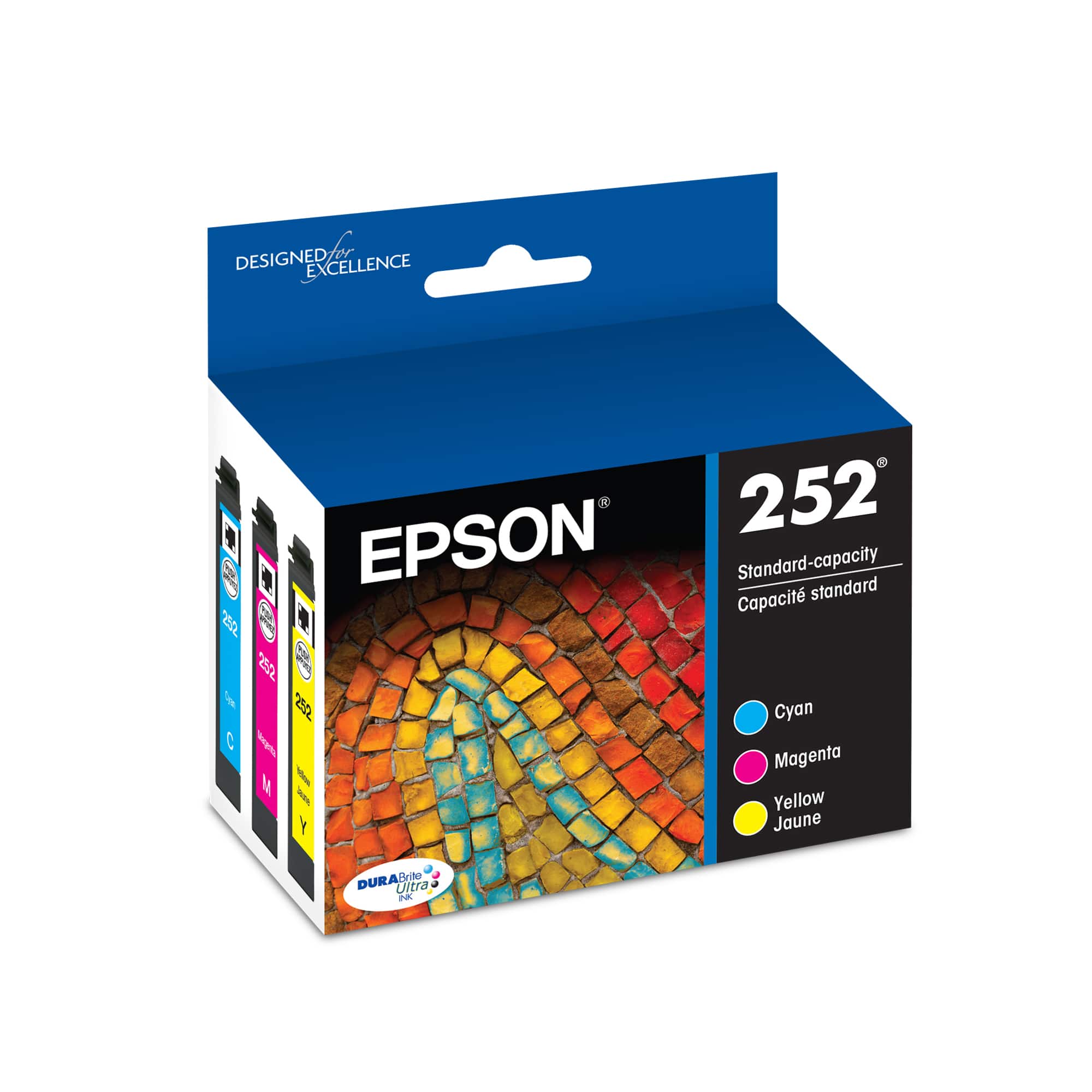
A:AnswerIt appears that this printer uses Epson 252 ink. The black cartridge can use 252xl, which will provide you a higher yield for plain black printing.
A:AnswerI asked the sales associate since this seems to be an issue with Epson color printers, I was Informed all cartridges must have ink in Order for the printer to function, yep not cool.
A:AnswerRAISE THE COVER, ON THE RIGHT ARE CARTRIDGES, LIFT RESTRAINING COVER, REMOVE CARTRIDGE TO BE REPLACED, POP IN REPLACEMENT, CLOSE COVER AND MACHINE COVER THAT'S IT ASK A BEST BUY SALES ASSOCIATE TO DEMO THIS.