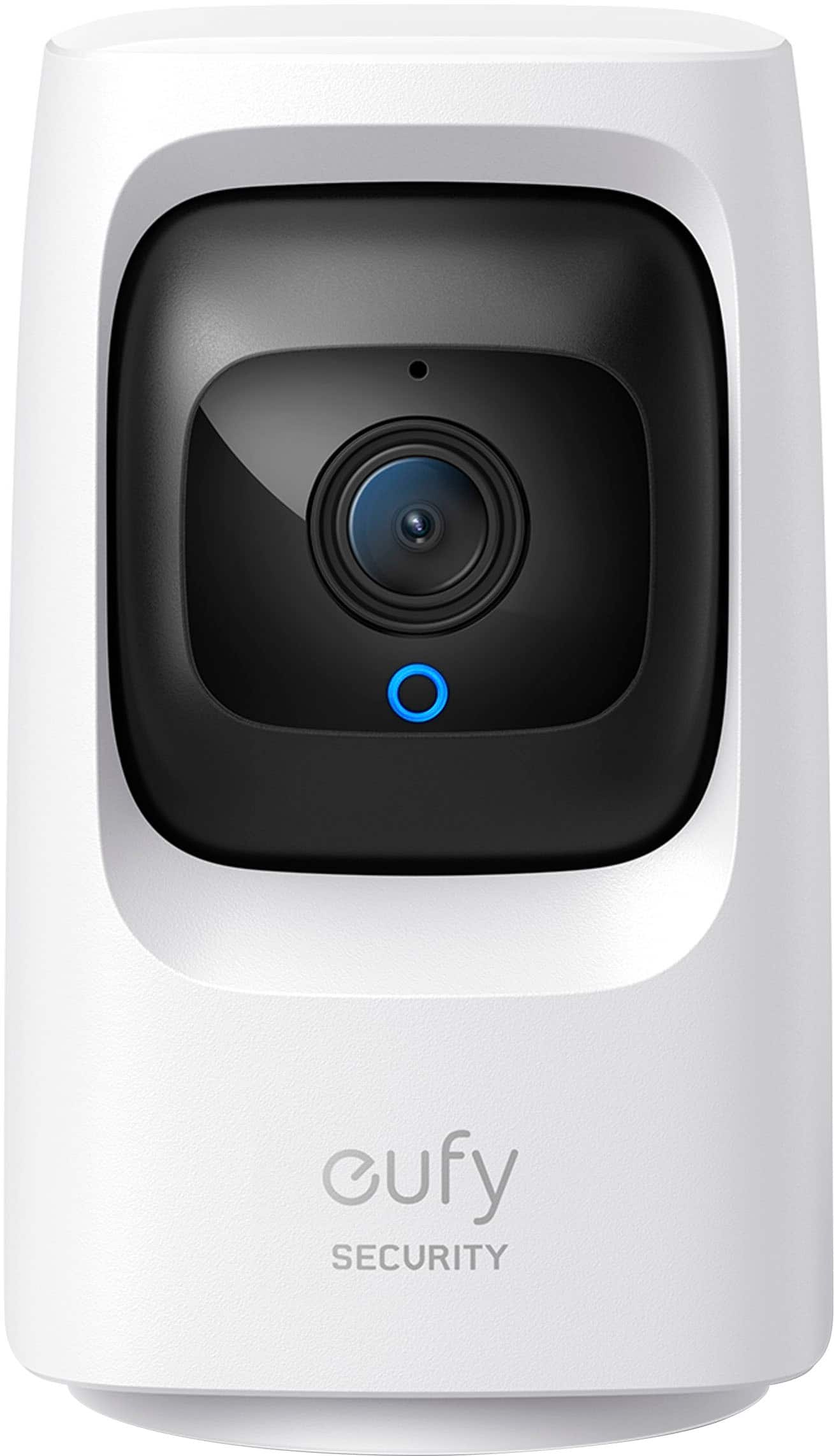
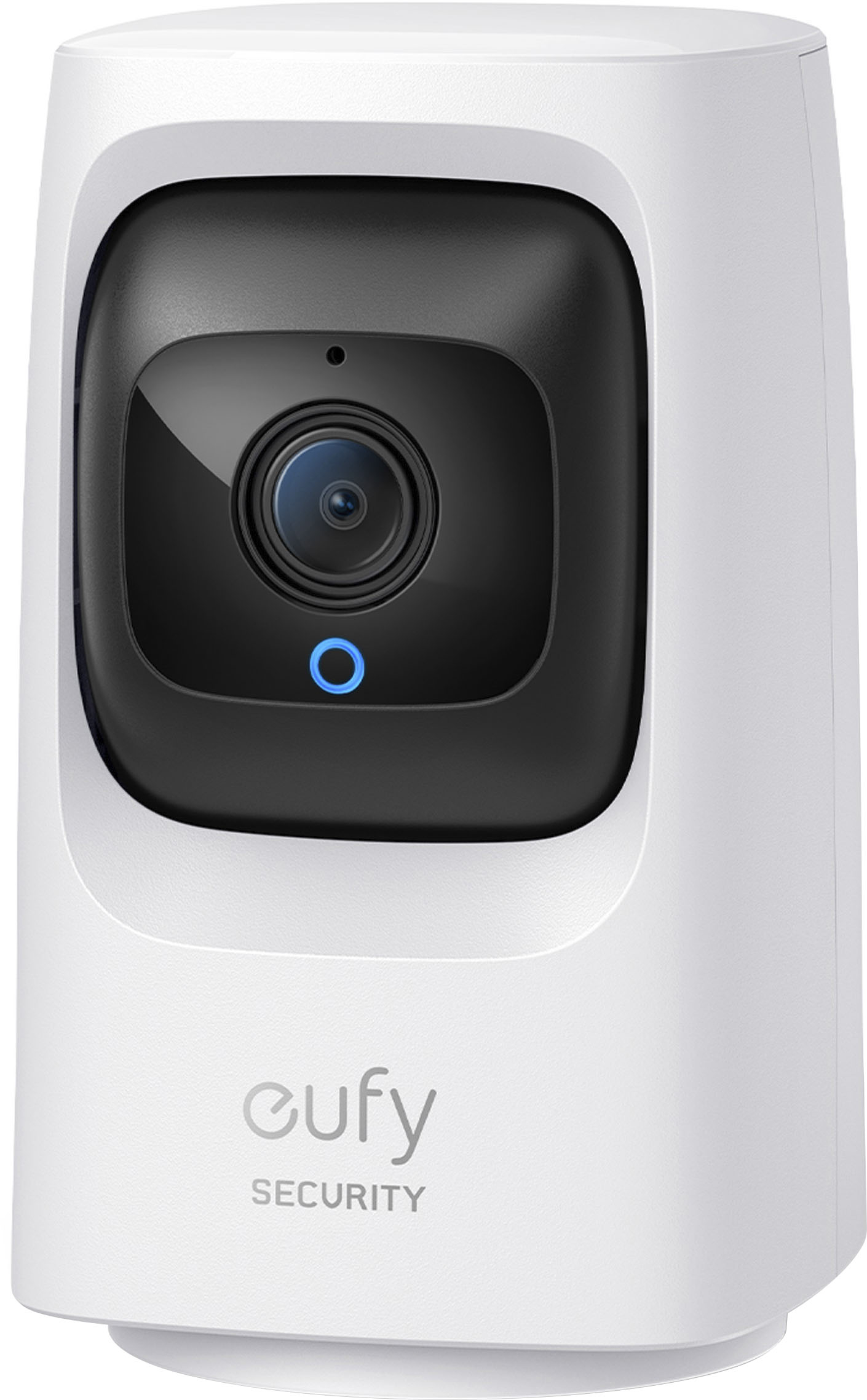
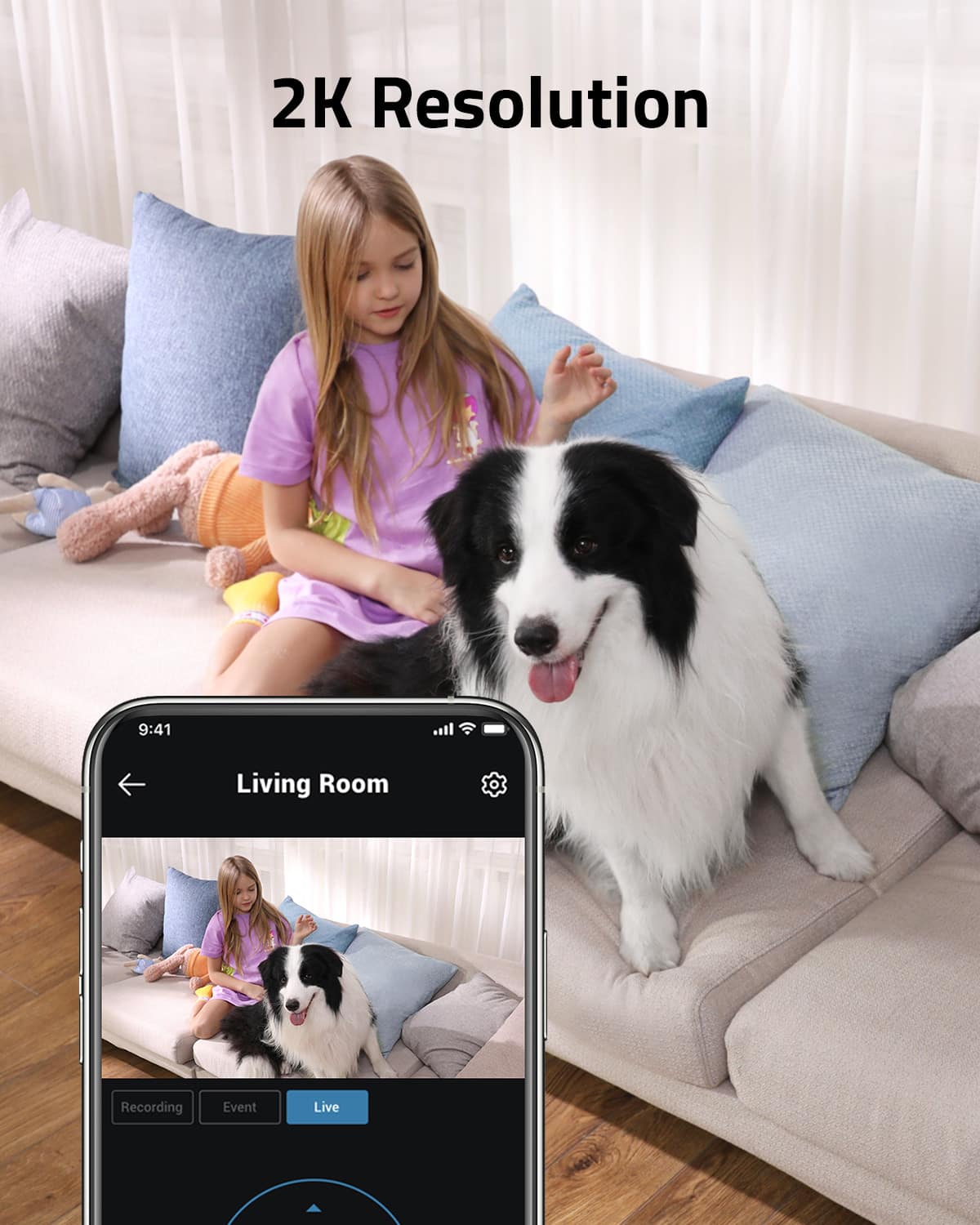
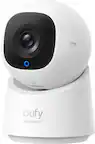
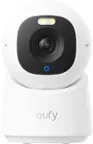
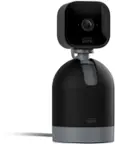
A:AnswerTo view the eufy Security - Indoor Cam Mini 2k HD Wi-Fi Pan & Tilt Security Cam on multiple phones, including one in a different country, follow these steps:
Ensure that the camera is connected to your home WiFi network.
Download and install the eufy Security app on each phone.
Log in to the app using the same account credentials on all phones.
Once logged in, you can access the camera feed from anywhere as long as the phones have access to the Internet.
A:AnswerYou can definitely add 1 or 2 more eufy Indoor Cam Mini 2K devices to your existing setup. These cameras are supported for use in multiples when they are all connected directly to the WiFi router at home. This means you can expand your home security system with additional cameras without any issues.
A:AnswerYes, the eufy Security Indoor Cam Mini 2k HD Wi-Fi Pan & Tilt Security Cam can be connected to an extension cord as long as the extension cord has a compatible micro USB port. However, it's important to use a high-quality extension cord that can provide the necessary power for the camera to function properly. Make sure the extension cord is in good condition and can handle the power requirements of the camera.
A:AnswerThe eufy Security - Indoor Cam Mini 2k HD Wi-Fi Pan & Tilt Security Cam does not have a sleep mode. When the camera is plugged in and the light is off, it can still be active and record based on the user's preferences and settings. It can be set to record continuously or on a schedule, providing flexibility for different surveillance needs. If you want to turn off the camera, you can do so manually or through the eufySecurity app.
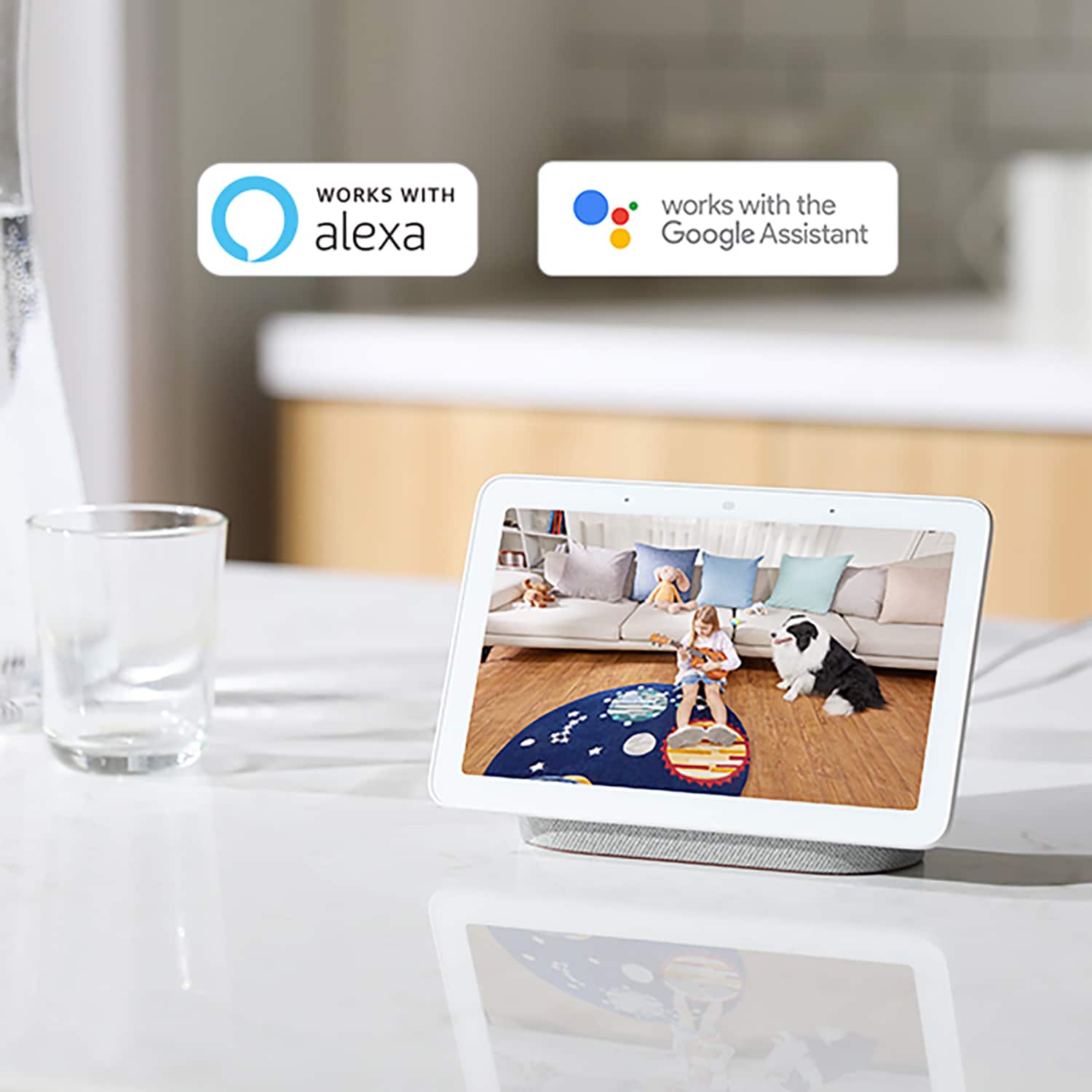
A:AnswerYes, the eufy Security Indoor Cam Mini 2K is compatible with Alexa. You can integrate it with Alexa devices to access live streaming of the camera feed and use voice commands to control the camera. To set it up, you can use the eufySecurity app to link the camera with your Alexa account. Once linked, you can use voice commands to view the camera feed on compatible Alexa devices. For detailed setup instructions, you can refer to the official eufy Security website or the user manual that came with the camera.