Questions & Answers
- Model:
- B0C8BZDJCT
- |
- SKU:
- 6563873
Q: QuestionCan yippee tv be downloaded?
Asked by Hkk.
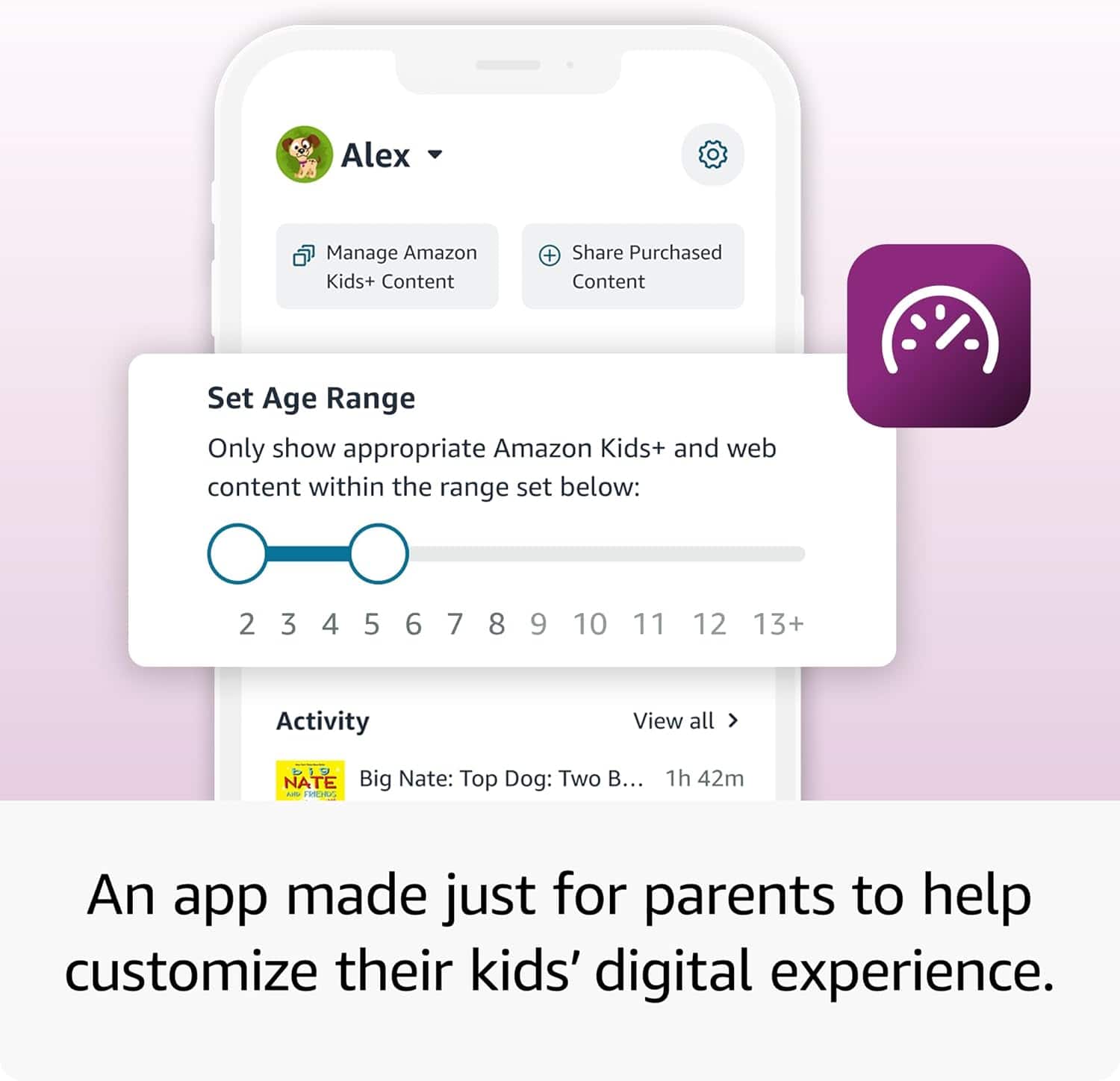
- A:Answer Hi Hkk! Yippee TV is available to download on the Amazon App Store, and you can give a child account access to it via the parent dashboard on Amazon's website. To download apps: Select Games & Apps or open the Apps or Games app. Select an app from your Library to download it or search for a new app in the Store. Looking online it looks like Yippee TV also supports offline sync, so you can use the Fire 7 Kids' micro SD card slot to add up to 1TB of additional storage if you need more space to take your favorite movies and shows on the go! I hope that helps, have a great rest of your day!
Answered by Amazon Devices Customer Support
Q: QuestionCan happykids app be downloaded on this tablet?
Asked by Hkk.
- A:Answer Hi Hkk, Thanks for reaching out about the Ftre TV Stick. HappyKids is available to download on the Fire TV stick. I hope this helps. Have a great night!
Answered by Amazon Devices Customer Support
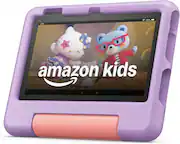
Q: QuestionWhat is the recommended age for Fire 7?
Asked by Gigi.
- A:Answer Ages 4-12
Answered by Jackie
Q: QuestionCan I share my iphone hotspot to watch Netflix on the tablet. And can I download movies and watch it with out WiFi or internet
Asked by JN.
- A:Answer Yes my son has Netflix if we are out I just hook up on hotspot he's only 2 but has downloaded his favorites from Netflix and that can be watch if he does not have hotspot of wifi
Answered by user567717
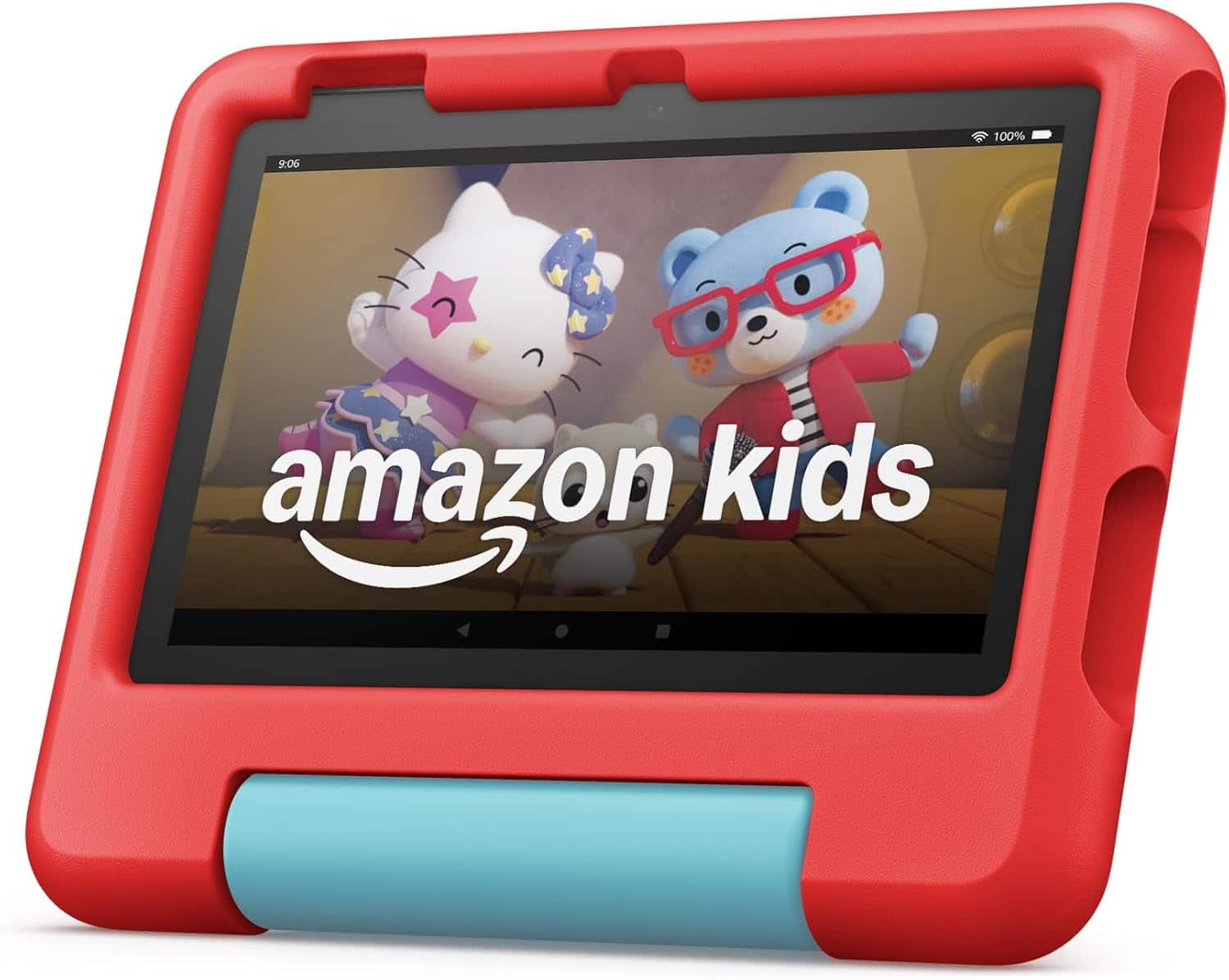
Q: QuestionWhat accessories go with this tablet?
Asked by Casey.
This question was asked about the related product: Fire 7 Kids - 7" Tablet (2023) 16GB with Amazon Kids+ (6 Month Subscription) - Purple
- A:Answer Case
Answered by JuanA
Q: QuestionDoes this tablet have YouTube ?
Asked by Gigi.
This question was asked about the related product: Fire 7 Kids - 7" Tablet (2023) 16GB with Amazon Kids+ (6 Month Subscription) - Purple
- A:Answer Hello Gigi! YouTube does not come installed on the tablet but you can download it. You can add YouTube in the parent screen, then go to settings, family devices, add apps- then you can add it on. I hope this information helps, have a great day!
Answered by Amazon Devices Customer Support
Q: QuestionCan you watch video or movies without WiFi or data
Asked by Child.
This question was asked about the related product: Fire 7 Kids - 7" Tablet (2023) 16GB with Amazon Kids+ (6 Month Subscription) - Purple
- A:Answer No
Answered by Anonymous
Q: QuestionCan you watch YouTube on here ?
Asked by Michelle.
This question was asked about the related product: Fire 7 Kids - 7" Tablet (2023) 16GB with Amazon Kids+ (6 Month Subscription) - Purple
- A:Answer Yes
Answered by JustineC
Q: QuestionHow to change the langrish sittings on the kids surf?
Asked by Marle.
- A:Answer Hi Marle! To change the language settings on a Fire 7 Kids tablet, you'll have to switch to an adult profile. Once you've switched over: Swipe down from the top of the screen and then tap the Settings (gear) icon. Tap 'Keyboard & Language' (Globe icon) If you do not see this on the Settings page, you'll find this under 'Device Options' (equalizer icon) Tap 'Language' (first option) and select your preferred language. To change what languages are available for the Kids+ content, you'll have to access the parent dashboard on Amazon's website. From there you can choose your language settings for Kids+ content. Languages available will vary by what regional store you are accessing. If you need help changing which digital storefront you are connecting to, I would suggest reaching out to Amazon's customer service so they can assist. I hope that helps, have a great rest of your day!
Answered by Amazon Devices Customer Support
Q: QuestionAre you able to add movies for your kids like Miss Rachel, the wiggles Any of the cartoons
Asked by Gram50.
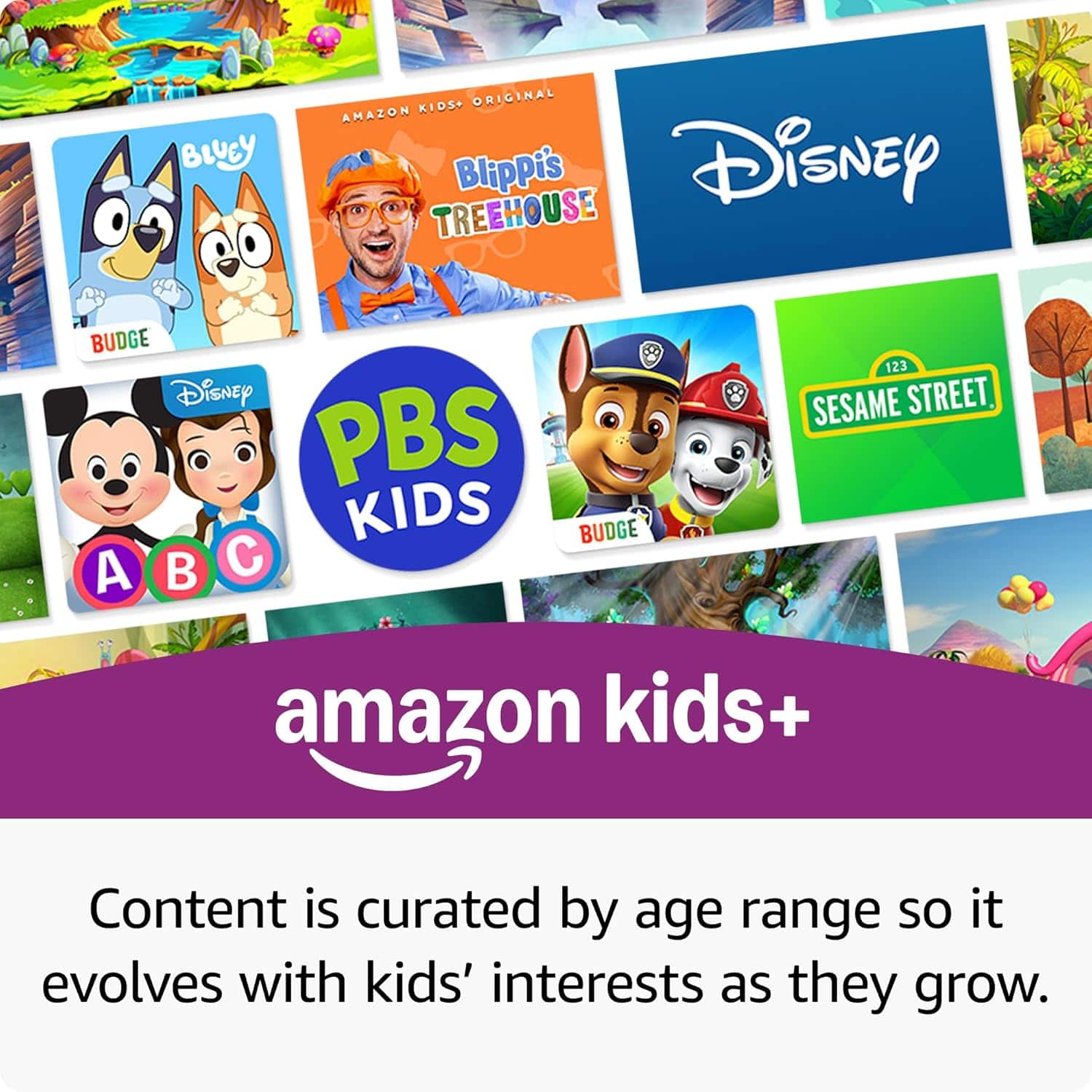
- A:Answer Hello Gee and thank you for your question. You are able to download and add content to the Amazon Fire Kids Tablet. In order to do this on a "Child Profile", please follow the steps below: 1. Go to the Parent Dashboard 2. Navigate to the child profile you wish to manage and select Settings. 3. Select Add content. 4. Select the desired content category using the tabs above the list of content. 5. Add or remove content by toggling the switch next to them. Please keep in mind that the Amazon Fire Kids Tablet only comes with 16gb of internal storage. If you wanted to download movies and additional content, I would suggest expanding the storage size by purchasing and inserting a MicroSD (up to 1TB) Hope this helps. Have a great day!
Answered by Amazon Devices Customer Support
Q: QuestionWhat generation is this Amazon fire 7 tablet
Asked by Nee.
- A:Answer Hello Nee, Thank you for your question. The Fire 7 kids 7'' tablet is 12th generation. Hope this helps, have a nice day!
Answered by Amazon Devices Customer Support
Q: QuestionWhat specific charger is required?
Asked by Anonymous.
- A:Answer Hello and thank you for your question! The Amazon Fire 7 Kids 7" tablet requires a USB Type C charging cable. Hope this helps! Have a great day!
Answered by Amazon Devices Customer Support
Q: Questionwhat is the life span of the children's size kindles? I want to surprise my grandkids with them.?
Asked by MarMe.
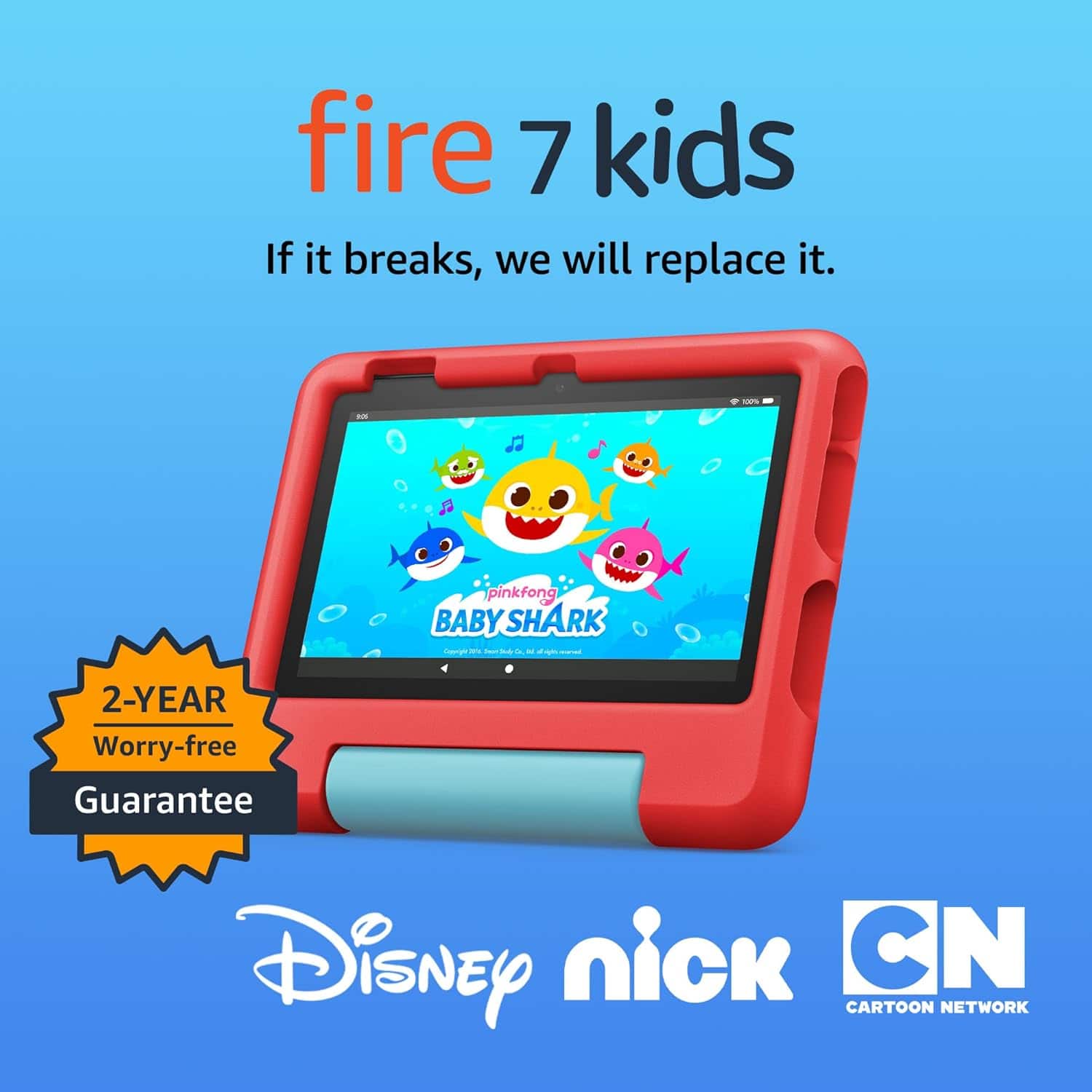
- A:Answer Hi MarMe! While it's hard to know how long any given device will last, the Fire Kids tablets all come with a 2 Year Worry Free Guarantee. If anything happens to the tablet in those two years, you can contact Amazon Customer Service and have the tablet replaced, no questions asked! You can also expand the storage on the tablets with a Micro SD card, ensuring you won't run out of space anytime soon. I hope that helps, have a great rest of your day!
Answered by Amazon Devices Customer Support
Q: QuestionDoes this tablet have wi-fi capabilities?
Asked by Anonymous.
- A:Answer Yes
Answered by LatoyaJ
Most-viewed items
- $269.99Your price for this item is $269.99
- $189.99Your price for this item is $189.99
- $139.99Your price for this item is $139.99
- $99.99Your price for this item is $99.99
- $75.99Your price for this item is $75.99$119.99The comparable value for this item is $119.99
- $79.99Your price for this item is $79.99$159.99The comparable value for this item is $159.99
- $79.99Your price for this item is $79.99$129.99The comparable value for this item is $129.99
- $54.99Your price for this item is $54.99$64.99The comparable value for this item is $64.99
- $69.99Your price for this item is $69.99$79.99The comparable value for this item is $79.99
- $79.99Your price for this item is $79.99$159.99The comparable value for this item is $159.99
- $129.99Your price for this item is $129.99
- $109.99Your price for this item is $109.99$139.99The comparable value for this item is $139.99
- $54.99Your price for this item is $54.99$59.99The comparable value for this item is $59.99
- $79.99Your price for this item is $79.99$99.99The comparable value for this item is $99.99
- $189.99Your price for this item is $189.99
- $55.99Your price for this item is $55.99$59.99The comparable value for this item is $59.99
- $69.99Your price for this item is $69.99$79.99The comparable value for this item is $79.99
- $99.99Your price for this item is $99.99
- $209.99Your price for this item is $209.99