A:AnswerI'm having much worse time synching with a Samsung S8 that has been paired to a Charge 2 for a year and a half. Ironically I am getting notifications but it hasn't synced with the phone for 18 hours. This product was rushed out the door. This is provable by the fact a 30 minute firmware update is required RIGHT OUT OF THE BOX. For me the worse part is the stupid "move reminders" are turned on by default. No sync means they don't go away. Reviews on other sites are really bad too. I wouldn't buy it in 2018. They have some serious bugs to fix.
A:AnswerThe Fitbit vibrates when a call or text comes through. You can read the texts on the tracker but u must use your phone for any follow up to calls or responding to texts
A:AnswerDon't recall exactly but I had a issue with the Charge 2 almost a year old and FitBit was quick to fix the issue. Go to their site and they will help. There Customer Service is quick and really easy to use. Best I have dealt with
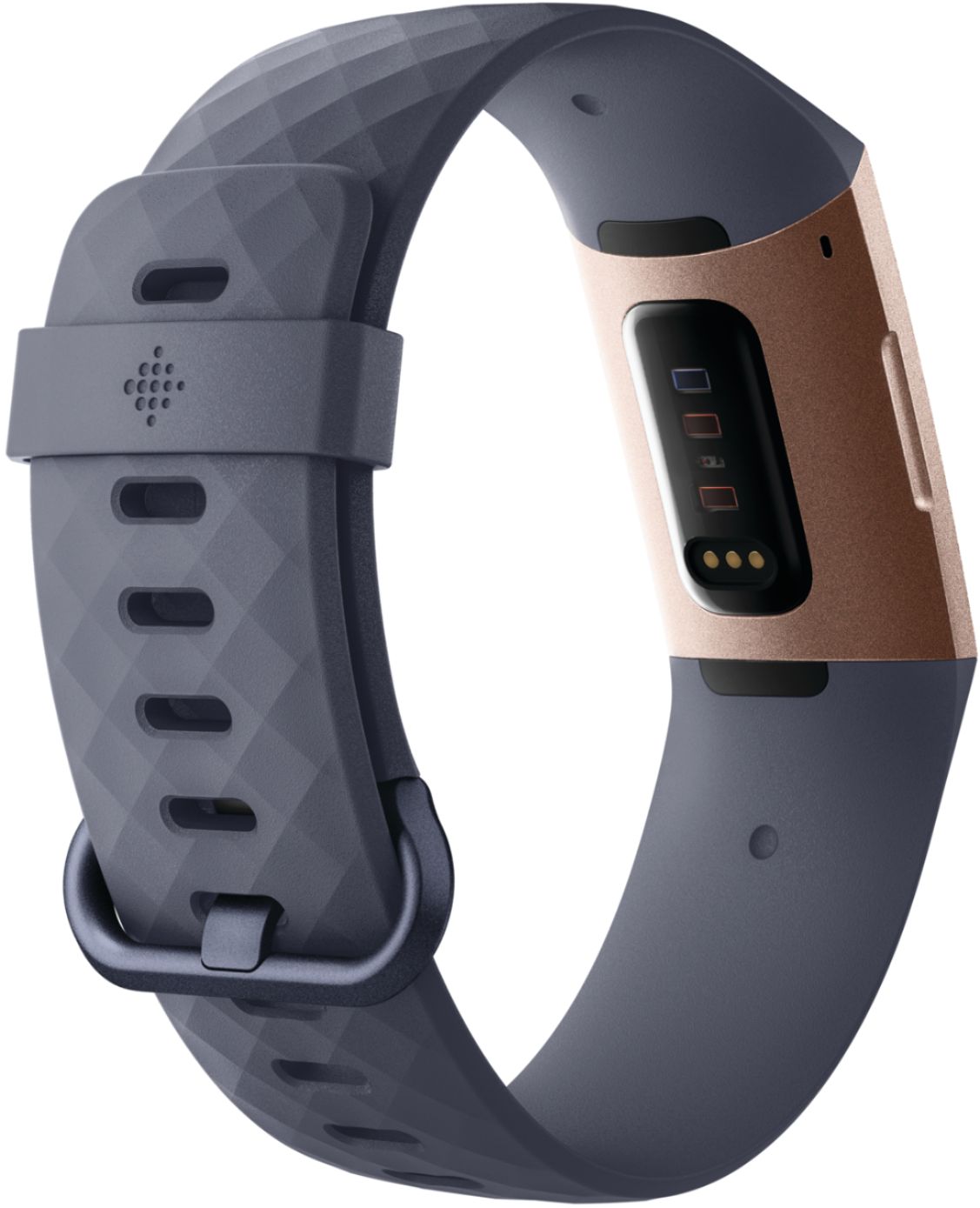
A:AnswerHeart rate tracking is much improved over Charge HR. When I look at the daily history of heart rate, I can see bursts of activity like climbing 4-5 flights of stairs. When I compare it to the heart rate monitor on my treadmill, it is usually within 2-3 bpm. I would expect it to track during spin class.
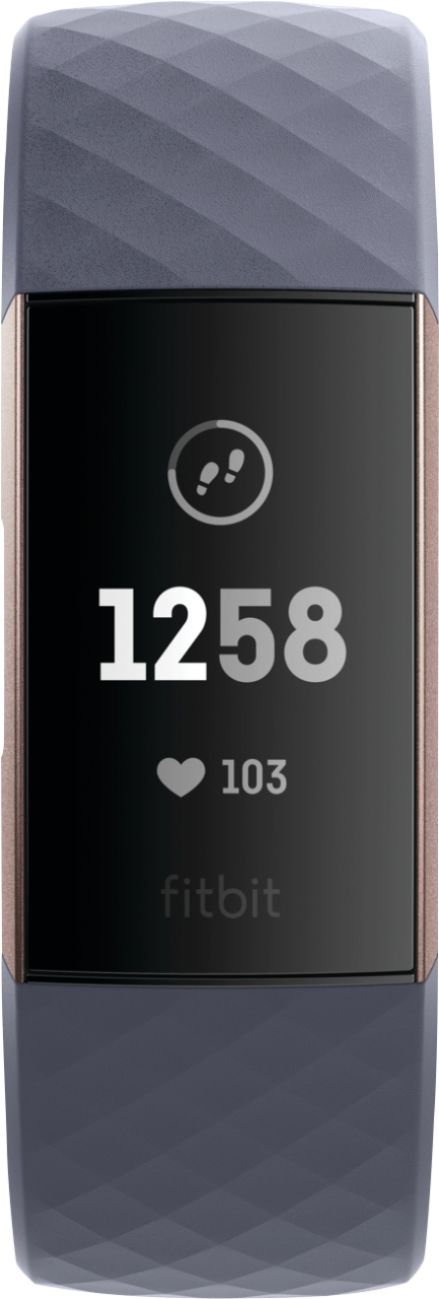
A:AnswerThe display is bright, but while the time is easy to read in the sun, the stats are in dimmer text that is nearly impossible to read in sunlight.
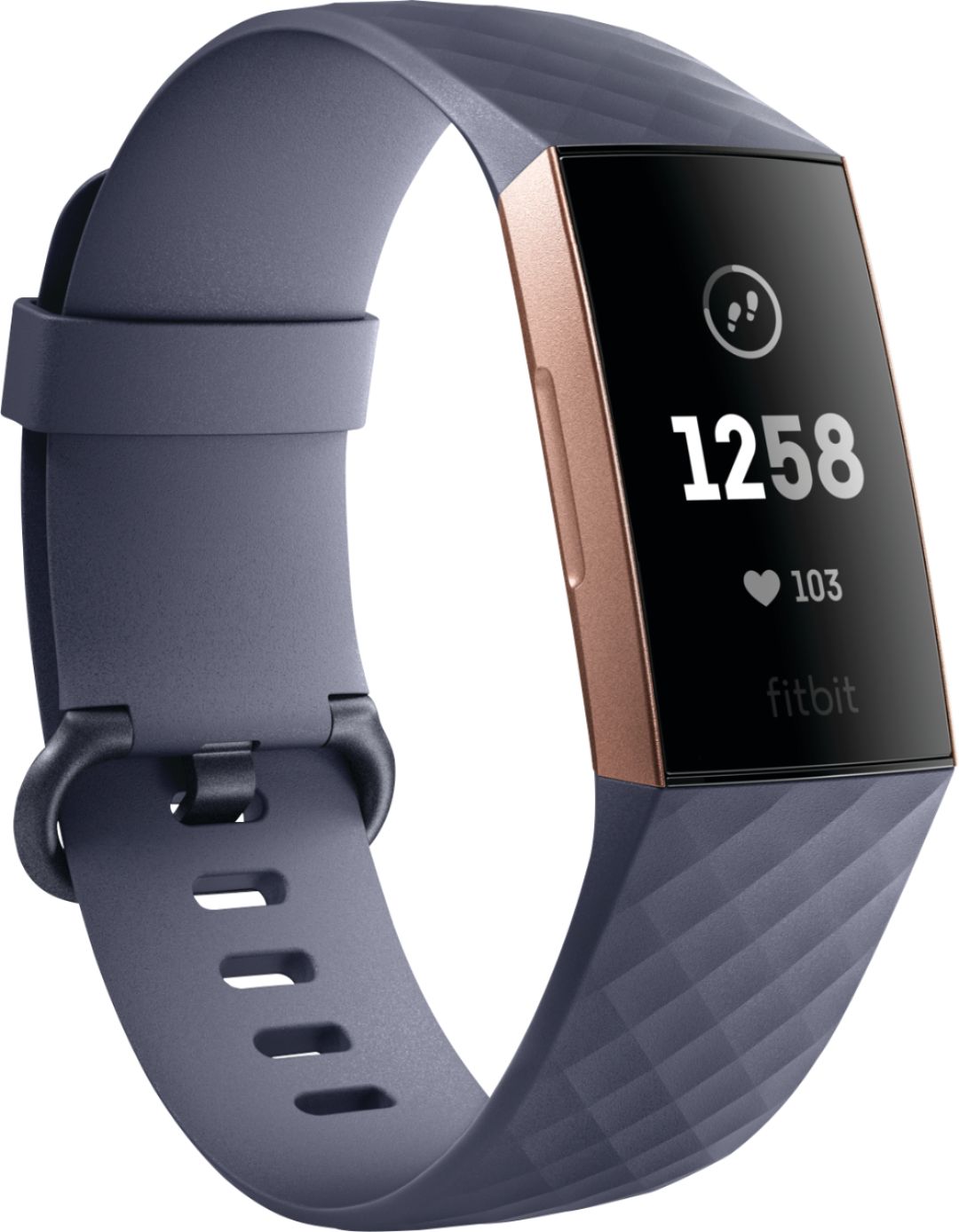
A:AnswerThe special edition has Fitbit pay and a different band. The regular Charge 3 doesn't have Fitbit pay and comes with one of the silicone bands. Those were the only two differences I found.
A:AnswerNo. Not only are they a different design, the 3 comes with a cool quick release feature. You may run into setup problems if you don't remove the Charge 2 from your account. You may want to wait for some more revisions before jumping in.
A:AnswerCurrently I have 8 different clock faces to choose from through the FitBit app on my iPhone. Two of those faces show a second hand and two have a dot that rotates around the clock face representing the seconds.
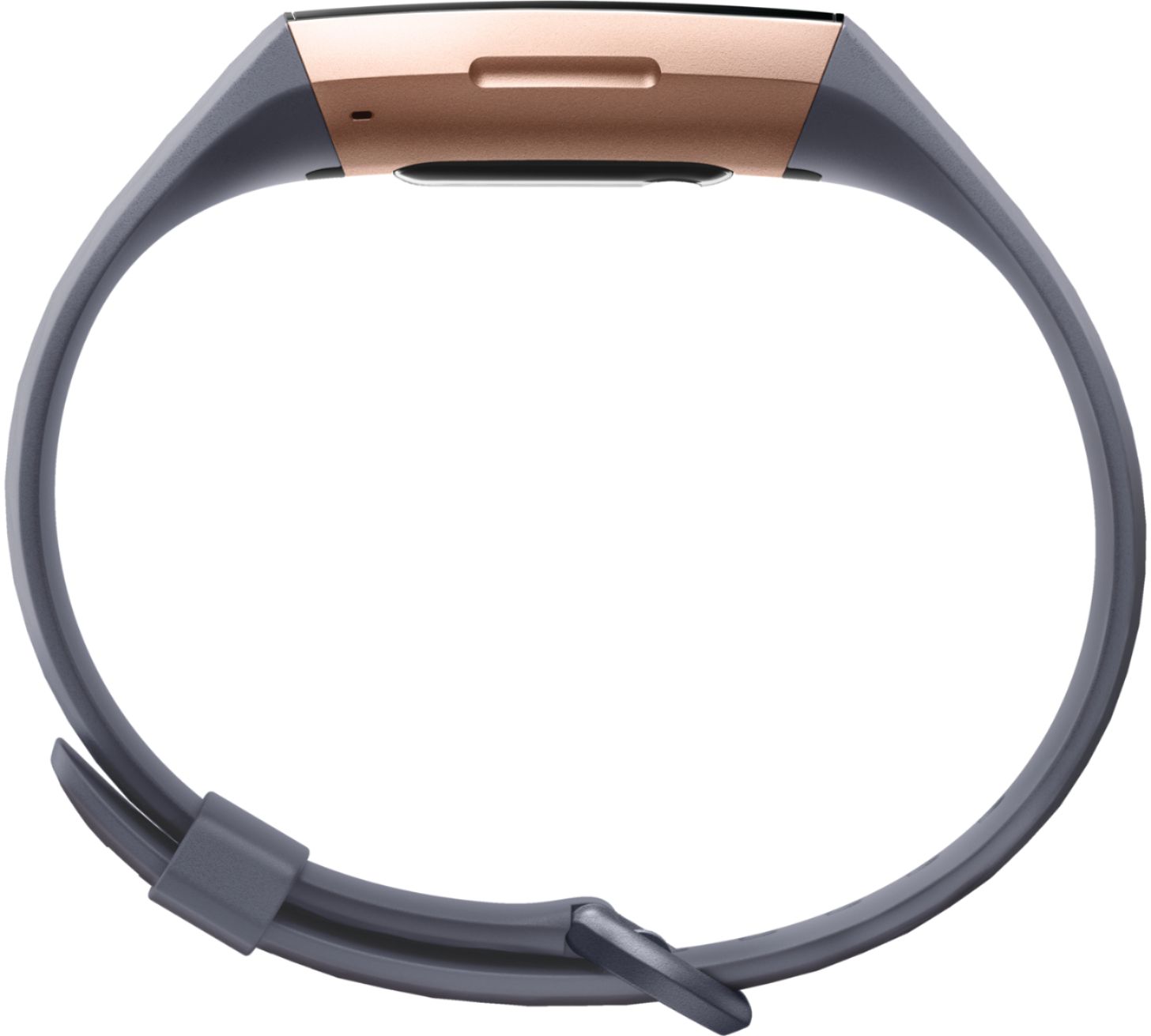
A:AnswerThis Fitbit comes with two bands. If you are super thin the band might fit around your ankle. I don’t have large ankles but I would have difficulty getting it buckled on the last hole
A:AnswerThe fitbit will show both the number of steps and the distance. Everyoneś stride is different so to make it more accurate you might want to enter your stride. I personally feel it is close enough.
A:AnswerDon’t know, I buy another, more stylish band to go with first my Fitbit Charge2 and now the Charge3. I prefer the “Shagpule”watch band from Amazon.