A:AnswerThe product comes with a charger that fits into the back of the Fitbit and you plug it in to charge like you do your smartphone. A charge will last three to four days I have found for my Fitbit.
A:AnswerIt does. You have a screen protector you can use. However the display is so small that you may not need one.
The life of the unit is about 1 year.
A:AnswerI think when you see the lights flashing it is taking a reading or detecting movement. I notice mine sometimes at night when I roll over or move my arm.
A:AnswerI see your question was posted 9 months ago. Since then Fitbit does not list devices as just small, medium, large etc.. but rather by maximum write size. Which in my mind makes a lot more sense.
When you click on the product it will show you currently available options for max wrist size.
They currently do carry the Charge 2 HR in small and large or wrist size up to 6.7 and 8.1 which according to FitBit are Large an Xl which I will bring to the moderators attention.
A:AnswerIf you have a problem with your Fitbit for whatever reason, contact Fitbit and they will send you a brand new one for free. It has to be within the one year that you buy your product and no questions asked. Just provide the location and store you bought it from and basic information. Super easy
A:AnswerI know nothing about the Altria, but I've had nothing but problems with my Charge HRs over the last year. The first one had a defect within 3 months and has since been replaced through FitBit warranty 3 more times. My latest one, the fourth, failed today and the warranty is no longer valid. Terrible product for $150.
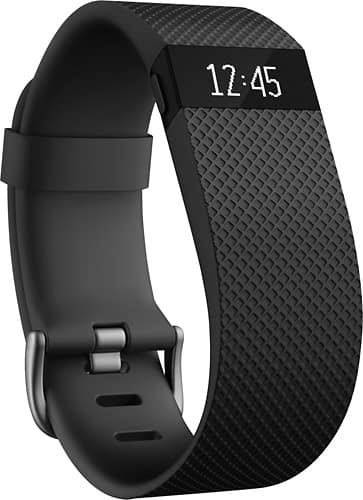
A:AnswerYes, you can see the time by pushing on the side button, lifting the FitBit HR your wrist to your eyes, or tapping, depending upon your preference when setting up the HR when following the included clear instructions.
A:AnswerThere is a short power cord that comes with it that plugs into any USB jack, including your computer/laptop. As long as the power is on, it will charge.