A:Answer That’s interesting because the *exact same thing* happened to me yesterday!
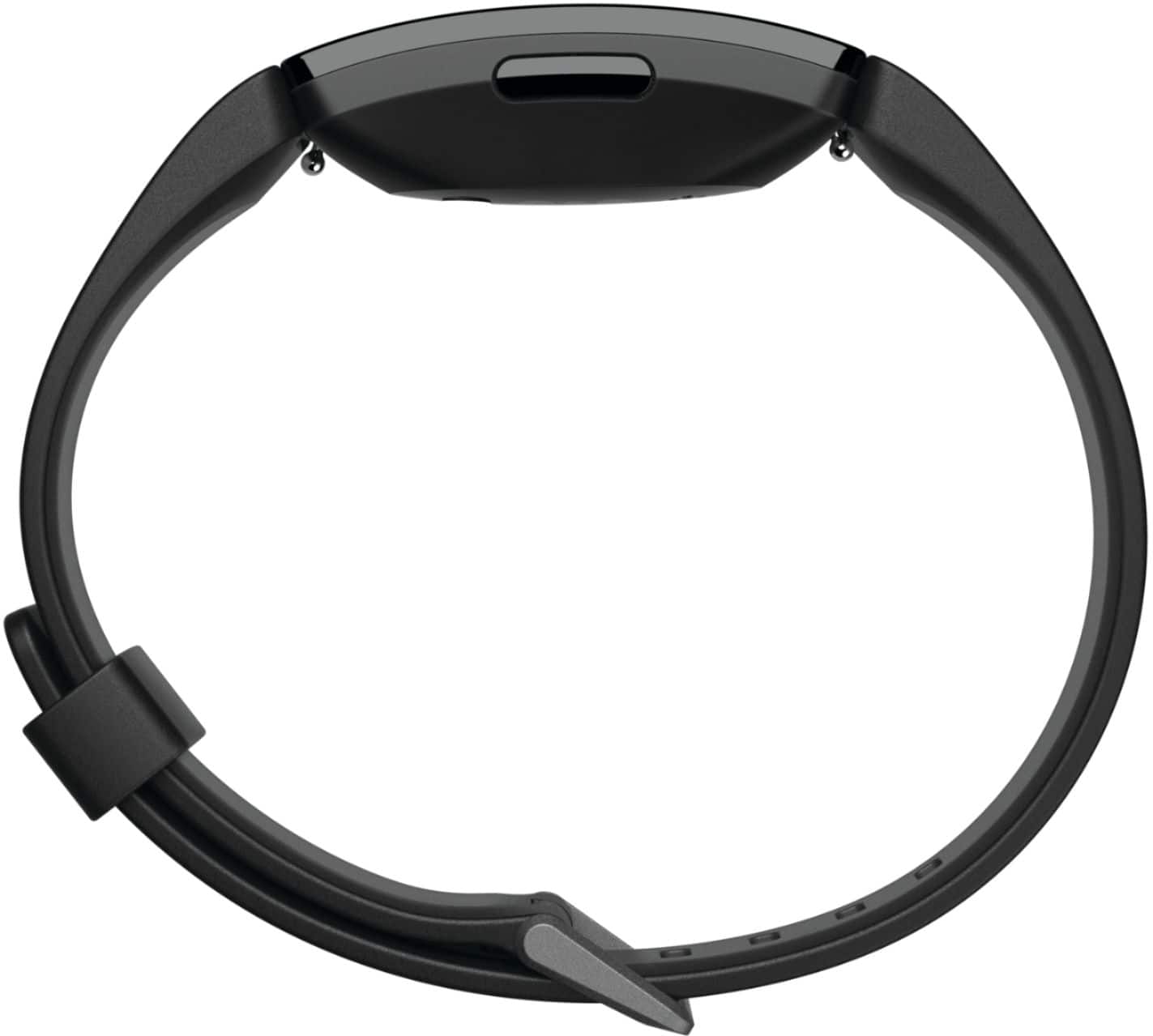
First thing you want to do is to try to restart it. Do this by putting it on the charger and then holding the side button for five seconds until a smiley face appears. Now, I’ll warn you: this doesn’t always work. You may have to try it several times and/or wait until the device has fully charged before it will let you restart. And even then, it still might not restart (that’s the issue I’m currently having).
Another thing you can try is to update your device. You have to do this by syncing the FitBit through the app on your phone. Another warning: The app doesn’t always work. If it won’t let you sync your device, you will need to delete the app and reinstall it. This may take a few tries before it lets you sync. Every time I do this it ends up taking about a half an hour before I can get it to sync, so make sure you set aside some time.
Depending on where you bought it you should have one year on your warranty. If restarting doesn’t fix it, or like me the device won’t even let you restart, and updating it doesn’t work either, you can contact FitBit customer service through their website to see if you qualify.
Good luck!