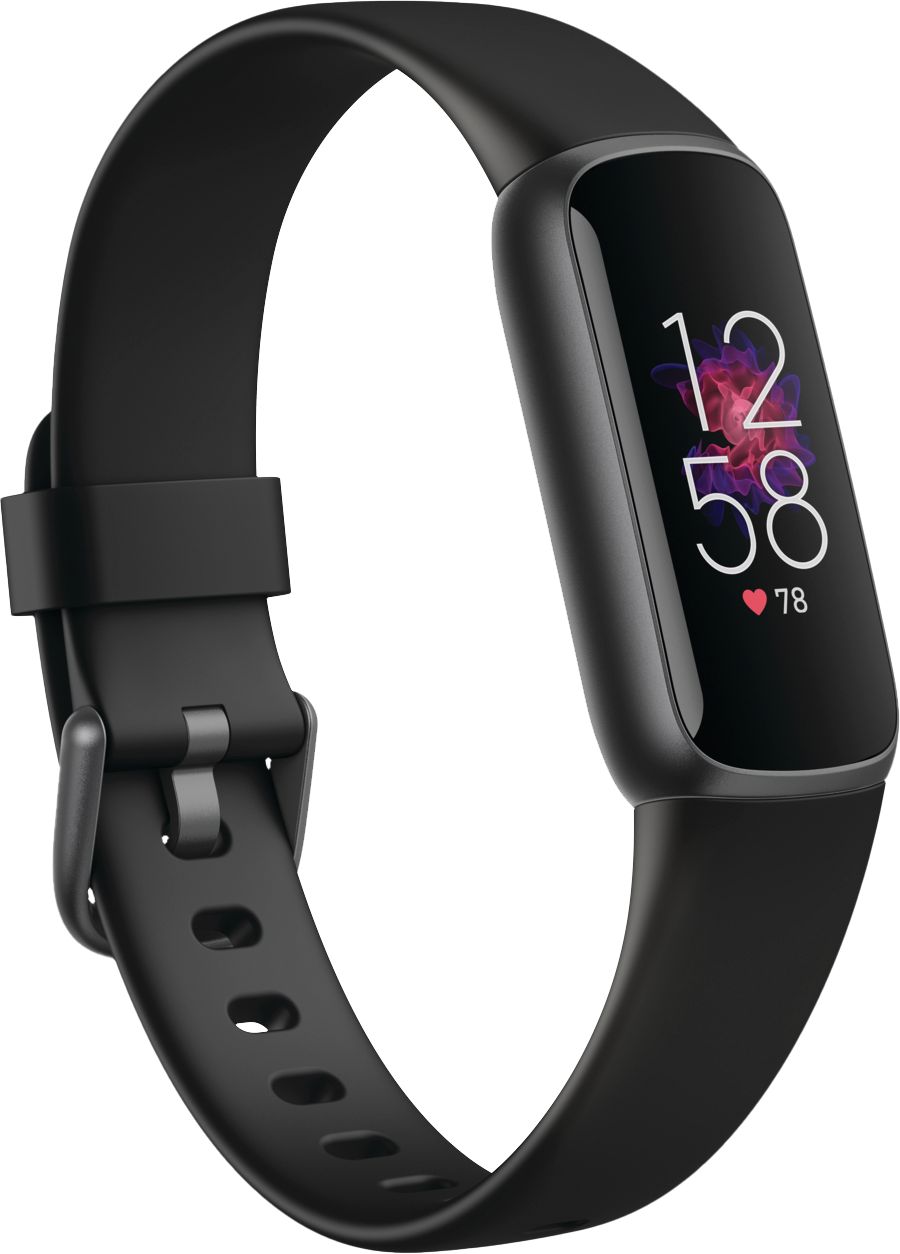
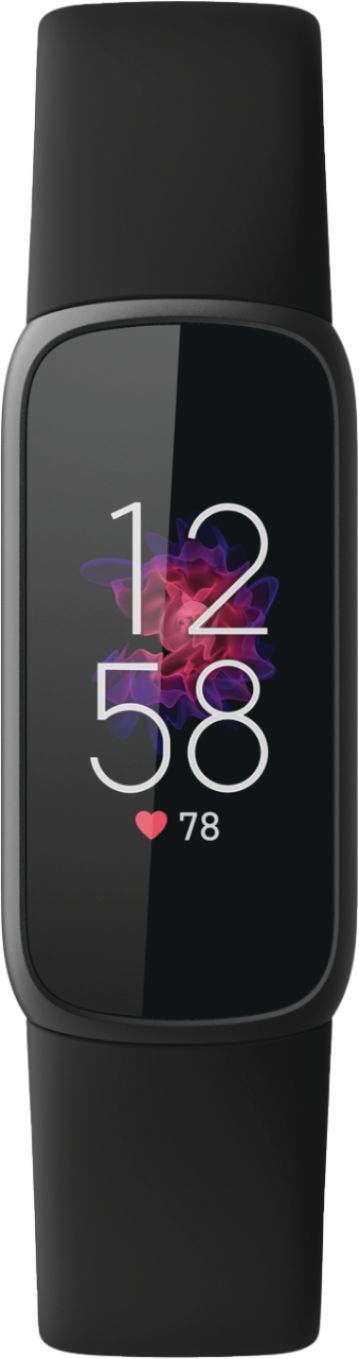
A:AnswerThe default setting seems to be that the time just shows up when you double tap. But in settings, you can put it so that it’s on always as far as lighting up the time. That seems to drain the battery quite a bit but you don’t have to double tap to see the time. Pull down from the top and go to Display. Change it from manual to always. I think that is right. I found it difficult for my old, arthritic hands.
A:AnswerHi, DON. If you're trying to set up a Fitbit device using an iPhone, you can follow these steps on how to do so: https://help.fitbit.com/articles/en_US/Help_article/1873.htm
If you need further assistance, please feel free to contact our Support Team at: contact.fitbit.com
A:AnswerOn the fitbit app in the upper left corner you will see a light round icon. Tap that icon and it will take you to account page
you will able to add another fitbit to the fitbit app. So the Luxe and the Charge can be on the same app. You can set multiple devices
A:Answerit does not have GPS, so if you are going on a hike or run, it can track how far you have gone but will not display a map through the app when you are done.