A:AnswerMost older peripherals will work with Microsoft Flight Simulator, but may require customization to re-map keys properly. For information about which peripherals are recommended for this game, please go here: https://flightsimulator.zendesk.com/hc/en-us/articles/360017706059-Microsoft-Flight-Simulator-FAQ
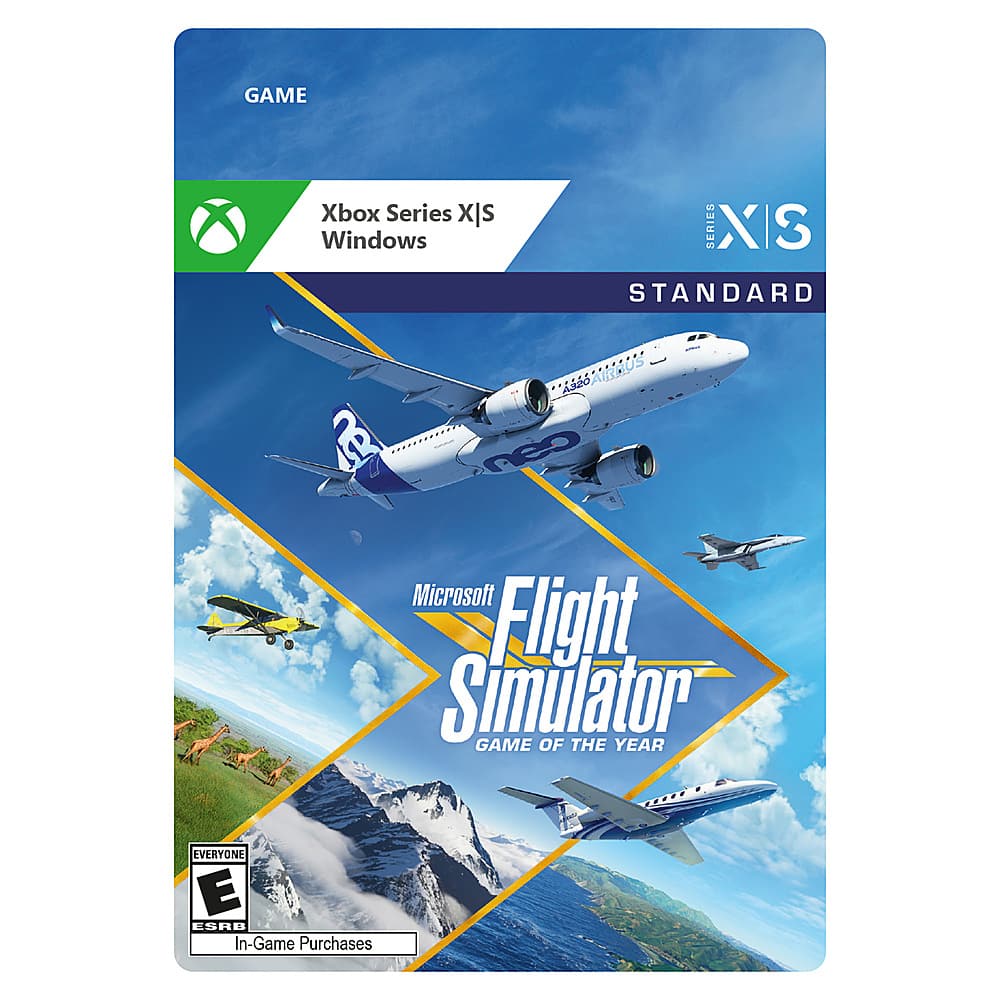
A:AnswerMicrosoft Flight Simulator is linked to the Microsoft account on which it is redeemed. It may not be played simultaneously on two different accounts.
A:AnswerAny add-ons or modifications created for previous versions of Microsoft Flight Simulator are not compatible with this edition. For information about modifications for Microsoft Flight Simulator, please go here: https://flightsimulator.zendesk.com/hc/en-us/articles/360017295000-What-should-I-know-before-using-mods-in-Microsoft-Flight-Simulator-
A:AnswerMicrosoft Flight Simulator allows you to use Real-World Weather based on live weather conditions based on location, use pre-set weather conditions, or use custom options to create the weather you want.
A:AnswerThank you for asking. No, Surface Pro 6 does not meet the requirements necessary to run Microsoft Flight Simulator. For information about the recommended specifications, please go here: https://flightsimulator.zendesk.com/hc/en-us/articles/360013463459-Minimum-Recommended-and-Ideal-PC-Specifications-for-Microsoft-Flight-Simulator
A:AnswerIt's likely that your current peripheral will work with Microsoft Flight Simulator. For a list of recommended peripherals, please go here: https://flightsimulator.zendesk.com/hc/en-us/articles/360015912899-Peripherals-compatibility
A:AnswerNo, Surface Pro X does not meet the specifications necessary to run Microsoft Flight Simulator. For information on the game's minimum and recommended specifications, please go here: https://flightsimulator.zendesk.com/hc/en-us/articles/360013463459-Minimum-Recommended-and-Ideal-PC-Specifications-for-Microsoft-Flight-Simulator
A:AnswerWhile a joystick is not required, it is recommended for the best possible experience. To see which peripherals have been recommended by the developers, please go here: https://flightsimulator.zendesk.com/hc/en-us/articles/360015912899-Peripherals-compatibility
A:AnswerThanks for your question! Unfortunately, we don't have any information to share about the Xbox version of Microsoft Flight Simulator at this time.
A:AnswerThanks for asking! Microsoft Flight Simulator is only sold digitally in the United States, so all versions are digital and compatible with Windows 10.
A:AnswerThanks for asking! Yes, an Internet connection is required to download and install Microsoft Flight Simulator. The game is only sold digitally in the United States.