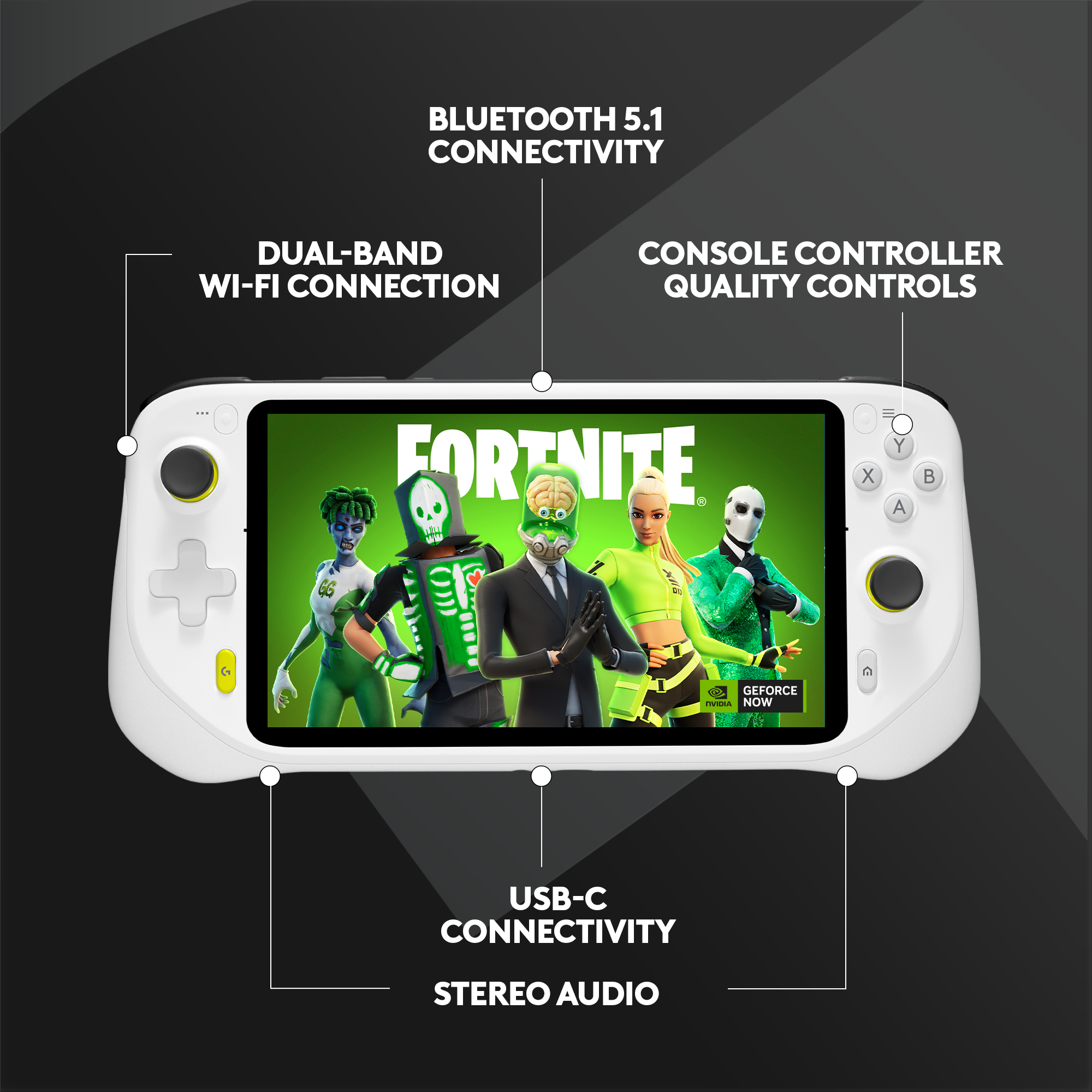
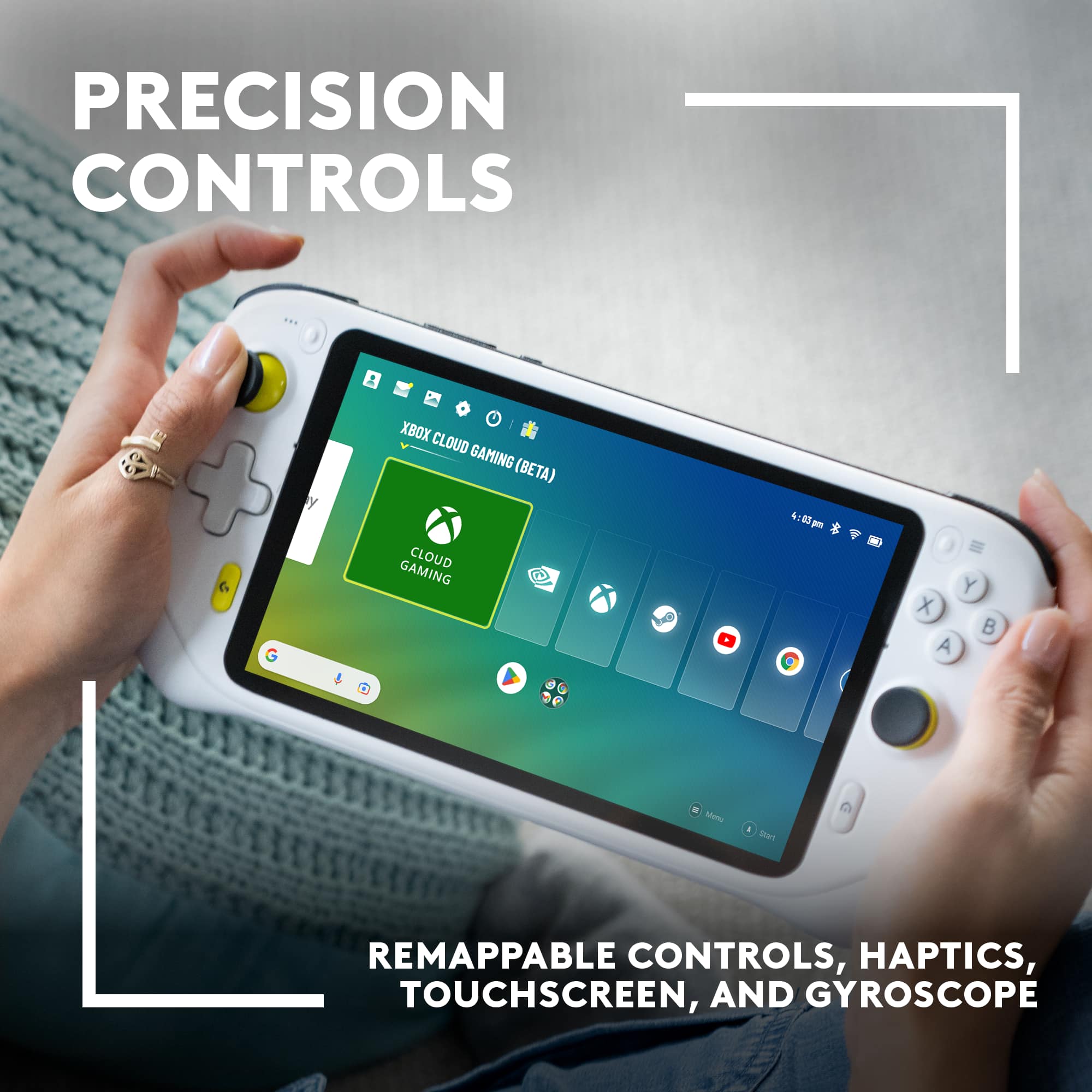
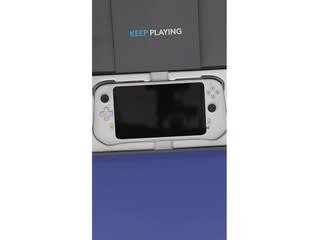
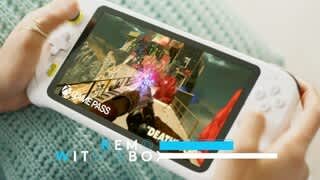
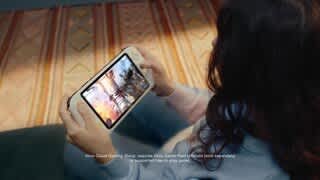
A:AnswerNo. It's an android tablet, and while you can play some android games installed directly on it, it's designed to stream games from a computer or console. It is in no way a direct replacement or competitor to the Steam Deck, besides maybe in terms of price.
A:AnswerAs the community members have mentioned, as long as you are able to stream the games, they can be played on the Logitech G Cloud.
This means you will need to either own the game and stream it from your console or PC, or, if the game is available on Xbox Game Pass you can utilize it there.
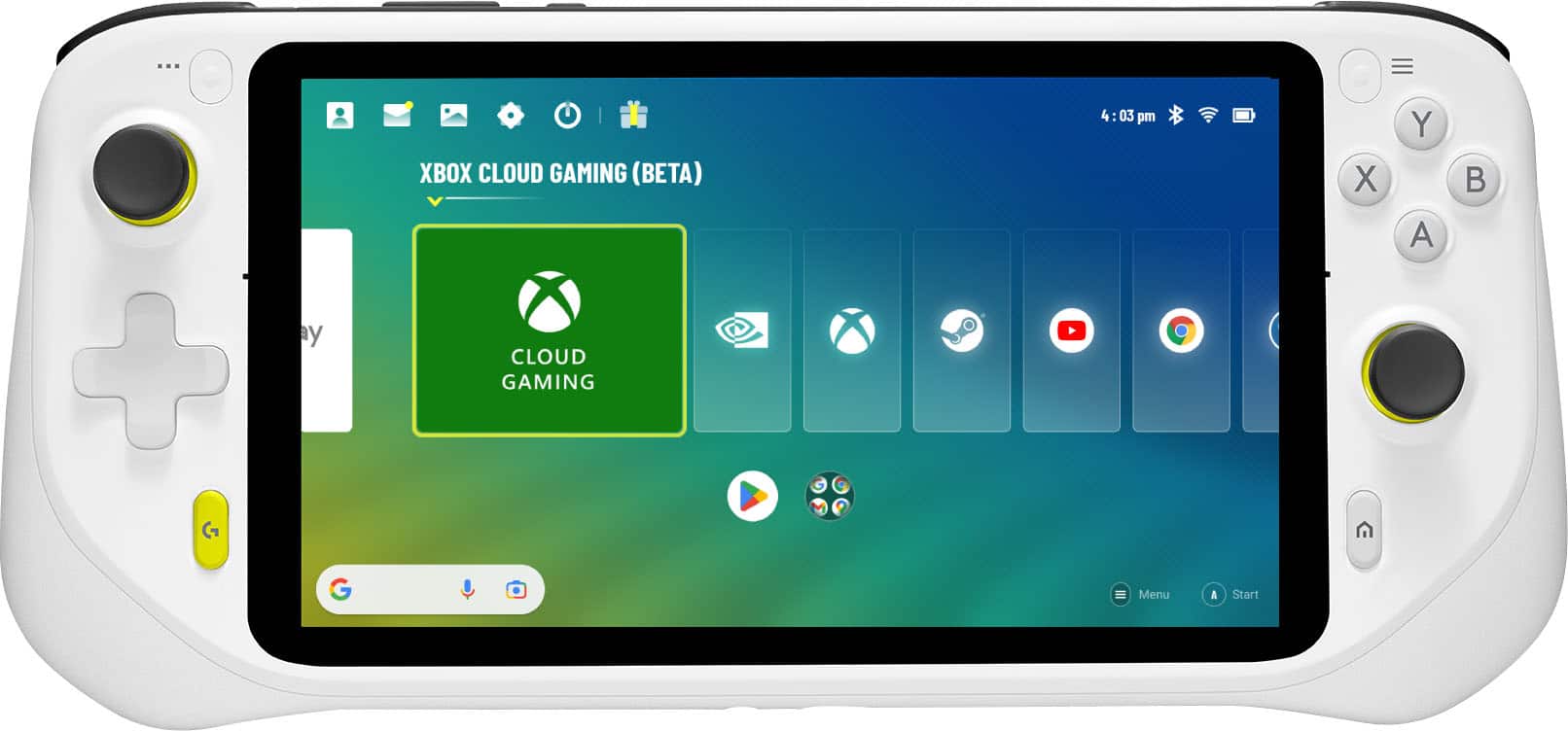
A:AnswerYes, it's off the android system but customized for a gaming handheld.
You can just download them and play. The only issue is call of duty mobile won't let you use the controls on the device kind of stupid but I'm sure it will be fixed later on.
A:AnswerNetflix is available on the Logitech G Cloud and does allow downloading of media. If other apps allow for downloading of media on Android, the Cloud supports this as well. An internet connection is required for the use of Cloud gaming services, however the device does allow for the downloading of games from the Google Play store, as well.
A:AnswerPlayStation Remote Play is available for download on the Google Play Store to devices running Android 8 or later. The Logitech G Cloud does run Android 11, so any apps that run in that platform would also be compatible.
PlayStation Remote Play does only allow Sony branded DUALSHOCK and DualSense wireless controllers to work with the app, so the Cloud would need to use either the on-screen keyboard or a paired Sony controller.
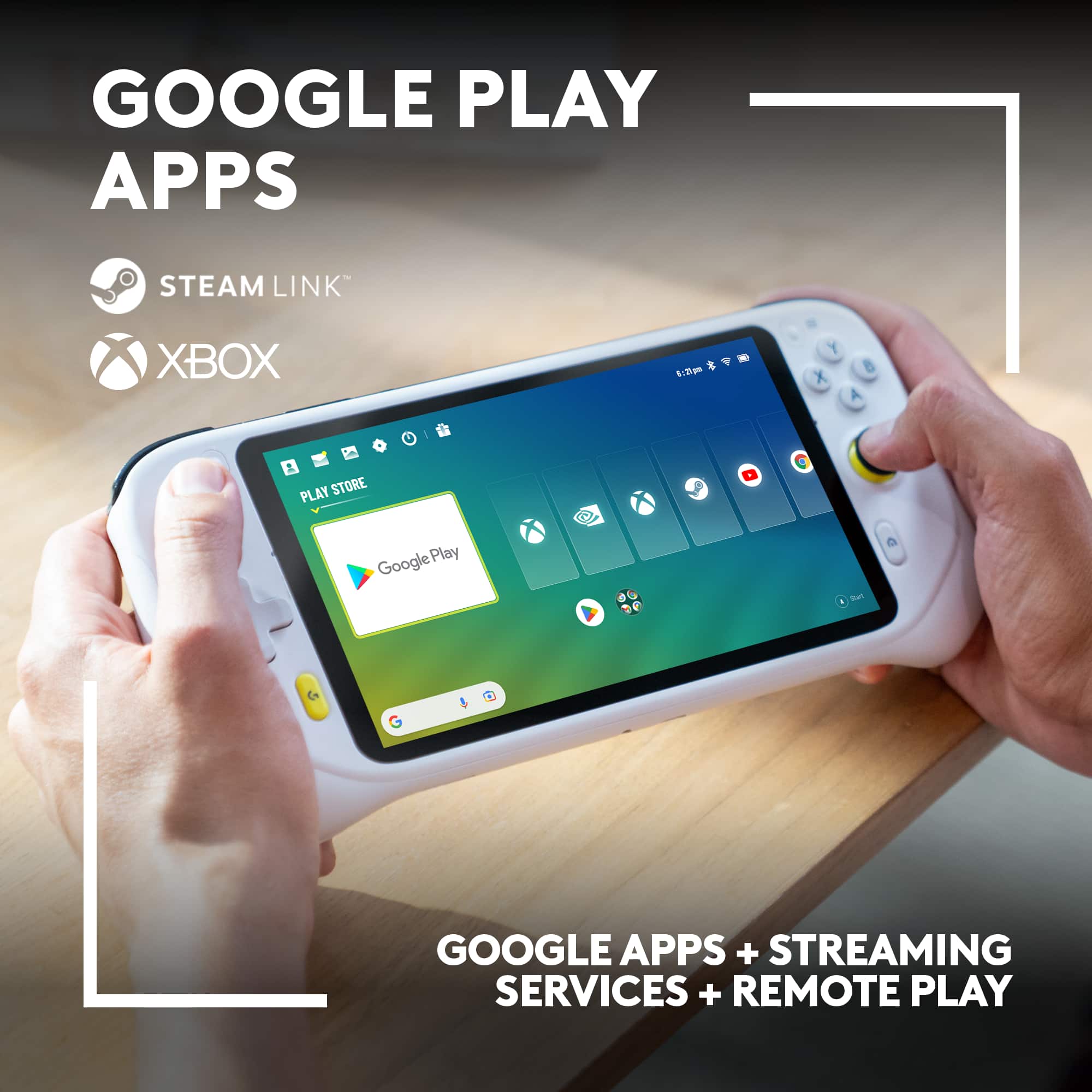
A:AnswerThe G Cloud is a cloud gaming device, meaning it relies on streaming games from servers rather than running them locally. While it has a Steam Link app, this allows you to stream games from your own PC to the G Cloud, not play games directly from Steam's servers.
A:AnswerThe Logitech G CLOUD is primarily for cloud gaming, not a full PC replacement. It's great for streaming games but limited for demanding tasks or offline work.
A:AnswerHey there! Please note that the Logitech G CLOUD only supports FAT32 formatted micro SD cards. You can use any use any standard SD Card and it should work with the G Cloud.
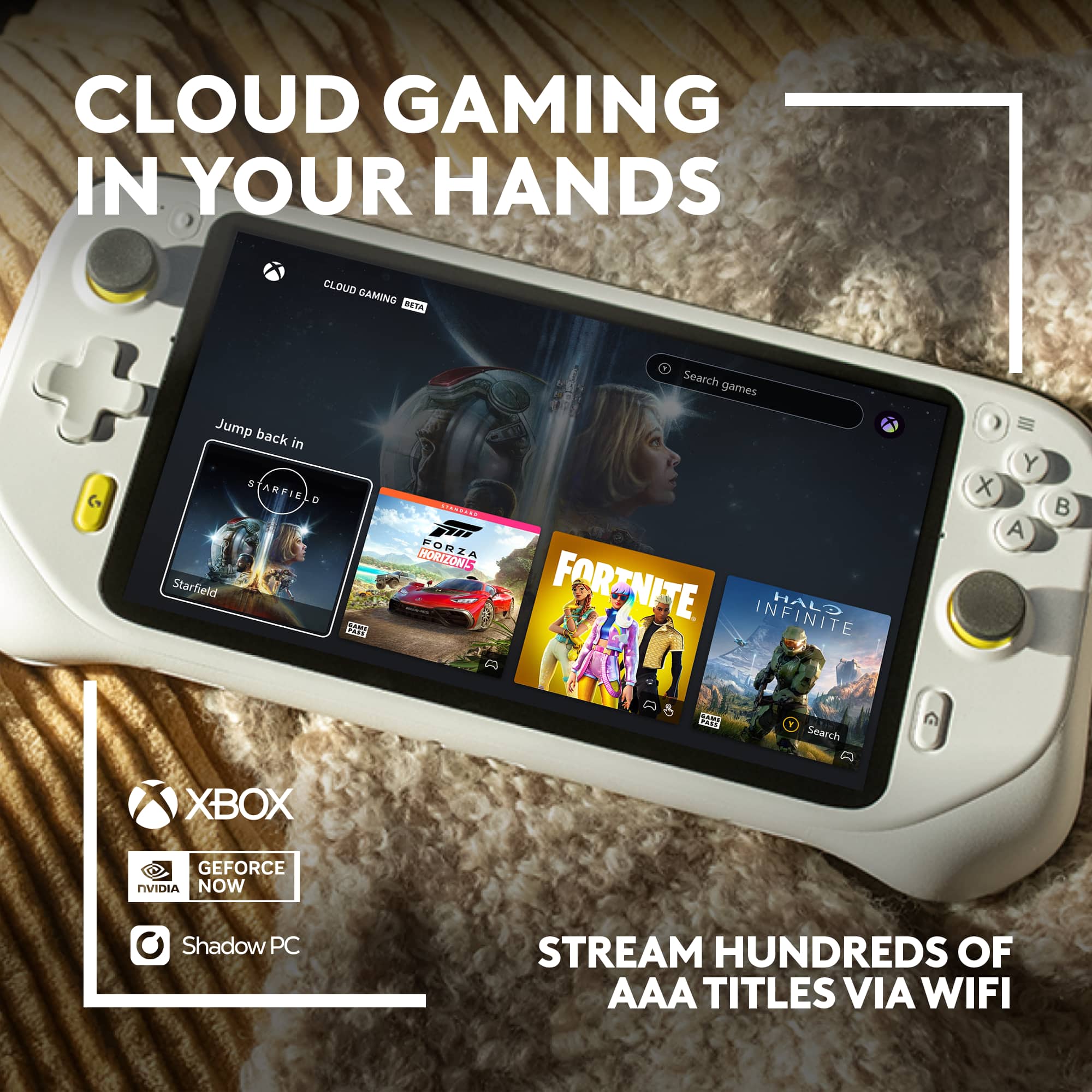
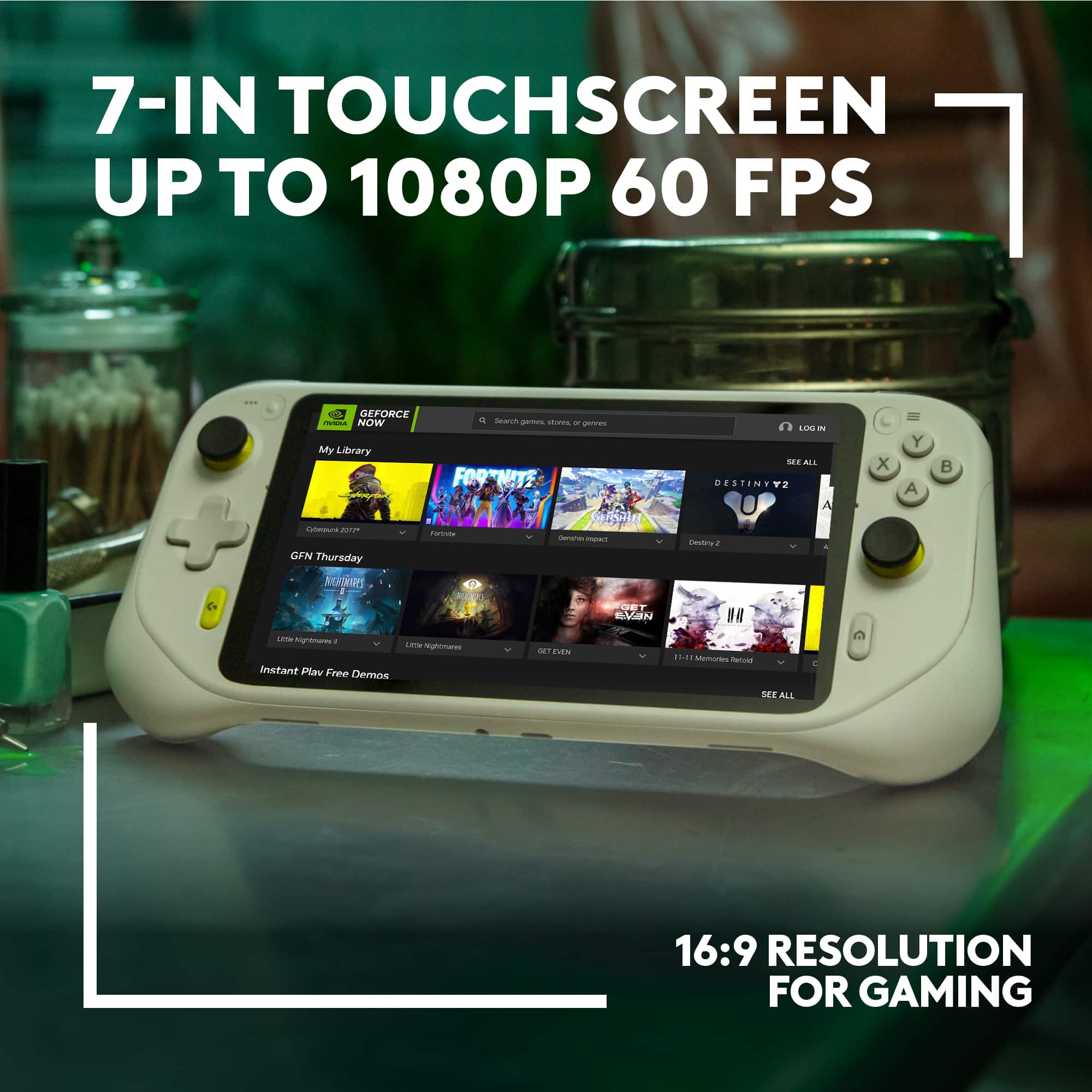
A:AnswerHey there! Logitech G CLOUD takes massive libraries of AAA titles and advanced graphics (up to 1080P/60FPS) from the cloud and puts it all in your hands. This allows you to play a ridiculous amount of games from Xbox NVIDIA GeForce NOW, and even Steam Link. Just pickup CLOUD and play anywhere you have WiFi.