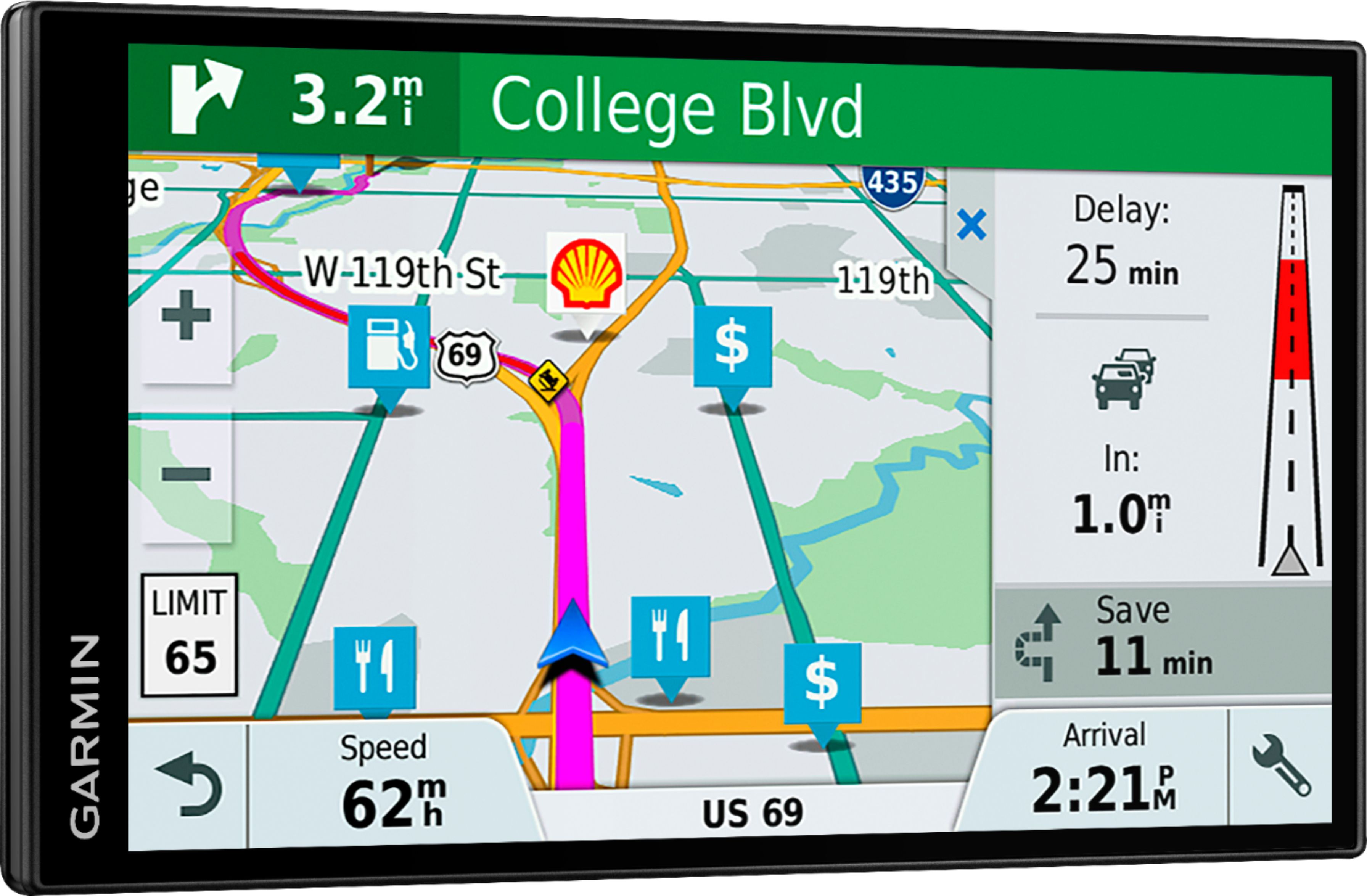
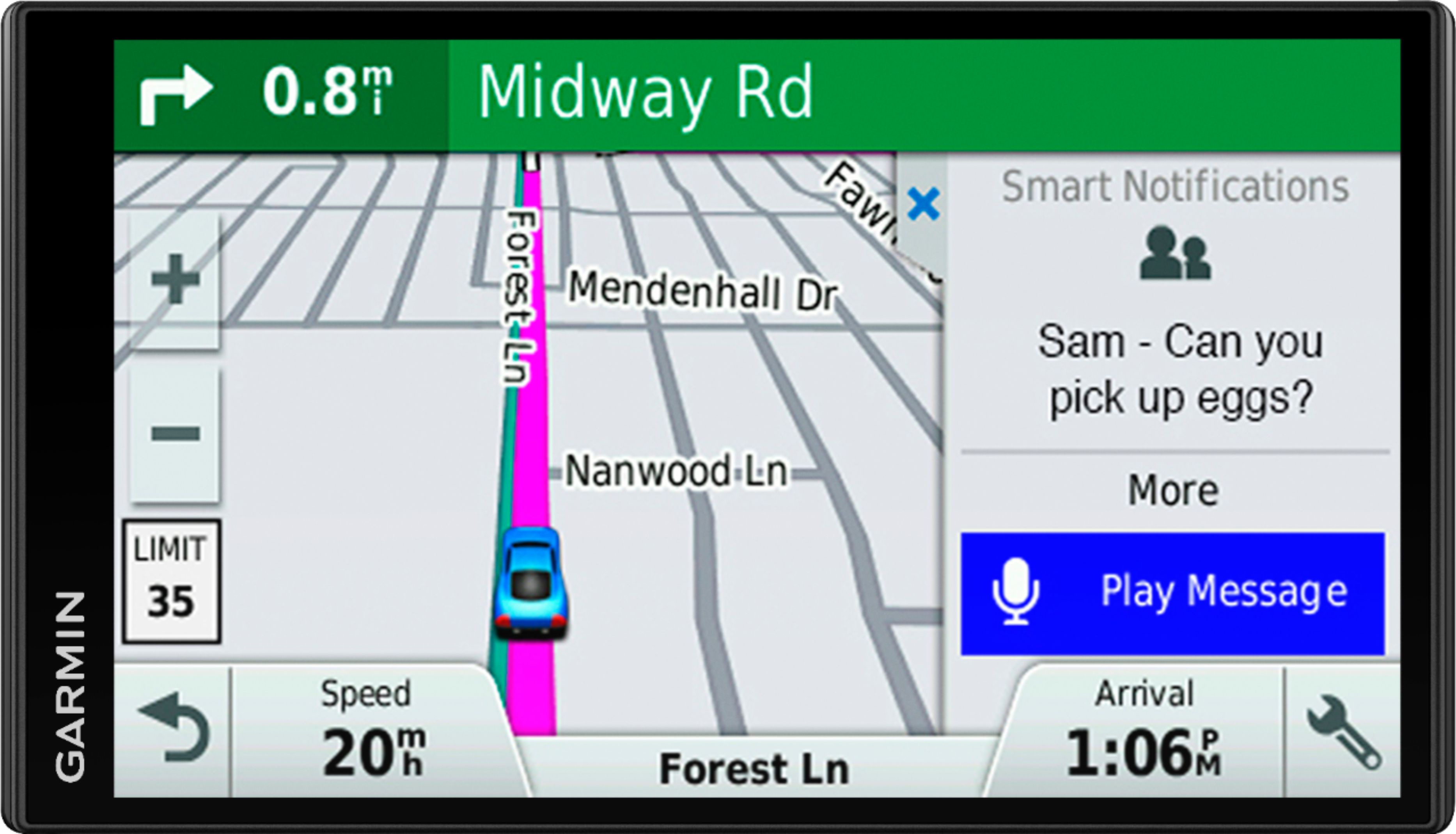
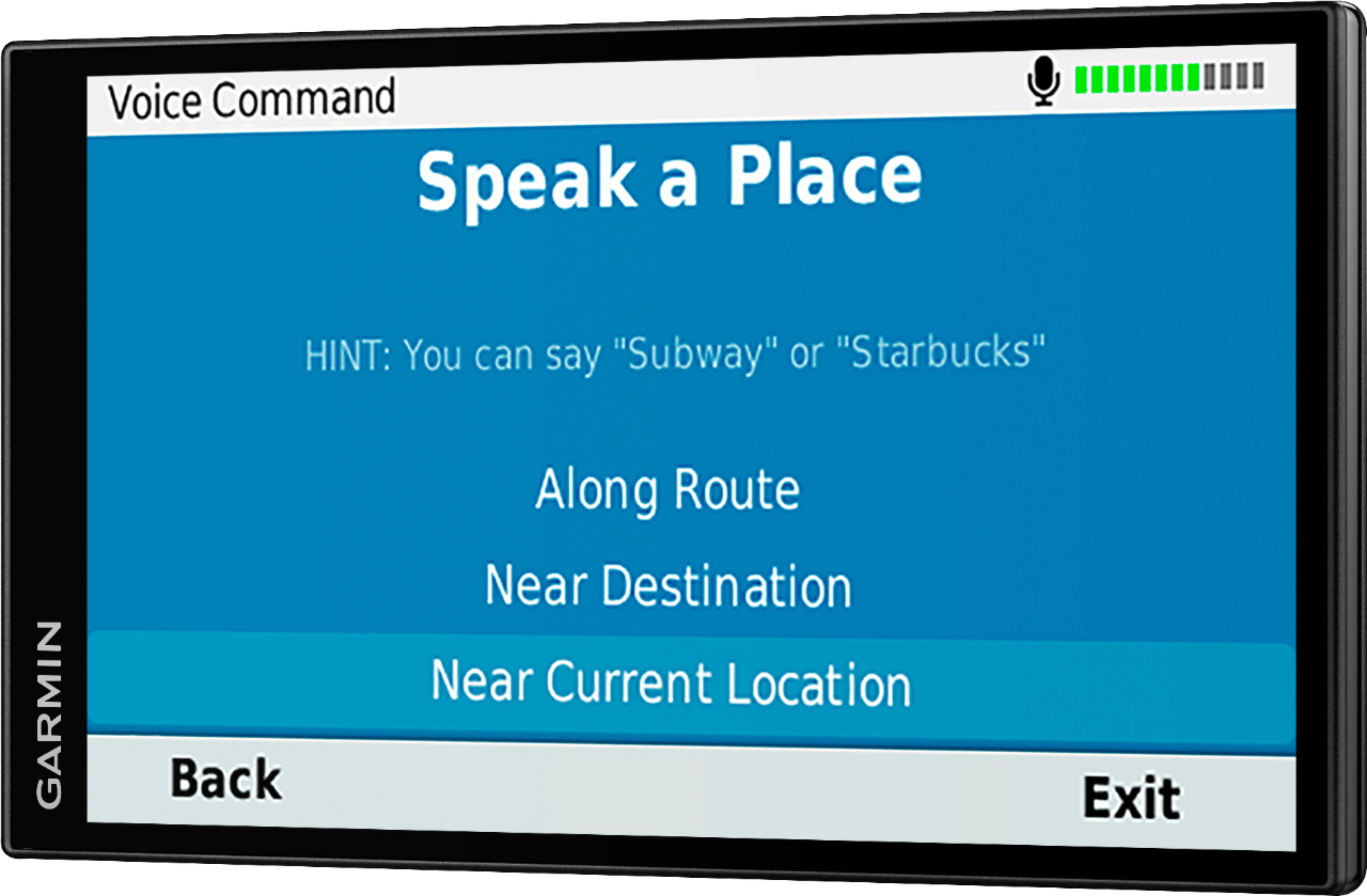
A:AnswerTo receive the Garmin Live traffic a Bluetooth enable smartphone is needed to download the free Smartphone Link app. If you don’t have a smartphone, a Garmin GTM 36™ or GTM 60™ can be to access the traffic feature.
A:AnswerThe 61 LMT uses the app garminlink to supply traffic info. So you use your cellphone as the antenna. The website says you can buy a separate antenna but the garminlink has been relatively accurate displaying traffic info.
A:AnswerNo, this model doesn’t include any truck specific routing. The Garmin dēzl™ series includes detailed maps for North America that also include truck-related restrictions – like bridge heights, sharp curves, weight limits and more – and related information for most major roads and highways.
A:AnswerI don’t think so. Why would you even want to do that? The garmin works just fine on it’s own. You can charge your Garman with your laptop though.
A:Answer1. Phone connects to the Garmin gps using bluetooth.
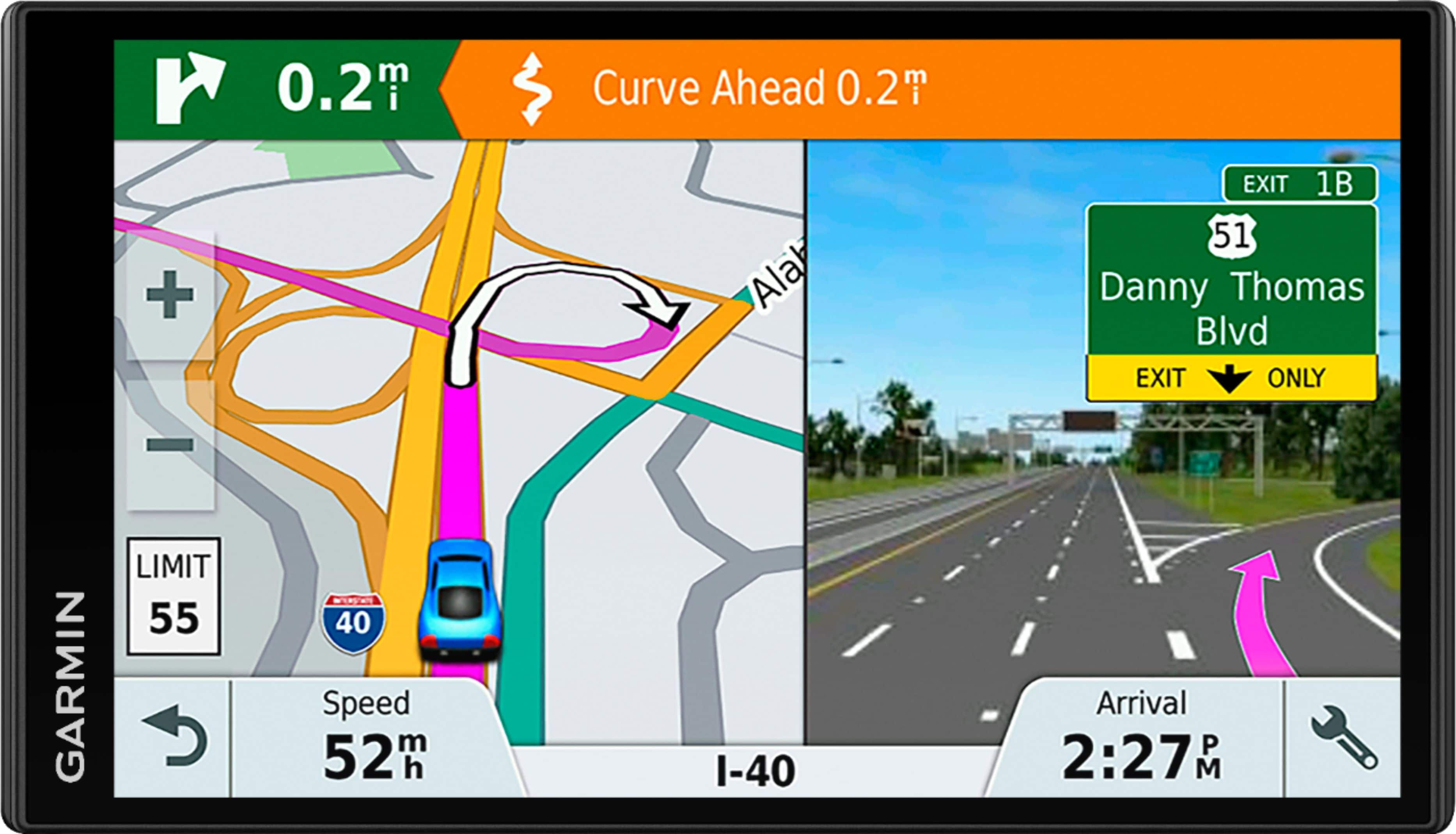
2. No, the traffic data shows in a separate page on the right side. Delay time is marked as well. I still prefer my Google/Apple maps for routing through heavy traffic.
A:AnswerGarmin Drive, Drivesmart, DriveAssist and DriveLuxe models are compatible with Garmin City Navigator®, including City Navigator® Europe and Southeast Asia.