A:AnswerI think you're asking about a backup camera, and yes, Garmin's BC30 is compatible with it. It's fairly easy to connect, and comes with everything you need in the box. I don't think there are any generic cameras that will work with the Garmins because of their proprietary(?) wireless signal they use between the camera and receiver.
A:AnswerYes, the vehicle power cable from the nüvi® 65 is will provide power to the DriveSmart 61 LKMT-S, however it will not provide the traffic feature.
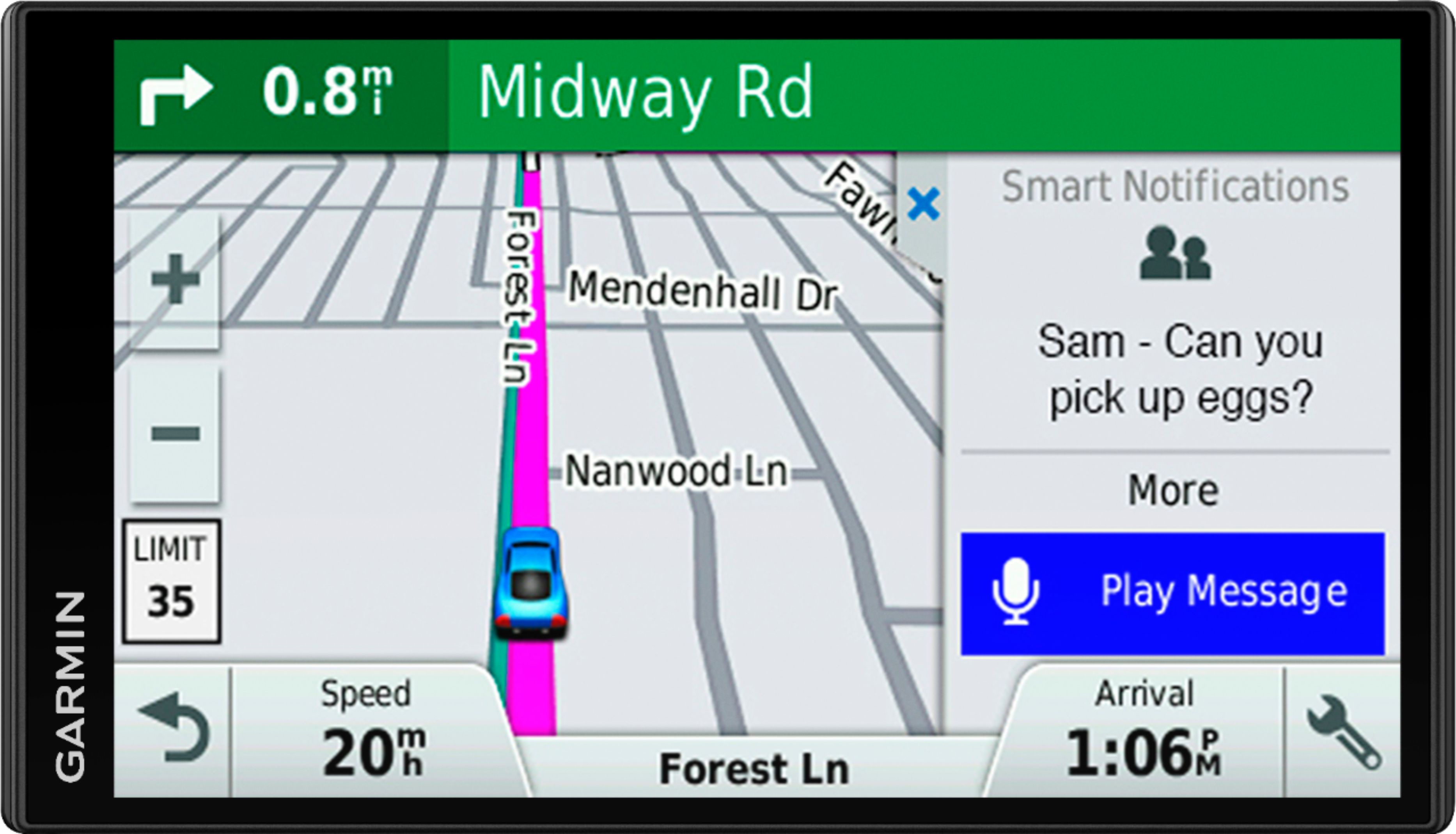
A:AnswerYou can connect to any available WiFi. It is the same as finding WiFi access for your PC or cell phone. Don't confuse the WiFi connection with Bluetooth connecting the GPS to your phone. With the GPS connected to your phone, your phone will be using data. The WiFi is for updating the GPS software/database/maps. Bluetooth is for using the "connected" features of the GPS interactively with your cellphone running the free Smartphone Link app.
A:AnswerIf your device displays text in a language you cannot read (wrong language), it can be corrected by going through the settings to change the text language. This Garmin Support article provides all of the details: https://support.garmin.com/faqSearch/en-US/faq/content/649yNya1F56xSag6R8MQL9
A:AnswerYou do not need a cellphone to operate the unit as a GPS. However, if I were not planning to use the "connectivity" features of this unit, I would not buy it.
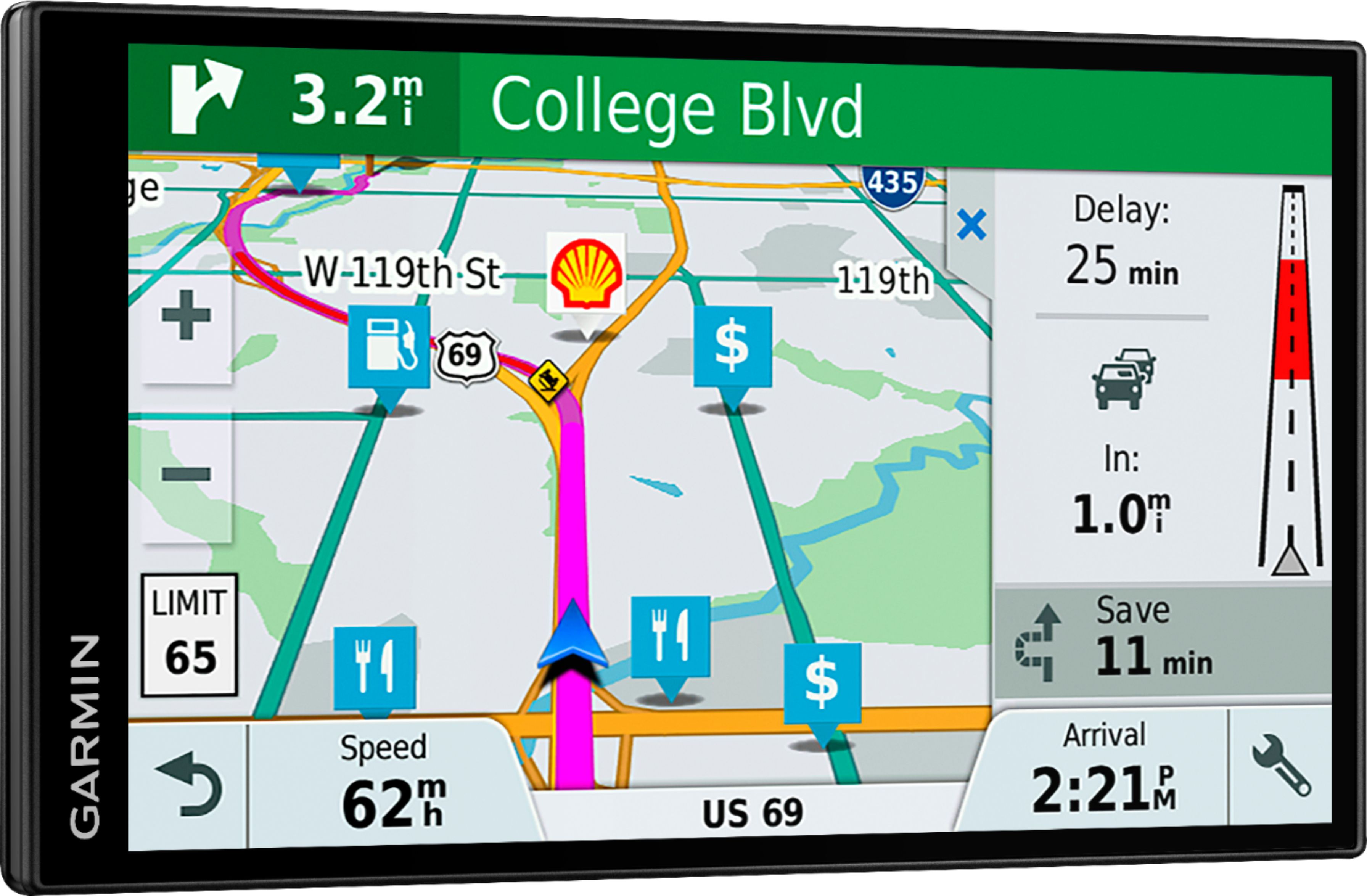
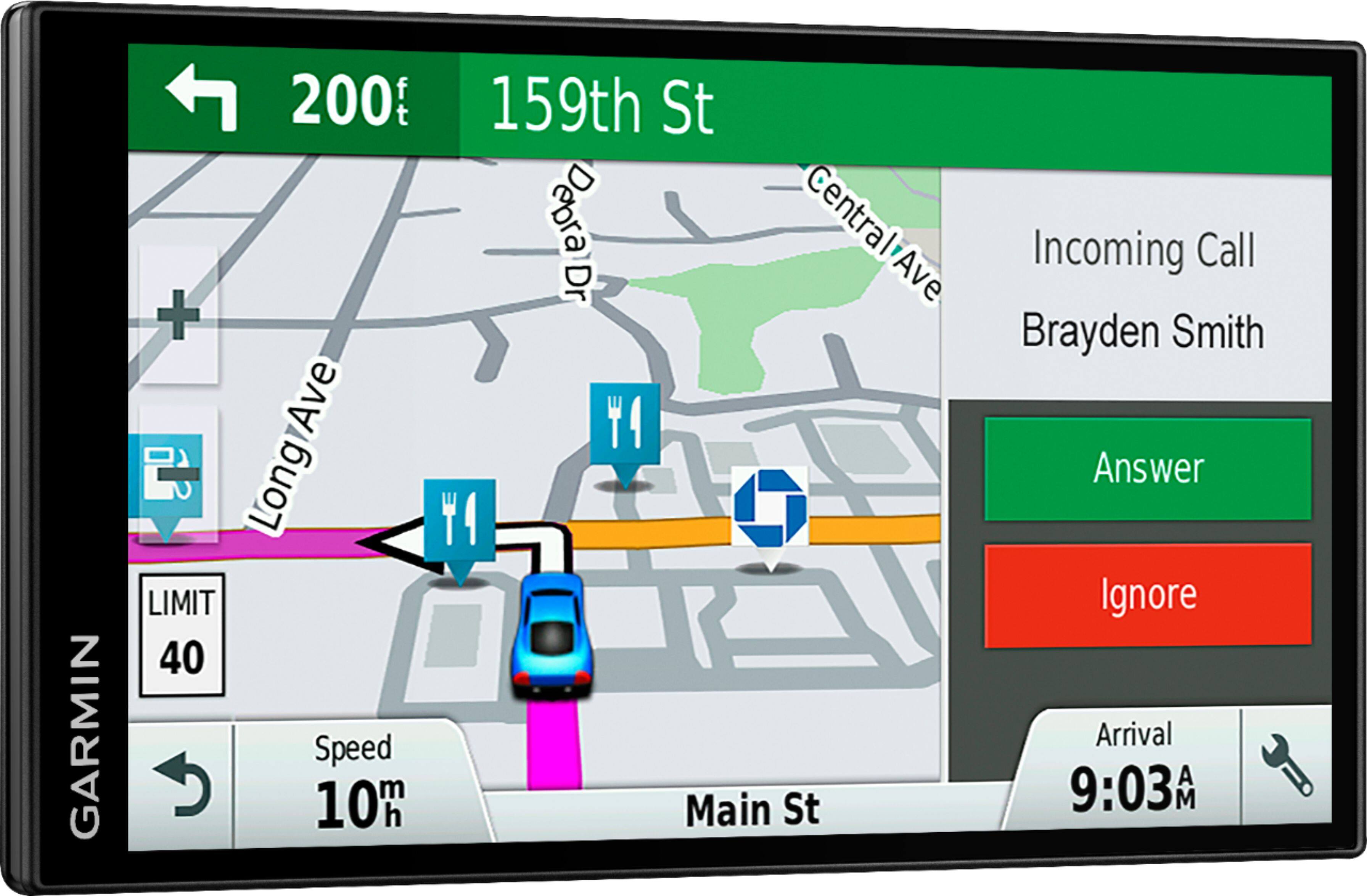
A:AnswerThis model includes Garmin Smartphone Link Traffic. For traffic alerts, relevant rerouting directions and up-to-date weather forecasts, download the Smartphone Link app, which connects your Garmin DriveSmart with your compatible smartphone. If you don’t have a Smartphone, the Garmin DriveSmart™ 61 LMT-S is compatible with both the GTM™ 60 HD Digital Traffic Receiver (010-01031-00) or the GTM™ 36 Traffic Receiver (010-01009-02).
A:AnswerNo, this model does not include any truck specific routing. The Garmin dēzl™ series includes detailed maps for North America that also include truck-related restrictions – like bridge heights, sharp curves, weight limits and more – and related information for most major roads and highways.
A:AnswerThe bc30 backup camera does not come with a separate screen. It utilizes the GPS screen. You wire the camera to your reverse lights and when you go backwards it takes over your GPS screen.
A:AnswerGarmin Drive Smart 61 LMT-S
USB cable, suction cup mount, car power cable
Just checked the description and here is what it said. So I guess your answer is YES!!
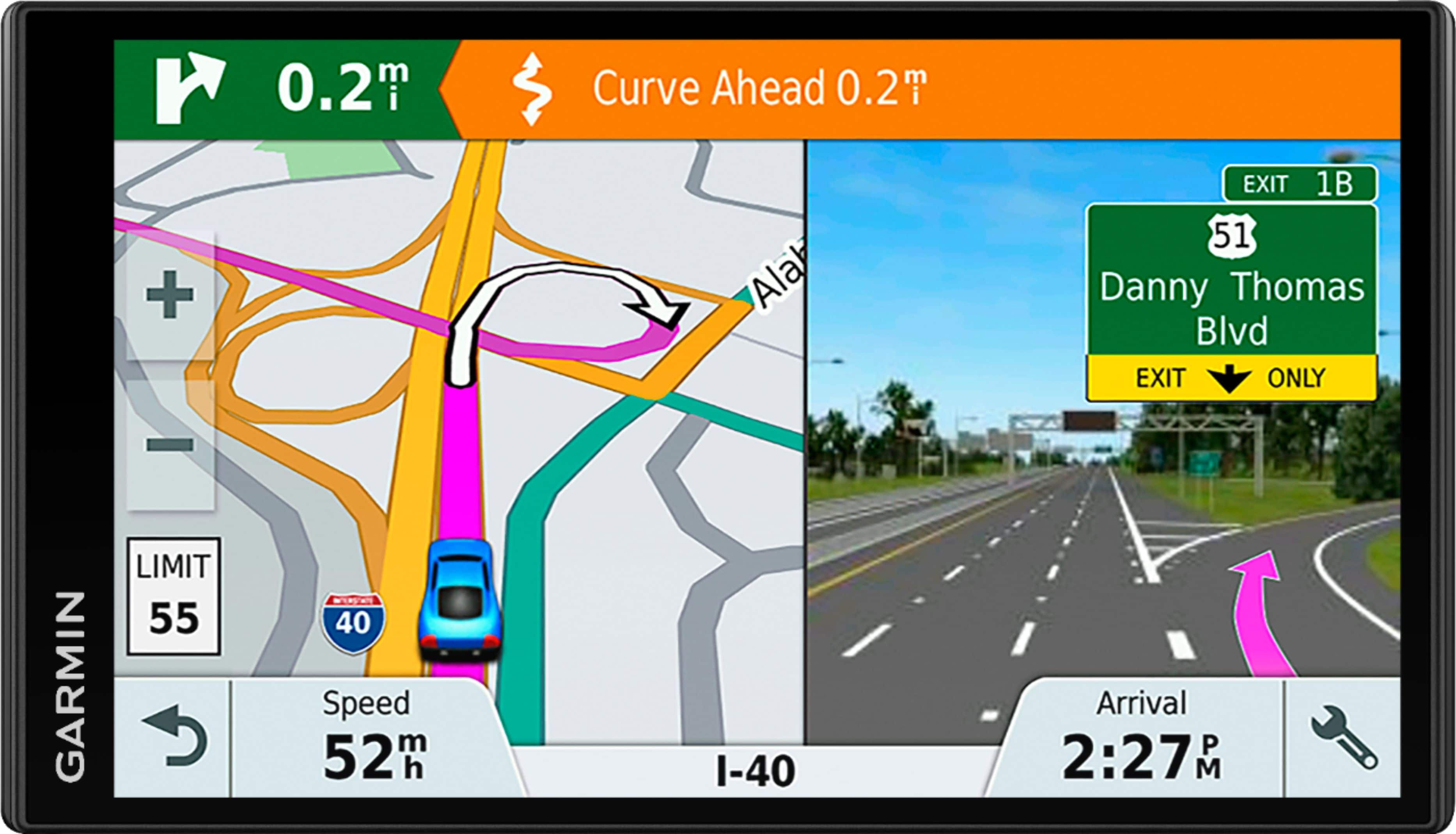
A:AnswerThe DriveSmart™ 61 LMT-S comes pre-loaded with detailed maps of North America that Includes US, Canada, Mexico, Puerto Rico, US Virgin Islands, French Guiana, Cayman Islands, Jamaica, Bahamas, Saint Barthelemy, Guadeloupe, and Martinique.