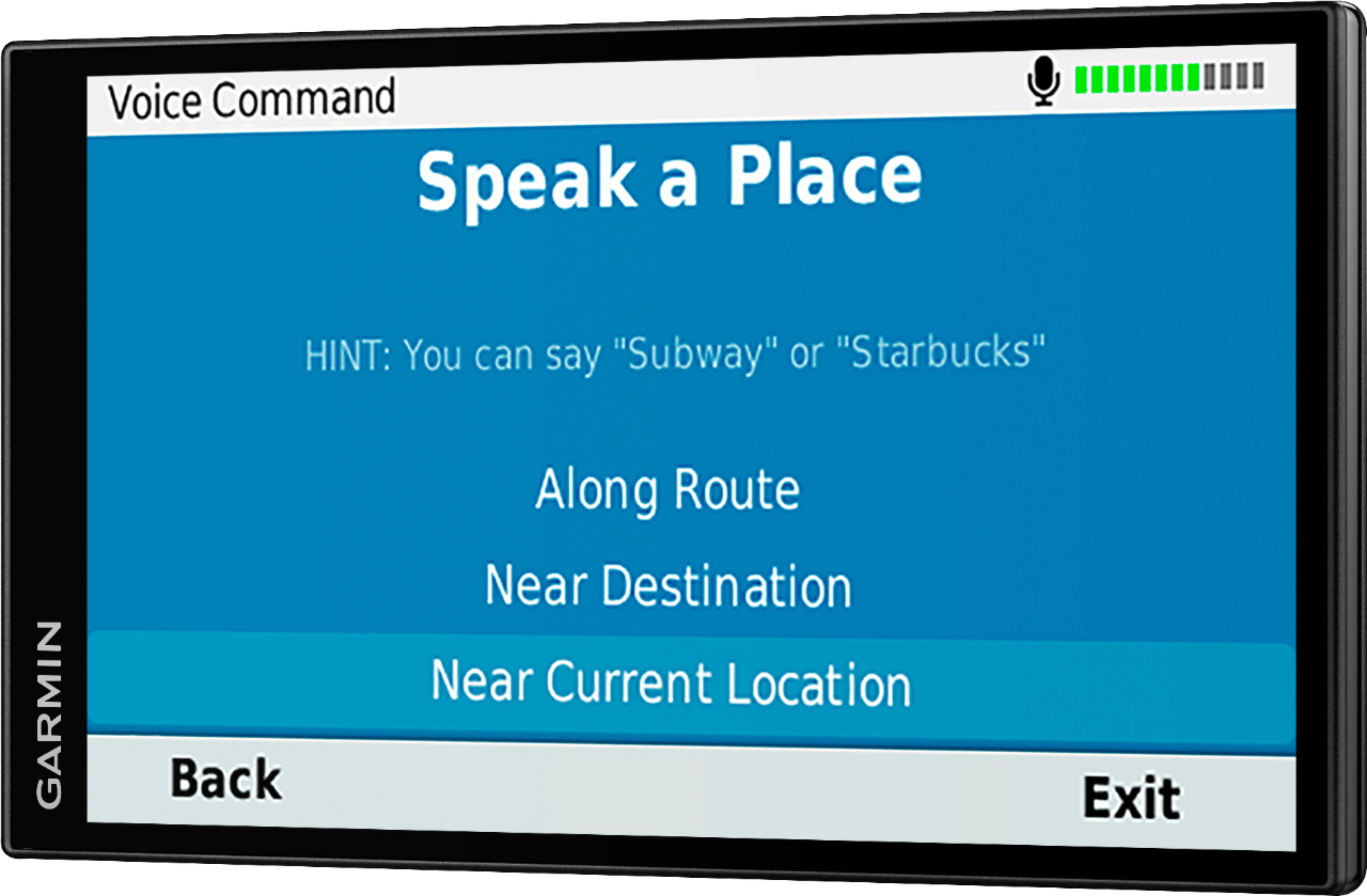
A:AnswerThank you for the feedback. It sounds like there may be an issue with the Bluetooth low energy pairing for the Smartphone app. This Garmin FAQ walks through correcting the issue: http://bit.ly/2xJl96Y
If you need assistance, Garmin Product Support would be happy to help. Our contact information, including telephone number and hours of operation, can be found on at: https://support.garmin.com/en-US/ Thanks, James
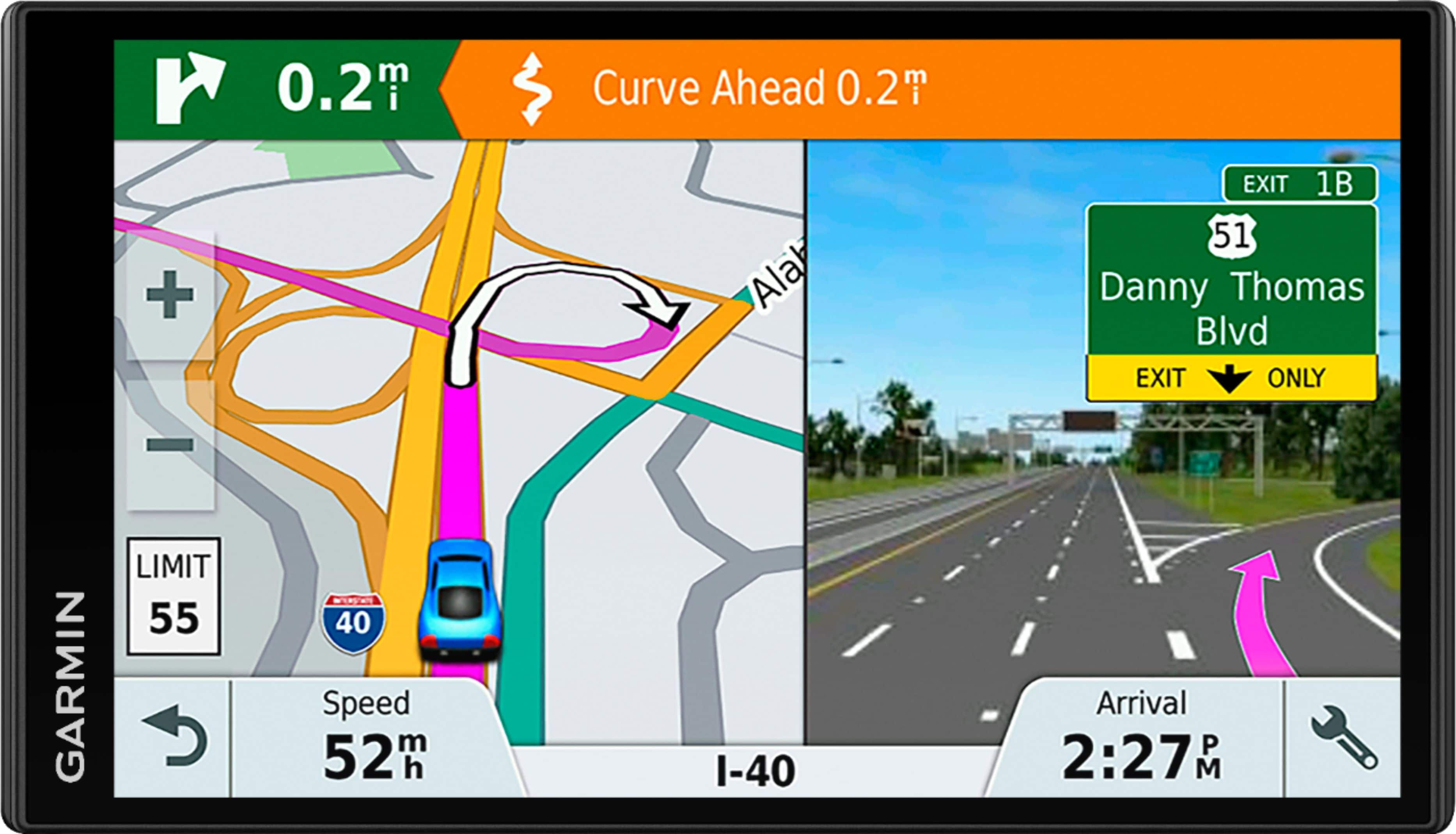
A:AnswerGood question. Here is a Garmin Support Center article that provides the steps for deleting individual routes from the device: http://bit.ly/2u1V3uZ Thanks, James
A:AnswerIf the GPS is still rebooting, please ensure that your device has the latest mapping and software installed via Garmin Express: http://www.garmin.com/express.
If the problem persists after the updates, Garmin Customer Care would be happy to offer additional assistance. You can find our contact information listed here: www.garmin.com/support.
Thanks, James

A:AnswerI recommend contacting Customer Care at the following link: https://support.garmin.com/en-US/
We will be able to help you find the right device that fits your needs.
-MH
A:AnswerYou will not have access to free Garmin Live Services such as live traffic, live parking and basic weather information. Yes, the GTM 36™ and GTM 60™ traffic receiver power cables are compatible with this model, if your previous Garmin GPS came bundled with either of these cables, they will also work to provide traffic alerts.
A:AnswerYes, this model will display the elevation and the coordinates of your location. You can view the elevation in one of the Trip Data fields on the map screen. Here is a link to a Garmin Support Center article that will help: http://bit.ly/2k6YyyJ
A:AnswerNo, this model doesn’t include any truck specific routing. The Garmin dēzl™ series includes detailed maps for North America that also include truck-related restrictions – like bridge heights, sharp curves, weight limits and more – and related information for most major roads and highways.
A:AnswerI am having this same issue. My brightness is turned all the way up but my screen is almost black. My GPS started doing this after a recent update. Any ideas?
A:AnswerFound this in the support section of the Garmin website, but have not had a chance to try it myself yet. Hope this helps!
https://support.garmin.com/faqSearch/en-US/faq/content/ryjH98PMqY2bYUxZoD6PZ7