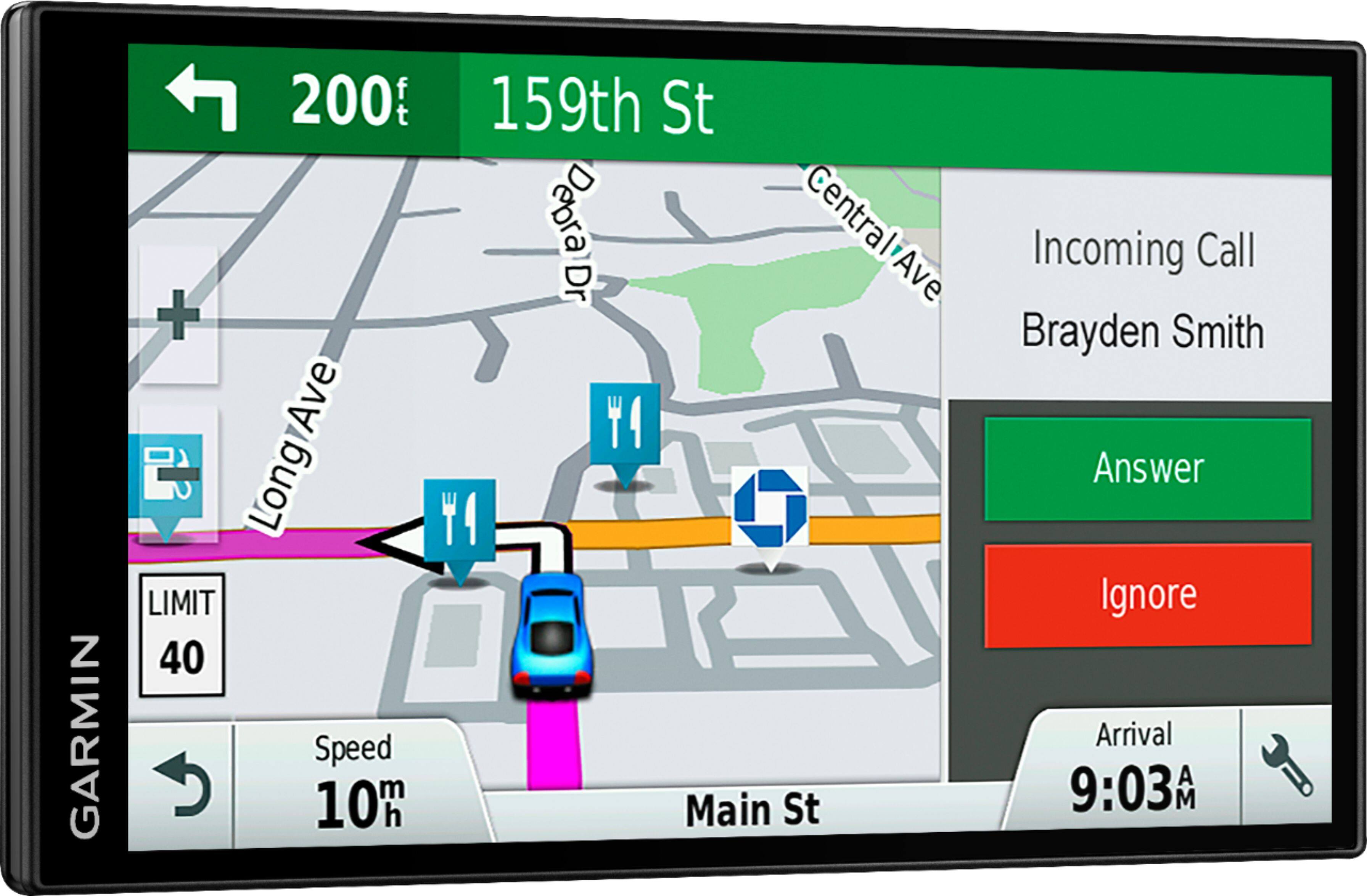
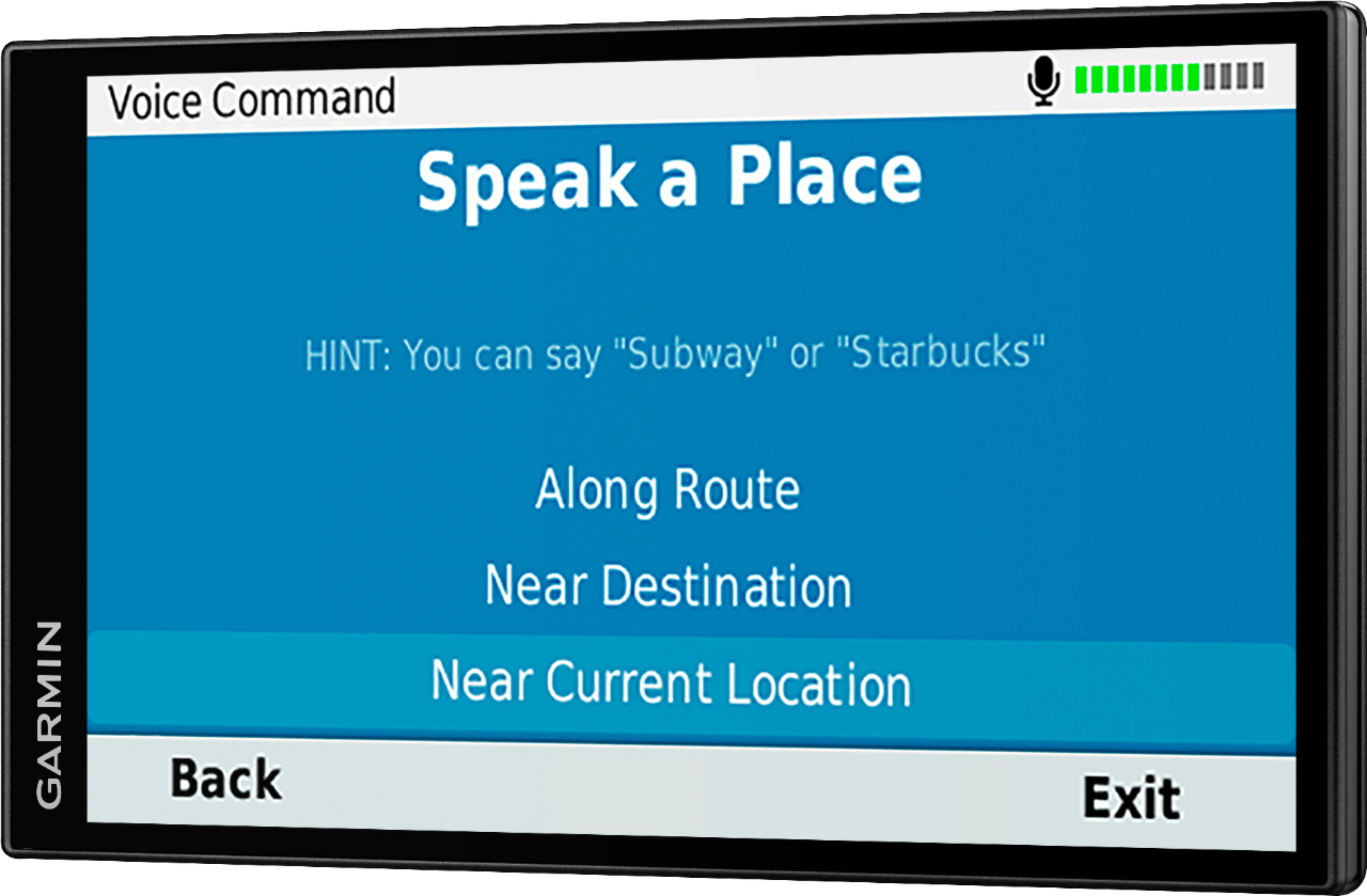
A:AnswerYes, this device is an easy-to-use, dedicated GPS navigator that does not rely on Wi-Fi, Bluetooth or cellular signals and is unaffected by cellular dead zones.
A:AnswerYes, all of them can be transferred using the Garmin Express program. Garmin Express transfers Favorites, Saved Places, and Routes from one compatible device to another.
A:AnswerI don't think so, I believe you can connect to Bluetooth and receive calls but not images you might need to contact Garmin customer service for this
A:AnswerPlease use the link below to visit the Garmin Support Center for detailed instructions on How to Search, Save, Edit, or Delete Locations on an Automotive Device: https://bit.ly/3nK7mbz
A:AnswerTo gramin: it doesnt, it also doesnt turn off screen after 2 mins, device is always on and if i press on/off button, next day i can't turn it on. Screen is slightly lit but nothing is happening. But it does connect to phone.
A:AnswerYes, several Asian languages including Japanese can be added to this model using the Garmin Express program. This Garmin article provides all the details for adding a Voice or Text Language to an Automotive Device: https://bit.ly/31Dt6ea