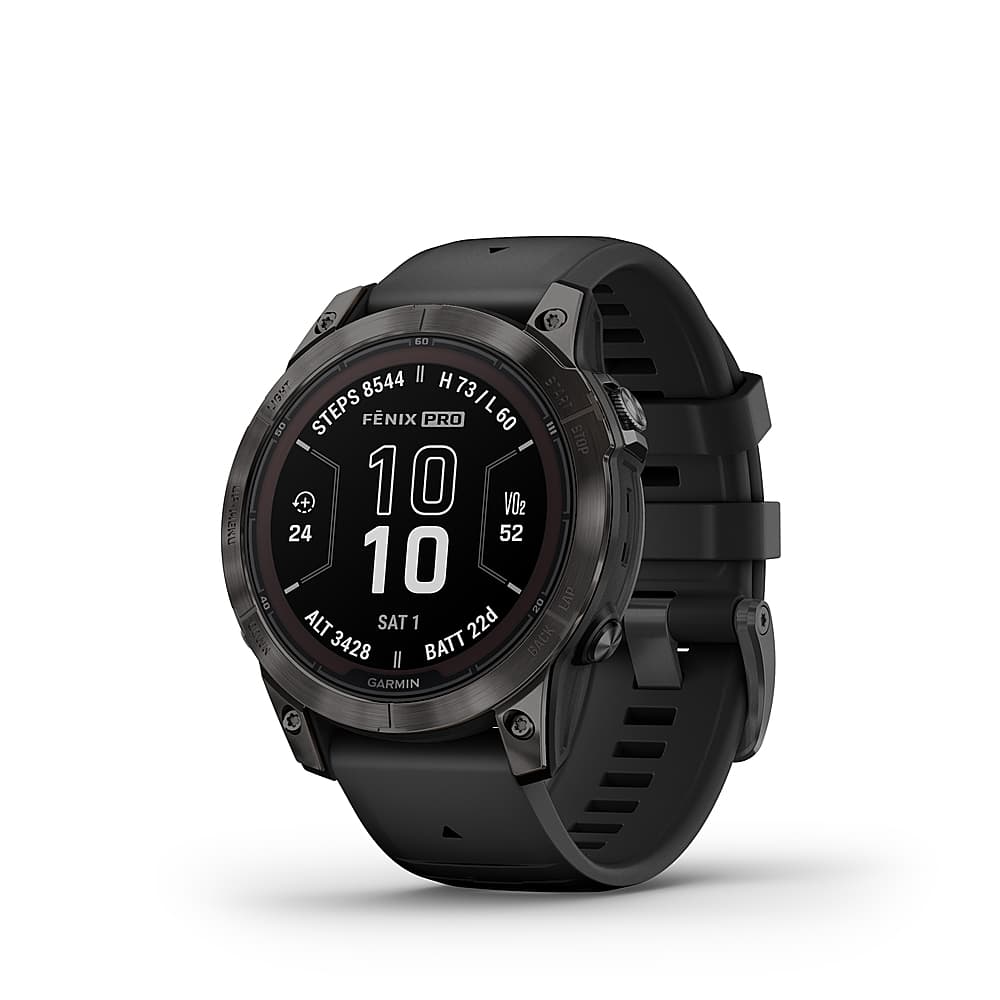
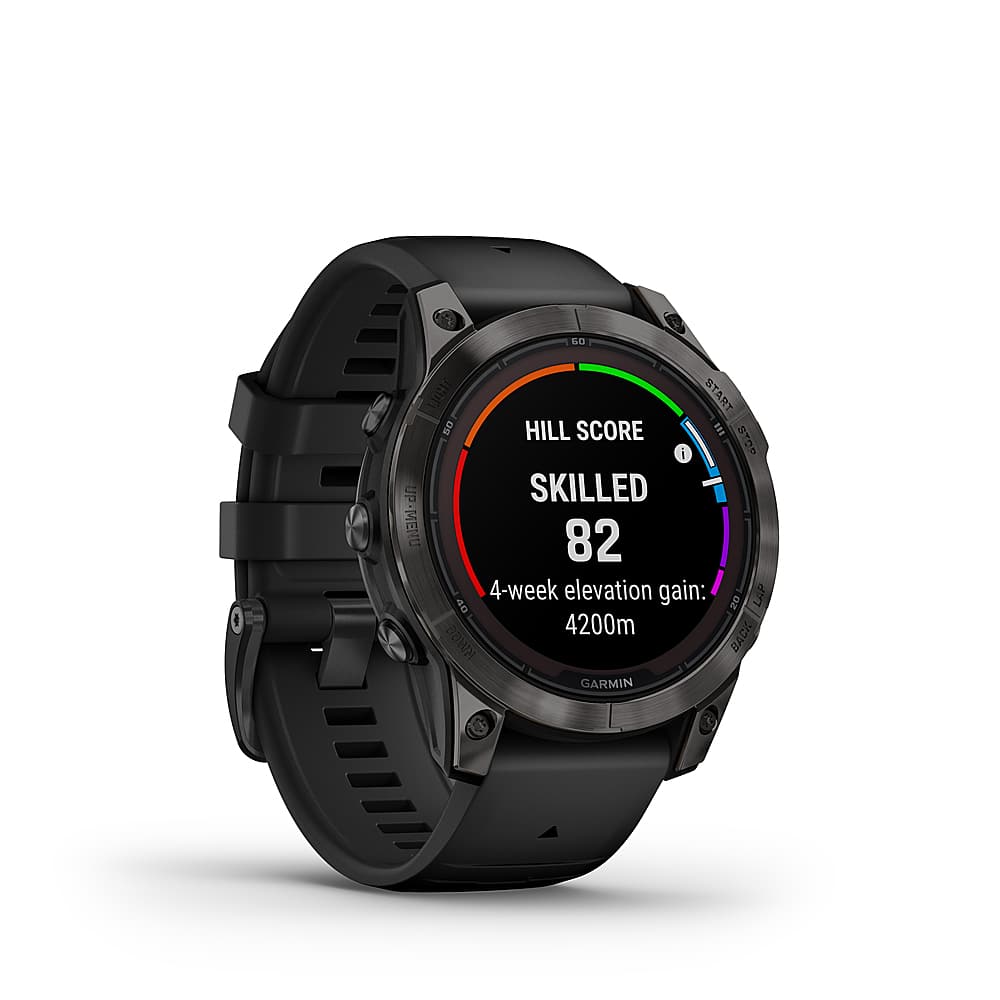
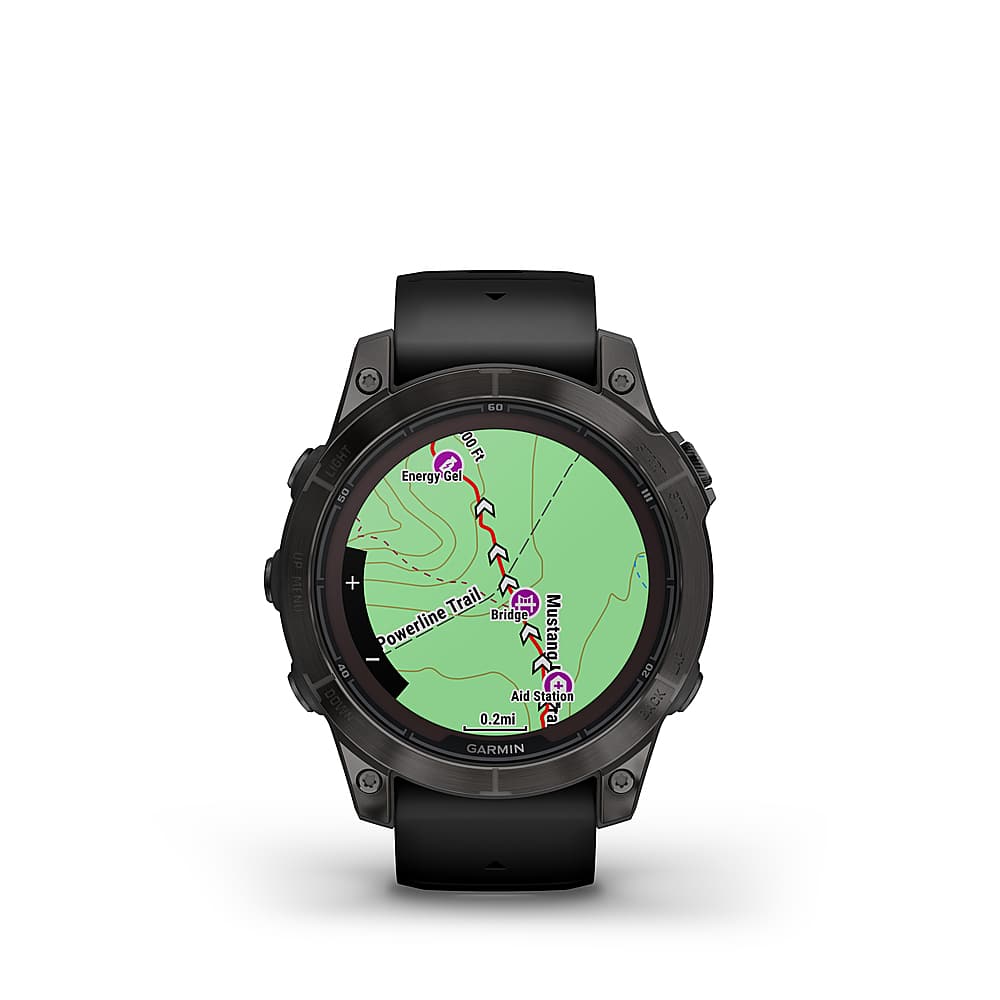
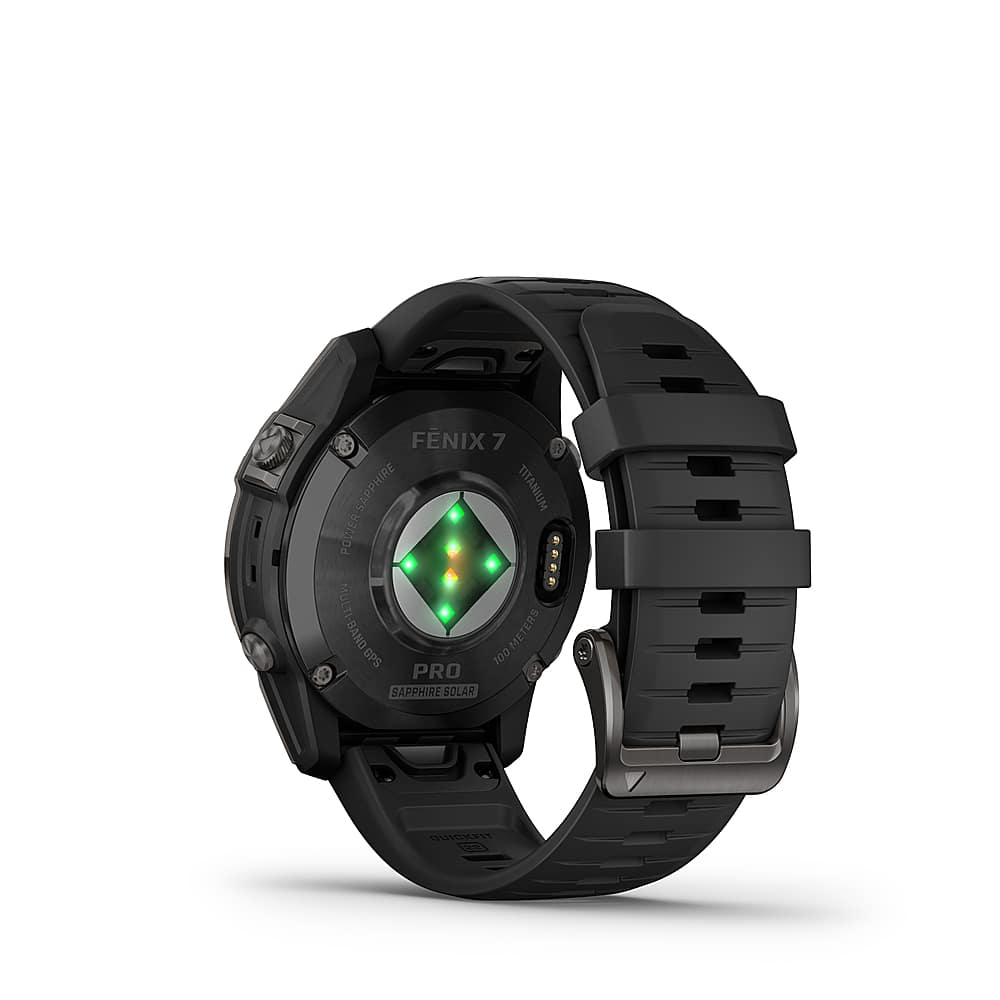
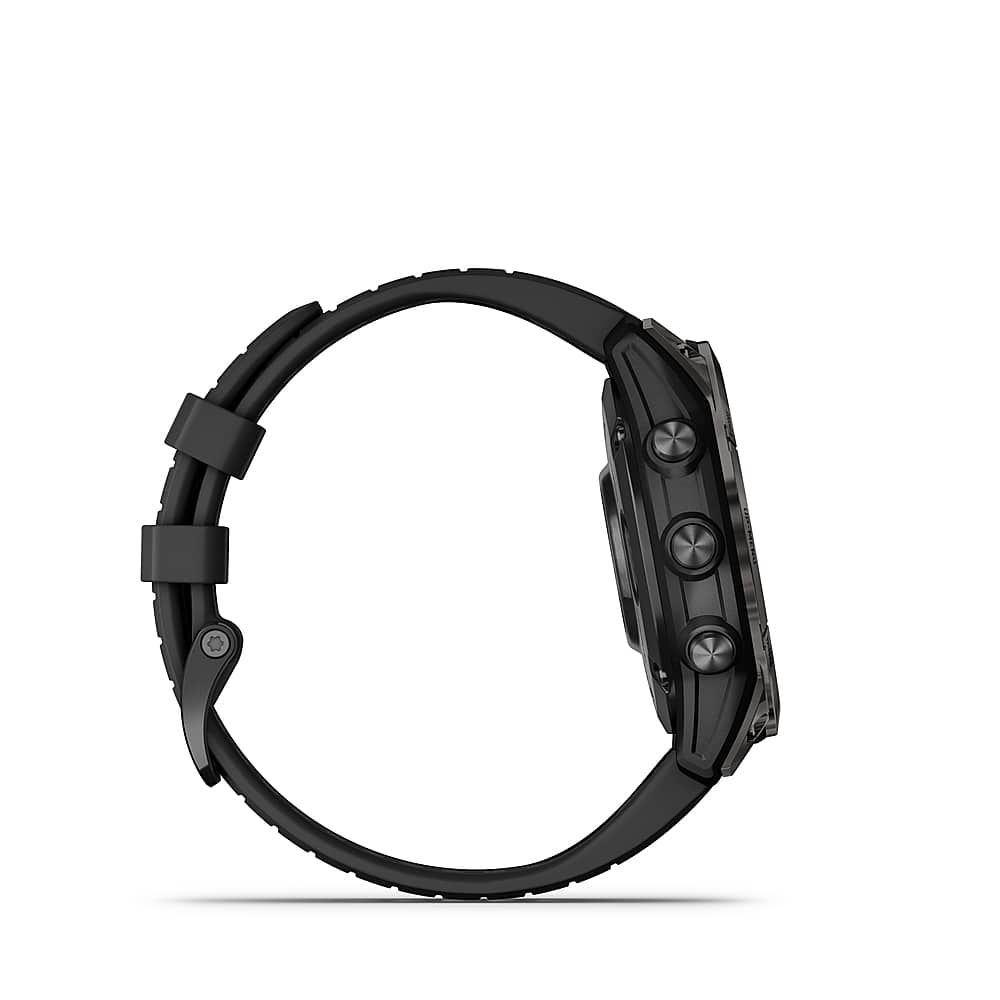
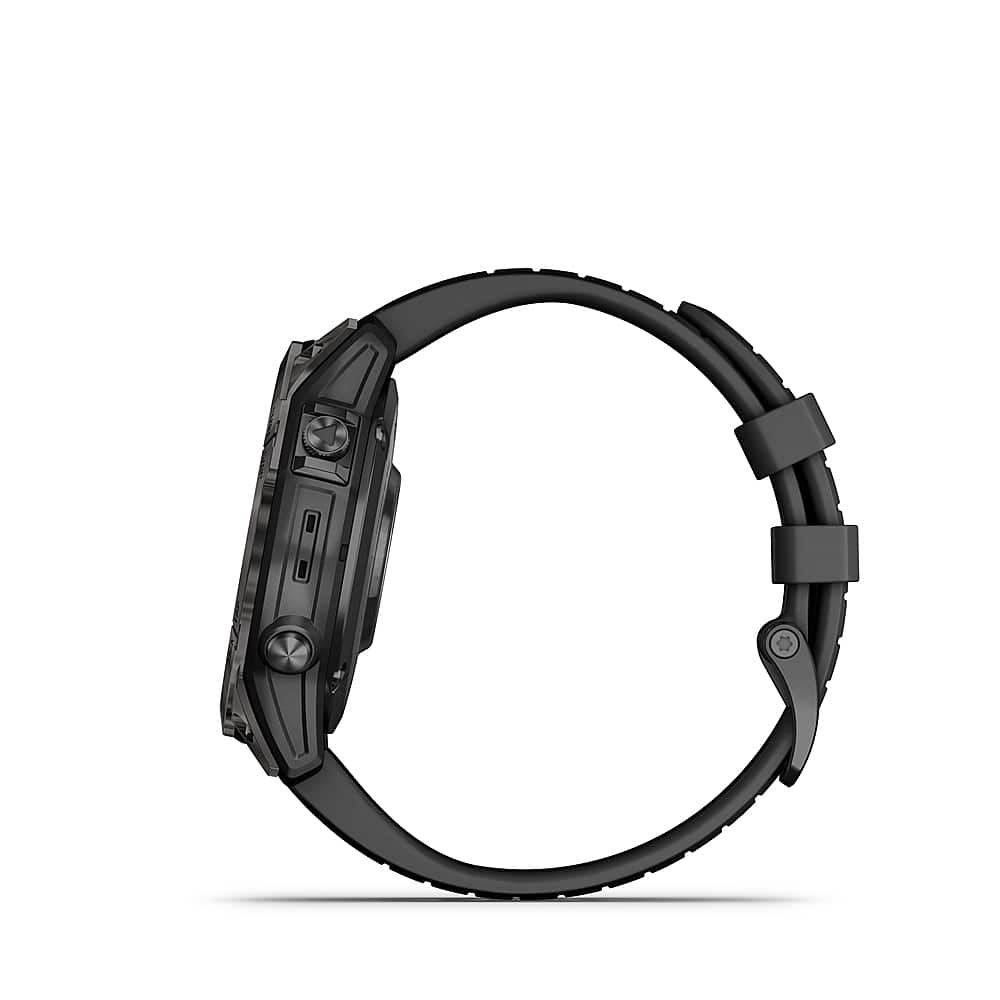
A:AnswerThis watch does not have the bew AMOLED display that most of the newer now come with. Being the Fenix, it still does have more map capabilites and higher end materials which make it more durable compared to the Forerunner line up.
A:AnswerThe fenix 7 Pro Sapphire Solar does not have the ability to make phone calls or send text messages. It does have the ability of Text Response/Reject Phone Call with Text (Android Only). Thank you for choosing Garmin. For further assistance please contact us at [email protected] or visit our Support Center, https://support.garmin.com/en-US/. Garmin
A:AnswerThe fenix 7 Pro Sapphire Solar does not require a plan to use. Thank you for choosing Garmin. For further assistance please contact us at [email protected] or visit our Support Center, https://support.garmin.com/en-US/. Garmin
A:AnswerThe fenix 7 Pro Sapphire Solar has the same features. Here are links for each device to compare them, https://www.garmin.com/en-US/p/866191#specs and https://www.garmin.com/en-US/p/702786#specs. For more information please view our Support Center, https://support.garmin.com/en-US/. You can also contact Product Support or email us at [email protected]. Thanks Garmin
A:AnswerWhen you start an activity, GPS turns on automatically (if required). From the watch face, press START. > If this is the first time you are starting an activity, select the checkbox next to each activity to add to your favorites, and select Done. > Select an option: > Select an activity from your favorites. > Select Extended activity list, and select an activity from the extended activity list. > If the activity requires GPS signals, go outside to an area with a clear view of the sky, and wait until the watch is ready. > The watch is ready after it establishes your heart rate, acquires GPS signals (if required), and connects to your wireless sensors (if required). > Press START to start the activity timer. > The watch records activity data only while the activity timer is running. For more information please view our Support Center, https://support.garmin.com/en-US/. You can also contact Product Support or email us at [email protected]. Thanks Garmin