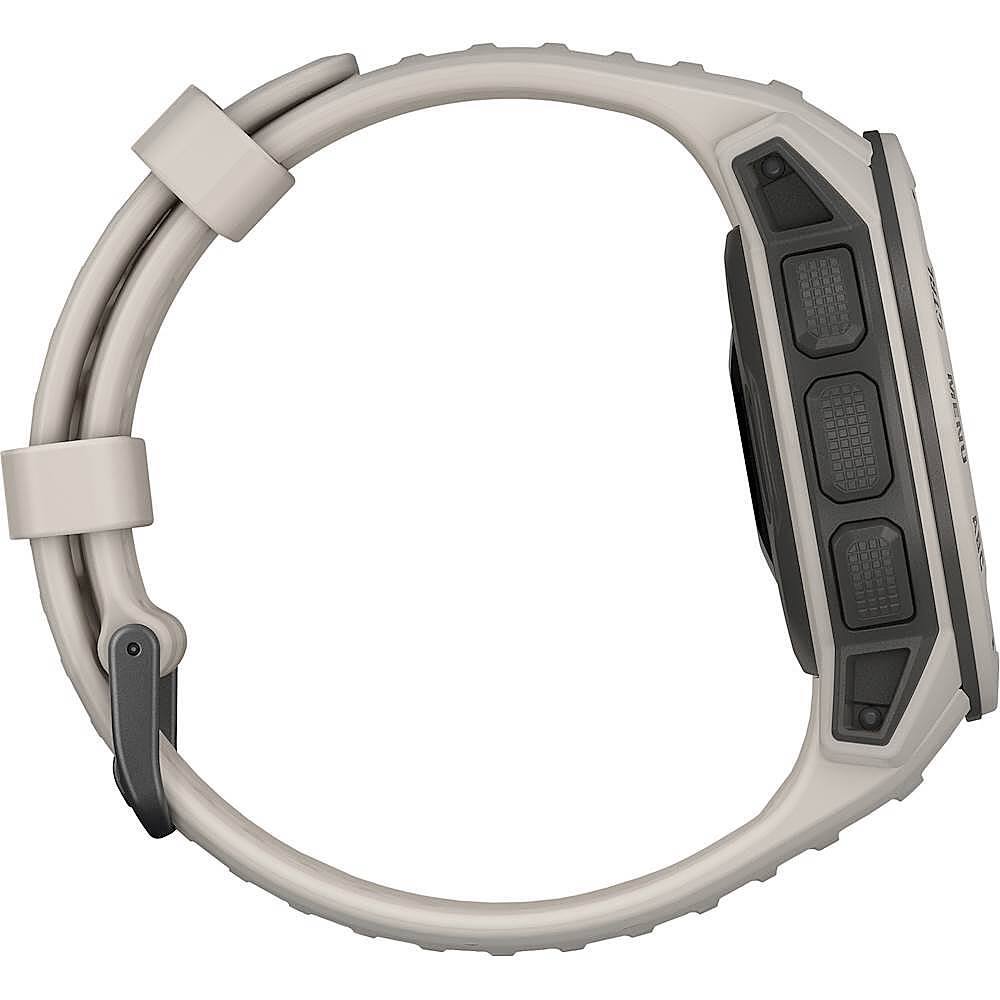
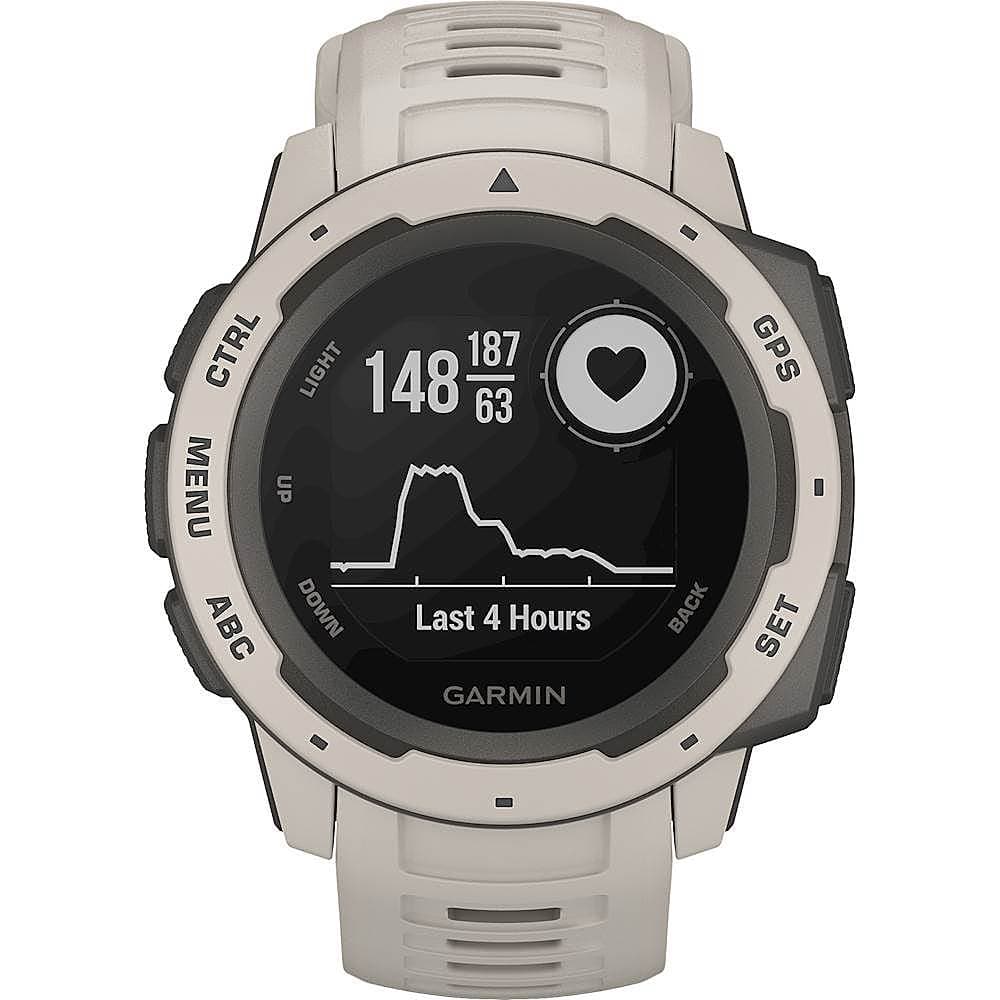
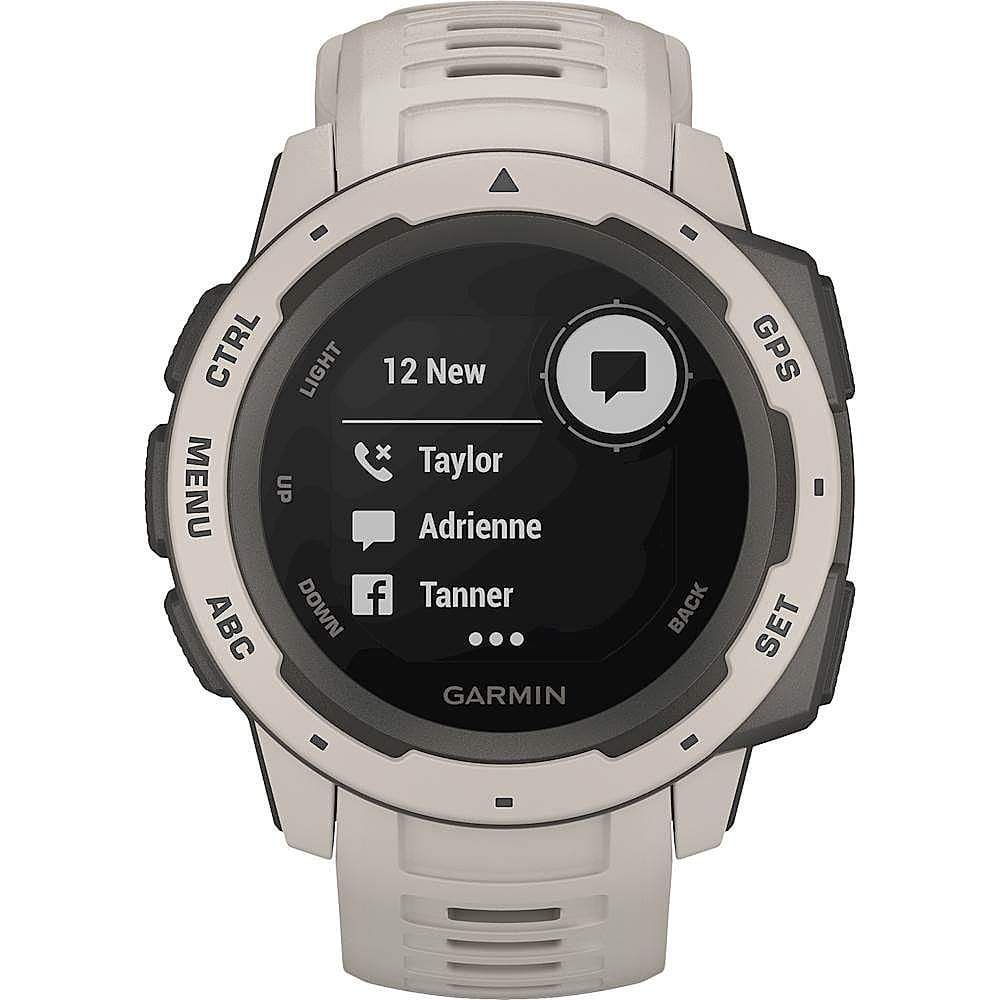
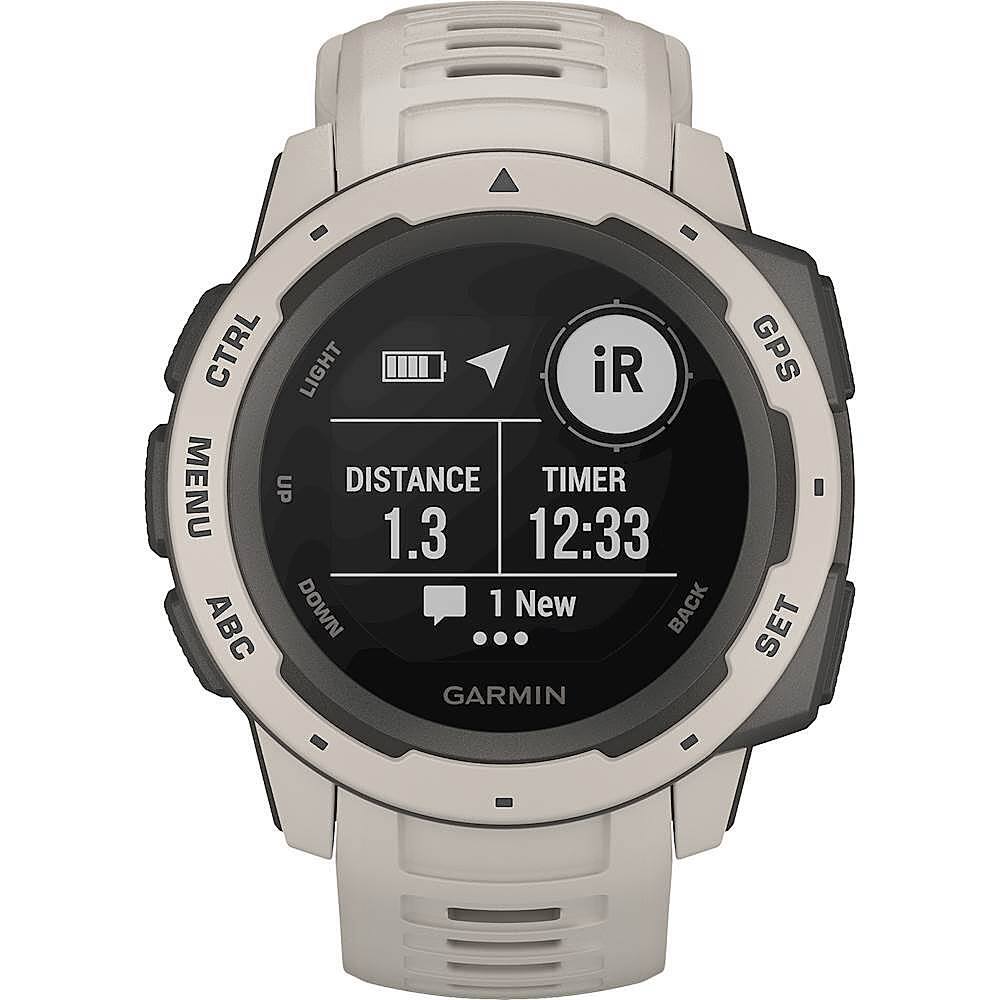
A:AnswerWith the Instinct you can receive emails, texts and alerts right on your watch when paired with a compatible smartphone. You can even respond to texts if you have an Android™ phone.
For more information contact us at [email protected] or visit our
Support Center, https://support.garmin.com/en-US/
Thanks Jenny
A:AnswerWhile you are sleeping, the device automatically detects your sleep and monitors your movement during your normal sleep hours. You can set your normal sleep hours in the user settings on your Garmin Connect™ account. Sleep statistics include total hours of sleep, sleep levels, and sleep movement. You can view your sleep statistics on your Garmin Connect account. For more information contact us at [email protected] or visit our
Support Center, https://support.garmin.com/en-US/
Thanks Jenny
A:AnswerBecause they have to support their dealer network who sells the lion share of their watches for them. Without their dealers they would go broke. Garmin would be shooting themselves in the foot if they undercut their dealers
A:AnswerYes, there is a vibration option
For more information contact us at [email protected] or visit our
Support Center, https://support.garmin.com/en-US/
Thanks Jenny
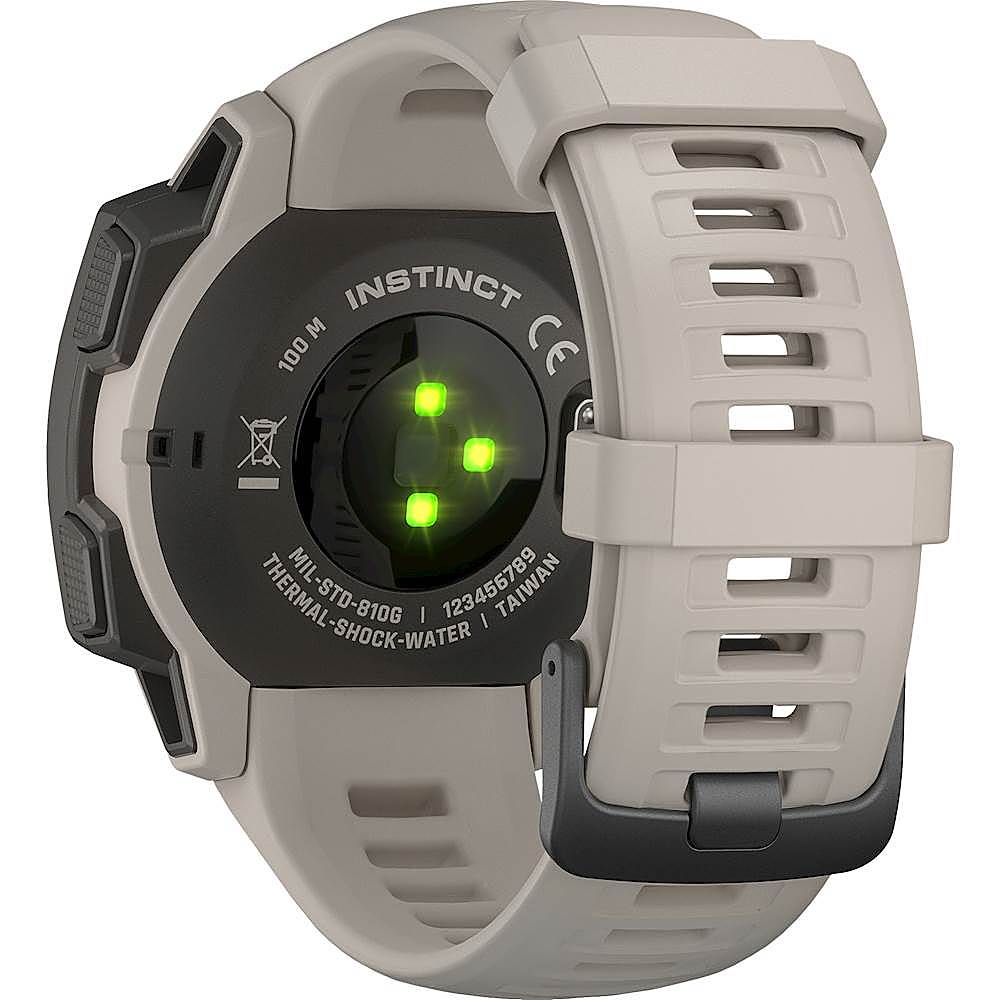
A:AnswerYes it has a Wrist Heart Rate monitor.
For more information contact us at [email protected] or visit our
Support Center, https://support.garmin.com/en-US/
Thanks Jenny
A:AnswerThe Garmin Explore™ app from Garmin can be installed on an Android or iOS device. Devices running these operating systems must meet the following minimum requirements. Apple Requirements - iOS 15.0 or later and Compatible with iPhone, iPad, and iPod touch. If you are experiencing Bluetooth connection issues between your Garmin device and your mobile device, see Related for troubleshooting. Android Requirements - 7.0 OS or later and Bluetooth 4.0 or later. The Android mobile operating system is used by many different manufacturers across the world. Garmin makes a concerted effort to ensure full compatibility with the most popular mobile devices. The following phone models did not pass our internal tests with some of our devices. The phone and device may work together, but may also require regular Bluetooth troubleshooting. Lenovo S960, VIBEX, Meizu mx4, Huawei phones. For more information please view our Support Center, https://support.garmin.com/en-US/. You can also contact Product Support or email us at [email protected]. Thanks Garmin
A:AnswerI believe the GPS tracking is only for the device to track your activities like walking and running. I do not see any place in the app to see where I have been or where i am moving.
If you need to track your child you could use something like life 360 but you need to connect a device to that and im not sure if you can connect a watch, maybe a samsung or apple watch.