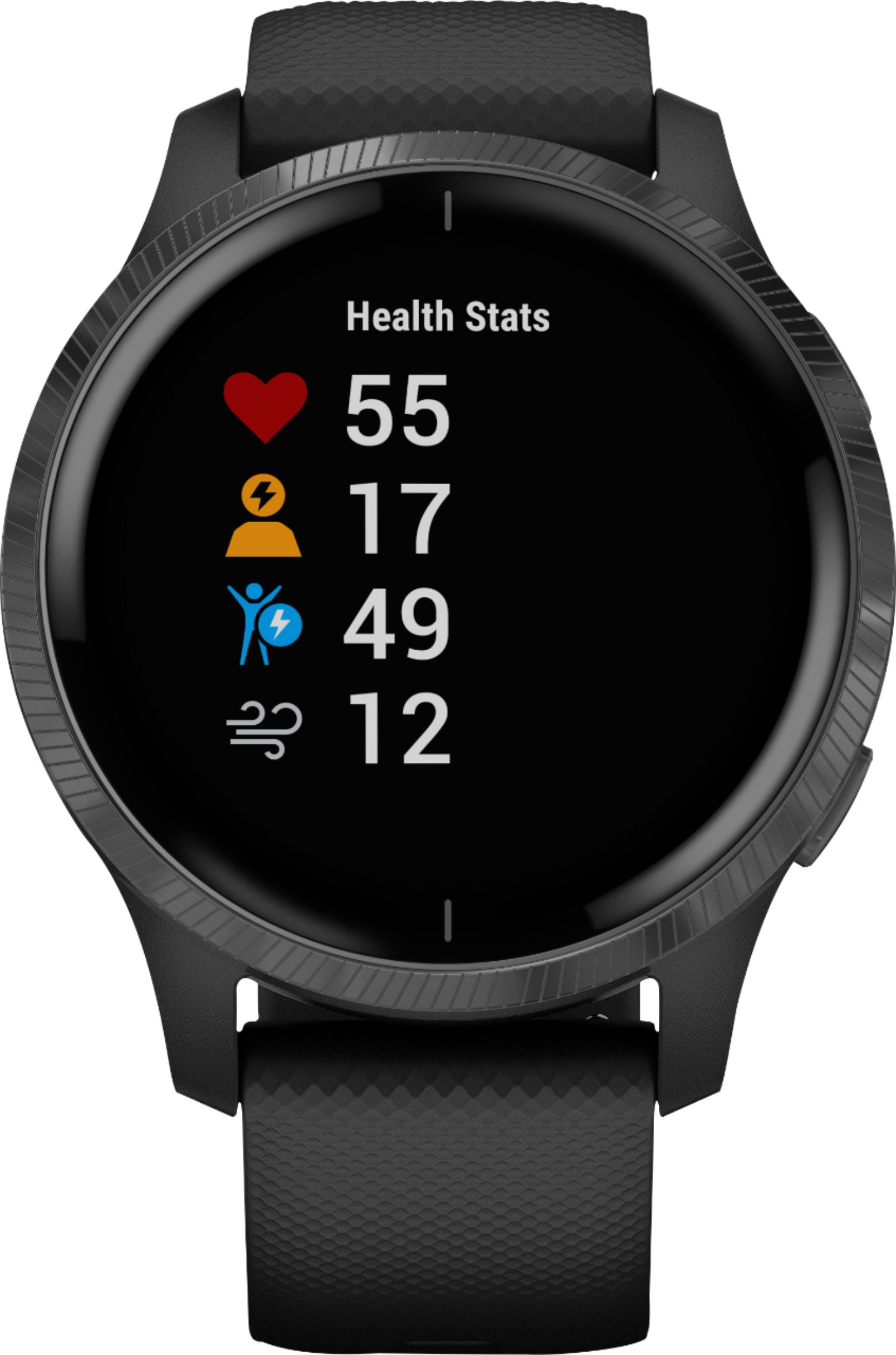
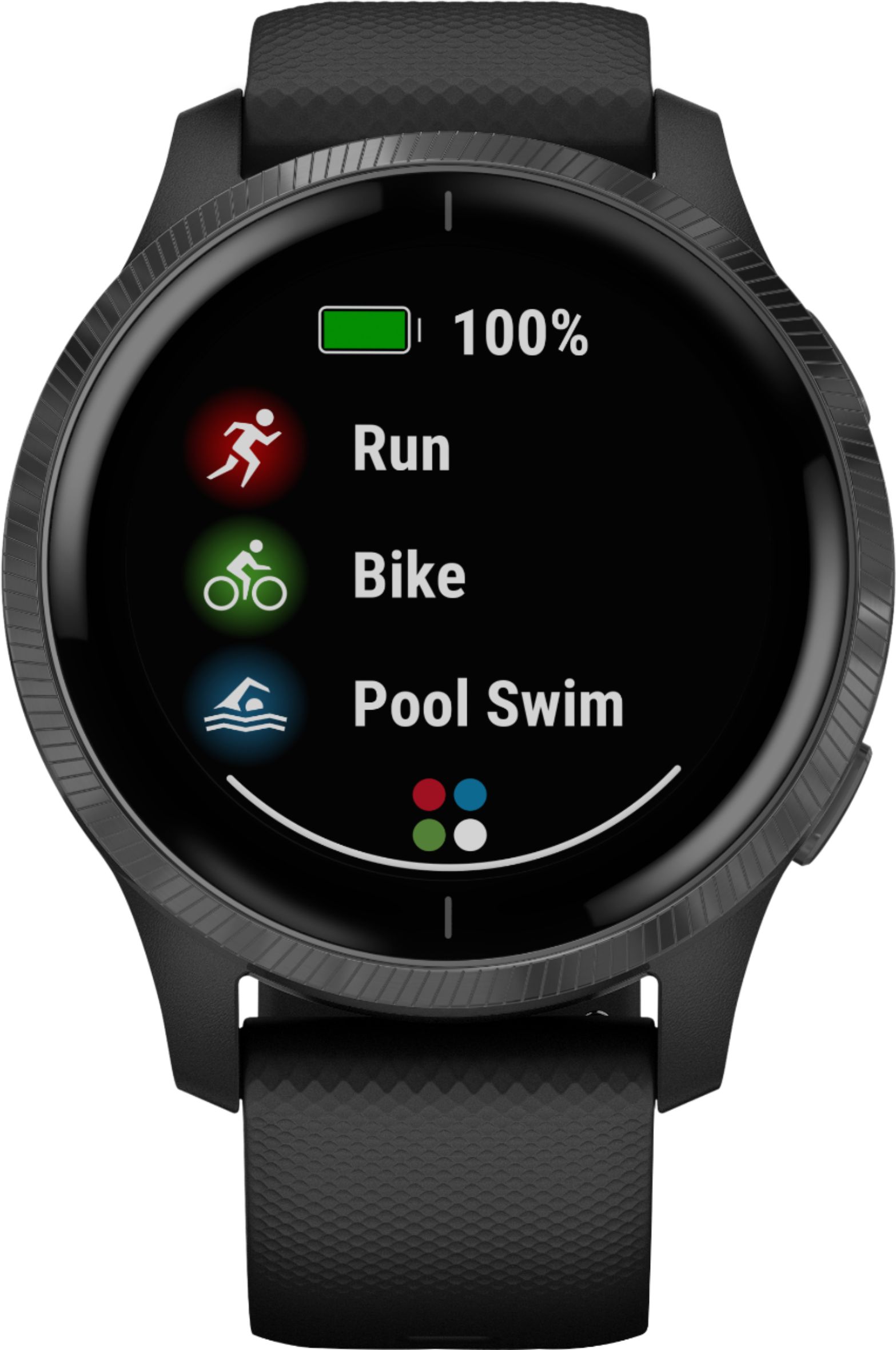
A:AnswerIt will track your activity and if you are using the GPS. Others can track your GPS activity if you are using the LiveTrack feature. For more information you may want to go to support.garmin.com where you'll find many FAQ's and video's on the functions of the device.
Debbie with Garmin
A:AnswerThe watch has an 'Incident Detection' feature but for only specific recorded activities. This may not meet what you are requesting. Please go to support.garmin.com where you will find many helpful FAQ's and video's concerning the functions of the device. As well, if you still need assistance, you can reach out directly to a product support associate from that link.
Debbie with Garmin
A:AnswerYour data will upload to Garmin Connect. If Map My Run is compatible you will sync that program with your Connect account and it will pull the data from there. You may want to reach out to Map My Run.
Debbie with Garmin
A:Answer5 ATM, Swim Withstands pressures equivalent to a depth of 50 meters splashes, rain or snow, showering, swimming, diving into water, snorkeling
The device comes with a charging cable that plugs into the back of the device and a USB. Using a computer or UL certified charging brick.
Debbie with Garmin
A:Answeryes, according to the manual it is.
5 ATM, Swim
Garmin water rating:
Withstands pressures equivalent to a depth of 50 meters splashes, rain or snow, showering, swimming, diving into water, snorkeling
A:AnswerWhen you're using the Bike profile you can change one of the data fields to HR so it will display on the screen. You can set the display to always on, however, it will deplete the battery sooner when on that setting.
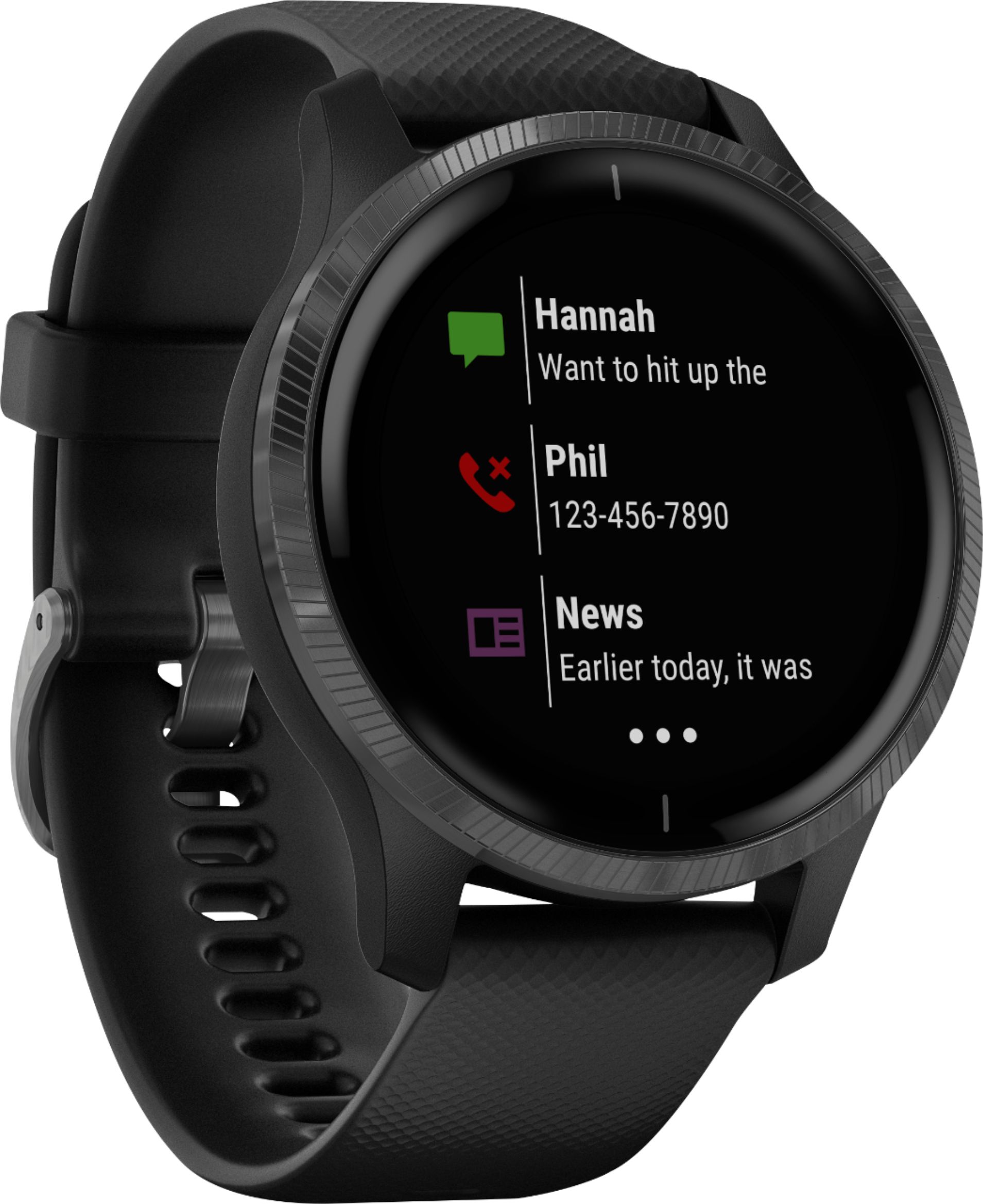
A:AnswerYou cannot talk on the watch, you can accept or decline calls on the watch and need to have you phone available to speak to the caller. If you use generic texts if you are on an Android phone.
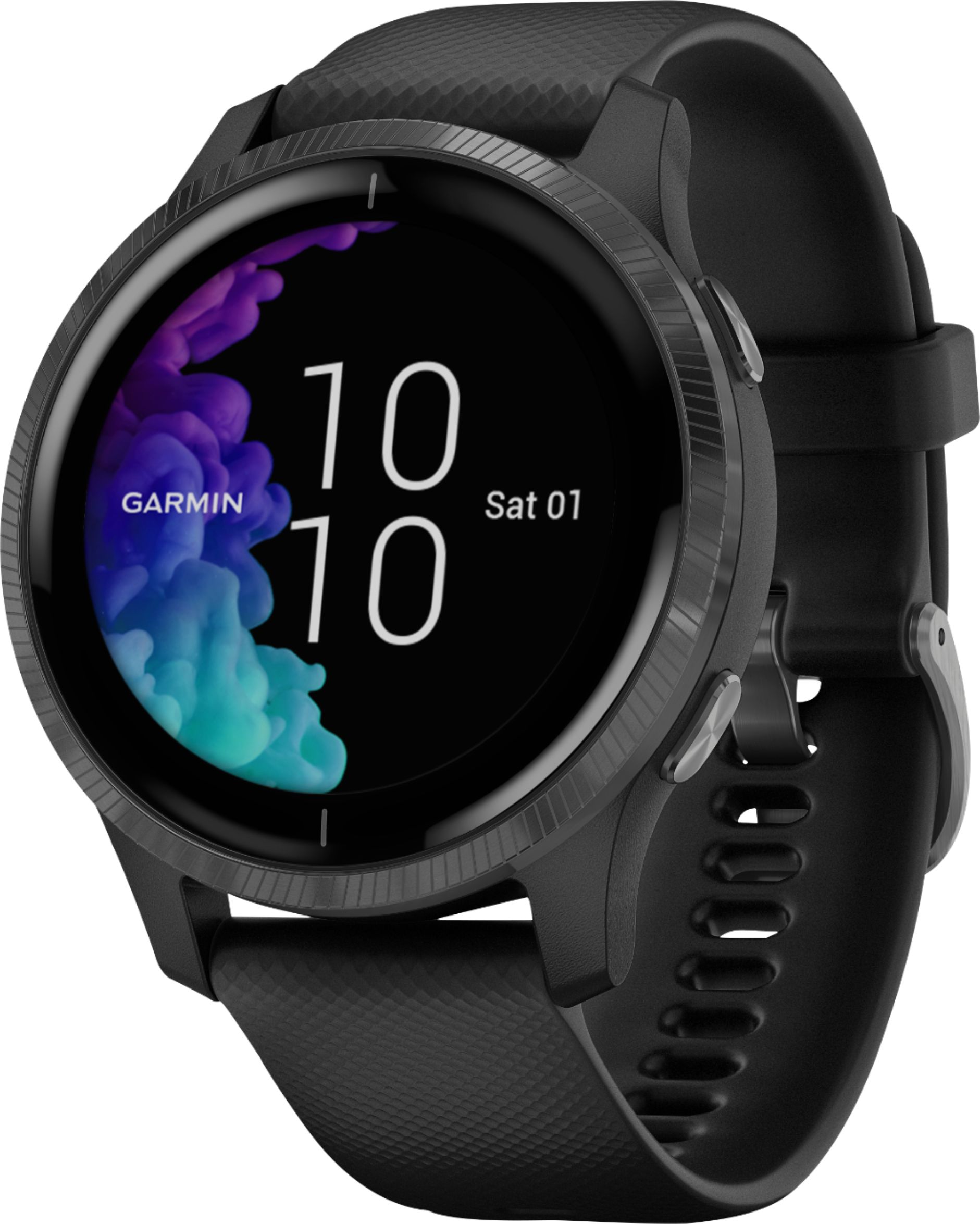
A:AnswerYou can use the Face It app, however, it can take a while for it to send to the Venu device. Please go to support.garmin.com where you'll find many helpful FAQ's and video's on the functions of the device. If you still need assistance you can reach out directly to a product support associate from that link.
A:AnswerIf you have the device paired with your phone please turn the Bluetooth off on your phone and wait 30 seconds and turn it back on. The phone should find the device and sync. You may also want to go to support.garmin.com where you'll find many helpful FAQ's and video's on the functions of the device. If you still need assistance you can reach out directly to a product support associate from the link.
A:AnswerYes, however it does affect the battery life.
Timeout: Sets the length of time before the display turns off. You can use the Always On option to keep the
time of day visible and turn off only the background. This option impacts the battery and display life.
Debbie with Garmin